SVG Issues After Update

Hi Brizy Team,
SVG elements on a number of my websites have become either oversized, see attached 1 which was a small donate floating popup, and on another site the svg files have changed sizes and are now pixellated.
Is this a bug with the new update?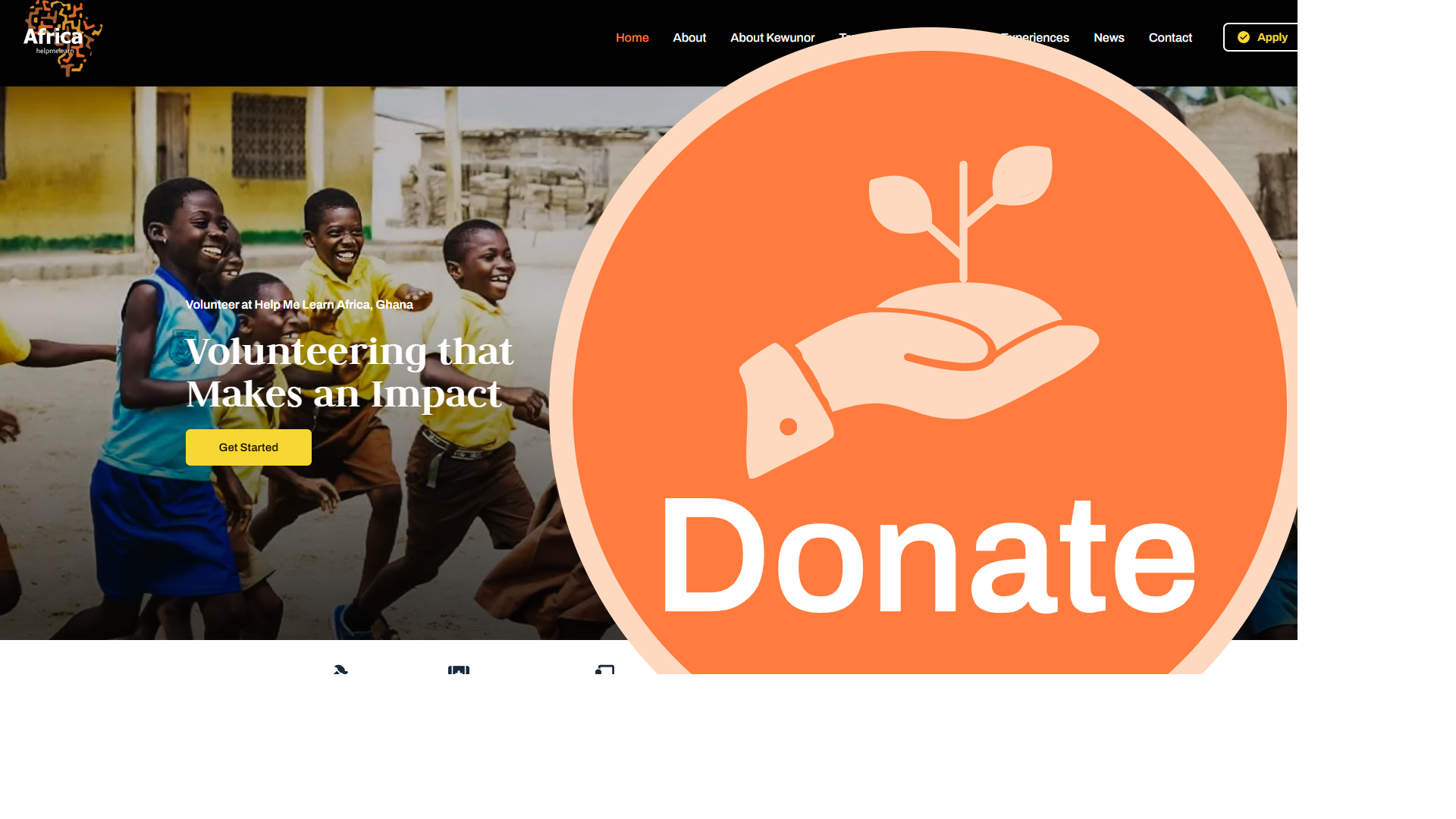

-
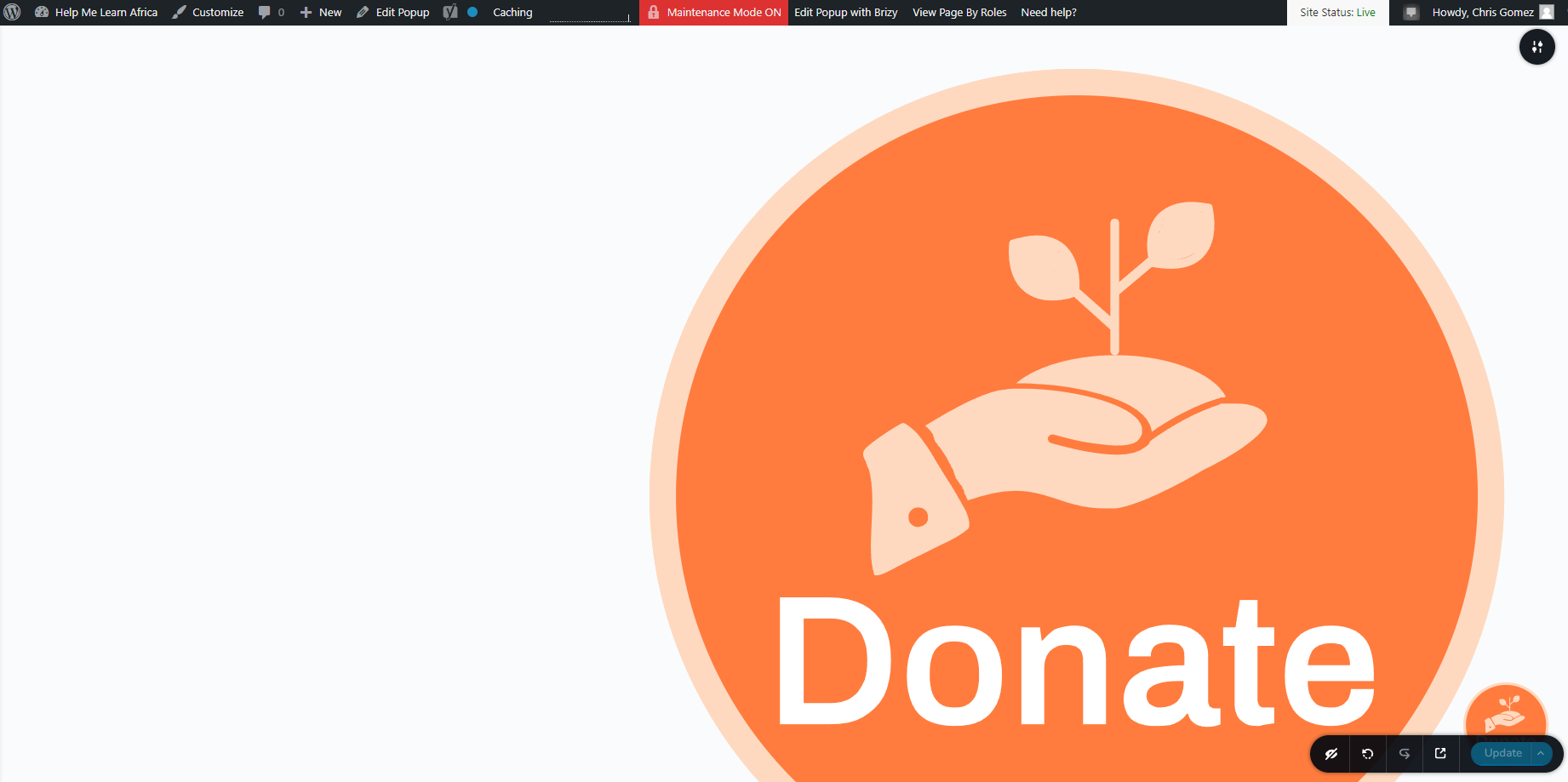
To add, I cannot return the donate svg button back to its original size in the editor (as you can see the small version is the original size, and the inflated version is in the background for some reason and not editable.
 0
0 -

Hi Chris,
This looks like an bug with today's Brizy update. It would be ideal to roll back to previous versions to fix this on immediately. Please use these links to roll back.
- Brizy 2.4.18: https://jmp.sh/7jb1iP24
- Brizy Pro 2.4.17: https://jmp.sh/xzdANfh4
You can follow this procedure.
- Deactivate and delete Brizy Pro
- Deactivate and delete Brizy
- Download Brizy 2.4.18 and in your WordPress Dashboard under Plugins - Add New - Upload Plugin, upload Brizy
- Download Brizy Pro 2.4.17 and under Plugins - Add New - Upload Plugin, upload Brizy Pro
1 -

Same here, you might want to pull this update asap.
0 -

Same problem for me. Waiting for the next update to fix this huge problem....
0 -

Hi everyone,
Thanks a lot for your patience, we just released an update for Brizy WordPress to fix all the issues that were caused by the last update. Please update the Brizy plugins and let us know if you face any other issue.
Regards, Basharat0 -
Thanks a lot @Basharat Reyaz, the update works very well !!!!
0
Please sign in to leave a comment.
Comments
6 comments