Favicons failing to load for about a week, including the Brizy.io favicon

On one of the two sites I have on Brizy Cloud, the favicon has been replaced with a blank white square. I see the same thing for my Brizy.Cloud bookmark. This began after the service outage last week.
I've tried manually replacing the favicon in the site settings, but it doesn't make a difference.
-

Hi Yamen,
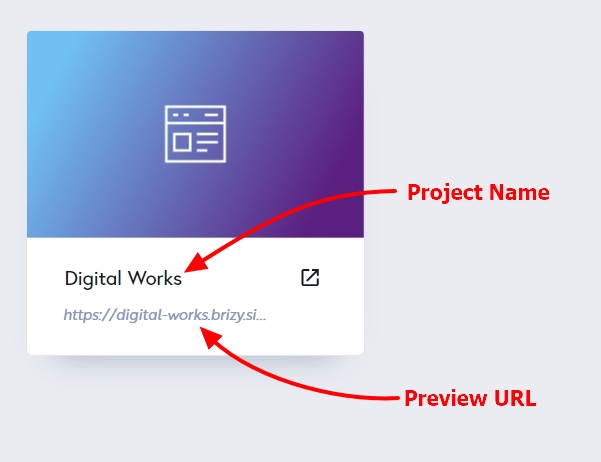
Thank you for reaching out to us. Could you kindly provide us with the Project Name and Preview URL of your project in the Brizy Cloud Dashboard?
In the meantime, could you please try opening your website in incognito mode or using another browser to see if the issue persists?
I am looking forward to your response.
Best regards,
Ariel H.0 -
I see this behavior both for my website https://www.complicatedreality.com, and also for the address https://www.brizy.cloud/dashboard
When I try in a Private Window in Firefox, I still see the white square. When I load either page in Chrome, the correct favicon appears. However, if I try to view the favicon directly, I get the white square in both browsers. That is, loading either of these two links shows me a white square in every browser, even after cache refreshes:
0 -
Hi Yamen,
Thank you for the update.
We tried to reproduce the issue at our end but the favicon appears to be working as expected.
If you inspect the code of your site, you will see that the favicons are rendered as PNG images.
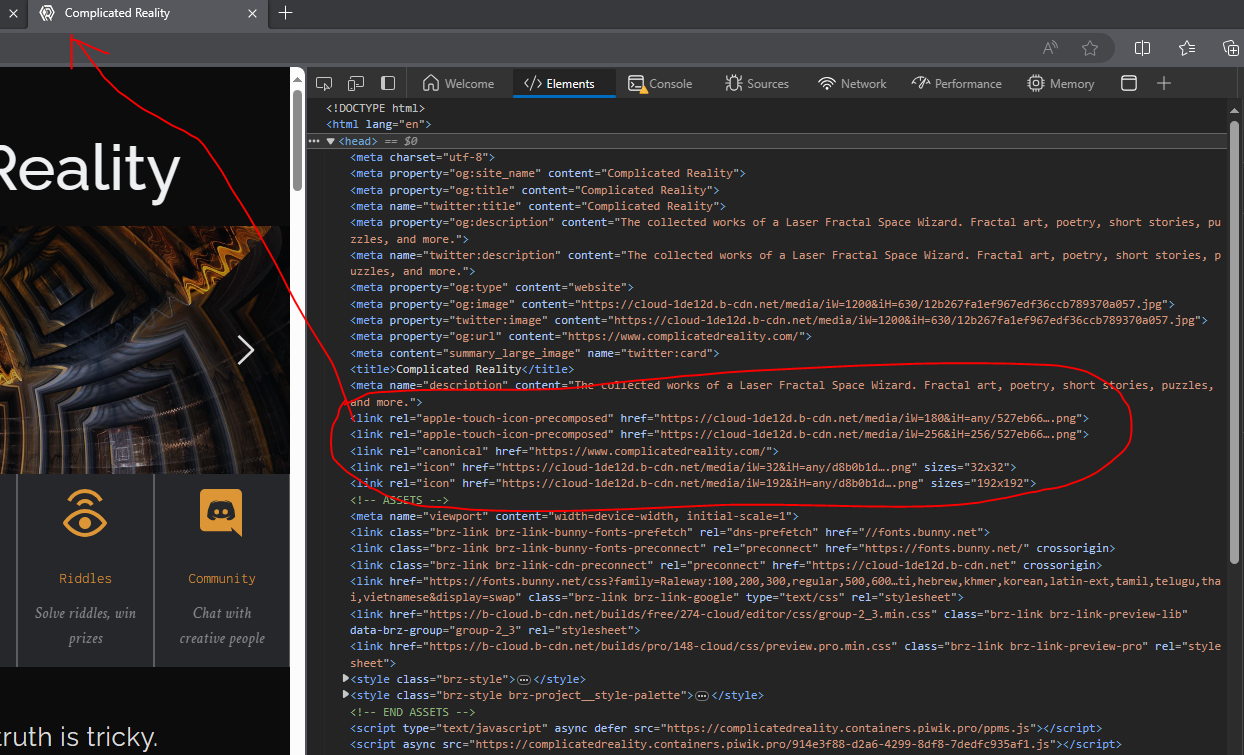
In this case, since they are already defined in the header of your site, the favicon.ico is ignored and it will use the icon image defined in the header area of your site.If you have any further questions, please let us know.
Kind regards,
Ariel H.0
Please sign in to leave a comment.
Comments
3 comments