There has been a critical error on this website.

https://tecnopointsrl.com/product/vinten-700
please can you help?
I write support tickets but very seldom get replies
as you can see in this case the visibility of the website is compromised
thank you
-
I have activated troubleshoot mode and deactivated all the plugins and activated them one by one, the first conflict is between Brizy and Woocommerce
0 -

Hi Gianpietro,
We apologize for this inconvenience. Are you on the latest versions of Brizy and WooCommerce?
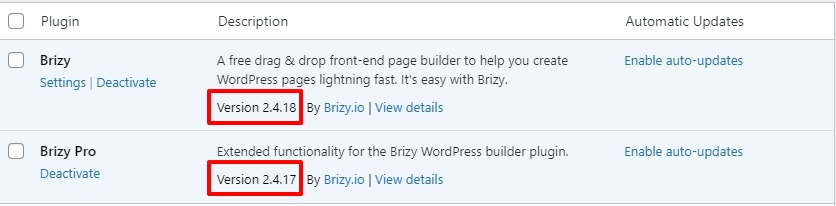

Can you please take a backup of your website and change your theme to Blocksy and see if that makes a difference?
0 -
I deactivated Blocksy because it created a conflict. I had it before.
I checked and the versions are up to date, but still I get the issue:
0 -
Hi Gianpietro,
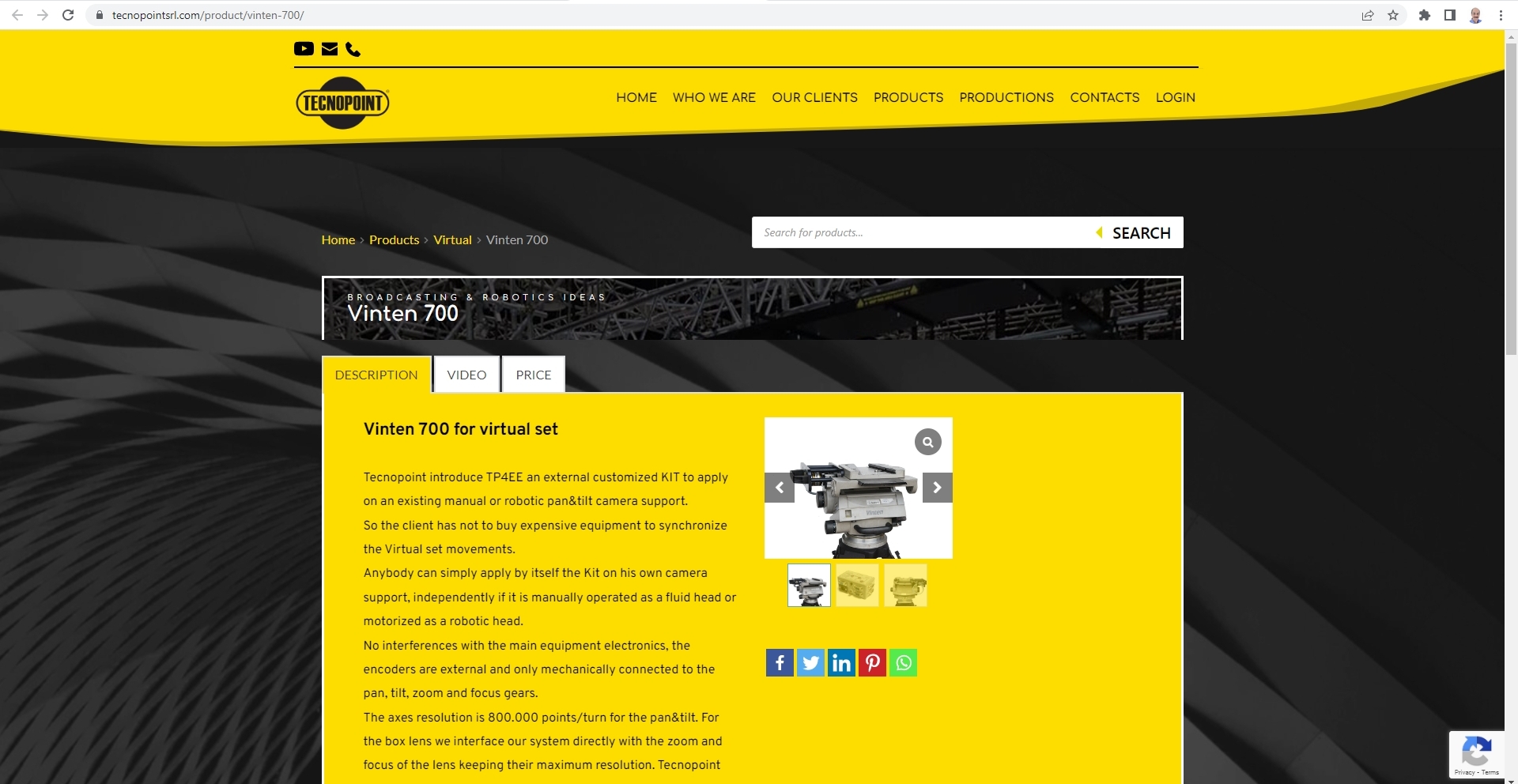
When I checked now, all your product pages appear loading fine. I do not see the message "There has been a critical error on this website" For instance, here is one of your product pages: Vinten 700
We have not access your WordPress Dashboard. Do you also see the same at your end?
 0
0 -
Hi George
I noticed that you entered and for a brief moment the website worked, but now again this is the result
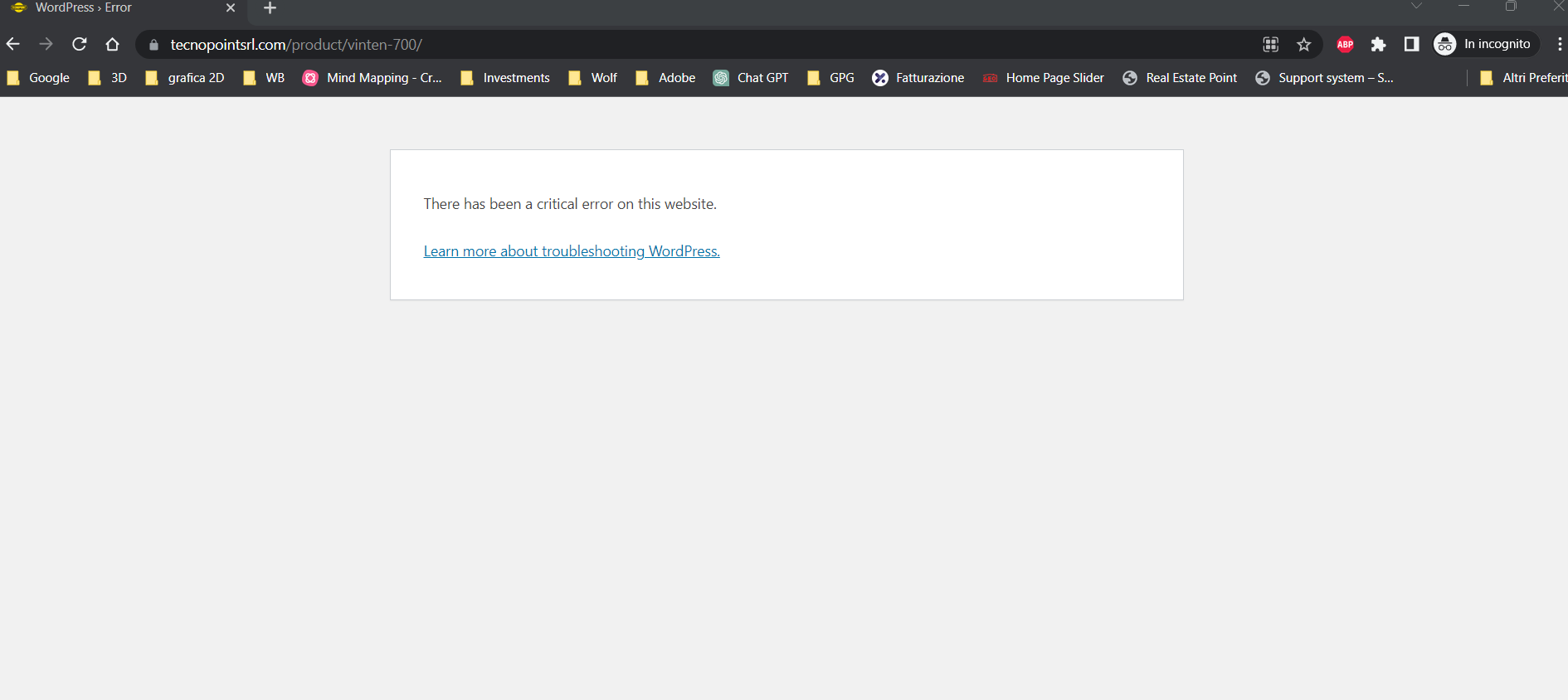
please can you check?
0 -
Hi Gianpietro,
I opened the Single Product Template for the Virtual category in your WordPress Dashboard under Brizy - Templates and saved it as Draft. https://jmp.sh/OufflqtT This disabled the Brizy Template for the products in the Virtual category. I then checked the preview of one of the products listed under the Products - Virtual category and received the message "There has been a critical error on this website". This implies that WooCoommerce products that are setup using the Brizy Template as well as the Twenty Twenty One theme causes the same error. Hence the error "There has been a critical error on this website" may be unrelated to Brizy.
Can you please contact your hosting support and ask them to check the error logs. Error logs will have some pointers to what is causing the internal server error. Once we get some clarity from the error logs, we can continue troubleshooting in the right direction.
0 -
Hi KC George,
thanks for your reply. I have asked the hosting support and requested the log.
In the mean time am I allowed to ask you another question?
I have another issue. In this page:
https://tecnopointsrl.com/products/
I would like to visualise the products according to my will and position them in a personal sequence (not according to ID or name), is that possible?
0 -
Hi Gianpietro,
You had asked us this question earlier. Could you look at my reply to you here? https://support.brizy.io/hc/en-us/community/posts/15613012523537
Please set a publishing date for each product, as shown in the video I made for you, depending on the order in which you are interested in displaying the products. Please let me know if you have any further queries.
0 -
Hi Kc George,
thanks for your reply. Yes I did ask the question before but the topic didn't show up in my support page, so i thought it got lost somewhere. I will go through your reply.
Thanks
0 -
Hi Kc George,
Hosting support has provided logs.
it is a zip file, how can I let you have them?
0 -
Hi Gianpietro,
Could your hosting company help resolve the internal server error?
Please upload the ZIP to Google Drive, Dropbox, OneDrive or another file sharing website and share the link with us here.
0 -
yes they can, no problem
https://drive.google.com/file/d/1Q2TBq7RMMIrNx0zUWFO6KH51B3GhBm1w/view?usp=sharing
0 -
Hi Gianpietro,
Thanks for the log files.
Do you need our help in resolving the errors on your website or is your hosting company taking cate of it?
0 -
We would appreciate if you could help
0 -

Hi Gianpietro,
Thank you for keeping in touch, the issue appears to be related to a lack of memory as shown on this screenshot from your error log - https://prnt.sc/iLFhEjkaveLE
Please contact your hosting provider and ask them to raise the PHP Memory limit to 256M (or 512M for best results)
Please try this and let me know how it goes.
Best regards,
Ariel H.0 -
ok thanks I will tell the host
0 -
Hi Kc George
settings have been modified and the website seems to work correctly.
Thank you so much for your help!
0
Please sign in to leave a comment.
Comments
17 comments