Brizy Cloud CMS is not loading

Hi,
I'm trying to access the CMS for my Brizy Cloud websites, and it is stuck on perpetual loading. I have tried using a different browser, (currently using Chrome), Incognito Mode and Disabled extensions, etc...
I cannot make any changes to my sites currently
-

Hi Roger,
Your Brizy Cloud Dashboard and the editor appears loading well at my end. Have a look at my test at https://jmp.sh/s8RXN1Y4
Are you still facing the above issue? Have you tried accessing the Brizy Cloud editor from another browser or a private window of a browser?
If you are using an antivirus software like AVG/ McAfee, please disable it temporarily and check again. If you have installed a malware protection, a firewall or an ad blocker software temporarily disable such software and check again.
0 -
Hi KC,
The editor loads fine. It's the CMS to access the pages and menus, etc... that are not loading.
I have tried using incognito mode and another browser, but same issue. Please see screenshot below. All I get is the loading symbol.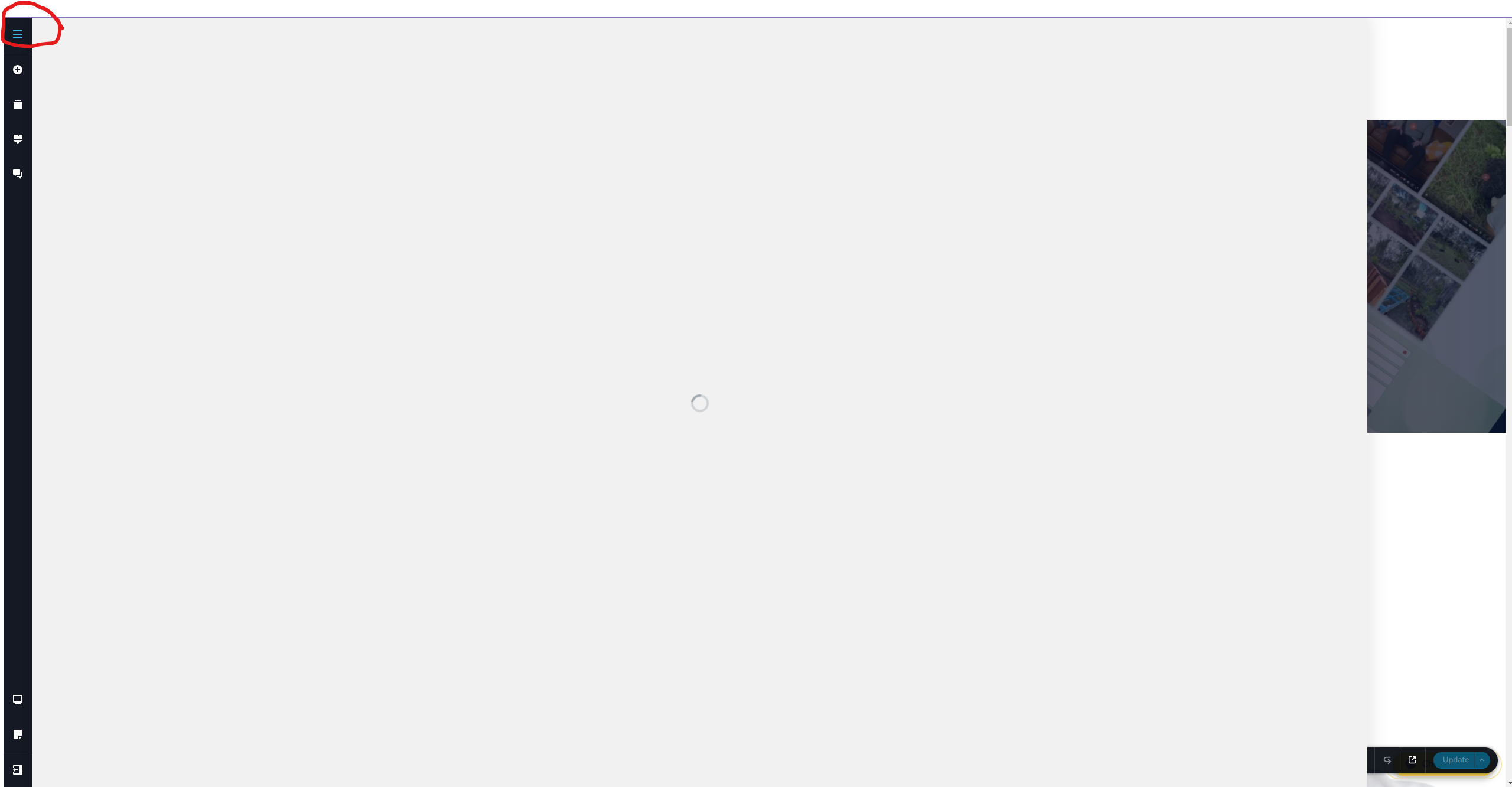 0
0 -
Hi Roger,
I checked out the RJW Digital project's CMS menu. It took two minutes for it to open when I first clicked on the CMS icon. Later it opened quickly. Please see my test at https://jmp.sh/latwePmx
Do you still have this issue or it is resolved?
0
Please sign in to leave a comment.
Comments
3 comments