Bilder - Brizy Pro Wordpress

Sehr geehrtes Brizy Team,
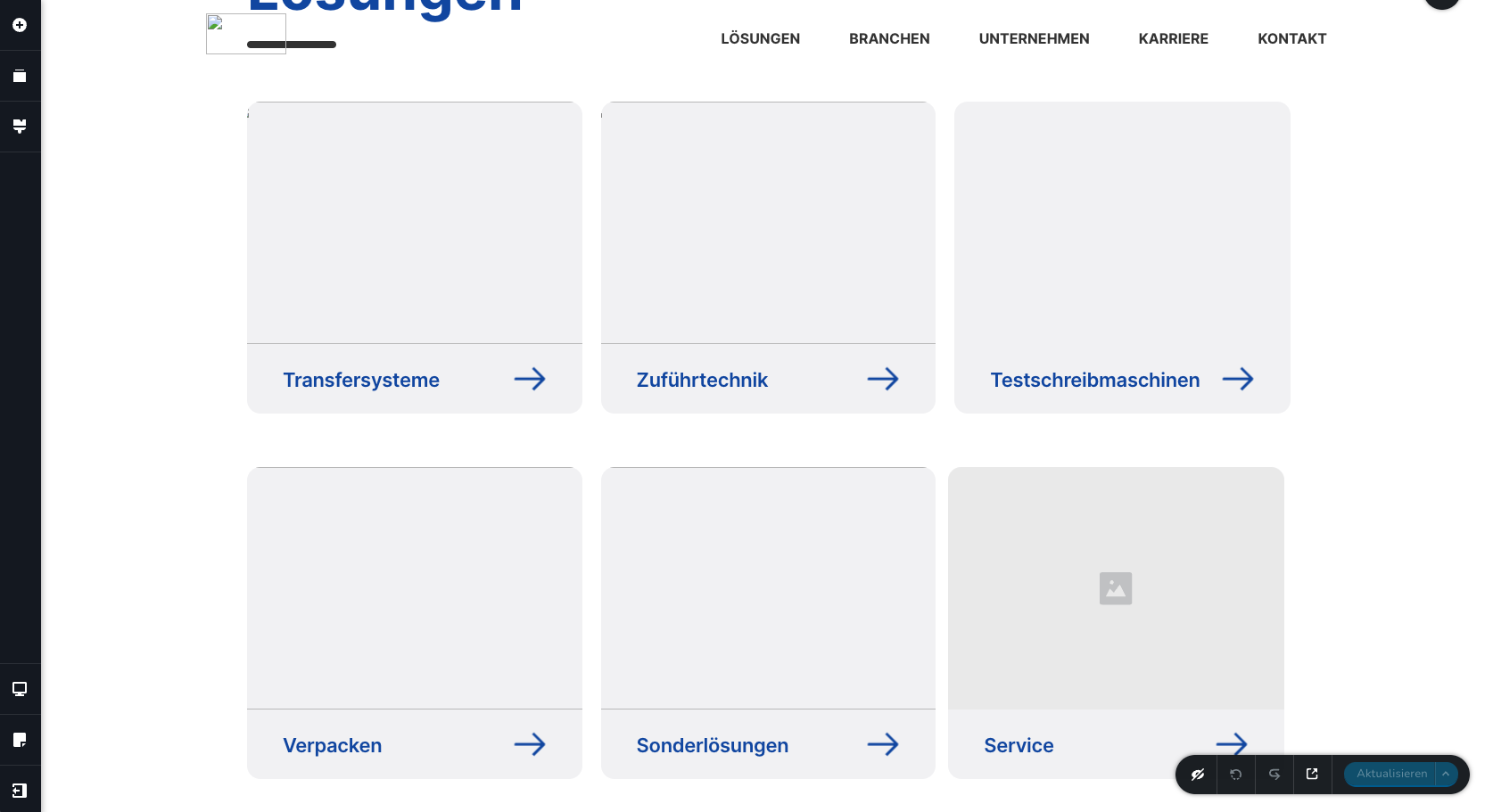
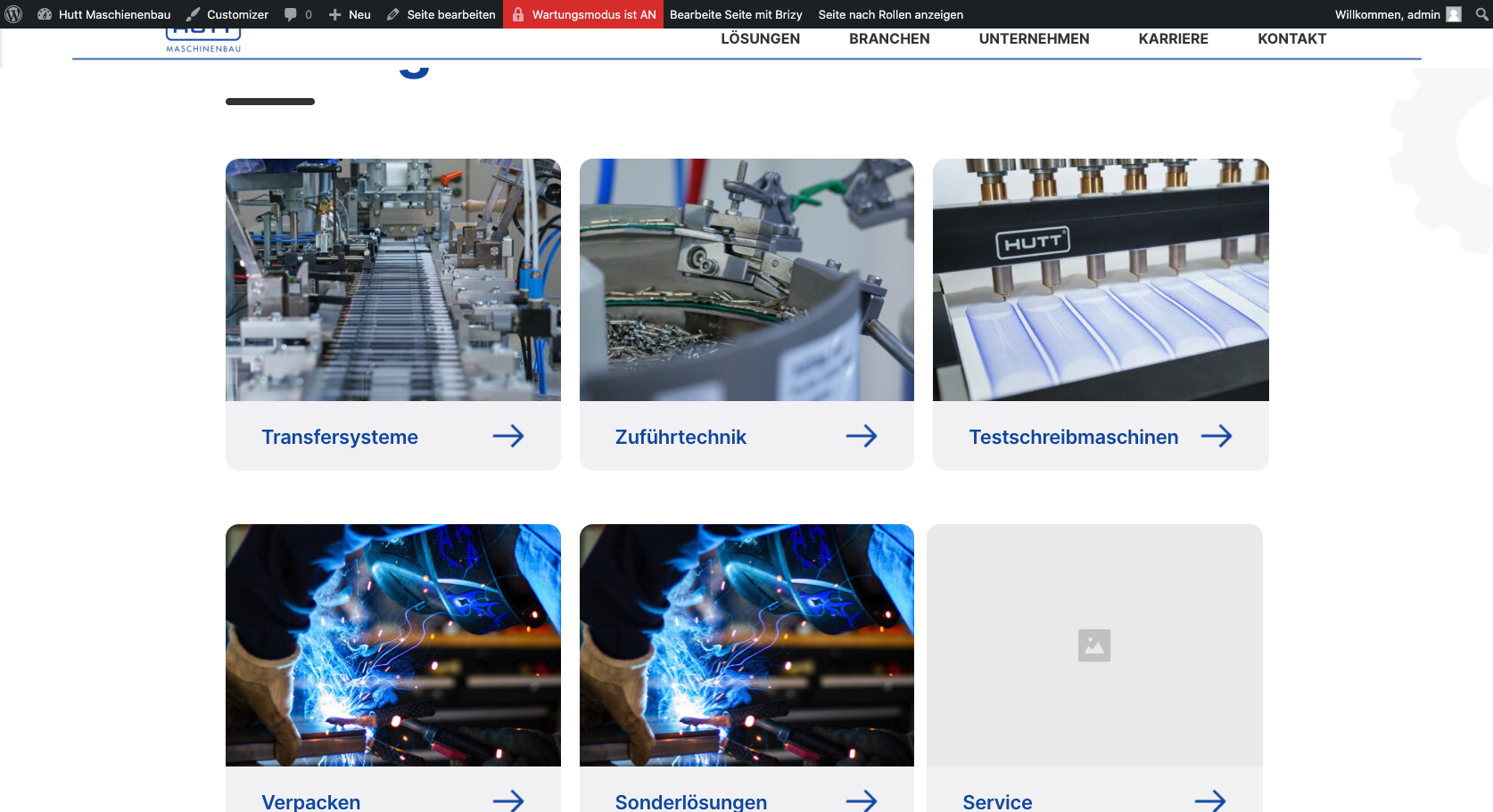
ich habe ein Problem mit meinen Bildern. Wenn ich meine Seite normal anschaue existieren Bilder auf der Webseite. Wenn ich aber meine Webseite über den Pagebuilder öffne und anschaue, sind die Bilder nicht mehr da und nur noch ein Bildicon ist teilweise zu sehen. Ebenfalls kann ich auch keine neuen Bilder in Image-Boxen hochladen im Pagebuilder. Kurzgesagt, sobald ich den Pagebuilder öffne sind alle Bilder nicht sichtbar und ich kann sie nicht ersetzen. Ist das ein Problem von Ihrer Seite aus oder hat der Server ein Problem.
habe ich Ihnen auch noch ein Screenshot aus der Konsole beigefügt. 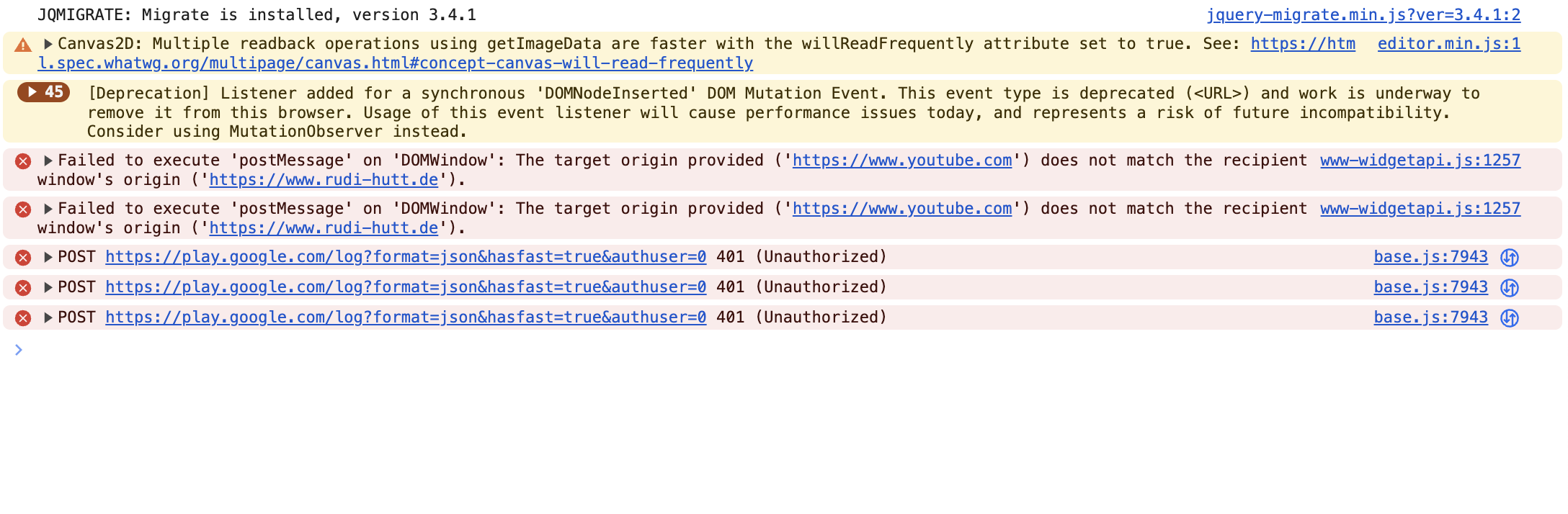
Würde mich sehr über eine Lösung freuen.
Grüße Noah
-
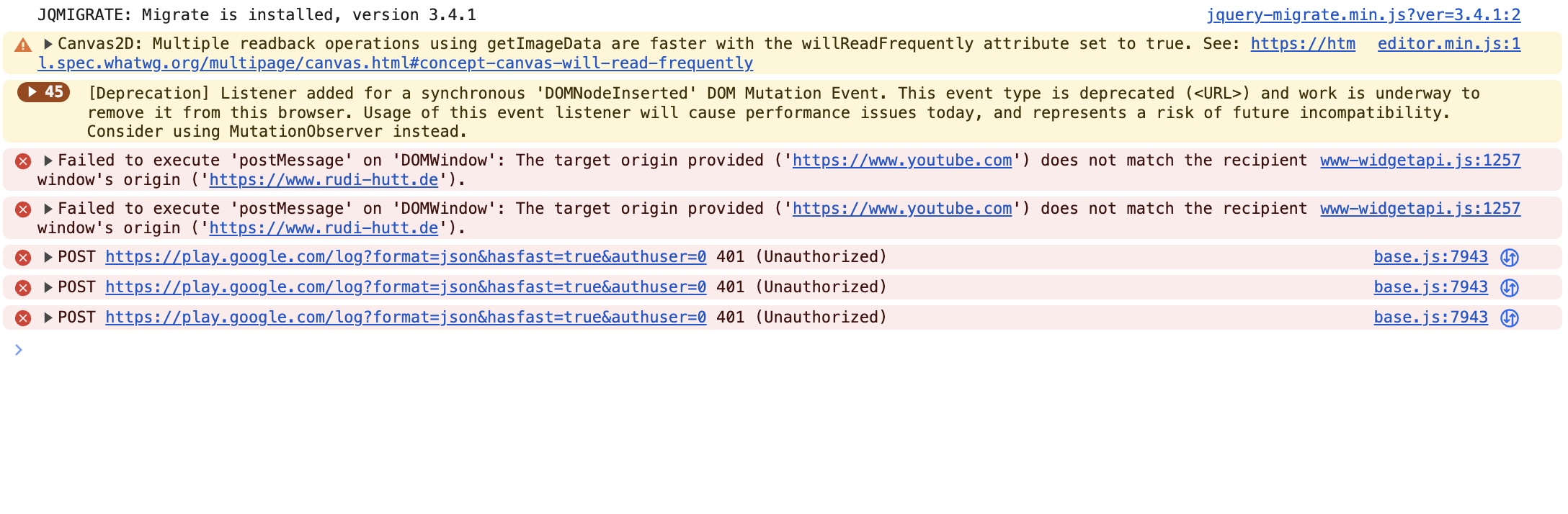
Hinzugefügt. Diese Fehlermeldungen erscheinen in der Konsole:
 0
0 -

Hi Noah,
Thank you for reaching out to us.
We have identified an incompatibility between the most recent versions of Brizy and Jetpack Image optimizations. If you have enabled any of the following options, we kindly request you to disable them temporarily to upload images using Brizy.
- In your WordPress Dashboard under Jetpack - Dashboard scroll down to the heading "Performance and Growth" and disable the option 'Image Accelerator' https://jmp.sh/SU32wfE9
- Under Jetpack - Settings, under the Performance tab, disable the option 'Speed up image load times' https://jmp.sh/neap53iR
- If you have installed Jetpack Boost, under Jetpack - Boost disable the option 'Image CDN' https://jmp.sh/FUSoE1ZP
- And lastly, if your website is hosted with GoDaddy, please disable CDN - https://in.godaddy.com/help/enable-or-disable-my-cdn-40921
Please try this and let me know how it goes.
Best regards,
Ariel H.0 -
Hello Ariel,
Thank you very much for your quick response!We have followed all 4 of your steps and could not find a solution. All plugins are uninstalled except Brizy and Brizy Pro (latest version). We also do not host our website on GoDaddy but on Dogado.
We would be very happy about a quick feedback.
Best regards Noah0 -
Hi Noah,
Thank you for keeping in touch.
This is something we need to inspect from your WP Admin page. Please add us as an Admin user to your WordPress Dashboard and send the following details to: communitysupport@brizy.io
Community Post link: https://support.brizy.io/hc/en-us/community/posts/15640513809810
WordPress Admin URL:
Username:
Password:Please make a full backup of your site as a precaution.
Best regards,
Ariel H.0 -
Hi Noah,
Thank you for your cooperation.
We've received the credentials, but it seems that we're currently unable to access your WordPress Admin. To resolve this issue, you can follow the instructions provided in the link below to update your .htaccess file.
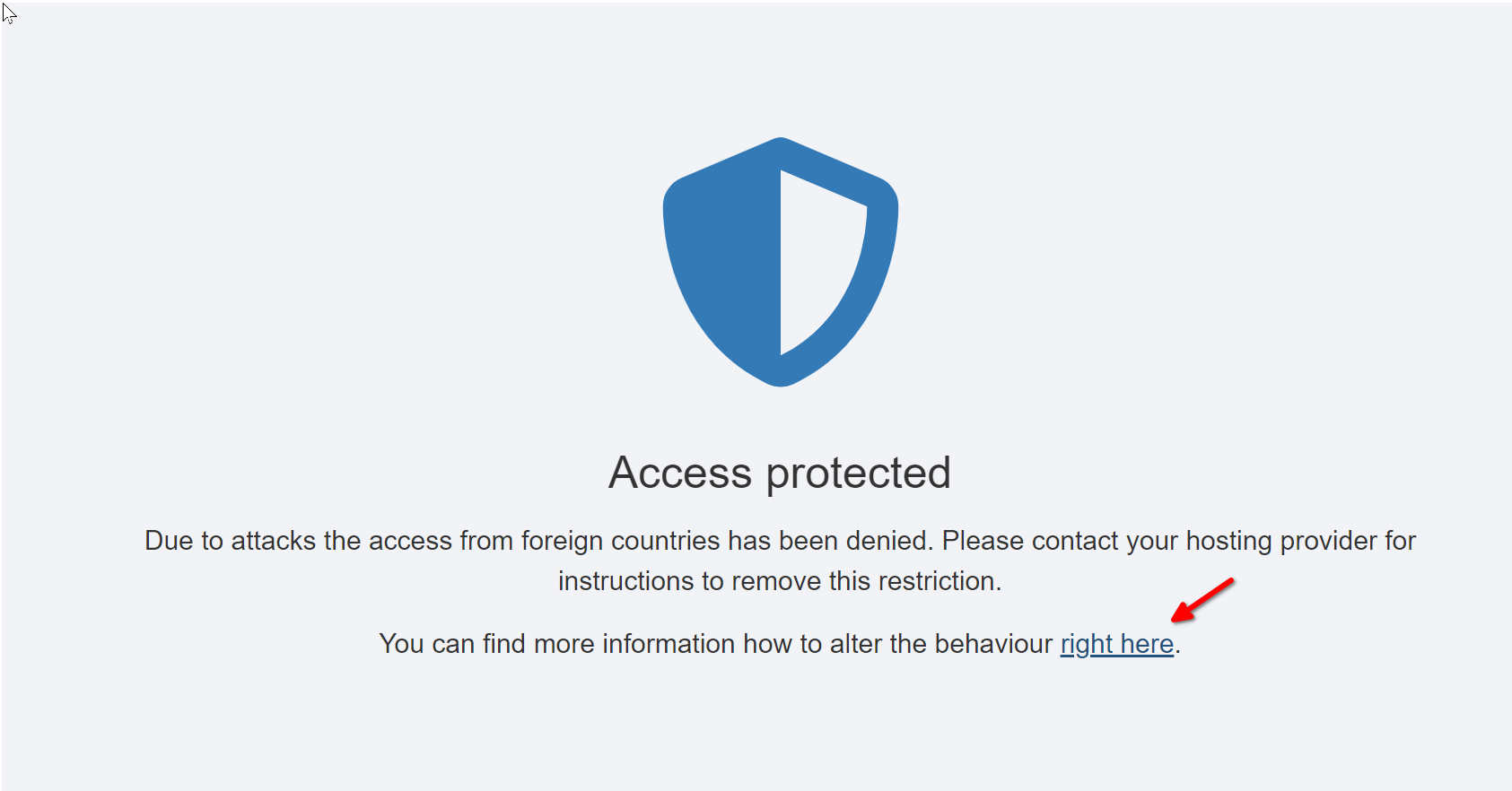
Here is the link - https://hilfe.udmedia.de/tipps-und-tricks/standard-schutz-fuer-angriffe-auf-wordpress-installationen-weitere-laender-freischalten/Best regards,
Ariel H.0 -
Hi Noah,
I wanted to check in regarding the issue you recently reported to us.
In my previous message, I requested if you could grant us access to your WP Admin by updating your .htaccess file, following the instructions provided in this link:
https://hilfe.udmedia.de/tipps-und-tricks/standard-schutz-fuer-angriffe-auf-wordpress-installationen-weitere-laender-freischalten/We haven't heard back from you since then.
Best regards,
Ariel H.0
Please sign in to leave a comment.
Comments
6 comments