Builder does not finish loading

My page is currently under maintenance, I recently installed a quick start template. All pages load the brizy builder without problem except for the main home page. In the console it indicates the following "ailed to load resource: the server responded with a status of 500 (Internal Server Error)". Deactivate plugins 1 to 1, I installed other template, clear cookies and cache, tried different browsers, tried in incognito mode, but I can’t get into the home builder.
-
Thanks for your help.
0 -

Hi Judith,
Thank you for reaching out to us.
Could you also please check the current PHP memory limit by following the steps on this screenshot - https://imgur.com/oAe79y4
If the memory limit is under 256M, please ask your hosting provider to raise it to 256M or higher for best results. If possible, a limit of 512M would be even better.If this made no difference, this is something we need to inspect from your WP Admin page. Please add us as an Admin user to your WordPress Dashboard and send the following details to: communitysupport@brizy.io
Community Post link: https://support.brizy.io/hc/en-us/community/posts/15583861886482
WordPress Admin URL:
Username:
Password:Please make a full backup of your site as a precaution.
Best regards,
Ariel H.0 -
Thank you. The first suggestion did not work, I already sent the credentials to the email indicated.
0 -
Hi Judith,
Thank you for your cooperation. We've received the credentials, but unfortunately, they don't include your website address or the login URL. Could you please send us the website address or login URL so that we can properly inspect your website and determine the cause of the issue you're facing?
Best regards,
Ariel H.1 -
Oh sorry. Done! Thx!
0 -
Help me, please.
0 -
Hi Judith,
Thank you for keeping in touch.
Unfortunately, the user account doesn't have admin access. Could you please upgrade this user account to an administrator? - https://imgur.com/7jdkSpQ
We need access to the plugins and themes area on WordPress to better understand and troubleshoot the issue.
Best regards,
Ariel H.0 -
Done!
0 -
Hi Judith,
Thank you for your cooperation.
Here's how you can fix the issue, in case you encounter it again.
- Temporarily disable Brizy Pro.
- Edit the page using only the free version of Brizy. It should open the page in the editor.
- Go back to the plugins area and enable Brizy Pro again.
- Finally, go back to your homepage and reload it in the editor by pressing F5 or using the reload button in your browser.
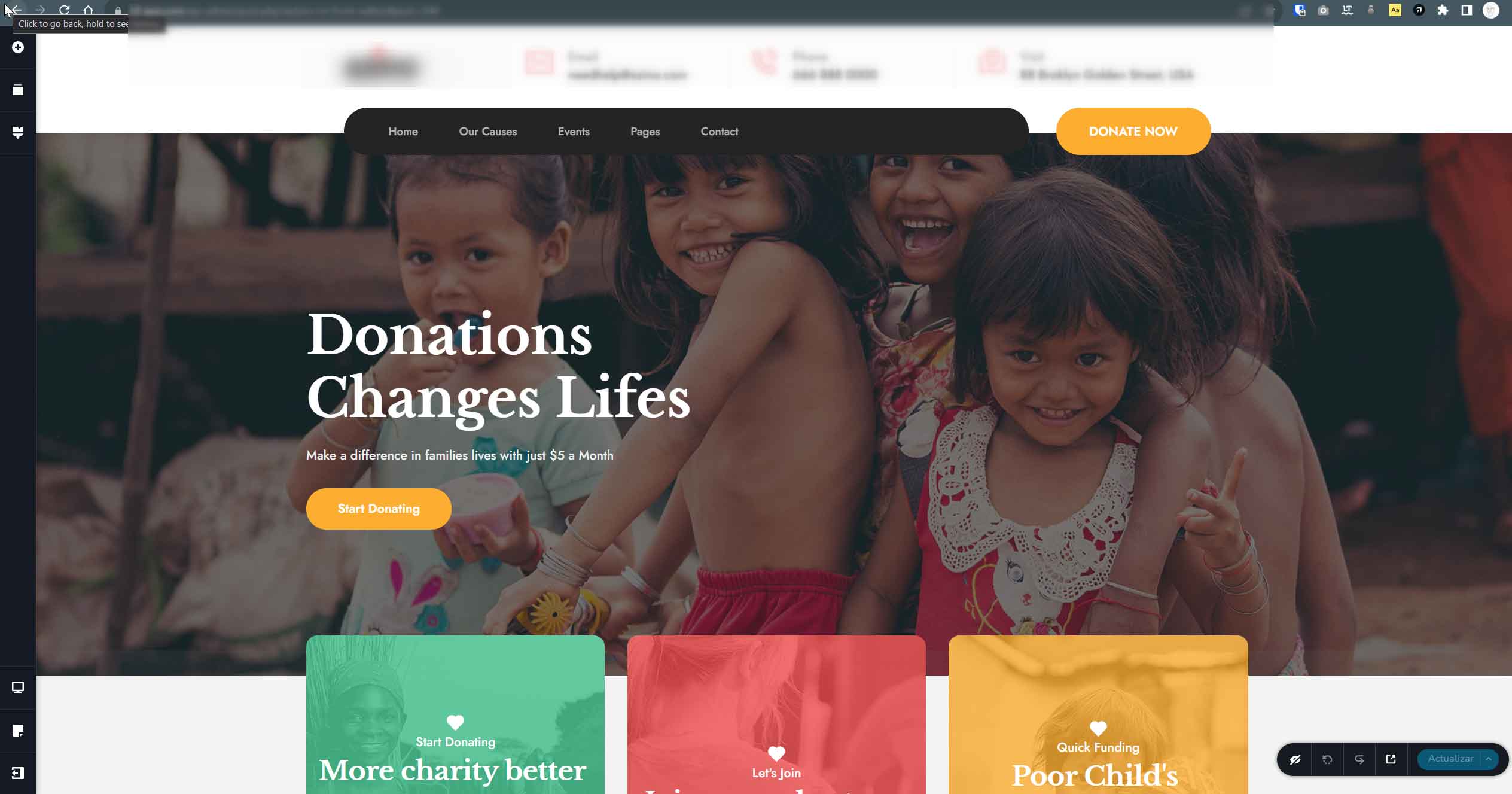
If you have any further questions, please let us know.
Kind regards,
Ariel H.0 -
It works, but the same thing happens again and with different pages. Is it possible that it is my server?
0 -
Now it keeps happening even after the recommended steps.
0 -
Hi Judith,
The issue you're experiencing could be related to your database. To troubleshoot this, I recommend optimizing your database using the steps outlined in this link and see if this makes any difference: https://www.inmotionhosting.com/support/edu/wordpress/optimizing-your-wordpress-database-with-the-wp-optimize-plugin/
Please try this and see if this helps.
Best regards,
Ariel H.0 -
Hello again.
Unfortunately the recommendations have not worked for me. I spoke with my server provider and made some changes, but without effect to the error.
In the process, I noticed an error, specifically in the home of the azine template. I basically have a home set up with the information I need. When you create another page and insert the azino home template, it basically never creates this new page as such, but it takes the information from my previous home and the error happens again. I attach a video for you to see better than I speak.
https://www.loom.com/share/83747b2038724ab0980d9a29e99388e70 -
Hi Judith,
Thank you for keeping in touch.
I've set up a remote server and imported the layout to try and replicate the issue you're facing. Could you please check if the issue persists on this test site? You can access it using THIS LINK. You have full administrative access to this site. I've added similar plugins to those on your website, but feel free to add more if needed. Blocksy has also been installed on this site.
If the issue doesn't occur on this test site, it might be a good idea to get in touch with your hosting provider. You can also provide them with access to this test site for further investigation.Looking forward to hearing their feedback.
Best regards,
Ariel H.0
Please sign in to leave a comment.
Comments
14 comments