email form error

Good morning
I created a landing page and connected a thank you page which can be accessed after entering emails.
The problem is that any email I enter gives me an error!
what solution
Thank you
-

Hi Francesco,
Thank you for reaching out to us.
Could you please provide us the URL so we can inspect it?
I am looking forward to your response.
Best regards,
Ariel H.0 -

Hi Francesco,
I tested your form and it worked well at my end; please see this screen recording https://jmp.sh/zyTNHsuD
Can you please let us know what error are you seeing with the form?
-1 -
 0
0 -
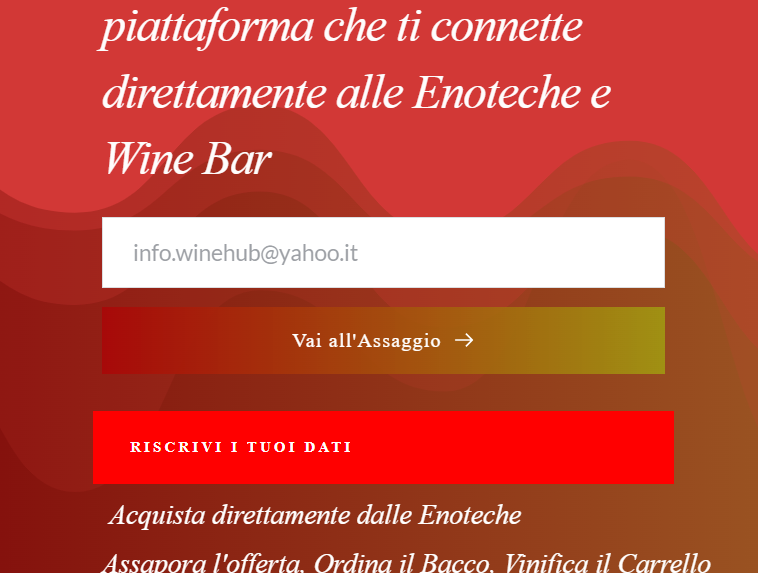
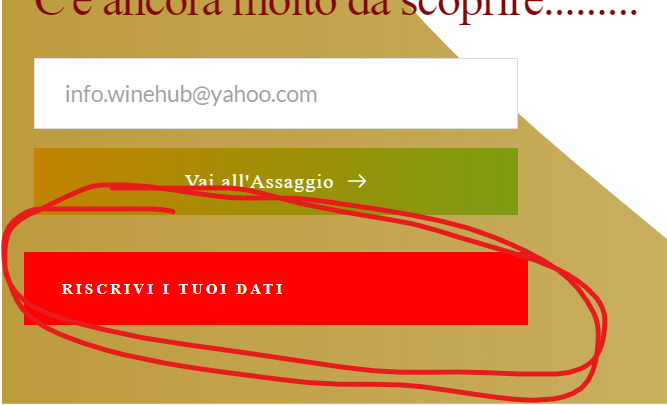
keeps giving me error
0 -
 0
0 -
Hi
I did another test and added your email address. Please see my test here https://jmp.sh/9z1NdUGN
Since it is working at my end and not working at your end, can please please do some more test to isolate the issue?
- If you open the above page in a 'Private'/Incognito window of your browser, would you see the same error?
- If you use an alternate browser and fill up the form, would it make a difference?
- If you fill-up the form using your mobile phone, do you still see the error?
0 -
Good morning
- same problem
- same problem
- same problem
I noticed that if I turn off the home connection and connect with my cell phone everything works.
How do I solve it? I need the home line to work with the site
0 -
Hi Francesco,
It's possible that a piece of software on your home network prevents Brizy Cloud from submitting forms. Please run these additional tests.
- If you are using an antivirus software like AVG/ McAfee please temporarily disable it and test the form again.
- If you are using Windows Defender Firewall or another firewall software, please disable it and check again. https://support.microsoft.com/en-us/windows/turn-microsoft-defender-firewall-on-or-off-ec0844f7-aebd-0583-67fe-601ecf5d774f
- If you are using a Malware protection application like Malwarebytes or a browser extension like Malware bytes browser extension, please disable it and check again
- If you are using an ad blocker software/ browser extension, please disable it and check again.
- If you have another security software which monitors other software on your computer please disable it and check again.
0 -
I tried unplugging everything, but the problem persists
0 -
Hi Francesco,
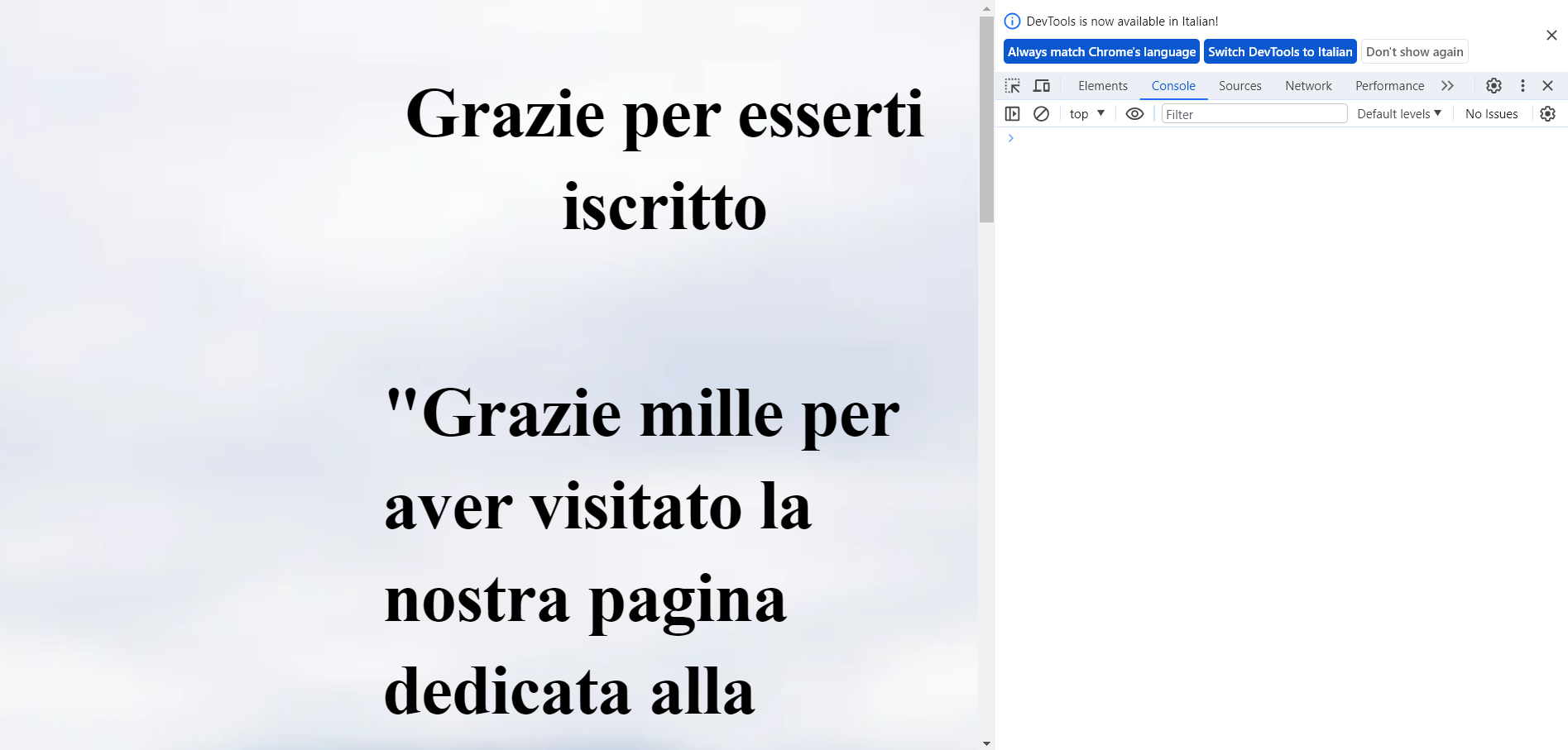
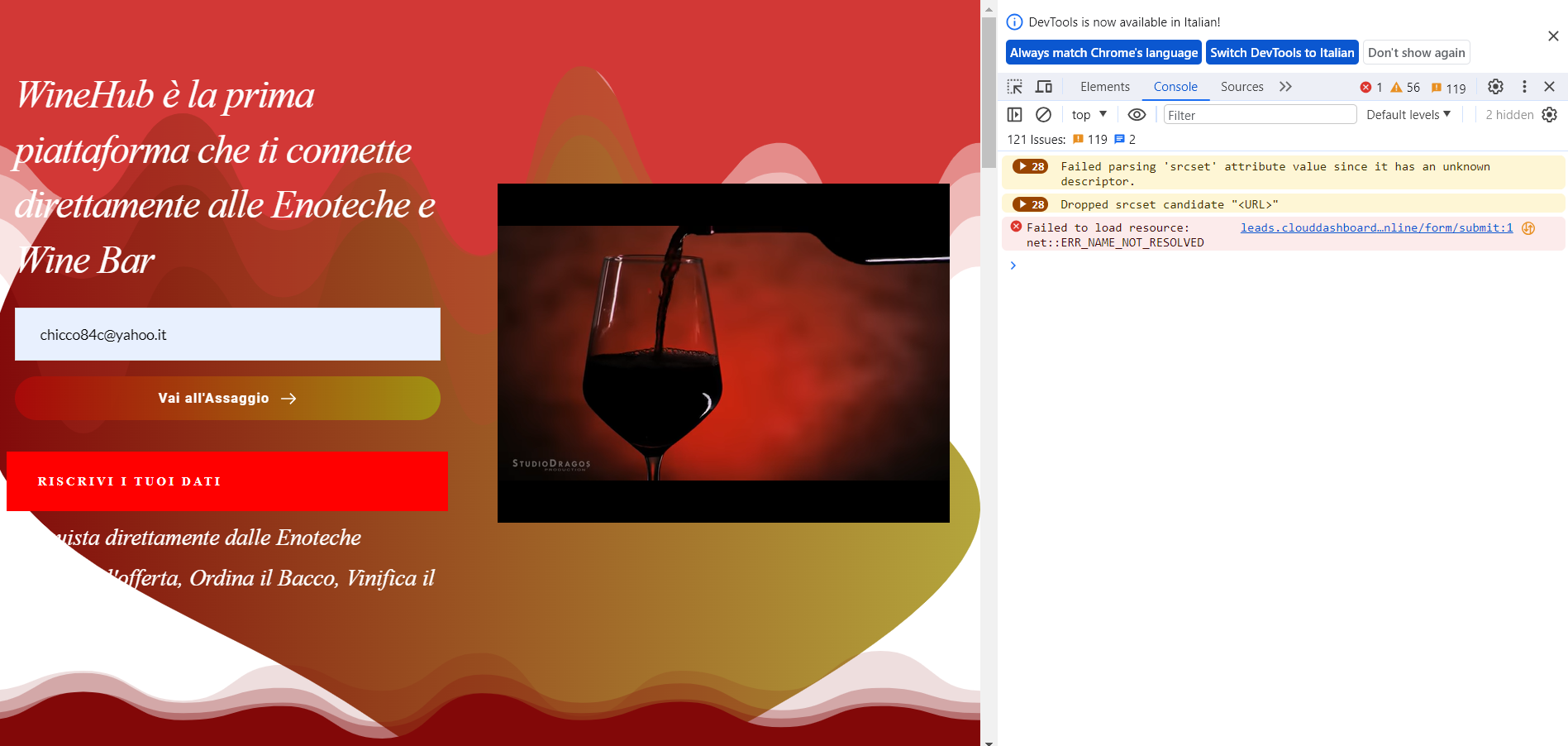
Kindly conduct one more test and share with us your results by following the steps in this screen recording: https://jmp.sh/S4f83Zw2 Kindly capture a snapshot of the DevTools' Console tab and forward it to us.
0 -
to go to the thanks page, I went there, typing it.
 0
0 -
Hi Francesco,
Your browser console shows ERR_NAME_NOT_RESOLVED. To resolve this error, please try the suggestions in this article How To Fix the “ERR_NAME_NOT_RESOLVED”
0
Please sign in to leave a comment.
Comments
13 comments