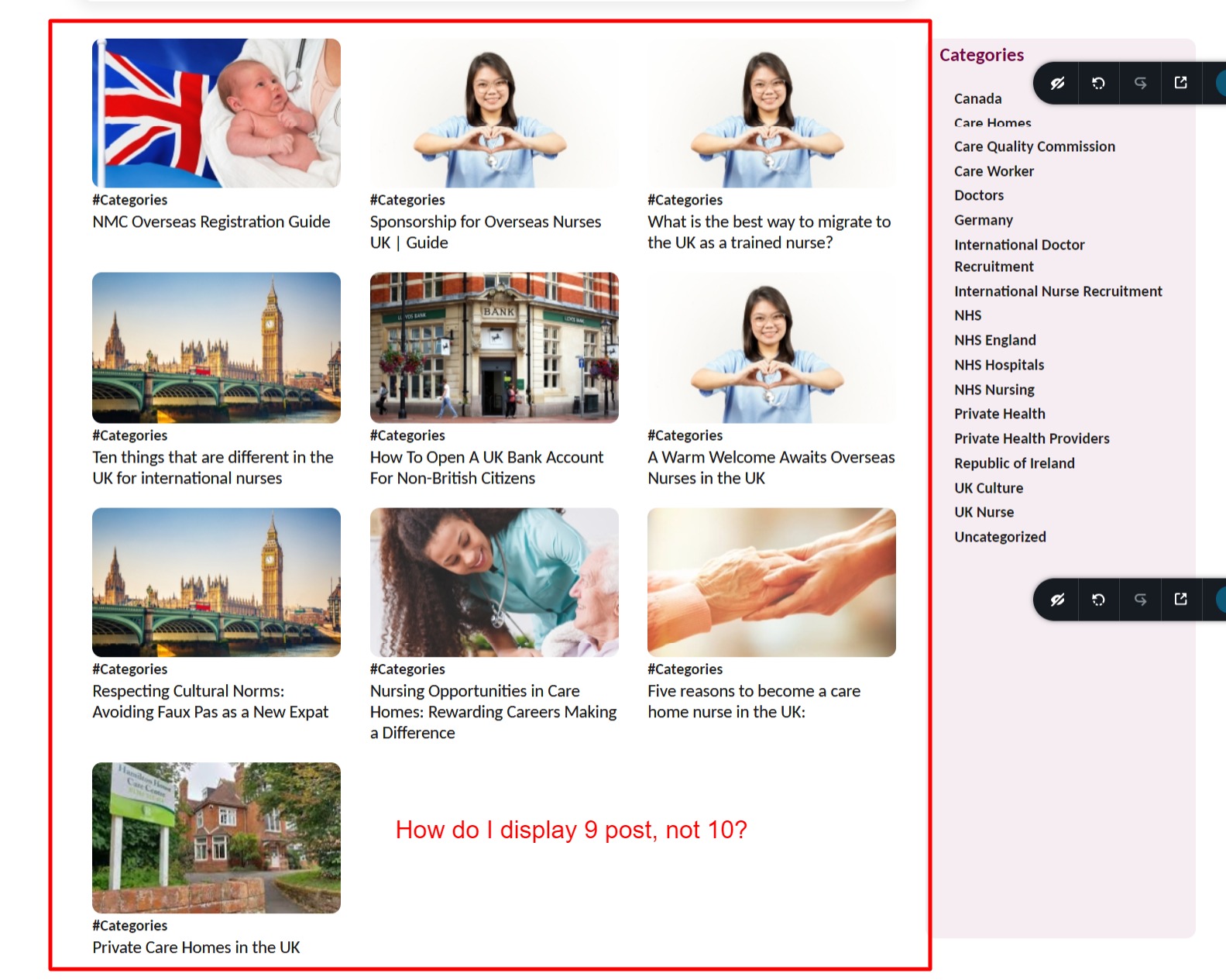
Where can I find the setting that controls the number of blog thumbnails?

-

Hi Stewart,
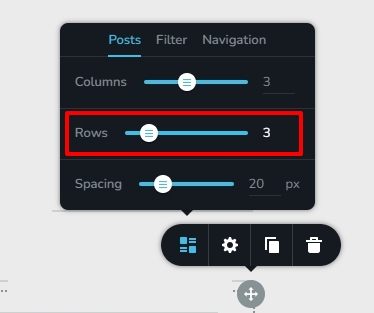
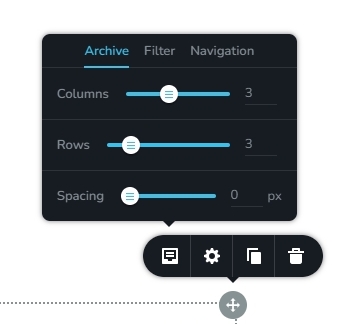
For the Posts/Archive elements to display nine blog posts on a page, please set the number of Rows and the number of Columns to three.
 0
0 -
Thanks, KC. I'm still stuck. See this video https://screencast.impactmakersradio.com/recordings/7ZlTKZZ0dz1eEZd6XDox
0 -
And it's 9 thumbnail images I'm trying to get to display, not blog posts.
0 -
Hi Stewart,
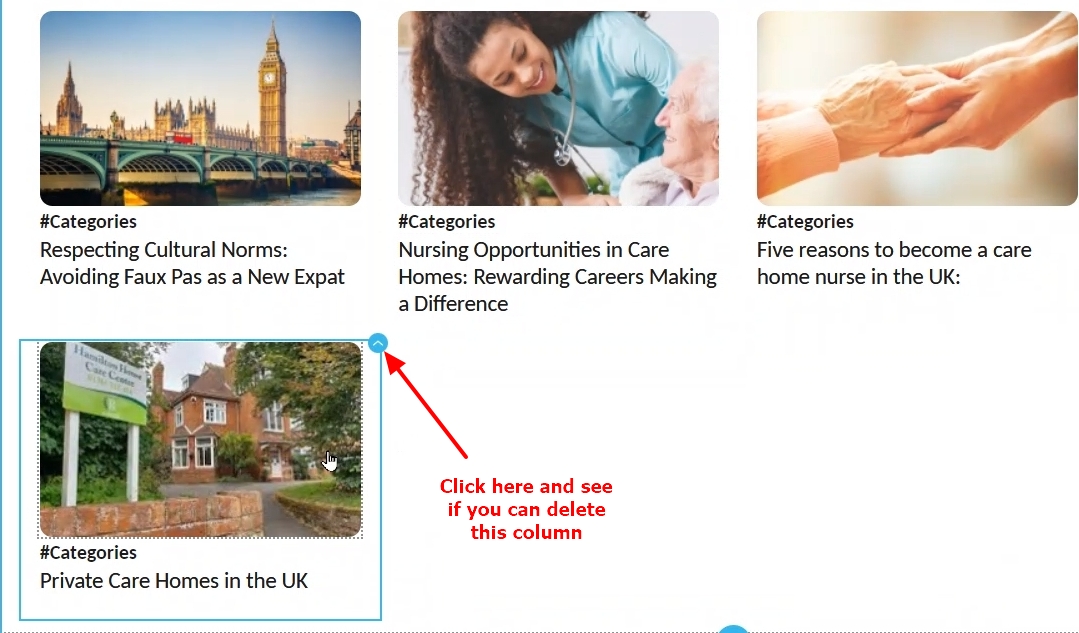
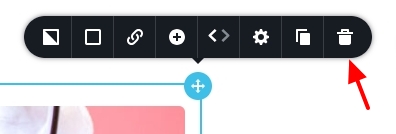
From your screen recording, it looks like you have created the design using Rows and Columns. Please click on the top right corner of the last column and select the delete icon
 0
0 -
Is using rows and columns not the correct way? I had someone design this, if it's not the best way, please share an alternative. Please see this video https://screencast.impactmakersradio.com/recordings/ZIEI8M2BVWq5RUCa2py9
Thank you :-)
0 -
Hi Stewart,
For creating a Blog Post Archive template, ideally you should use the Brizy Archive element.
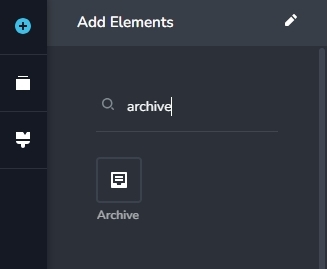
Please drag this element to your template and select the 'Archive' icon on the left and check if you see these options.
 0
0 -
Yes, that worked, thanks. How do I control the length of the excerpt?
0 -

Hi Stewart,
Thank you for the update, about the excerpt length, please try the solution offered on this link - https://support.brizy.io/hc/en-us/community/posts/13696610730514-excerpt-lenght
Best regards,
Ariel H.0 -
Thank you, but that leads to a page not found. Any other suggestions?
 0
0 -
Hi Stewart,
Please have a look at suggestions in this article How to Customize WordPress Excerpts The first method of adding a custom Excerpt is the method I recommend
If you have added any custom code, please remove it first.
0 -
Thanks, but the goal is to have the site automatically choose the same length excerpt, not for my client to write a manual excerpt for each post, or use plugins that bloat the site. Was hoping to find a bit of CSS code. Any other suggestions?
0 -
Hi Stewart,
Thank you for the update.
Unfortunately, I'm not aware of a specific CSS solution to address this issue. However, there is a code snippet mentioned in the previous support link I provided in my previous reply. You can add this code directly into the functions.php file, or alternatively, there's a plugin mentioned in the instructions within the support link that you can use to add the code.
If you've already tried this solution and it doesn't work for you, please provide us with temporary access to your website. To do so, please add us as an Admin user to your WordPress Dashboard and send the following details to: communitysupport@brizy.io.
Community Post link:https://support.brizy.io/hc/en-us/community/posts/15527256927506
WordPress Admin URL:
Username:
Password:Please make a full backup of your site as a precaution.
Best regards,
Ariel H.0
Please sign in to leave a comment.
Comments
12 comments