Insertion point offset

Hi,
Recently I have noticed when I want to click on a link or navigation arrow nothing happens, but if I move the mouse down 2cm I can access the link.
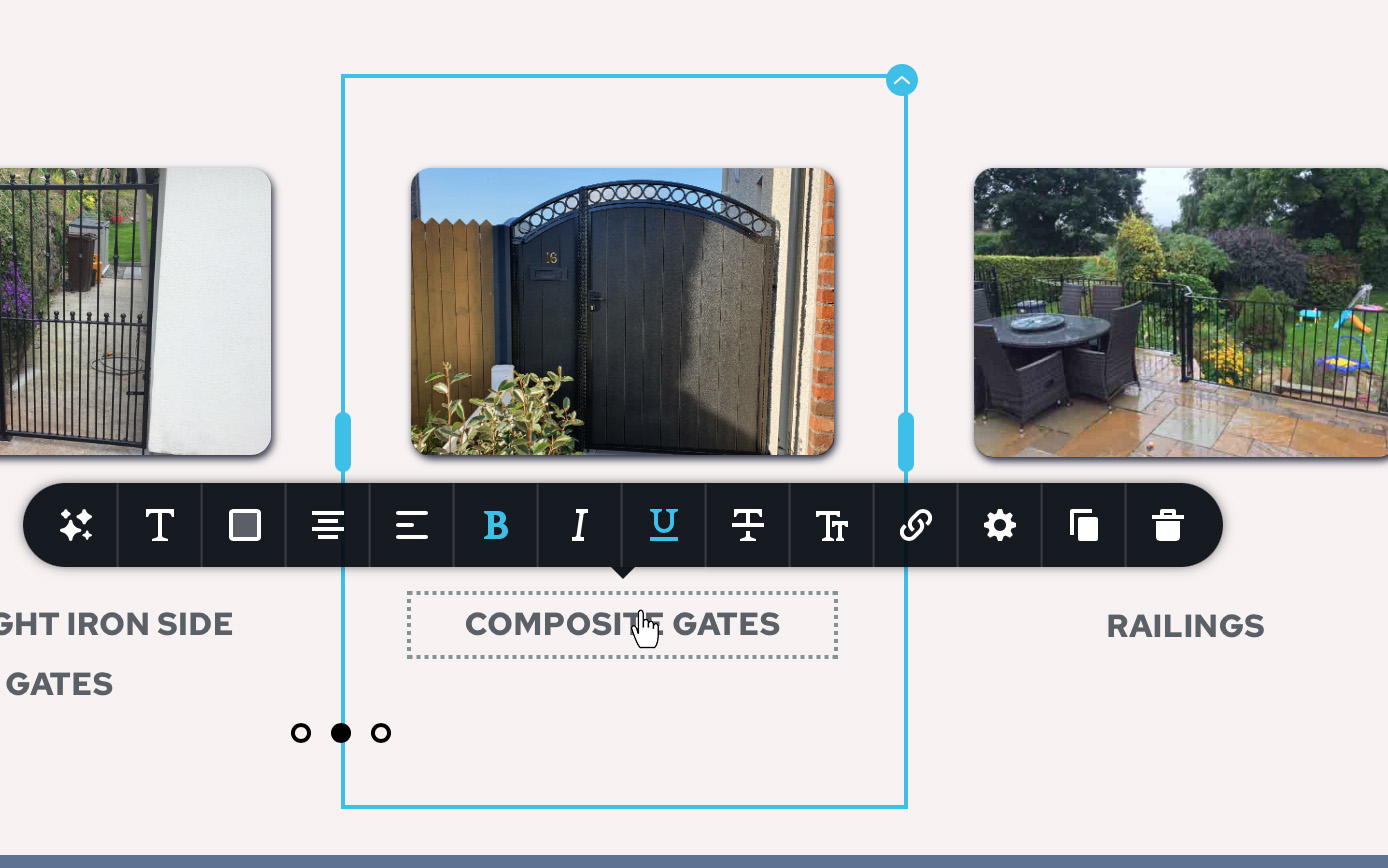
Similar when I am editing a text box on a page, I have to move the mouse down before I can edit it.
Is there a setting I might have changed in error?
The website is corkgatesandrailing.com
Thanks, Paul
-

Hi Paul,
Thank you for contacting us.
Unfortunately, I'm unable to access corkgatesandrailing.com from my side. Please have a look at this screen recording https://jmp.sh/4YEP8UhU To help us get a clearer picture of the issue, would you mind recording a brief screencast showing the issue? You can use loom.com for this purpose.
I am looking forward to your response.
Best regards,
Ariel H.0 -
Hi Ariel H,
Thanks you for the prompt response.
Apologies I gave you the wrong web address
https://corkgatesandrailings.comI viewed your video, and it works fine for you, I am using Safari but I will try another browser.
I have included two screenshots to indicate my issues. In the first one - the slider, I can’t click on the arrow direct I have to place the mouse indicated in the screenshot. In the second screenshot I have placed my mouse in the text box to edit but it's activating the Underline button in the toolbar.
Loom will not run for me I’m afraid, does nothing when I tried to enable the last setting.
Thanks,
Paul0 -

Hi Paul,
Unfortunately our help desk software does not support email attachments and we could not take a look at the two screenshots you had attached to your email.
Please visit the forum at https://support.brizy.io/hc/en-us/community/posts/15459337397522 and attach the images again using the image icon.
 0
0 -
Hi KC George,
Reference above email; See screenshots
In the first screenshot - the slider, I can’t click on the arrow direct I have to place the mouse indicated in the screenshot. In the second screenshot I have placed my mouse in the text box to edit but it's activating the Underline button in the toolbar. I forgot to mention in my last email, all other links are fine ...
Loom will not run for me I’m afraid, does nothing when I tried to enable the last setting.
Thanks,
Paul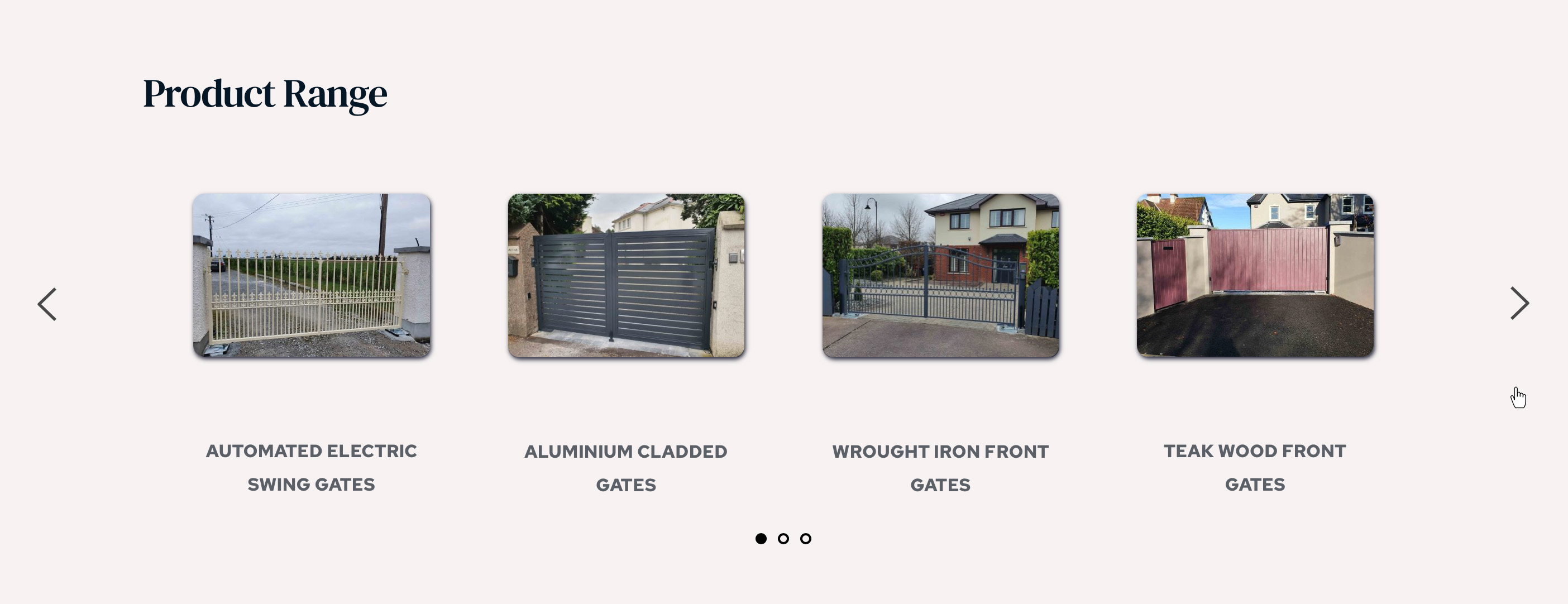
 0
0 -
Hi Paul,
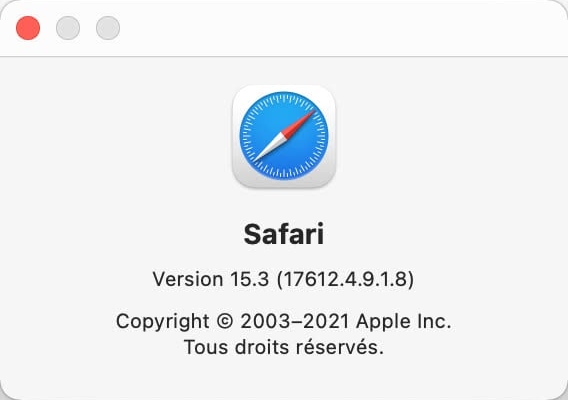
Can you please let us know your Safari version number? If you update the browser to the latest available Safari version, would this issue persist?
 0
0 -
Hi KC George,
I have updated Safari to Version 17.1.2, but it hasn’t made a difference.
Google Chrome works fine.Thanks,
Paul0 -
Hi Paul,
Are you using the Default display resolution for your Mac? If you are not, please try using the Default option and check if the issue resolves.
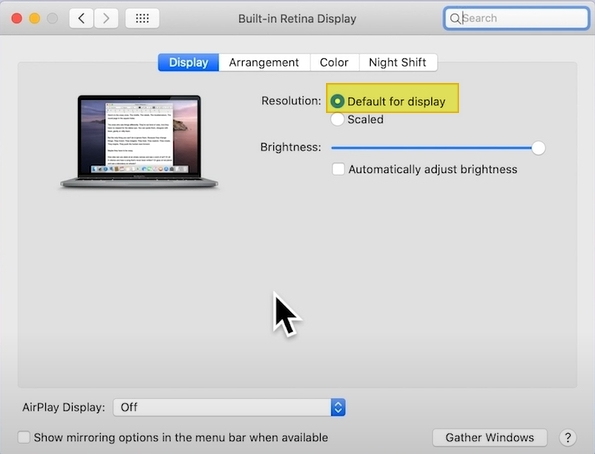
This issue may not be specific to Brizy. You may want to also explore taking help from Apple support.
0 -
Yes. I’m using the default display KC
0 -
Hi Paul,
If the issue is specific to a single computer, switching to Google Chrome may be the best solution for the moment.
0 -
Hi KC,
It's not causing any grief from the client end so I'm not too worried about it.
Thanks for the assist,
Paul
0
Please sign in to leave a comment.
Comments
10 comments