Translation Brizy Cloud

Hello, I made a translation of my website from the Spanish language to the English language, and it worked quite well, but I am having some problems:
bookalendar.com
1- some images do not load on the translated pages
2- I don't see any option to modify the button link so that in the new language it redirects to another url
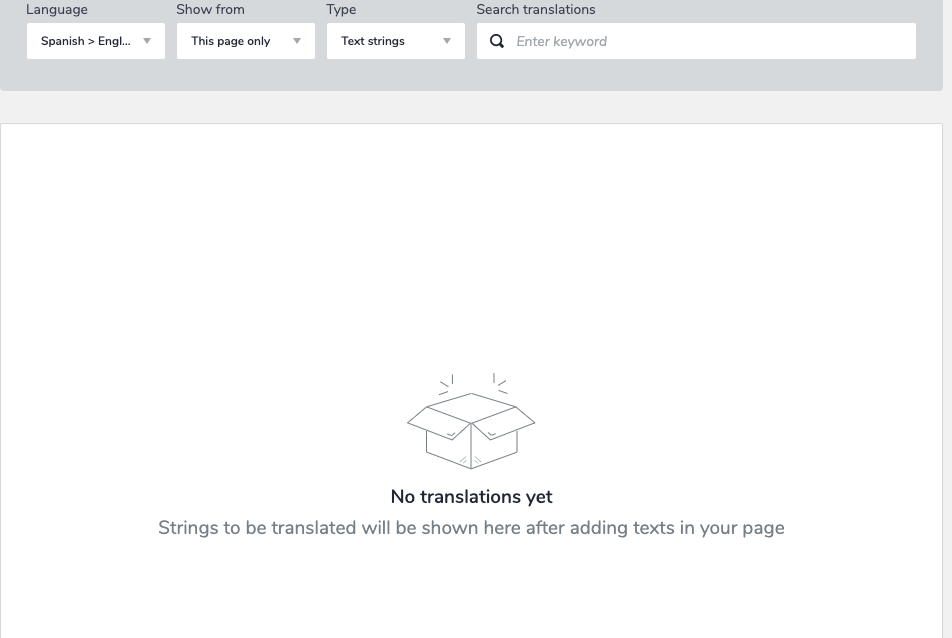
3- after making the language configuration I created a new page and this was also translated automatically, which is great, but when accessing the translation section of the page I cannot see the translations to adjust them manually, it simply shows a message that indicates "No translations yet". So how do I adjust the translations on this page?
-

Hi
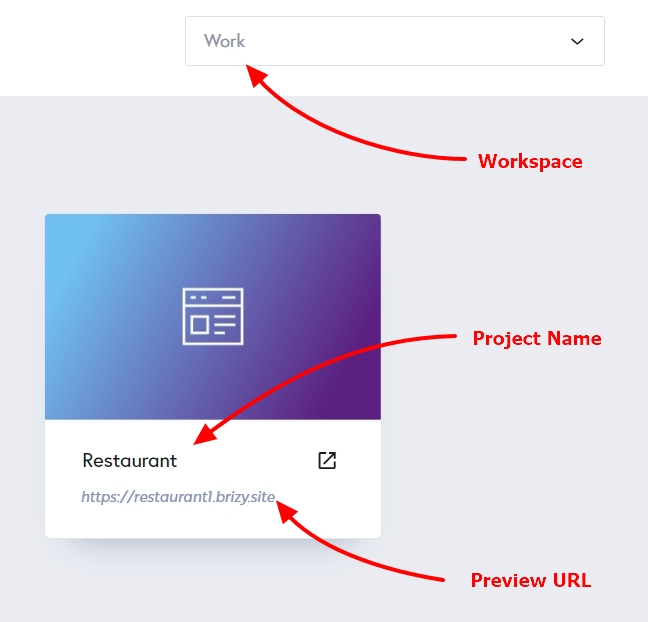
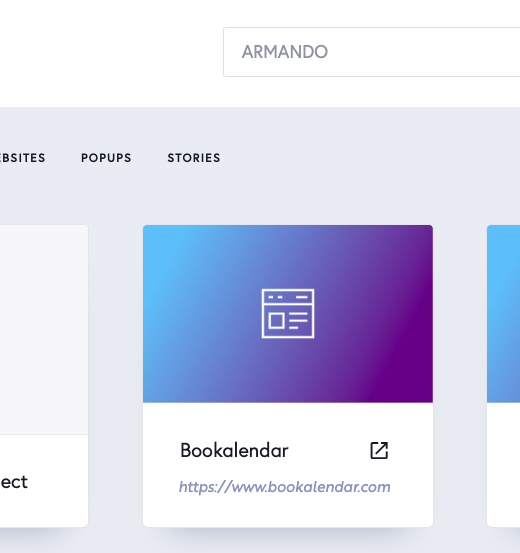
Could you assist us in locating the project on which you are having this problem? Please let us know
- Workspace
- Project Name
- Preview URL
 0
0 -
 0
0 -
I have let our developers know about this problem. We'll get back to you as soon as we've made headway in resolving these problems.
0 -
Thank you very much for your quick reply. It's great to see support that responds quickly. I look forward to the solution from the developers.
0 -

Hi,
Thank you for your patience. We received an update from our developers, the issue you reported has been fixed. Could you please give it a try on your end and let us know if everything is working as expected?
Best regards,
Ariel H.0 -
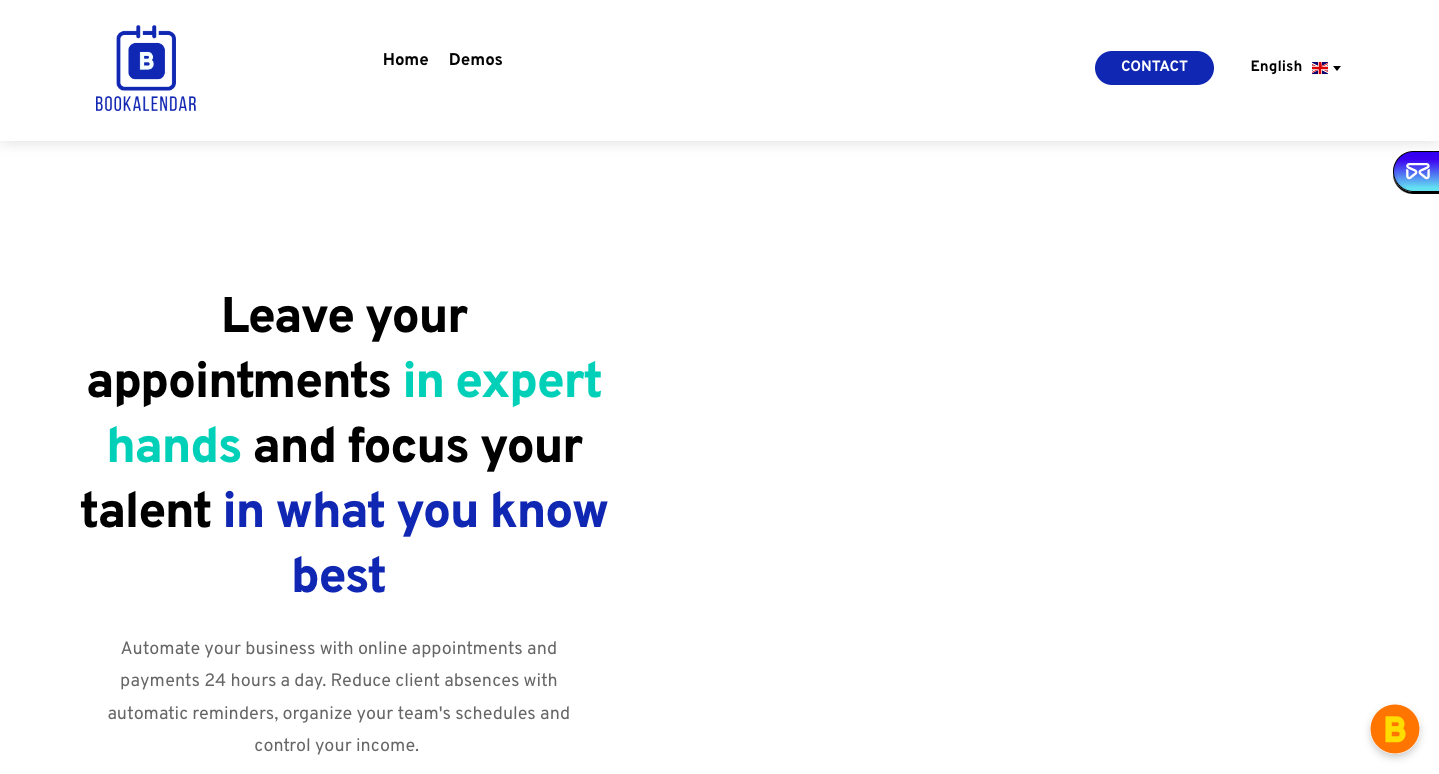
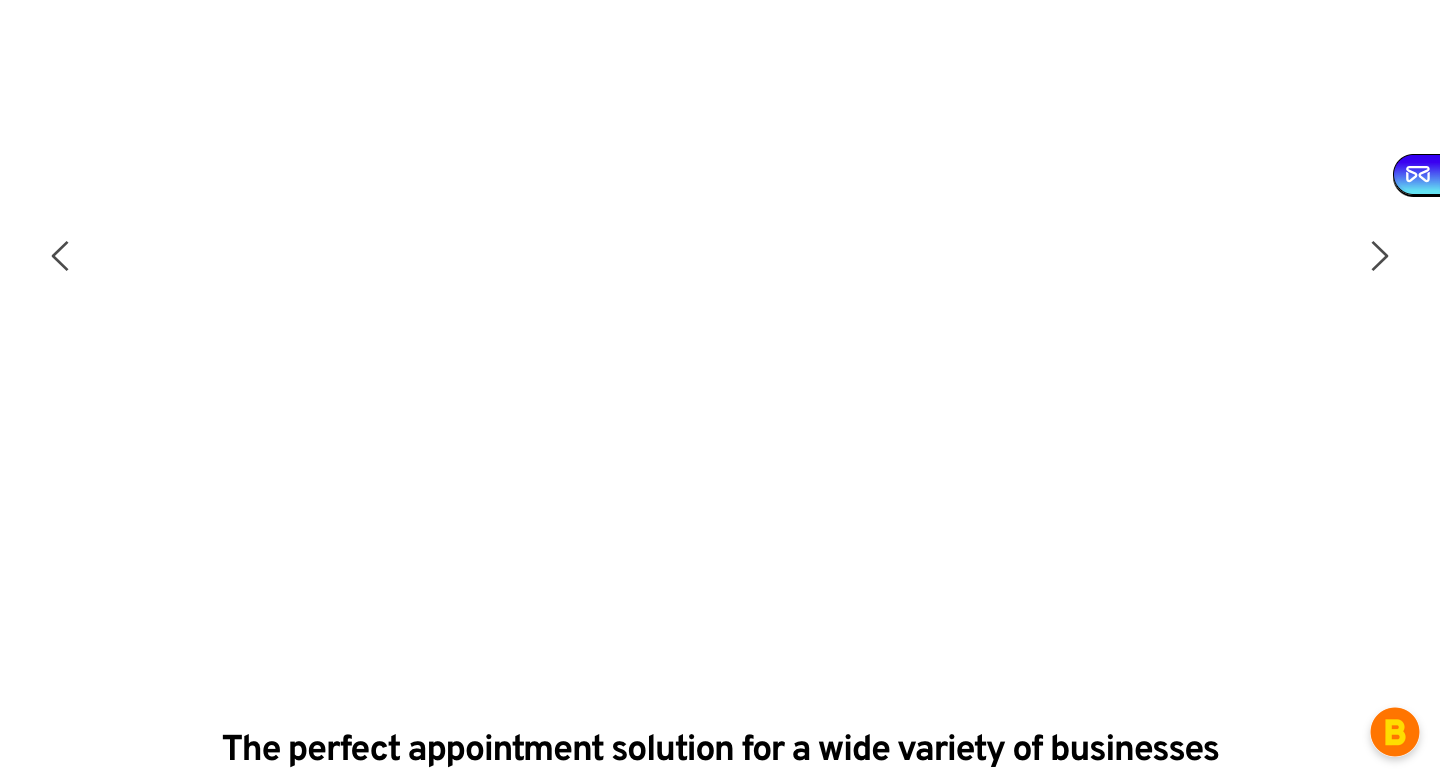
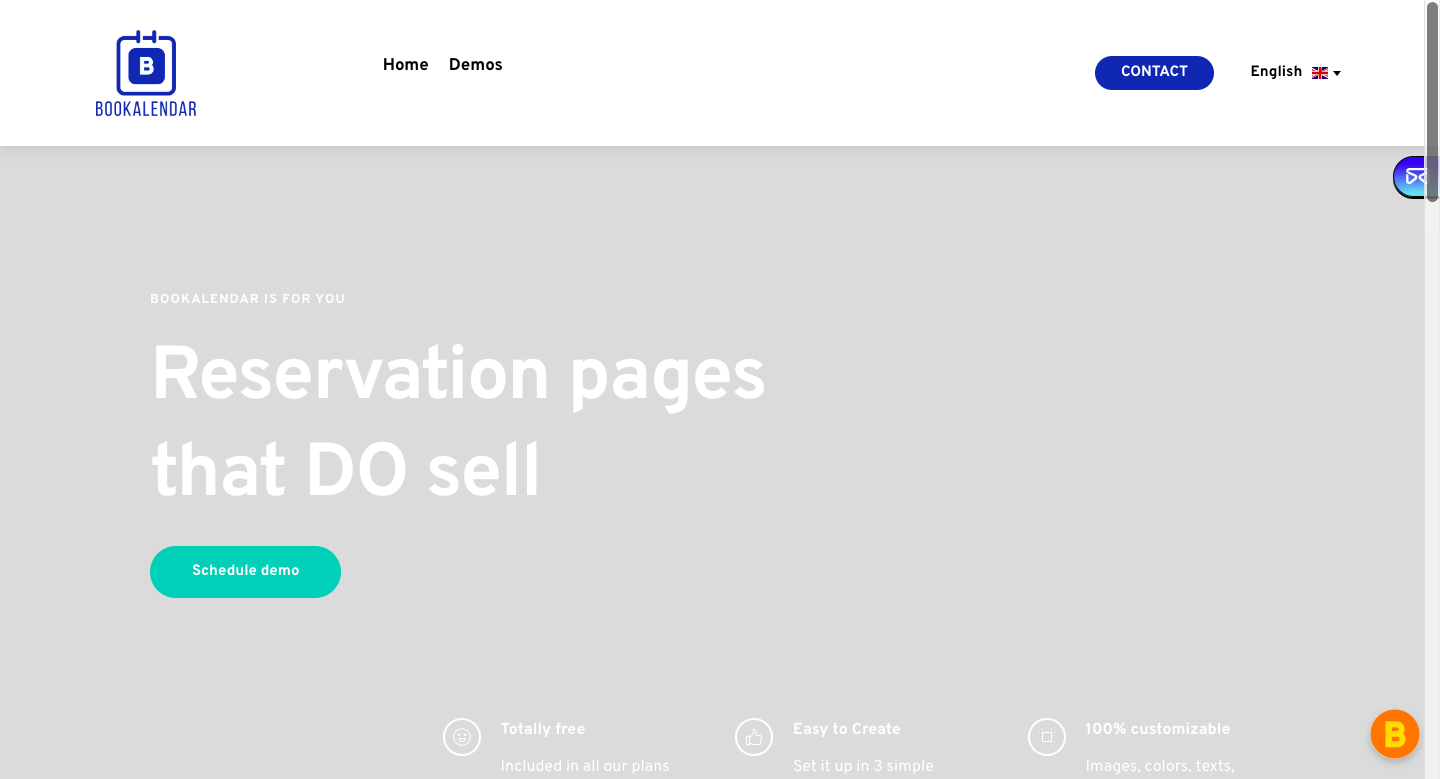
Hello. The problem has been partially solved, since now I can view and modify the text strings and images in the translated language (English). The problem that still remains unsolved is that there are some images that are not displayed on the translated pages. I tried changing the images that are not displayed on the translated language pages, but the problem did not solve, and changing the images on the original language page (Spanish) did not work either. You can see for yourself on the following pages. I look forward to a new response.
bookalendar.com/en/demos
bookalendar.com/en/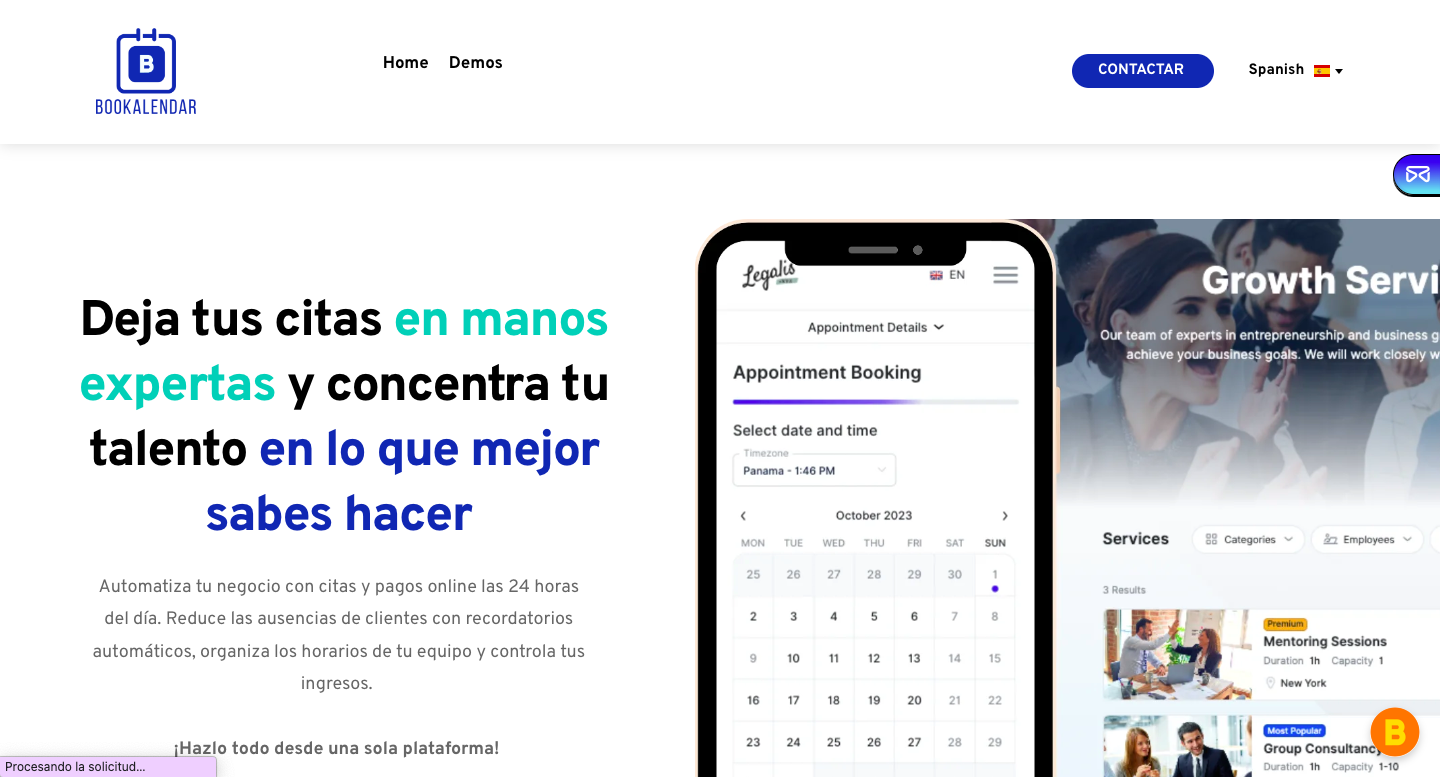
 0
0 -
Hi,
Thank you for the keeping in touch. We're now looking into this issue. I will reach out to you as soon as we have a new update. Sorry for the convenience.
Best regards,
Ariel H.0
Please sign in to leave a comment.
Comments
7 comments