Problems with Woocommerce product gallery when Jetpack is enabled

I did disable all corresponding settings in Jetpack regarding image optimization/site acceleration ('Image Accelerator' and 'Speed up image load times') but still, my product images are not loading. Can You help me with this issue?
-

Hi Mārtiņš,
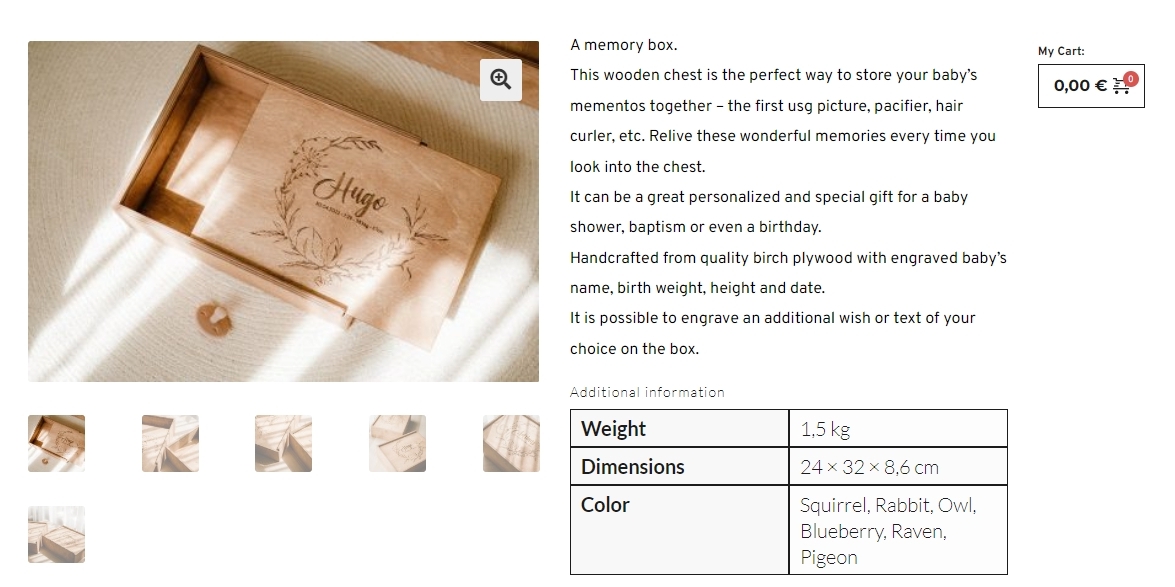
The product gallery appears working at https://www.bromade.eu/product/a-memory-box/ Is Jetpack enabled on this website?
 0
0 -
I had disabled Jetpack plugin. Now it is enabled.
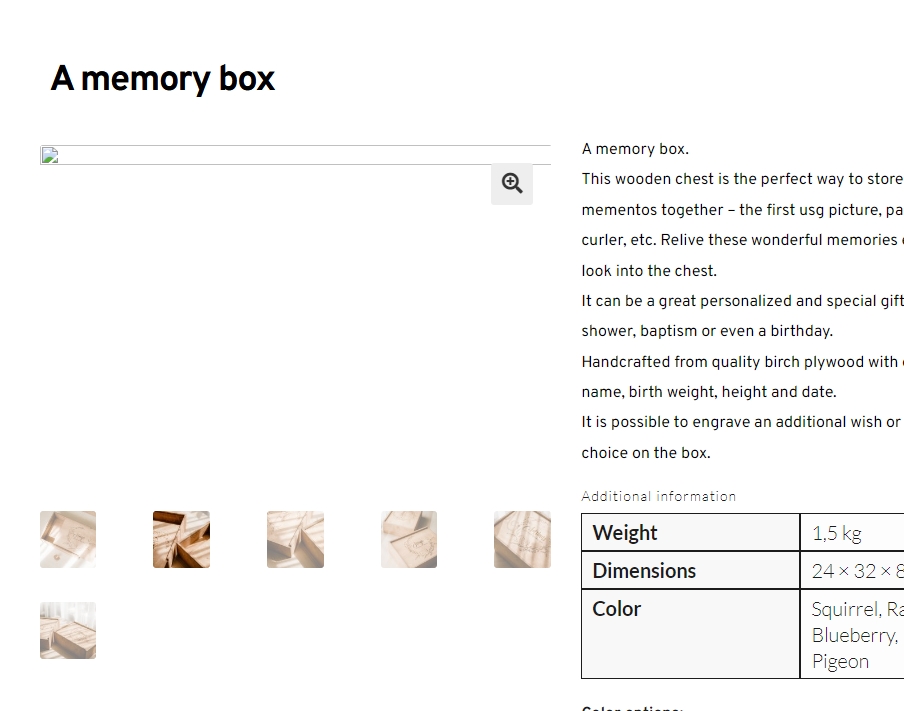 0
0 -
Hi Mārtiņš,
When you enable Jetpack, your website is attempting to fetch images from URLs like these which are non existent.
- https://i0.wp.com/www.bromade.eu/wp-content/uploads/2023/11/382731505_323727396842167_7780188025647112691_n.jpg?resize=416%2C277&ssl=1
- https://i0.wp.com/www.bromade.eu/wp-content/uploads/2023/11/382743035_323727423508831_2429386806678212768_n.jpg?resize=416%2C277&ssl=1
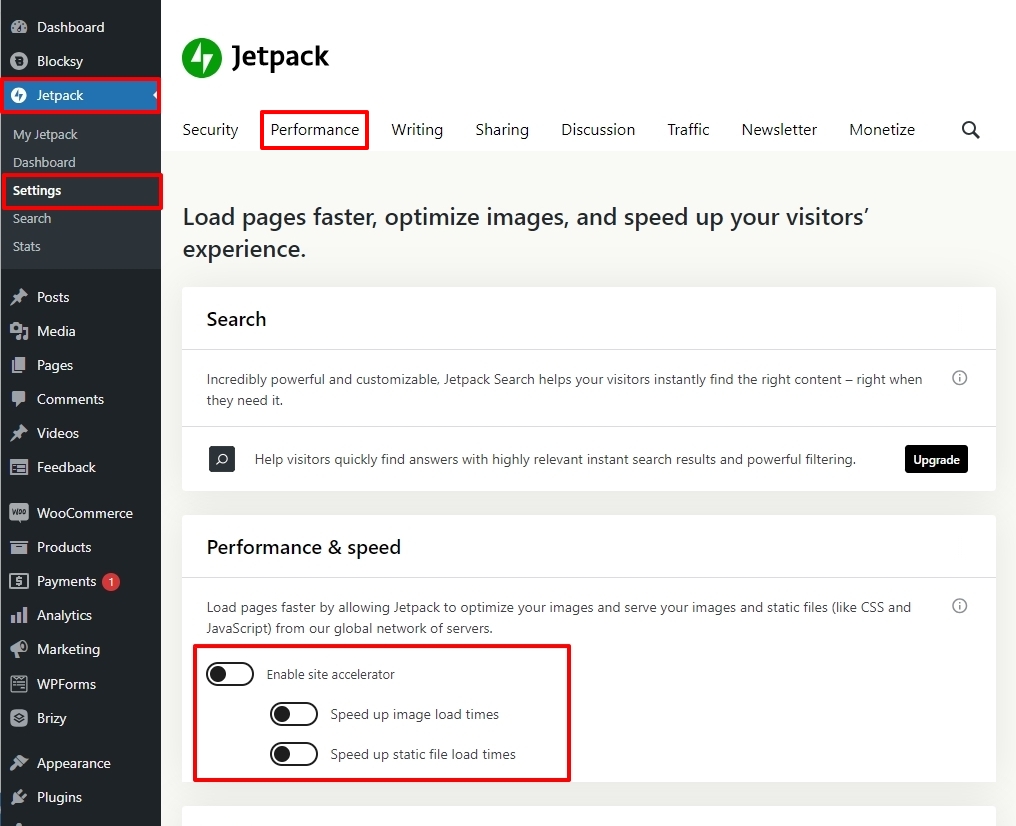
These are Site Accelerator URLs which is an image acceleration and modification service for Jetpack-connected WordPress sites. In your WordPress Dashboard under Jetpack - Settings - Performance tab, under the Performance and Speed heading please disable 'Site Accelerator' and check if the issue persists.
 0
0 -
I turned it off. Does it take time for the settings to start working? So far, nothing has changed
0 -
Hi Mārtiņš,
Can you also check with your hosting company how to fix this issue? If they are unable to help, if you give us access to your WordPress Dashboard we will try to find a setting in Jetpack which is causing this issue.
If you need this assistance, please add a new user to your WordPress Dashboard and send the following details to our email: communitysupport@brizy.io
- Community Post link: https://support.brizy.io/hc/en-us/community/posts/15424011573394
- WordPress Admin URL:
- Username
- Password
Please let us know here in this forum when you send us the email.
0 -
Ok I'll let them know about this issue.
access to my WordPress Dashboard
0 -
Hi Mārtiņš,
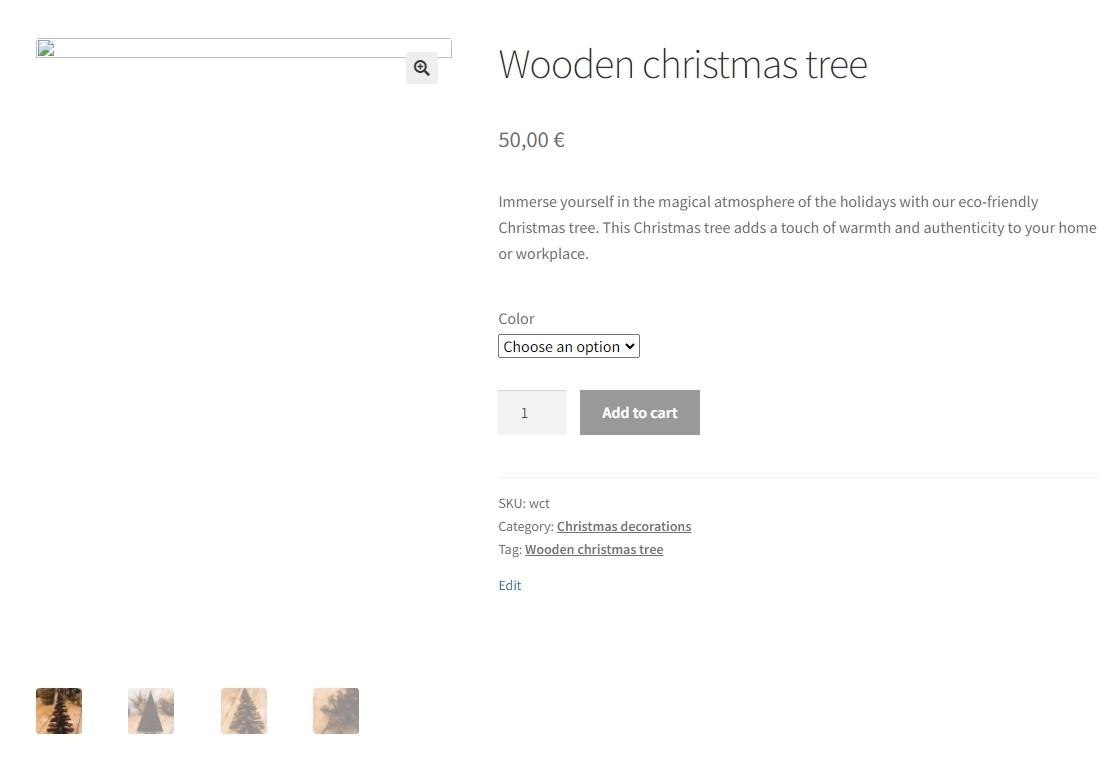
Disabling or enabling Jetpack setting did not hep fix the problem. Even with the theme product page, the product gallery issue persists.
As per the article here https://jetpack.com/support/site-accelerator/
It is possible that there may be another plugin on your site conflicting with Site Accelerator. Please try to disable all of your plugins except Jetpack, then try checking your images again. If they are displaying properly, we’ll know that another plugin is interfering. You can find out which plugin is the culprit by enabling each plugin one by one and checking images after each one.
You could follow this procedure and check if this helps.
I have now deactivated Jetpack so that the product gallery images are visible.
0


Please sign in to leave a comment.
Comments
7 comments