Menu is not showing in spanish (WPML)

Hi there,
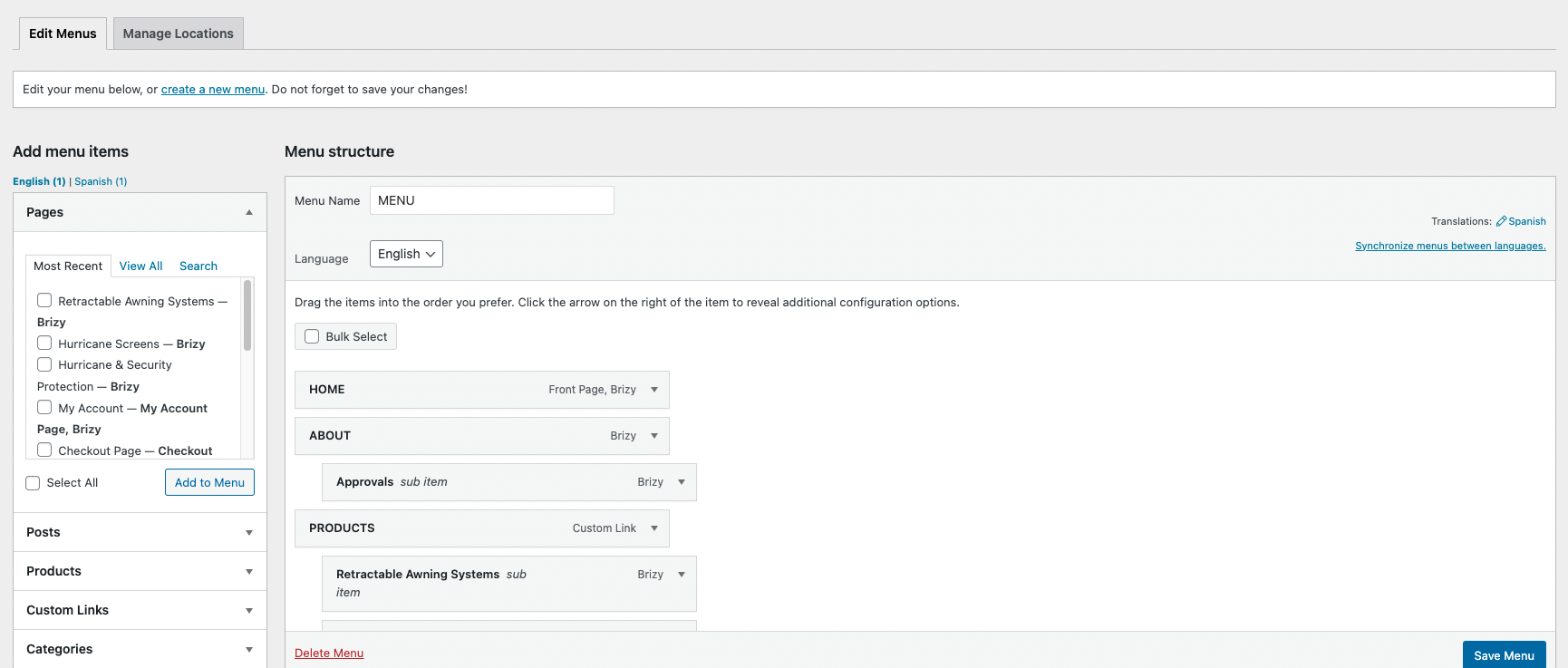
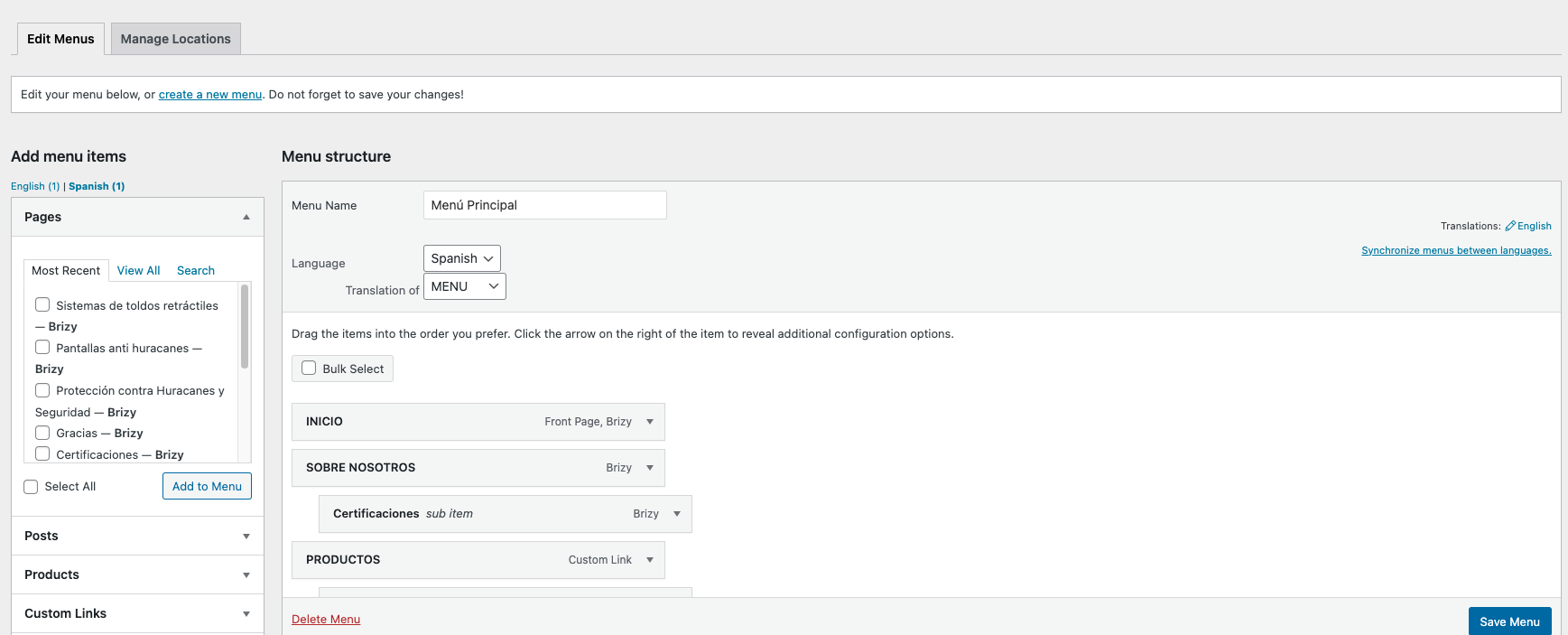
We have a MENU (english) and its translation MENU PRINCIPAL (Spanish) made by WPML.
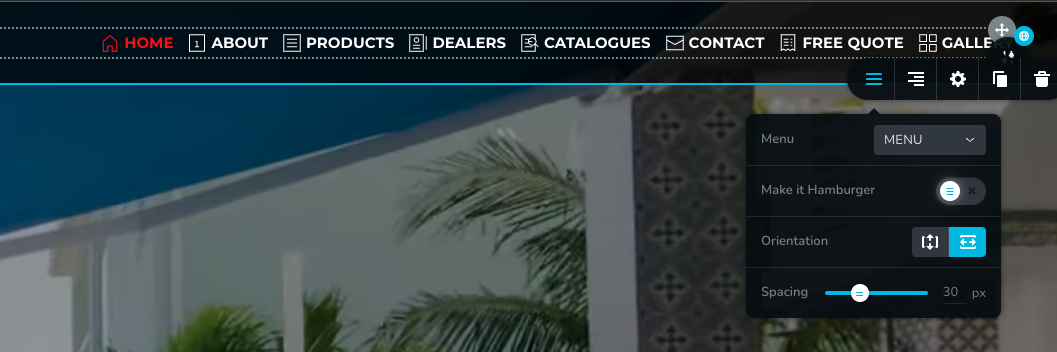
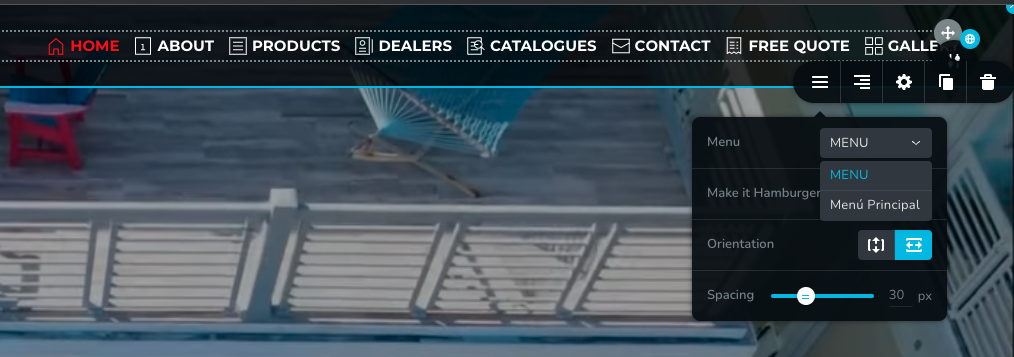
We have a global header set with menu MENU, but when you change to spanish, the menu is not showing. In menu settings im allowed to choose MENU or MENU PRINCIPAL, but its not supposed the be changing automatically between the language selector of the site?
Thanks.
-

Hi
You can look at 2 possible options to switch the header automatically based on the language selection.
1. Use Default Page Template
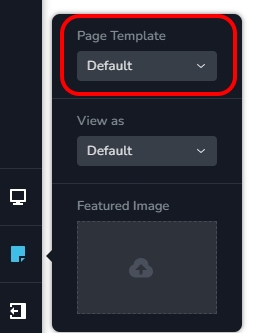
WPML is designed to switch to appropriate menu automatically when changing the site language. If you use the theme header and the theme footer for your pages (instead of using Brizy header and the Brizy footer) this option can work for you. To use the theme header and the theme footer, open any page in the Brizy Editor and on the left sidebar, click on the Page Icon and then select 'Default' option under 'Page Template'. Your page will refresh with the theme header and the theme footer. You will need to redesign your header and footer in your theme to make this option work.
2. Use two different global Brizy headers
Design one Brizy header for English and another for Spanish. Add the English global header to all English pages and add the Spanish global header for all Spanish pages.
0 -
#2 works. Thanks.
0
Please sign in to leave a comment.
Comments
2 comments