contact forms in Brizy cloud do not get send

I have several sites running in Brizy Cloud. I tried to set up a basic, simple contact form (email address, name and paragraph), but none get sent. I don't see what I do wrong... I checked the forum and help resources, of course. All seems well...
Some help yould be much appreciated...
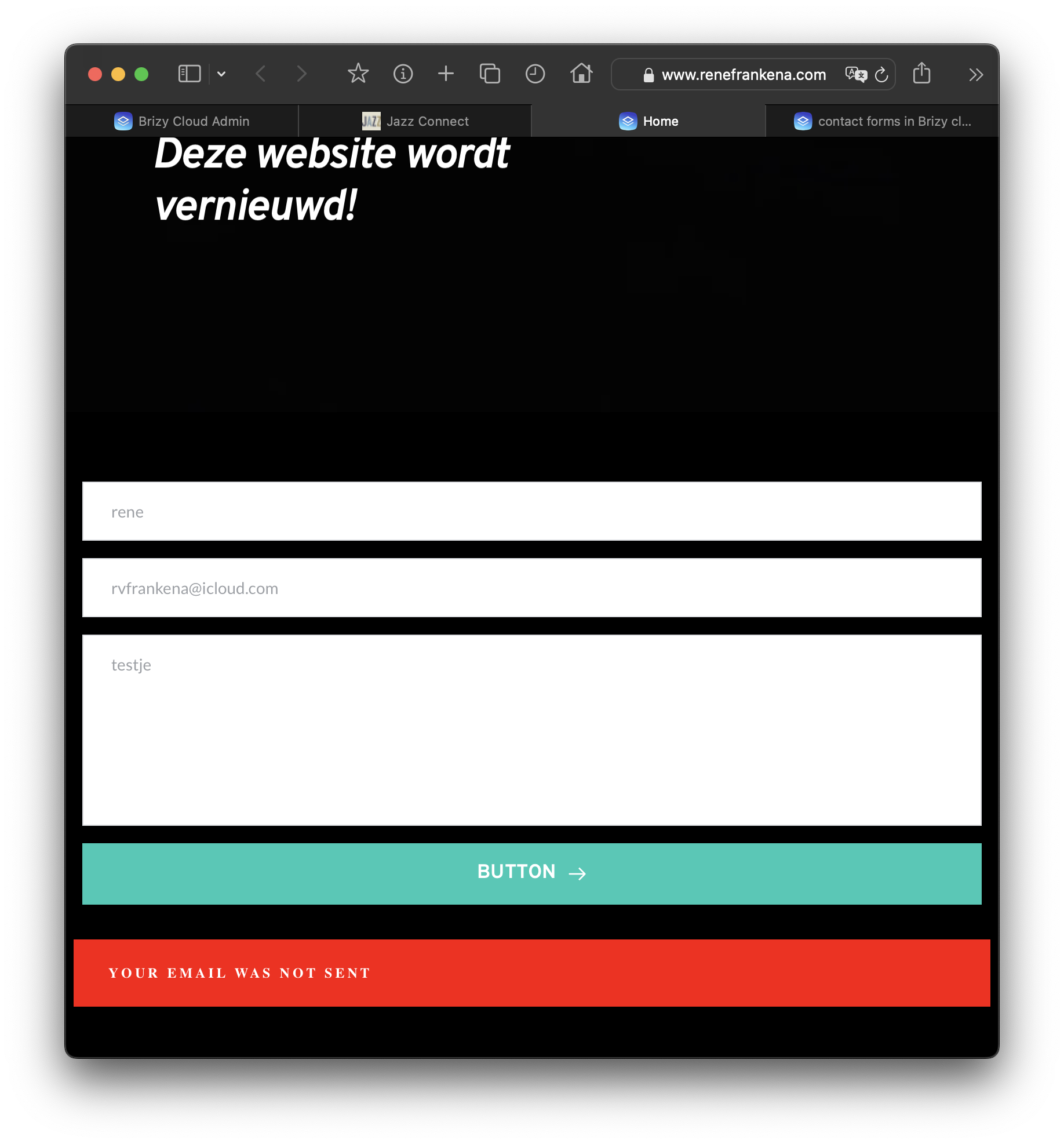
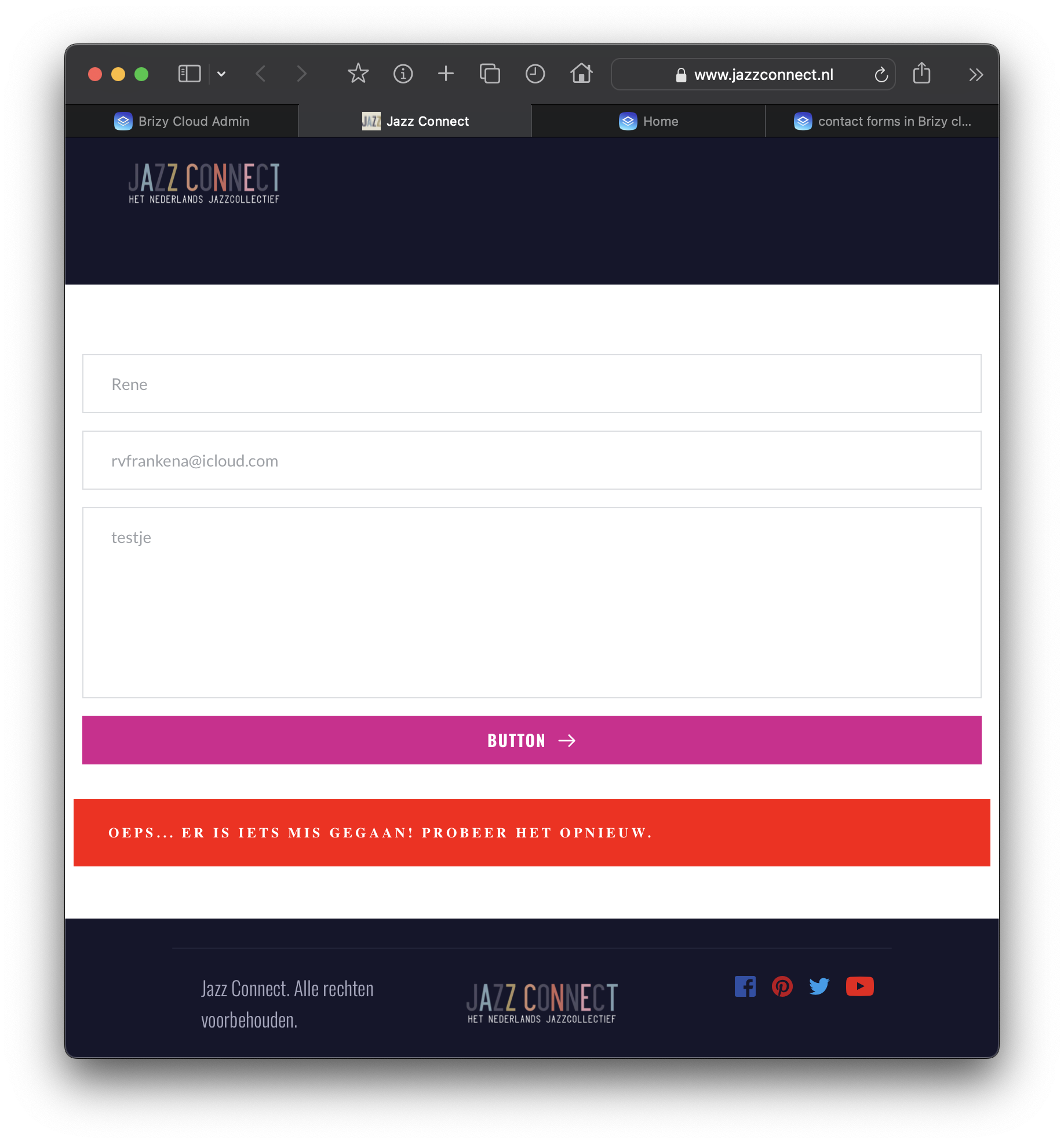
-

Hi Rene,
We apologize for the inconvenience. We have fixed this bug. Please check again
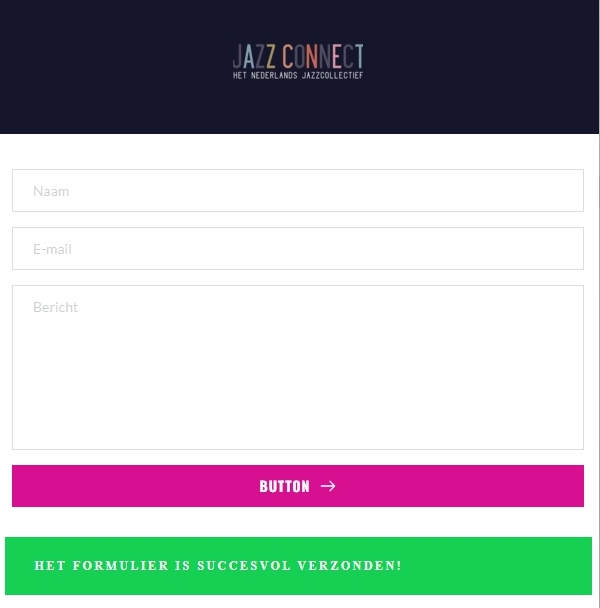 1
1 -
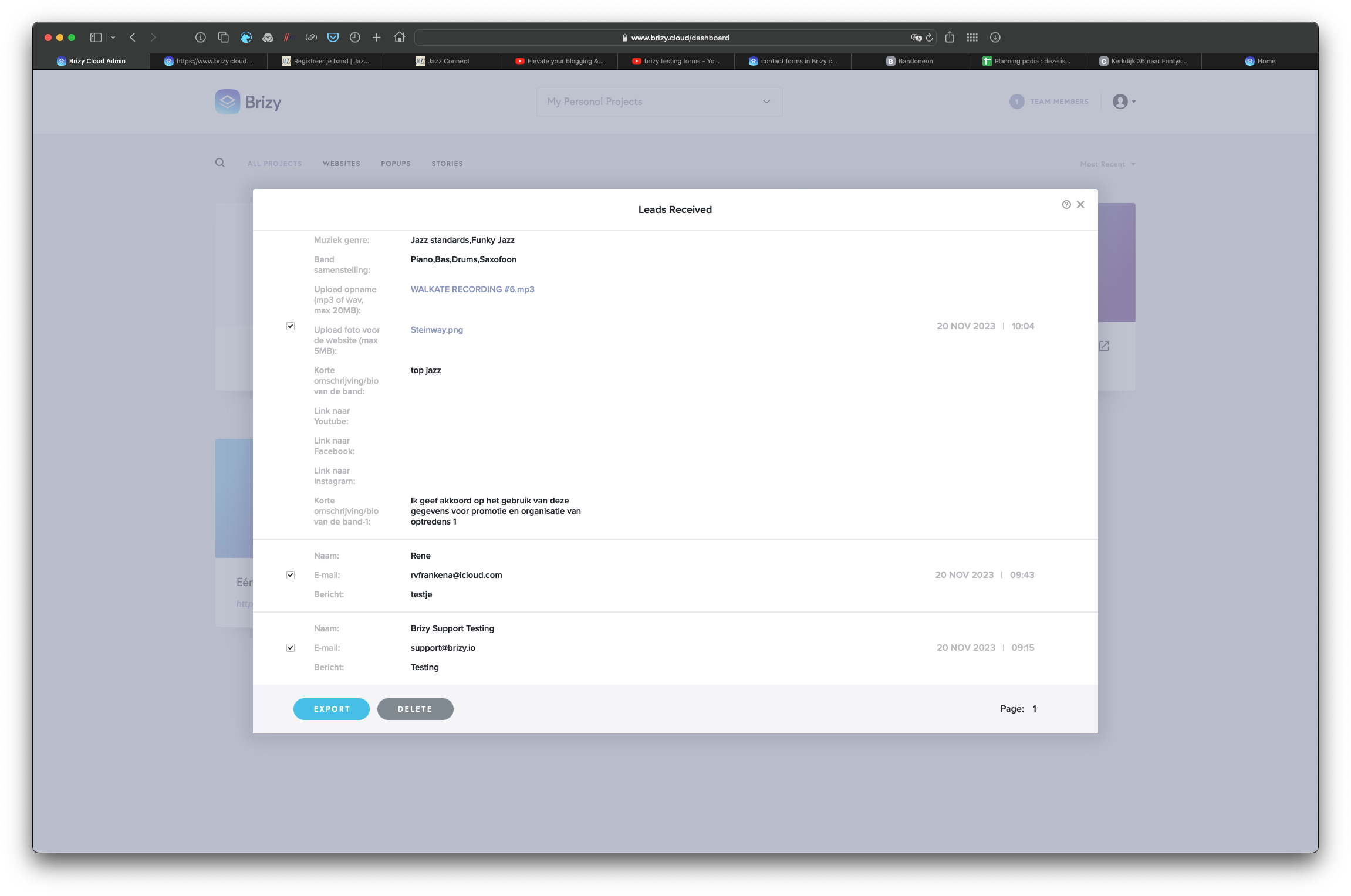
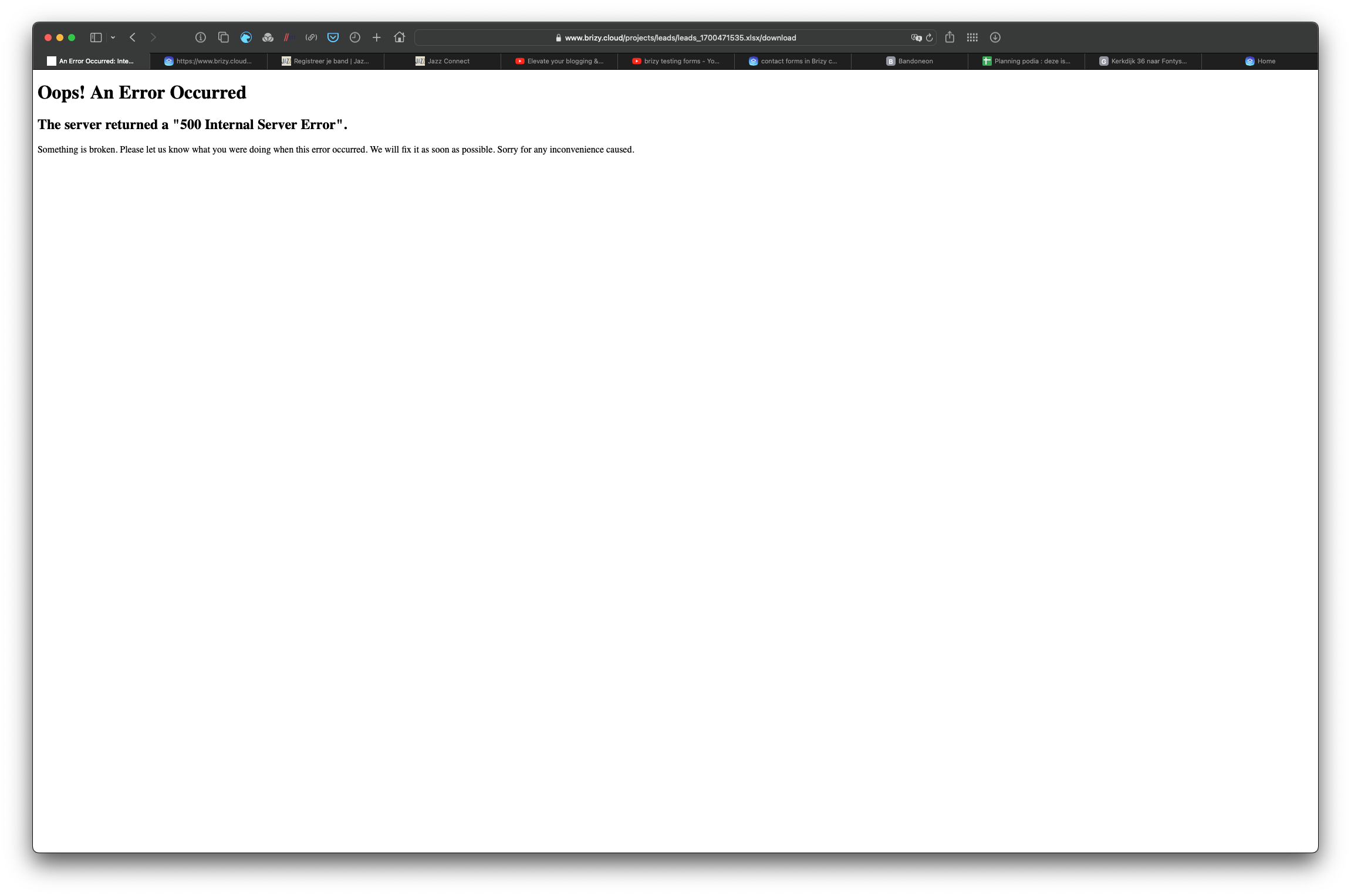
When I am in the lead section of the dashboard, I can only download attachments of the form when I click on the file, correct? I can export an css file (which does not contain the attachments). But when I click on .xlsx-option, the page crashes. Maybe that's because of the attachments? Is there a way to bulk-download attachments (since mails do not arrive either)?
 1
1 -
Hi Rene,
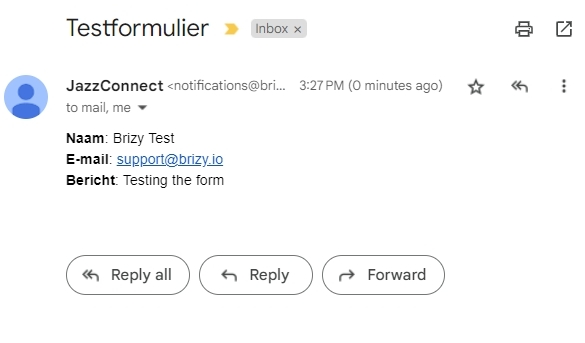
I have added my email address to your form at https://www.jazzconnect.nl/ and then filled up the form. I have received the notification in my email. Please check if you have received the same notification in your email address; including in your SPAM folder.
The leads export function has a bug at the moment. I have reported the bug and we will work on fixing it.
Uploaded files are available within a specific folder in Brizy Cloud. You can download these files from the Leads area. When the Export feature gets fixed, please check if the link to the uploaded files are included in the Excel or CSV files.
1 -
Thanks, email issue is resolved! I'll stay on the lookout for the fix of the lead export function. Thanks for your help!
0 -

Hi Rene,
Thanks for your patience. Can you please give it another try to export the leads and let me know if it's working now?
Best regards,
Ariel H.0 -
Hi Ariel, everything seems to work nicely now! Thank you for your help and attention! All the best, Rene
0
Please sign in to leave a comment.
Comments
6 comments