Click on CMS Menu Item shows white screen, no content - only in Chrome Browser

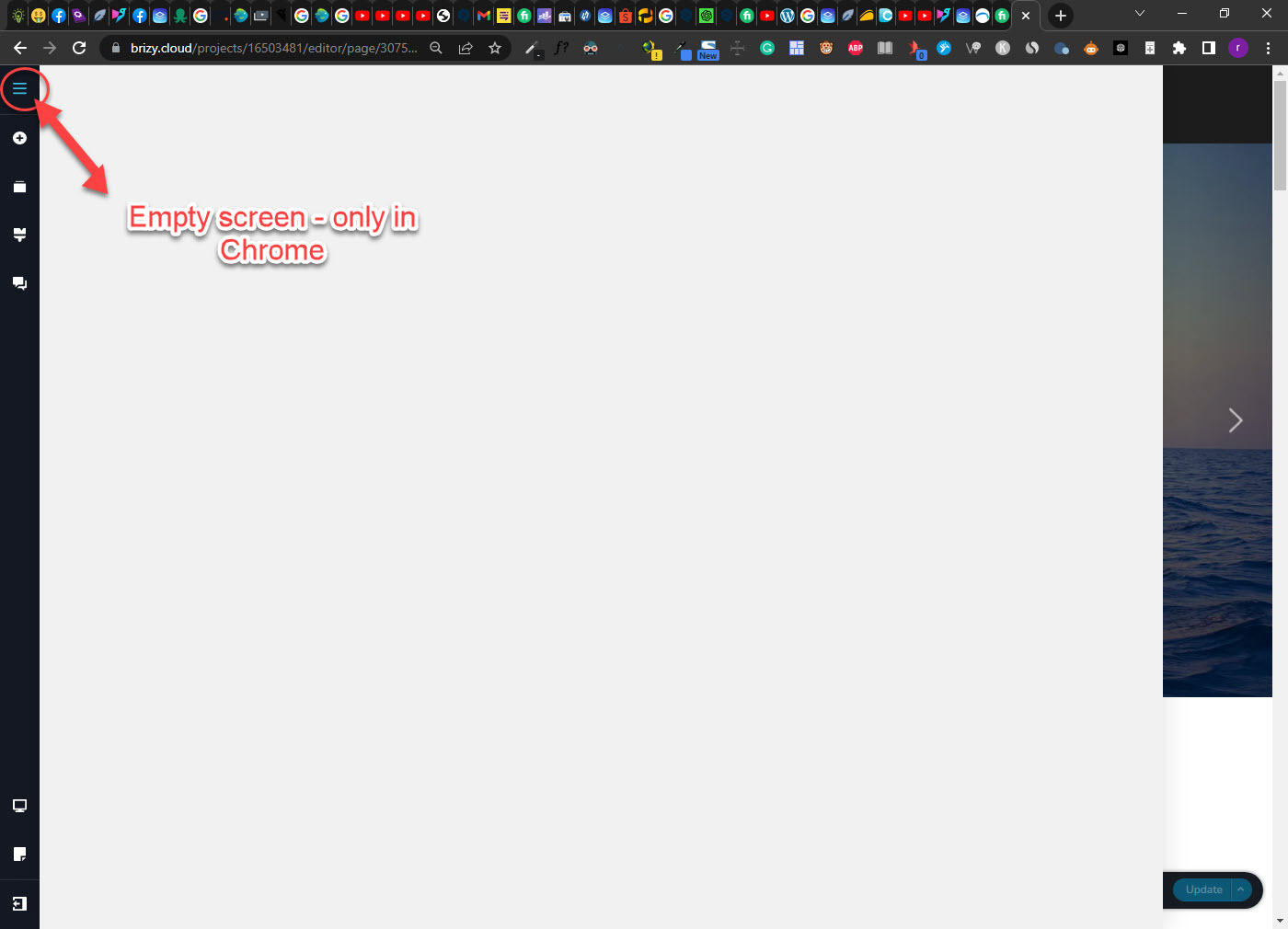
Hi, when clicking on the CMS Item, it only shows a white blank screen without any content. This happened since yesterday on all cloud projects in the Chrome browser. Edge, Firefox are ok.
Any idea?
-

Hi,
Thank you for contacting us.
Could you please provide us with some screenshots to demonstrate the issue?
I am looking forward to your response.
Best regards,
Ariel H.0 -
see screenshot
 0
0 -
Hi,
Thank you for your cooperation.
Could you please try it in incognito mode or try using another browser and see if this will make any difference?
Kind regards,
Ariel H.0 -
I tried chrome on a other account without exensions. There it is working. Edge, Firefox are also ok.
But on this chrome account, since yesterday a issue.
0 -

Hi
Could it be possible that one of the Chrome extensions you are using conflicts with Brizy Cloud editor? If you disable all extensions and enable one by one, you can identify the conflicting extension. Once you identify the conflicting extension, keep it disabled during Brizy editing.
0 -
I disabled all extensions but the issue is still the same. It is only the cms button, all the others are working well. So it must be something else.
0 -
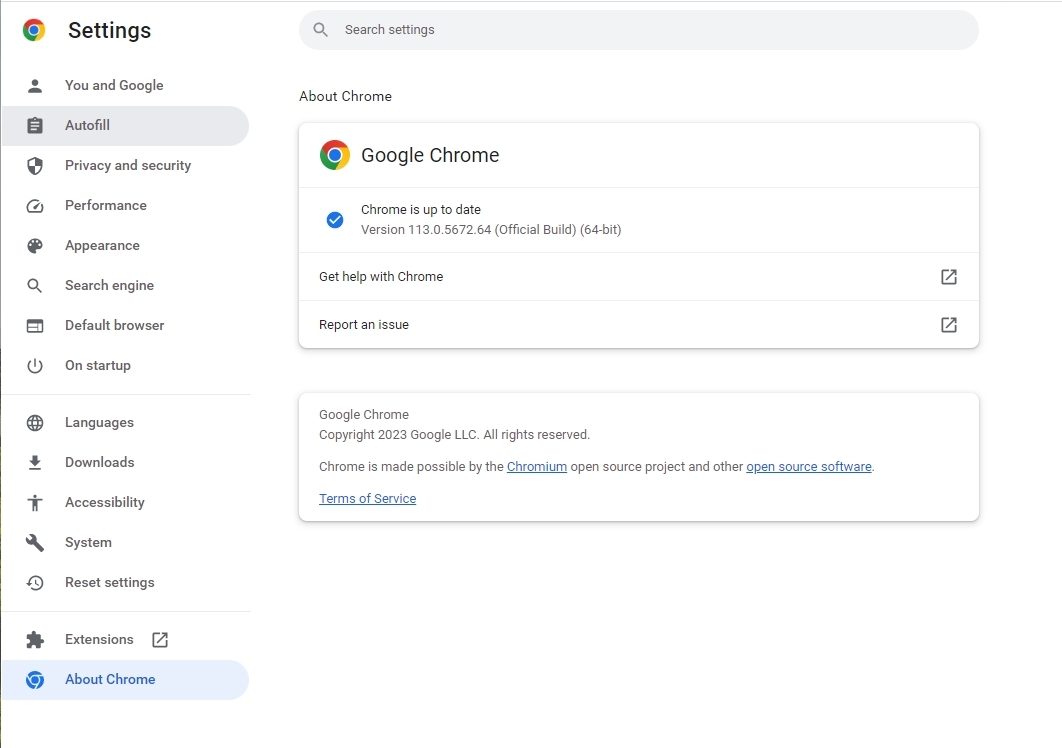
Under Settings - About Chrome, if you update Chrome to the latest version would it make a difference?
 0
0 -
updated Chorme, no difference.
I tried on another pc with the same chrome profile, all is working.
0 -
That means the issue is specific to your development PC. I guess the only option left is to uninstall and reinstall Google Chrome. You will also have to reinstall all Chrome extensions.
0 -
Before reinstall, I try to check Process Lasso and malwarebytes. Maybe they are blocking a process?
Thanks for your assistance.
0 -
Hi,
We've received similar issues before, please try adding your website to the Allow list - https://support.malwarebytes.com/hc/en-us/articles/360038479234-Exclude-detections-in-Malwarebytes-for-Windows
Please try this and let me know how it goes.
Best regards,
Ariel H.0 -
After the Malwarebytes Premium Trial's end, it works well again.
0
Please sign in to leave a comment.
Comments
12 comments