Problem of H3

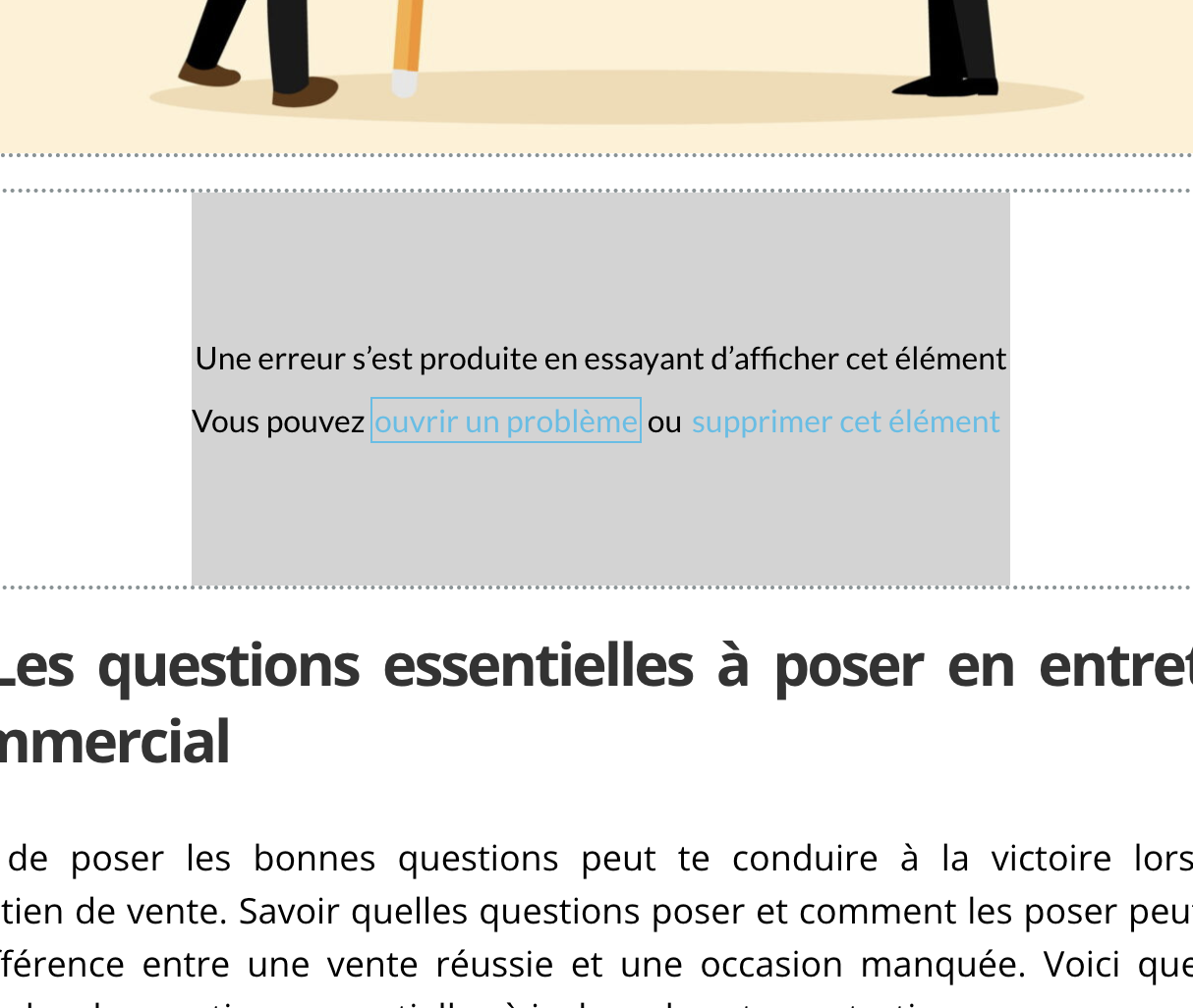
Each time i tried to place on H3 on a sentence,
it doesn't work and i have this error.
i can't stand it anymore because i have to written again a whole chapter.
I'it impossible to go back.
-

Hi Laurent,
Thank you for reaching out to us, and I'm sorry to hear that you're facing difficulties with this issue.
To assist you more effectively, please provide a step-by-step procedure to replicate the problem.
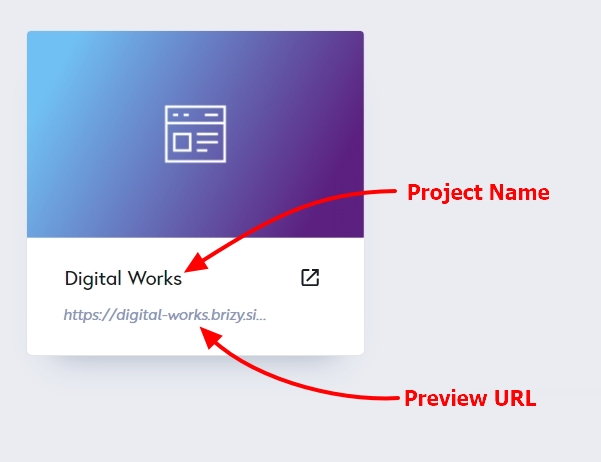
Additionally, kindly share the Project Name and the Preview URL of your project in the Brizy Cloud Dashboard, so we can inspect your site.
I am looking forward to your response.
Best regards,
Ariel H.0 -
Hello,
i have Brizy wordpress.
It is the name et the link of the article. Now it's finished.
_____
The problem is that each time i create one article i have a problem with H3 .
Another problem is that each time i have to desactivate Litespeedcache to upload a photo in the article. If i don't do this the picture don't appear while it is in the mediatheque.
thanks
Laurent
0 -
Hi Laurent,
Thank you for the update.
Regarding the issue with H3, I attempted to replicate the problem on my end. However, I couldn't reproduce the issue as described. To ensure a better understanding of the problem, could you please provide us with a brief screencast demonstrating the issue? You can use loom.com to create the screencast.
As for the issue with LiteSpeed Cache, unfortunately, this is a known conflict. To resolve this, please disable CSS/JS minification in the LiteSpeed Cache settings. You can find more information here: https://docs.litespeedtech.com/lscache/lscwp/ts-optimize/
Best regards,
Ariel H.0
Please sign in to leave a comment.
Comments
3 comments