Brizy Editor Broken

Hello,
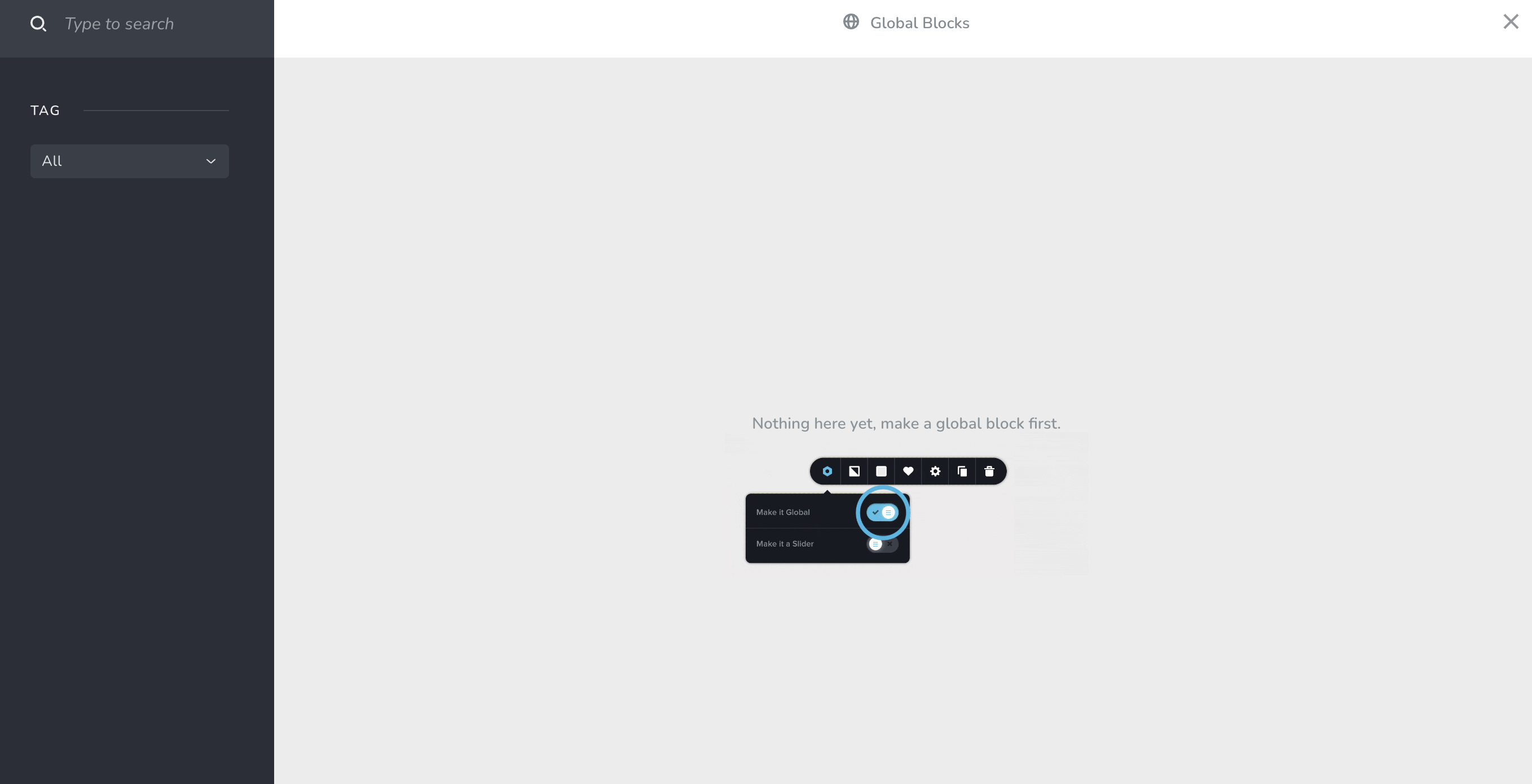
I just updated the Brizy plugins, and it will not allow me to add any blocks. It goes straight to the following screen. Please advice.
-

Hi Kristin,
Thank you for contacting us.
Please verify whether the issue persists when using a different browser.
If the issue continues, this is something we would like to investigate from your dashboard. Kindly share the WordPress credentials with us, so we can take a closer look into this issue. Please add us as a user to your WordPress Dashboard and send the following details to: communitysupport@brizy.io
Community Post link: https://support.brizy.io/hc/en-us/community/posts/14903663623314
WordPress Admin URL:
Username
PasswordPlease make a full backup of your site as a precaution before providing us access.
Best regards,
Ariel H.0 -
Yes, this issue is persisting. I don't have the ability to make a full backup of my site.
0 -
Hi Kristin,
Thank you for the update.
No worries, if there's no backup, we will be careful. Could you please provide us temporary access to your WP Admin credentials, following the instructions in my previous reply, so we can inspect your site?
Best regards,
Ariel H.0 -
I have sent the invitation.
0 -
Hi Kristin,
Thank you for your cooperation.
Can you please confirm whether you previously created any Global blocks on this website? I noticed several templates in the "Saved" tab as shown here: https://prnt.sc/1kHKyb1Y0-JZ
I look forward to your response.
Best regards,
Ariel H.0 -
I don't think I used any global blocks, I do have two templates, but each page has a different header. And yes, I saw some of my normal blocks there on the saved page.
0 -
Recently, I had also had an issue updating any pages. The wheel would just spin and spin.
0 -
Hi Kristin,
Thank you for the update.
I haven't come across the issues you mentioned when inspecting your site. If this issue occurs on specific pages only, kindly provide the URL of the pages where these issues occur, I would be happy to take a closer look.
Best regards,
Ariel H.0 -
Whatever you did, it's fixed now. Thanks so much for your help!
0
Please sign in to leave a comment.
Comments
9 comments