Possible bug report on video player element with Vimeo

Have recently found possible bug when using the video player element. It may be unique to Vimeo videos as I have not seen this issue so far with YouTube videos. Running latest versions (as of 10/30/23) of Brizy and Brizy pro for WP.
When using the video element, I commonly use a custom image with the controls on so I can control the color of the start button. This has worked fine for several years. Recently I updated a video with a newer version on a page with the video player element. When I went to test it, pressing the play button would launch two identical streams in the same player and because sometimes there would be a lag between streams, it caused a weird echo in the sound. If I paused the visible video, the second stream audio continued to play, although I could not see the video.
The problem was replicated on Chrome and Edge browsers. I tried changing settings on the Vimeo video turning controls on and off, with no effect on the bug. The fix for me right now is to not use a custom image and leave the controls on in the video plater element setup. Thus I get a default small retangular play button from Vimeo, instead of my preferred larger round button with custom colors that normally comes with the Brizy video element.
So this is not a production issue, just more of a minor annoyance that you may want to investigate for your next update..
-

Hi Chris,
Please check if you see the same issue on this page I have created https://brizy.tech/vimeo/ Pressing the play button launches only a single stream of video at my end. I also tried turning off the controls; still could not reproduce the issue.
Can you please confirm if you are using these versions of Brizy and Brizy Pro?
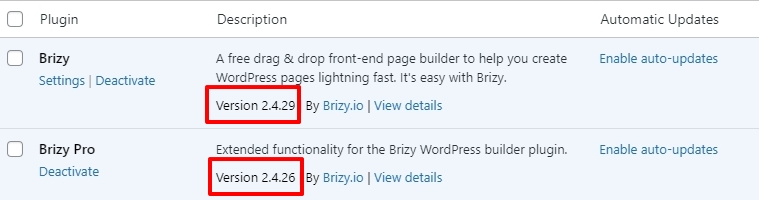
Can you also please share a URL where we can see this issue?
0 -
Yes Brizy is on current versions as is WP and all other plugins.

Here's how I replicate the error. I insert a cover image with controls on as shown below. Linked video is on Vimeo.
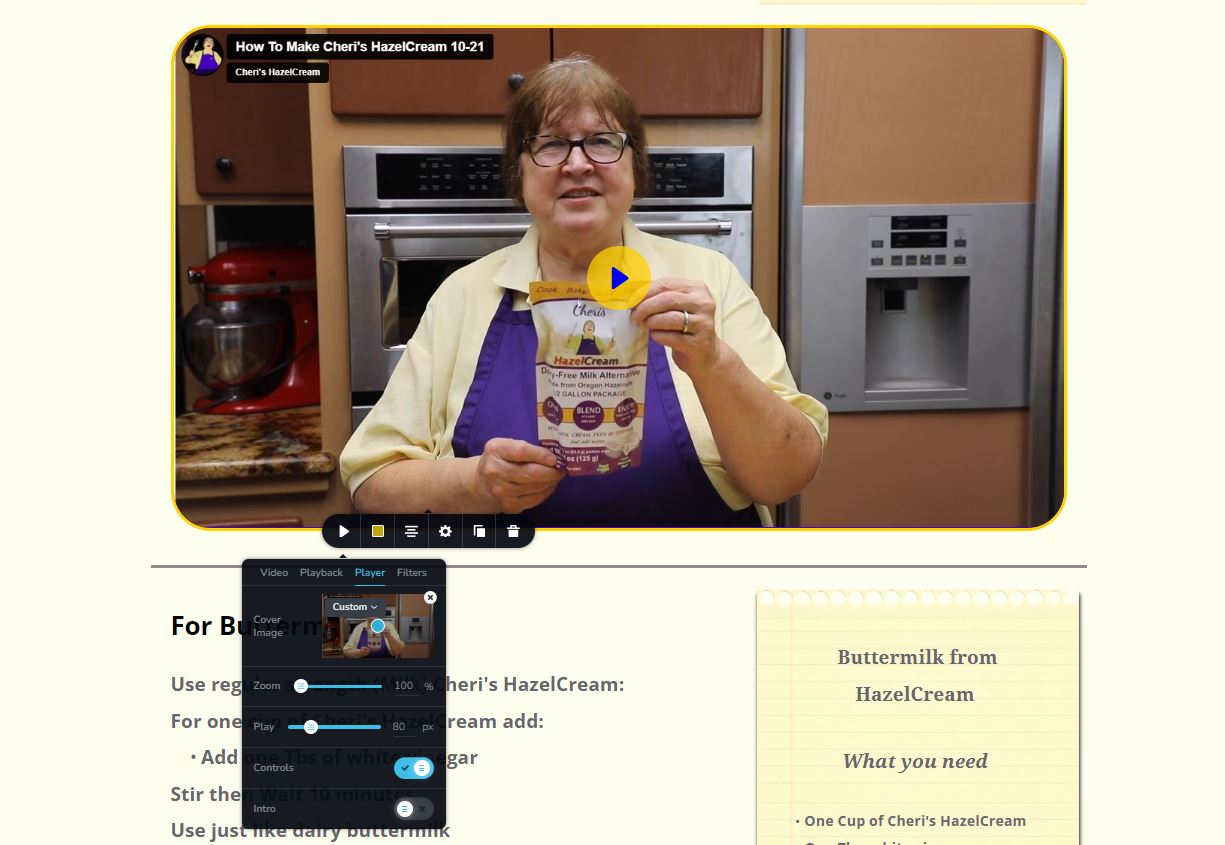
Now below is a video that illustrates the error in action. This is running on Chrome Browser in an incognito window, I can also replicate this on MS Edge with or without incognito. Have not had time to test on Safari.
I used the native Windows 10 Xbox recorder to record my screen. I saved that recording to YouTube so you can view it. See link below:
You can immediately hear the echo. Watch as I try to stop the playback which works on only one of the two streams which staggers the sound. Note also on the second replay it works correctly.
So as not to disrupt site operation, I need to revert to my fix by removing the cover image now so you will not see the error, but the location of the page is https://cherishazelcream.com/how-to/
As I stated, I have a workaround but it may be an issue for you to investigate for the future.
0 -
Hi Chris,
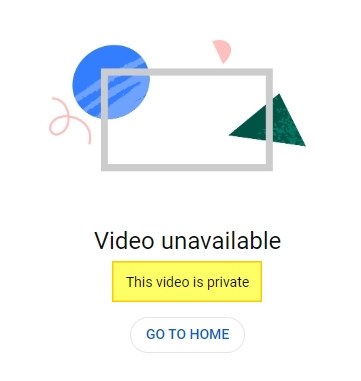
I see this message when trying to access the YouTube video you have shared . You may need to set the video as 'unlisted' instead of 'private'.
I have developed my test page with exactly the same settings as yours, but I am unable to replicate the problem. On my page, https://brizy.tech/vimeo/, there is only one audio playback.
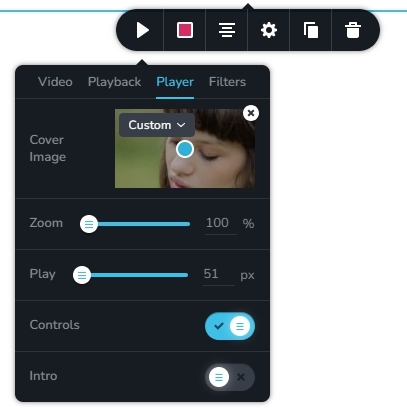
If you give us access to your project, we can take a look and check what could be causing this behavior.
0 -
Sorry for the video being incorrectly set to private. I fixed it this morning. Please try to view it again. It will help you understand the behavior.
We are in the middle of a major campaign right now but once we are clear in a few weeks we could grant access. Again this is a low priority issue for us right now.
0 -
Hi Chris,
I watched the YouTube video which demonstrates the issue. Dual audio playback is an unusual behavior.
I recreated my test page with your video and thumbnail. Still unable to replicate the issue. https://brizy.tech/vimeo/ When your campaign gets over, we can take a look at your WordPress Dashboard
0
Please sign in to leave a comment.
Comments
5 comments