404 page is not working

Hello,
I created a 404 page under the templates function and published the page, but for some reason, nothing loads when you input an incorrect URL. Will you please take a look at this for me?
The main domain is projectscientist.org.
-

Hi Pia,
Thank you for reaching out to us.
To ensure clarity, could you kindly confirm if the following steps were followed on your end:
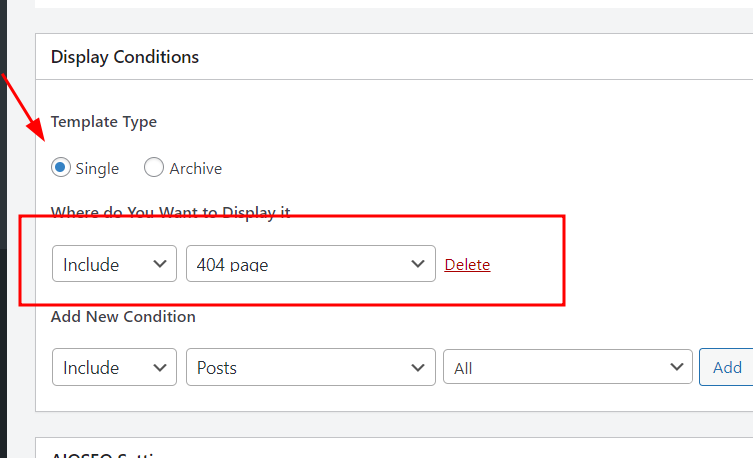
The "single" template should be selected and the location where you wish to display it should be set to the 404 page.
In your WordPress Dashboard under Speed Optimizer - Caching, please also purge all cache. Please have a look at this screenshot https://jmp.sh/RRnwpTz7
If these steps do not help, this is something we need to inspect from your WP Admin page. Please add us as a user to your WordPress Dashboard and send the following details to: communitysupport@brizy.io
- Community Post link: https://support.brizy.io/hc/en-us/community/posts/14769613512594
- WordPress Admin URL:
- Username
- Password
Please make a full backup of your site as a precaution.
I am looking forward to your response.
Best regards,
Ariel H.0 -
Hi Ariel,
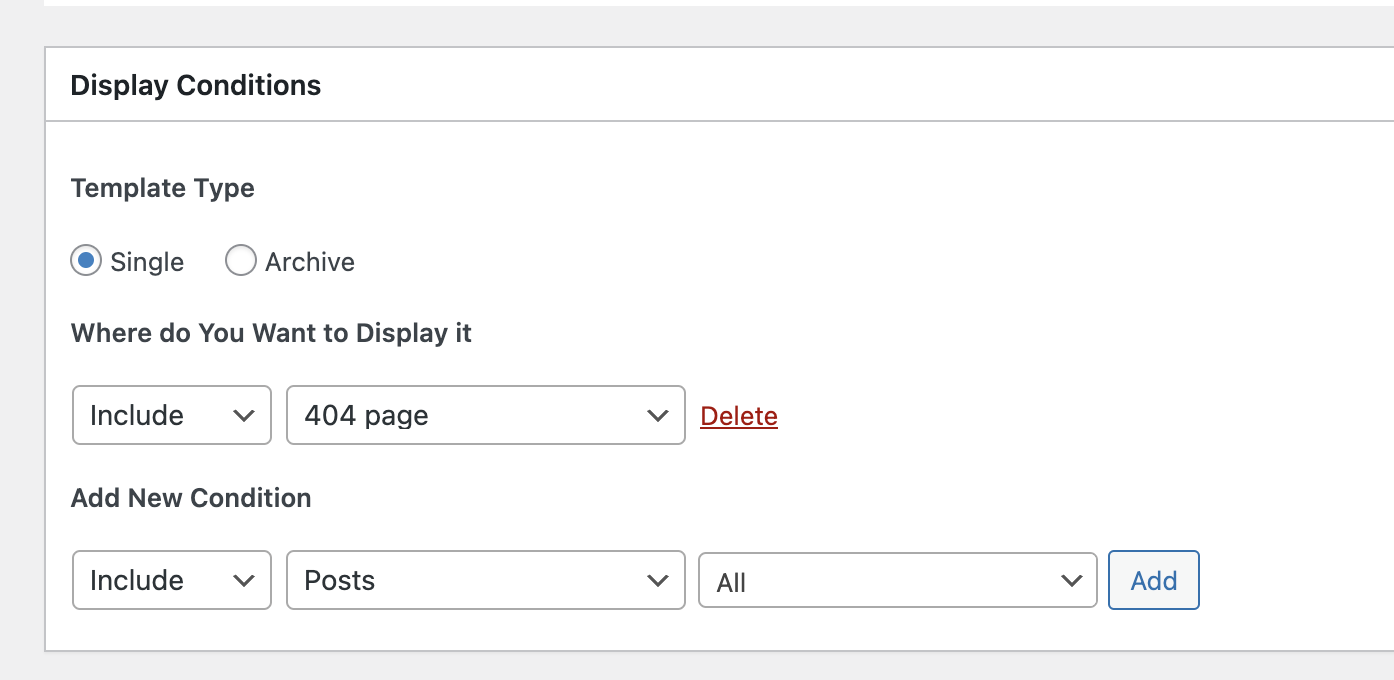
Yes, I have those conditions on the page and have purged the cache as well. I will send over details now.
 0
0 -
Hi Pia,
I tried to log in to your site with the credentials provided, however, it doesn't work - https://prnt.sc/TBOSMycqtVa6
Could you kindly review the credentials and resend them, so we can inspect your website.
Best regards,
Ariel H.0 -
I just sent you a password reset link. Hope that helps.
0 -

Hi Pia,
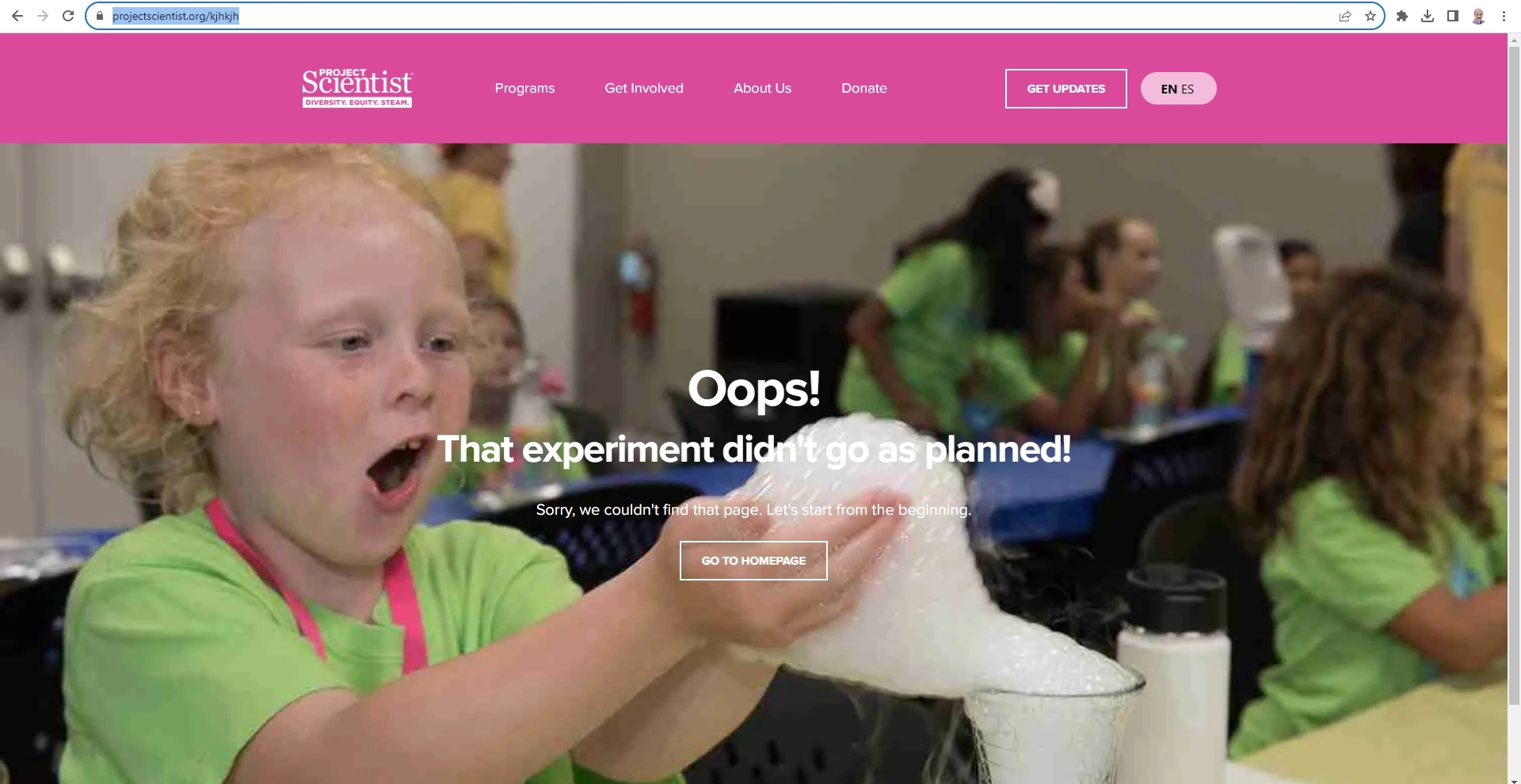
Thanks for the access to your WordPress Dashboard. When visiting a non existing page, I do see the Page Not Found template. I did not make any change other than purging cache.
 0
0
Please sign in to leave a comment.
Comments
5 comments