Images Overlapping column in Posts template

I have created a page template for the Blog Posts and for some reason when an image has a Caption, the image will overlap with the sidebar column in the template. You can see an example of this issue here:
https://visionzeronetwork.org/building-a-strong-foundation-for-safe-mobility/
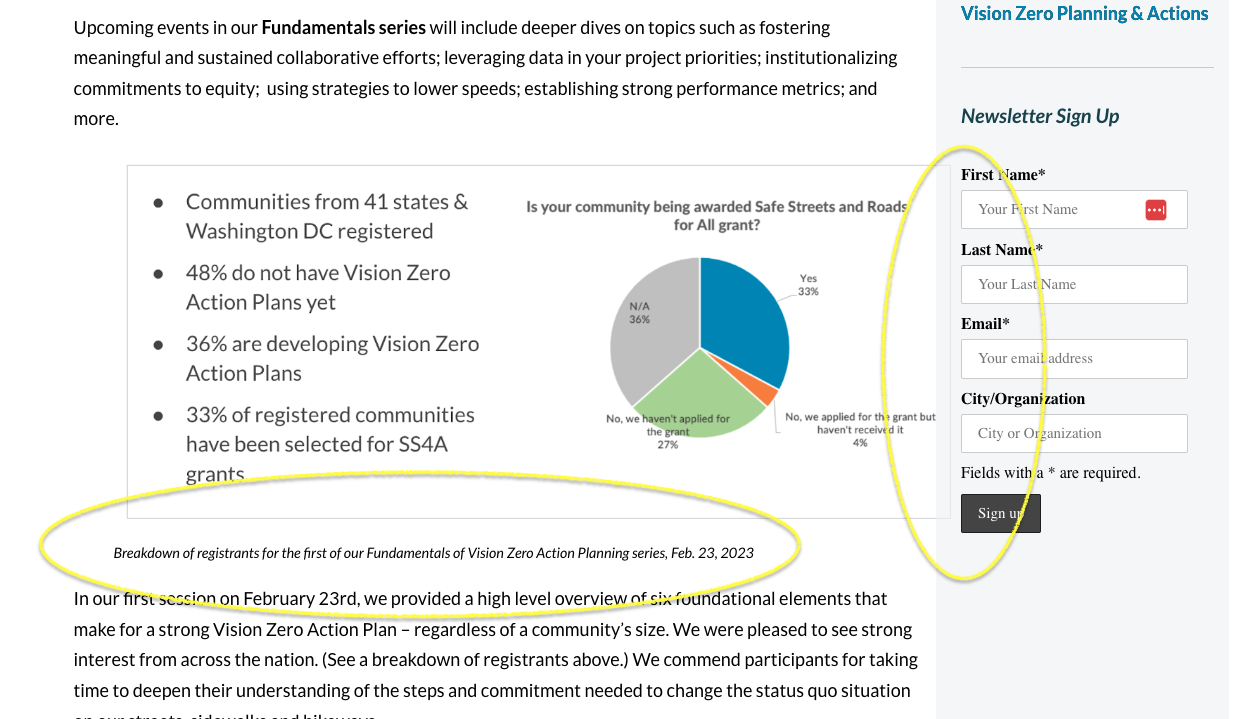
When I remove the Caption, the issue is resolved. Can you please help? I am not sure why this is happening.
Thank you!
-

Hello Eric,
It seems that the issue you are experiencing is related to your theme, specifically with the caption width being forced to 100%.
To resolve this issue, please add the following custom CSS in Dashboard → Appearance → Customize → Additional CSS.
.wp-caption {
    margin-bottom: 1.5em;
    max-width: 90%;
}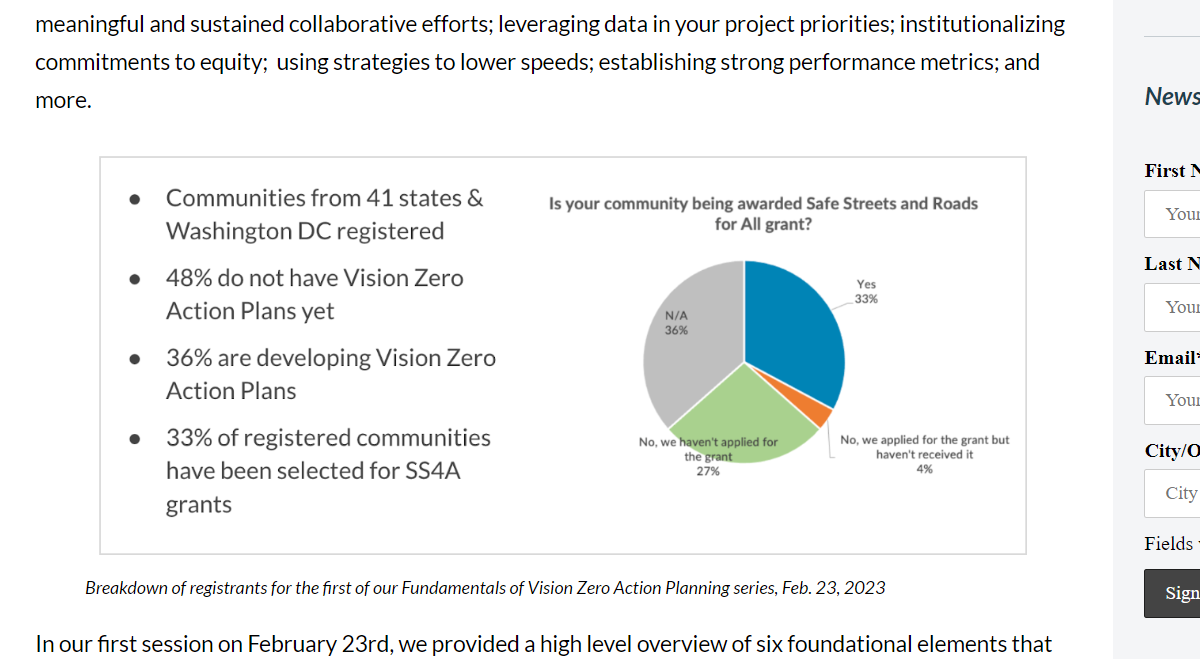
You may change the value of the max-width as needed, as long as it's not 100%.I hope this solution resolves the issue you were facing.
Best regards,
Ariel H.0
Please sign in to leave a comment.
Comments
1 comment