Problems with images

Hi,
I am having some issues with images.
When I try to charge an image, it doesn’t work, brizy gets frozen and that's it.
Finish, nothing happens.
I have to reload the page and sometimes I lost my work for this question.
In the last weeks I avoid to charge pictures, but now I need to change my website. What can I do?
-

Hi Irene,
Thank you for reaching out to us.
Please try using another browser. Occasionally, issues like this arise due to browser-related issues. I suggest trying an alternate browser to see if the issue persists. Please inform me of the outcome.
Best regards,
Ariel H.0 -
Hi Ariel,
I tried and in the same.
When I try to load a picture nothing happens.
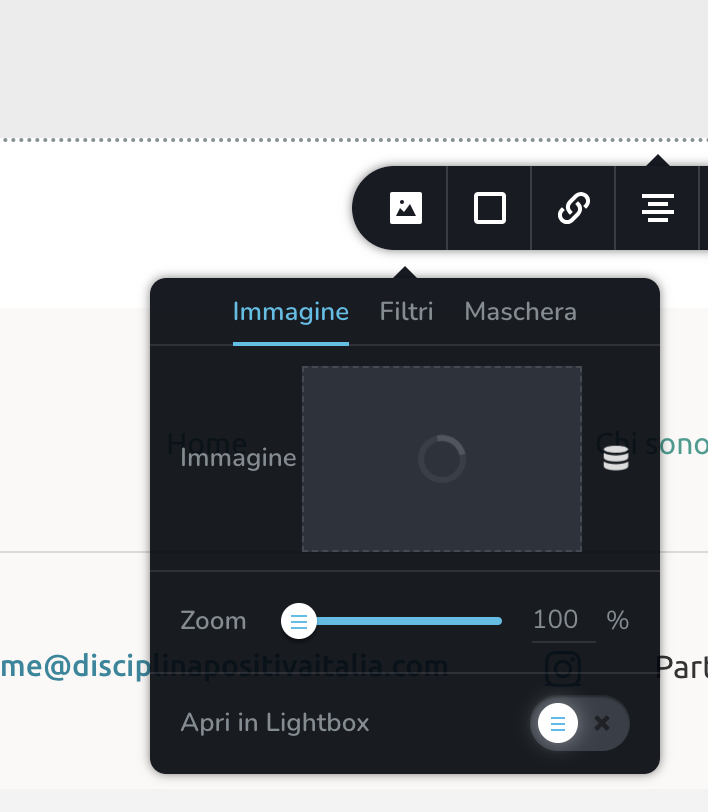
I upload a picture here, I see this and nothing else. What can I do?
 0
0 -

Hi Irene,
I uploaded an image to one of your projects. You can see my test page here https://nowculture-pitch.brizy.site/brizy-support-test You can see this screen recording for my test https://jmp.sh/IqoE685z
It is likely that something in your computer/network environment interferes with Brizy Cloud image upload. Please check these
- If you are using an antivirus software like AVG/ McAfee please temporarily disable it and try to upload an image to your project
- If you are using Windows Defender Firewall or another firewall software, please disable it and check again
- If you are using a Malware protection application like Malwarebytes or a browser extension like Malware bytes browser extension, please disable it and check again
- If you are using an ad blocker software/ browser extension, please disable it and check again.
- If you have another security software which monitors other software on your computer please disable it and check again.
0 -
Hi,
my project is on wordpress (https://disciplinapositivaitalia.com/) not those that you uploaded the photo in.
I've tried to upload a picture again, I don't have any ad block active, I tried with google, safari and mozilla and the upload is not working.
What can we do?
0 -
Hi Irene,
When you are adding a support request, please select the 'Brizy WordPress plugin' option for a WordPress related issue.
Recent Brizy versions have incompatibilities with Jetpack Image optimizations. If you are using Jetpack and have enabled any of the following options, please disable it to upload images using Brizy.
- In your WordPress Dashboard under Jetpack - Dashboard scroll down to the heading "Performance and Growth" and disable the option 'Image Accelerator' https://jmp.sh/SU32wfE9
- Under Jetpack - Settings, under the Performance tab, disable the option 'Speed up image load times' https://jmp.sh/neap53iR
- If you have installed Jetpack Boost, under Jetpack - Boost disable the option 'Image CDN' https://jmp.sh/FUSoE1ZP
Please change your WordPress theme from Seedlet to Blocksy or another theme featured here https://www.brizy.io/theme-partners and check that if that makes a difference.
If none of the above helps, please get back to us. We will need access to your WordPress Dashboard to offer further help.
0 -
Hi,
I tried your tips, and nothing changed.
I just created an account for you:
I hope you can help me, I look forward to your news. Thank you.
0 -
Hi Irene,
A specific Iubenda setting interferes with the Brizy image upload function. I have disabled the setting to allow uploading of images using Brizy. I could upload an image to this test page https://www.disciplinapositivaitalia.com/test-brizy-support/
In your WordPress Dashboard under Iubenda - Privacy Controls and Cookie Solution, I have disabled the option 'Automatically block scripts detected by the plugin' Please see this screenshot https://jmp.sh/EPmIliqM
Once you finish making updates to your website, you could enable this option in Iubenda.
0
Please sign in to leave a comment.
Comments
7 comments