Blog Category Template - Blurry Feature Images

Dealing with an issue with Brizy while working on a blog section for my website.
I have made a couple of Brizy Templates. A Single Post Template, and a Category Template. My single post Feature Images are blurry and unusable when displayed on the posts archive page or any other area/page that I use the Posts feed on. Feature images from single posts and categories alike.
I have tried many different images sizes with no luck. I have tried jpg & webp.
This wall I have hit has brought the project to a grinding halt. Any help would be very appreciated.

-

Hi Carl,
This article, How to Change Your Featured Image Size in WordPress recommends the size of 1200 x 628 pixels for WordPress featured images.
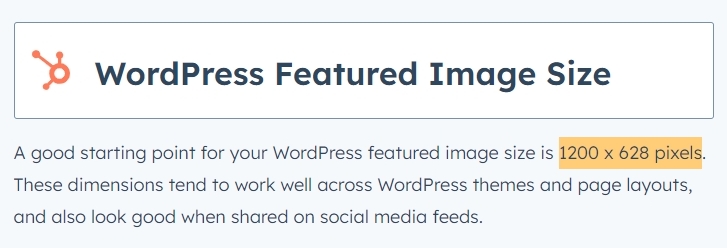
Please try this recommended size for your featured images. You can use either JPG or WEBP files.
After uploading appropriately sized images, if you still feel a drop in image quality, please select the 'Original' size option for featured images.
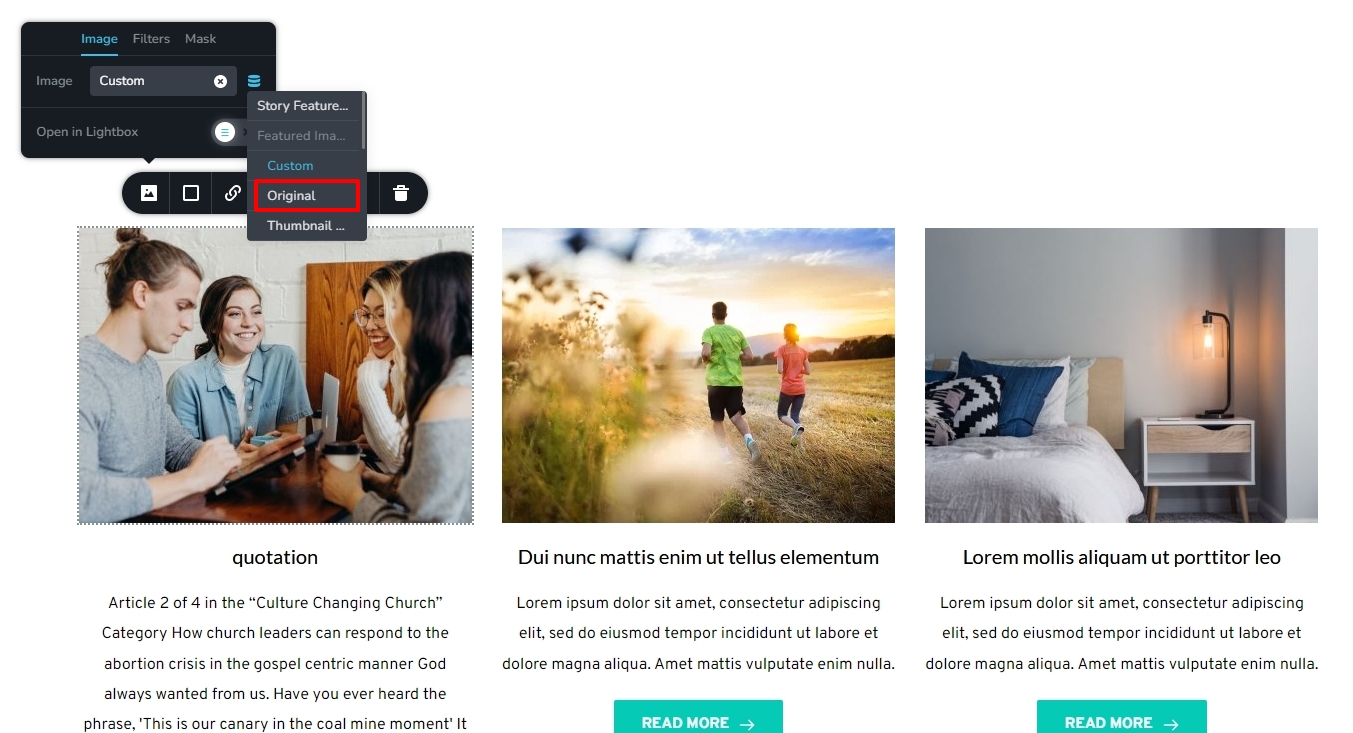
Please let us know if you would resolve the image quality issue with these two suggestions.
0 -
Hi KC George.
Thank you so much for your insights and for your time!
The image size/quality in this particular case have nothing to do with the issue at hand. I can tell you that I have discovered the issue pretty much goes away when I set the Brizy Block width to Full, and do not used the option for boxed. If I set block width to boxed all of the post archives display very bad, and I tested this several times to ensure that this is indeed the problem. If I set the block width to Full the issue goes away.
If you would like to look further into this I am happy to do so. It may be an issue Brizy wants to fix for other users of Brizy. As long as my current work-around continues to work, I am happy.
As always, thank you very much! I appreciate your help.
0 -
Hi Carl,
I have not noticed a difference in quality in images when using a boxed and full width block designs so far. I could be a bit blind to image quality issues.
You could also fix the issue by setting the 'Original' or another size option for your featured images. Please have a look at this page. https://brizytest.online/posts I have a Posts element in two blocks, one is boxed width and the other full width. Do you see image quality issues on this page?
0 -

The issue still exists. Im also running the Blocksy Theme.
Here is the Image with Custom setting: Its Blurry.
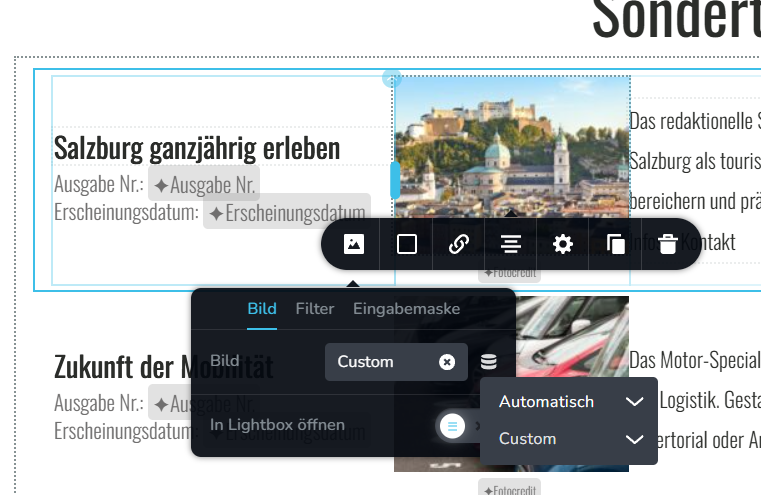
And here with Original: Looks Sharp. (The screenshot here is zoomed)
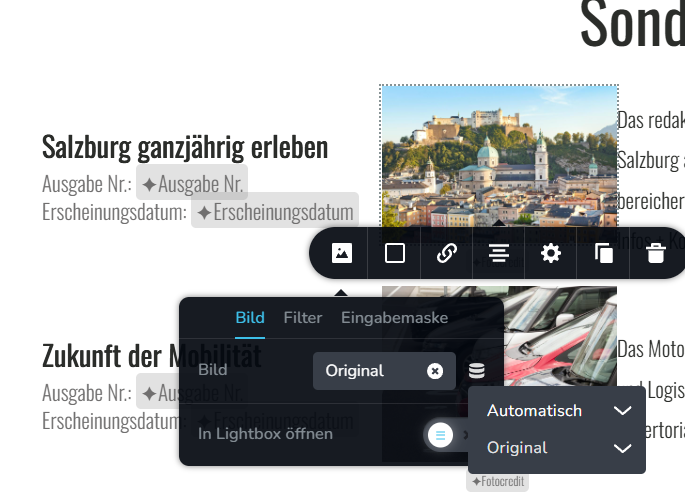
there is s clealy visible change in quality. Is there a way to define the custom paramers used in the resized image creation? some way to change the resolution or compression settings of brizy?
The only way i found to kinda fix this issue was to set a specific thumbnail size in Settings - Media that would match the size i want there: (4x3, decent resolution)
And then setting Thumbnails as the Size for Images in Brizy. That way you will get more or less what you want, but of course loose the flexibility of image resizing of Brizy if you want another aspect ratio.I consider this to be a bug of Brizy. It would be great if Brizy would fix this by generating proper resolution images that look sharp.
0 -
Hello Georg,
What is the average size of your Featured Image in pixels? If your featured images have 1200 x 628 pixels or higher resolution, the image quality should be reasonably good when choosing the custom size option. Kindly share the URL of the page where you are experiencing this issue. We will take a look
0 -
The image Quality in this example was 1000x667 since i dont see the point in uploading the full 4k Image since the actual view size would be just around 300x200 pixels anyway.
The thing is, it works if you manually define the resolution of thumbnails for example. And looking at the amount of posts on this forum that are basically about the same thing, i think the way how brizy compresses images needs to be reworked. The resolution is not a question thats defined by size, but the compression is way to agressive. Everone sees a clear loss of quality, otherwise those posts wouldnt exist.
Maybe Brizy could implement a compression mechnism from here: https://squoosh.app/All codecs are on github and they would deliver maximum compression with 0 visible quality loss.
0 -
Hello Georg,
Usually you will find two kinds of Brizy users. Users who are
- Focused on Page performance. These users look for the performance score Brizy pages receive on Pagespeed Insights and GT Metrix and other similar tools. These users appreciate that Brizy resizes and optimizes images for different devices. The "Custom" option is designed for those who are focussed on performance and the images are resized and optimized aggressively for such users. If you choose this option, you must upload images of certain minimum height and width so that after resizing, images still have reasonably good quality. Eg: https://www.zrucnosti.eu/
- Focused on Image Quality: There are photographers, hotels, restaurants and some designers who want to showcase high quality images on their websites. They are willing to compromise page performance for the sake of displaying higher quality images. We have designed the "Original" size option in the Image element for such users. Eg: https://momentchiangmai.com/
1200 x 628 pixels for featured images is recommended for boxed size featured images in your blog posts like https://www.brizy.io/best-mobile-website-builders If your blog posts display full width featured images like https://www.rishikeshwalks.in/the-sacred-river-walk 2000 x 1200 pixels is recommended for your featured images. Kindly use images of the above sizes for reasonably good image quality. You could use a service like https://tinypng.com/ to optimize images before uploading.
0 -
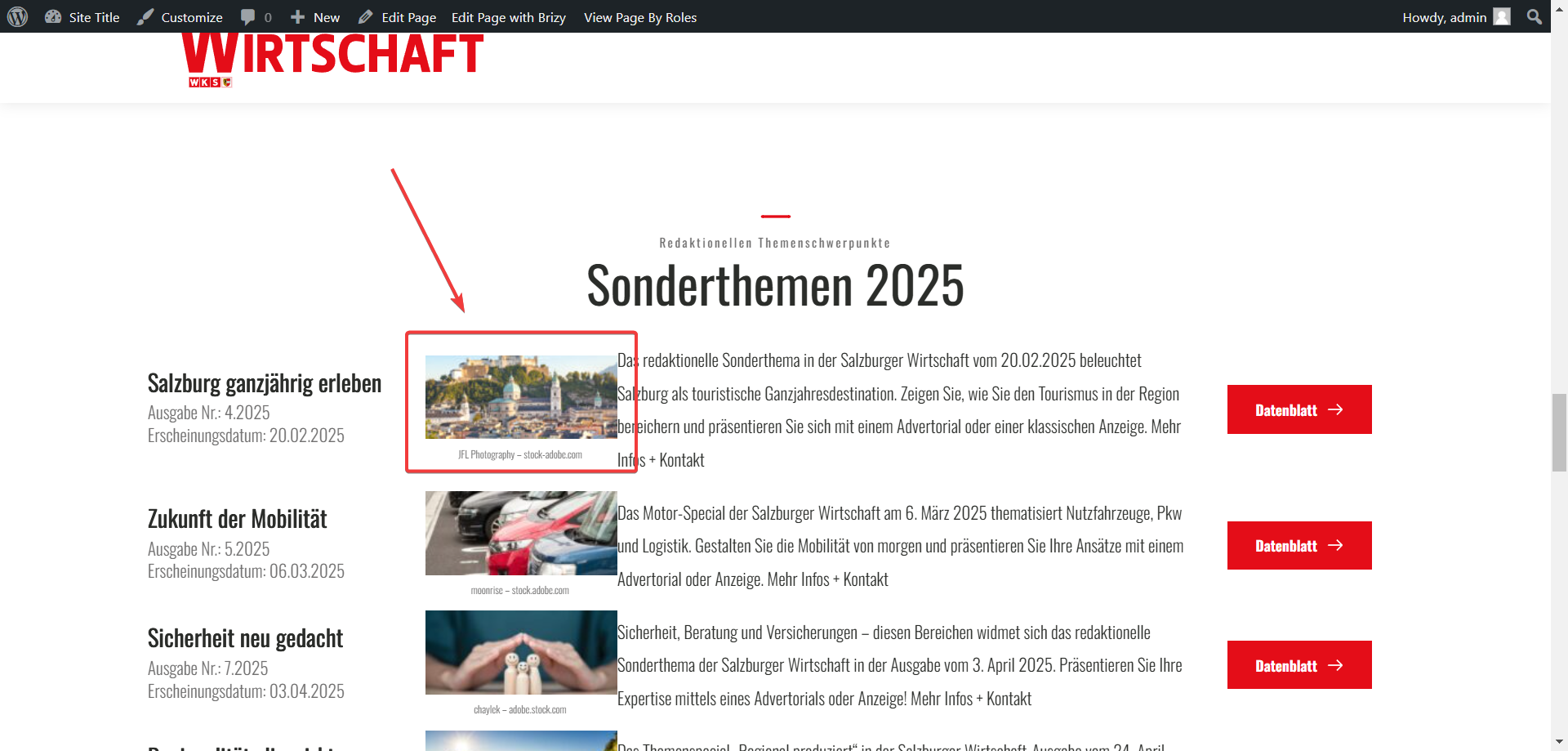
Ok i tried your suggestion, but it doesnt work. Please login to our test enviroment. We now use a 3600px image and still dont get a sharp image using the custom size settings.
We are testing this specific image on the mainpage:
 0
0 -
Hello Georg,
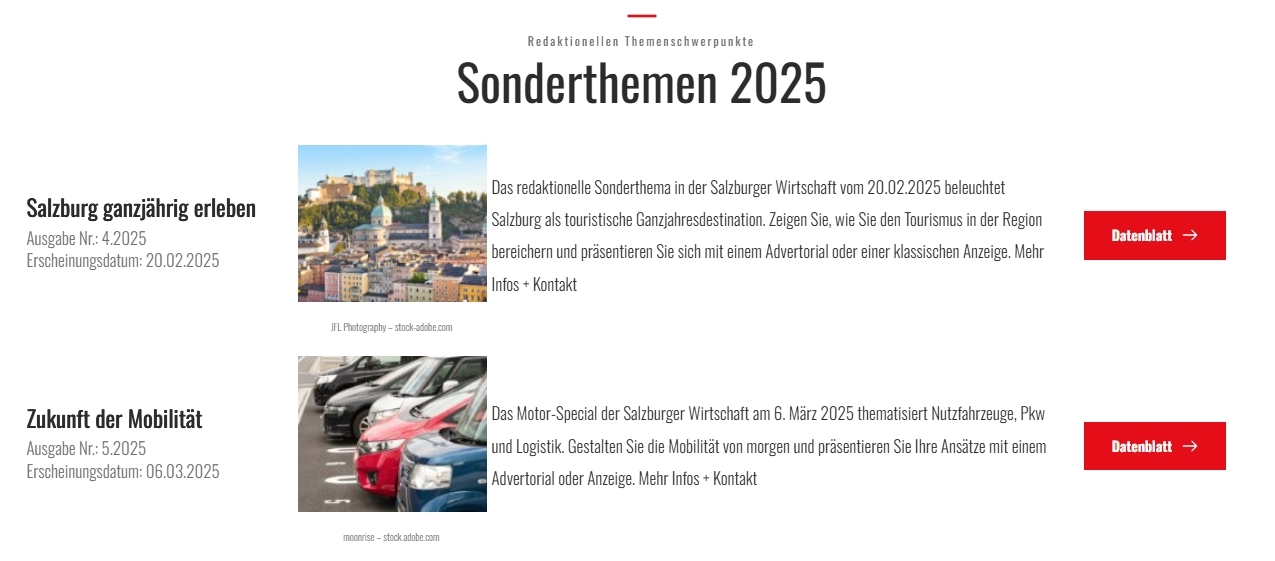
Looks like you were seeing a cached page earlier. I removed the image element and added it again to update the featured images. Please check if the image quality looks better now.
 0
0 -
no the result is still blurry. i checked in a private tab, no cache.
i see you changed the size, but the result gets denied as not good enough from the client i work for. they want to see proper sharp images if they give us high res images to work with.so the higher than 1200 x 628 pixels requirement did not have en effect on the resulting image quality.
0 -
Hello Georg,
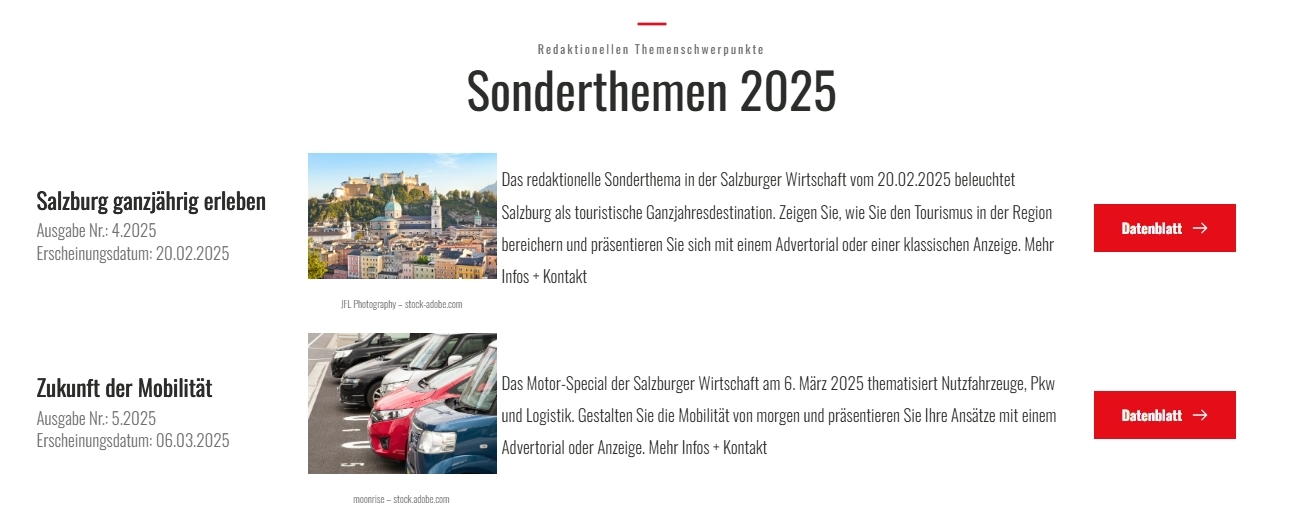
What I had done earlier was the best we could do with the "Custom" size option. If your client needs higher resolution images, you can try the "Large" size images in WordPress. I have changed the image sizes to "Large". Please check again.
Increasing the size to "Large" will compromise page performance. Higher the image quality, the lower will the page performance.
 0
0 -
i think the best solution for now is to
- define the size in the image by creating the final design/layout of the page in brizy
- compress the images before uploading it to correct specifications
- show those images as original
that way you have both the optimal quality, and the best possible loading speed.
0
Please sign in to leave a comment.
Comments
12 comments