Something went wrong

Hi I migrated my site recently. When I go to Edit with Brizy it displays "Something went wrong" error and the spine is loading for ever. Can you help me with this? Maybe it's a configuration of the server?
You can check it by going this link: removed
-

Hi Gera,
Thank you for reaching out to us.
Upon checking, it appears that the issue is linked to Mixed Content. Here's how we identified the source of the problem: https://youtu.be/P60cKgPoyio
To fix it, we kindly request that you update the Home and Site URL to use HTTPS. Alternatively, you can consider installing the Really Simple SSL plugin, which can effectively resolve this issue.
Please try this and let me know how it goes.
Warm regards,
Ariel H.0 -
Hi Ariel, thank you for your time and share that video!
I've install and activate the Really Simple SSL but the problem stills there... What do you recommend to do? Maybe if I delete everything (files and database) and make the migration again will fix this?
0 -

Hi Gera,
In your WordPress Dashboard under Brizy - Settings - License tab, do you see a notification "Execution stopped. Attempt to save invalid project data"
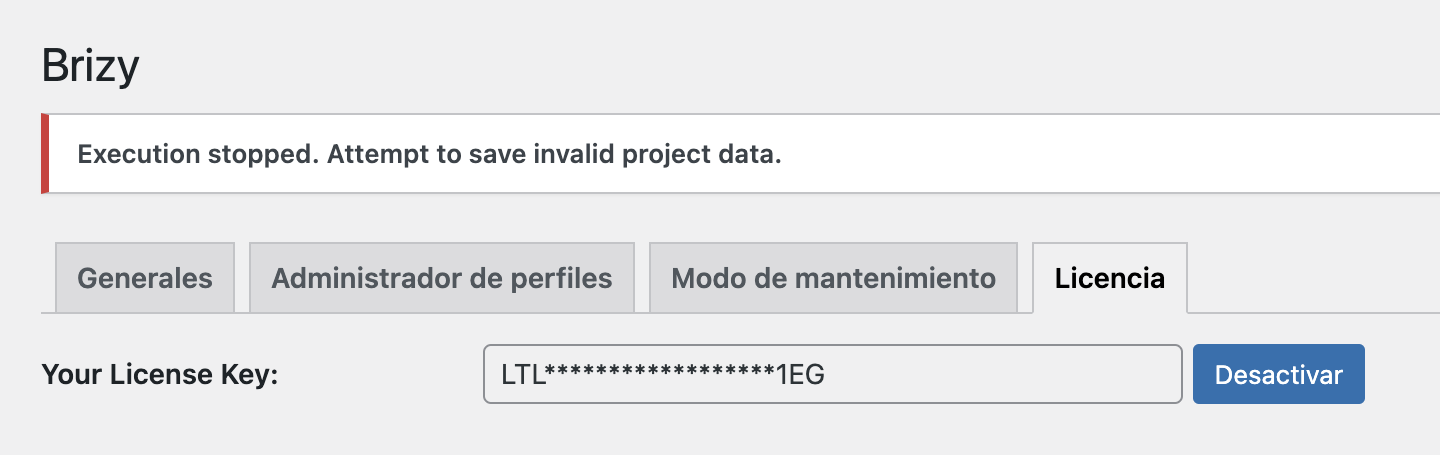
If you see this message after migration, we will need access to your project to fix this issue.
0 -
Hi KC George,
No, I don't see that, everything normal here...
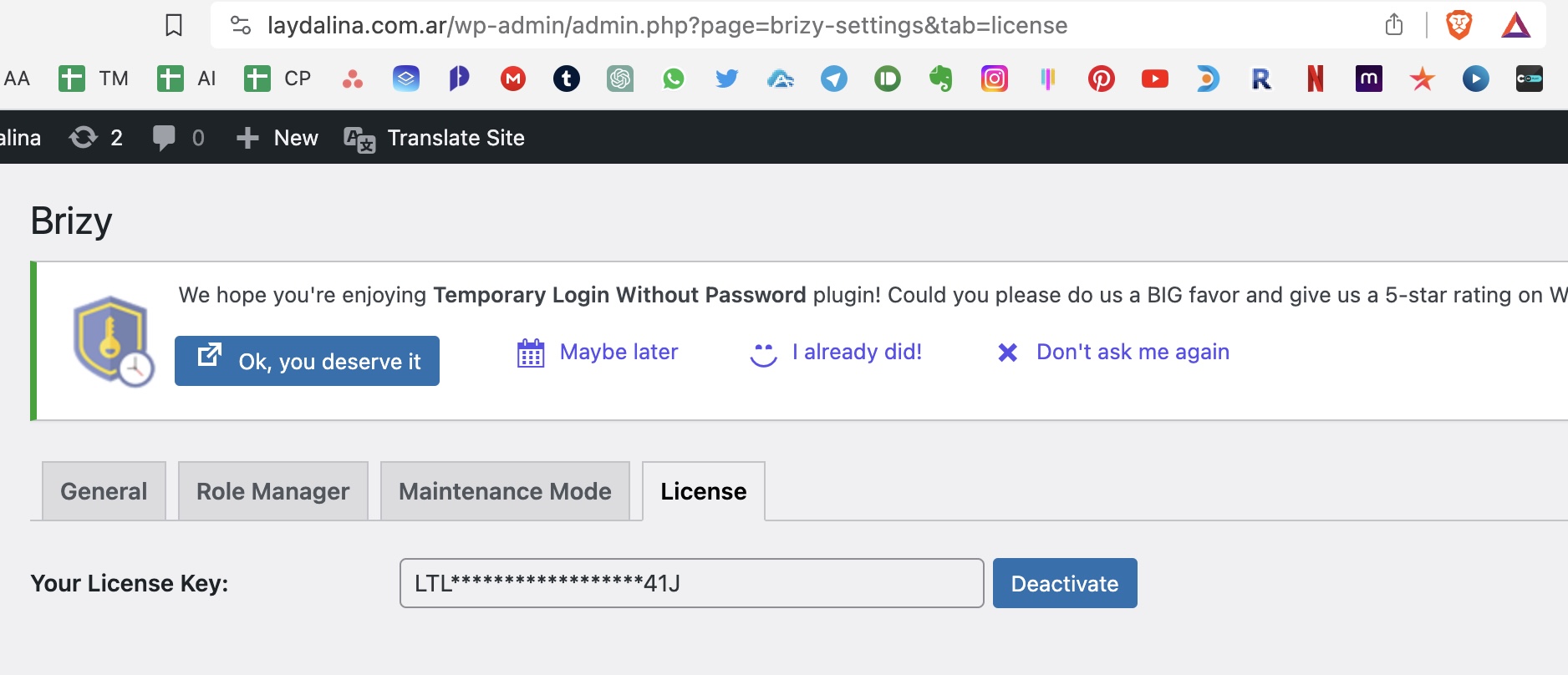
If you need to access, here you have the link: removed
0 -
Hi Gera,
I checked your website today but can no longer reproduce the issue - https://youtu.be/BSFlTvVj9qI
To further investigate, I recommend clearing your browser cache or attempting to access the website using a different browser. This step may help determine if the issue is specific to your current browser or cache.
Best regards,
Ariel H.0 -
Hi Ariel. Sorry I tried by accessing in an incognito window and it works. I tough that cache only apply to the front site, not to wordpress, I'll have in mind. Thank you very much!
0
Please sign in to leave a comment.
Comments
6 comments