Website is blank

Suddenly my live website is blank. Initially it was showing only the widget of calendly (embedded). I deleted the widget to check what was wrong, but the website continues to be blank, despite looking fine in the editor.
link: cardiologistaonline.brizy.site
It is published using Vercel, but the brizy cloud version above is generating the blank file, so it doesn't look like there could be any conflits with Git or Vercel. Anyway, I deleted both the repository and project, and recreated it, with same results. I also duplicated the brizy cloud project and it carries the same error presenting a blank live page.
-

Hi Julio,
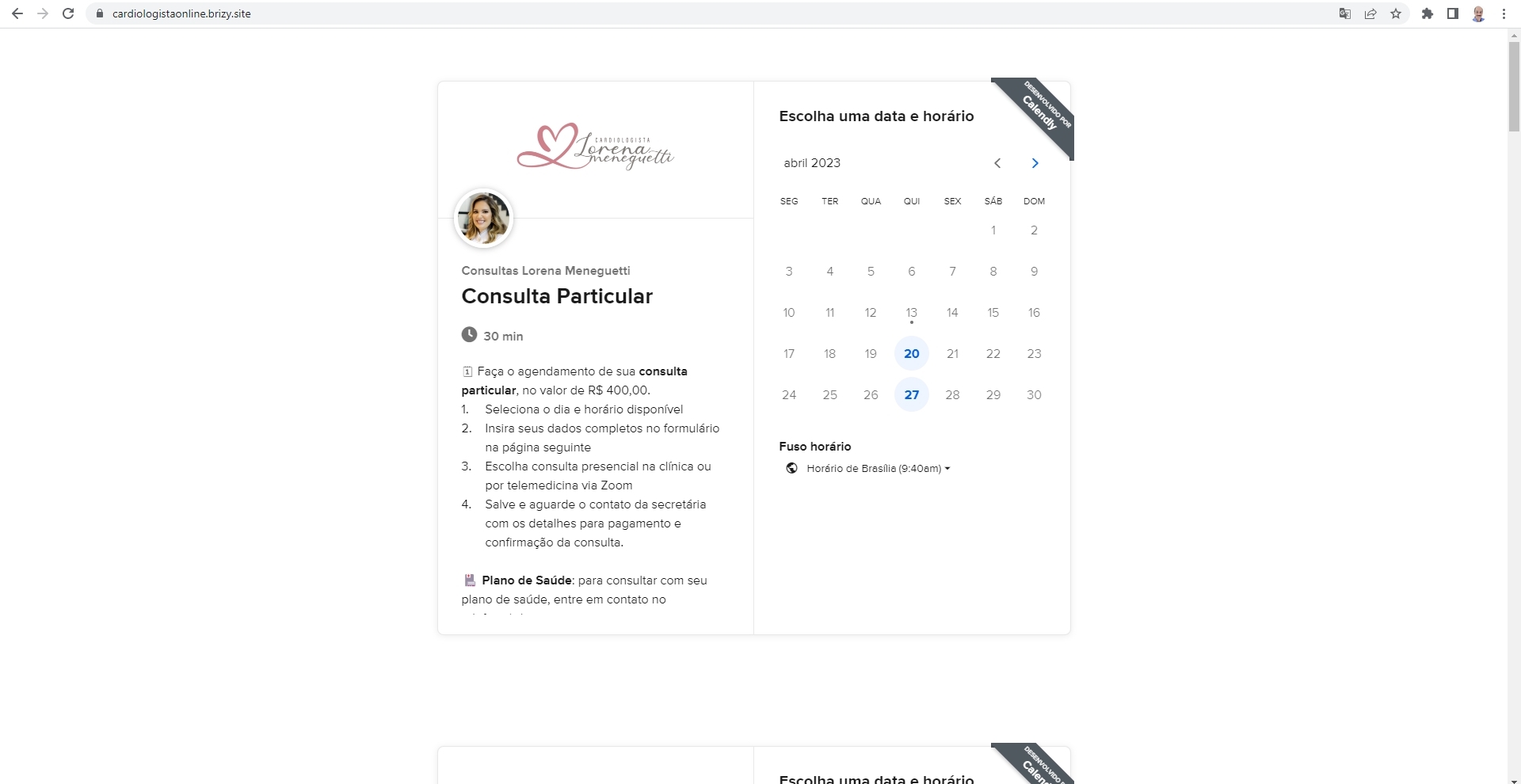
Your page https://cardiologistaonline.brizy.site/ does not look blank. The page looks like this at my end. Here is a screenshot of the full page https://jmp.sh/nr2xOaES
 0
0 -
Thank you George. But I think my description lead you to confusion. My website is blank, because all you see is this calendly widget (something I tried to describe). All the rest is not being shown in the public version. The bug is still there, and the client is awaiting. I can't copy the project, because it carries the bug with it.
To make it clear, there's an entire website that was working just fine, and that has several sections. One of the sections is a calendly embedded widget. For whatever reason, suddenly, the website stopped presenting its content, and now all you can see is the widget (duplicated, because there's a version to show in the desktop and another for the tablet and phone).
0 -
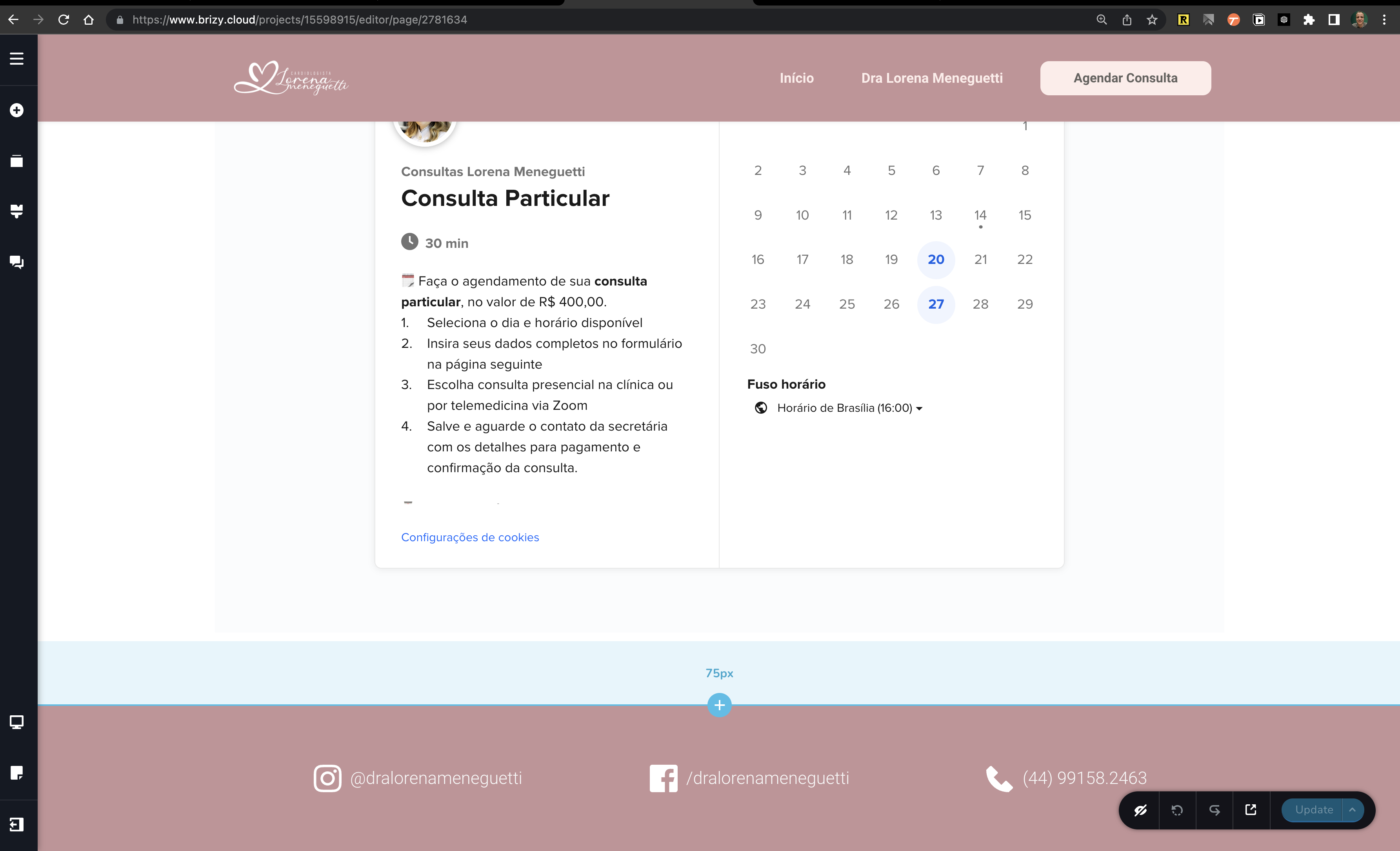
A cuple of the screens. By the way, I tried to delete the calendly widgets, and it sill didn't work.


 0
0 -
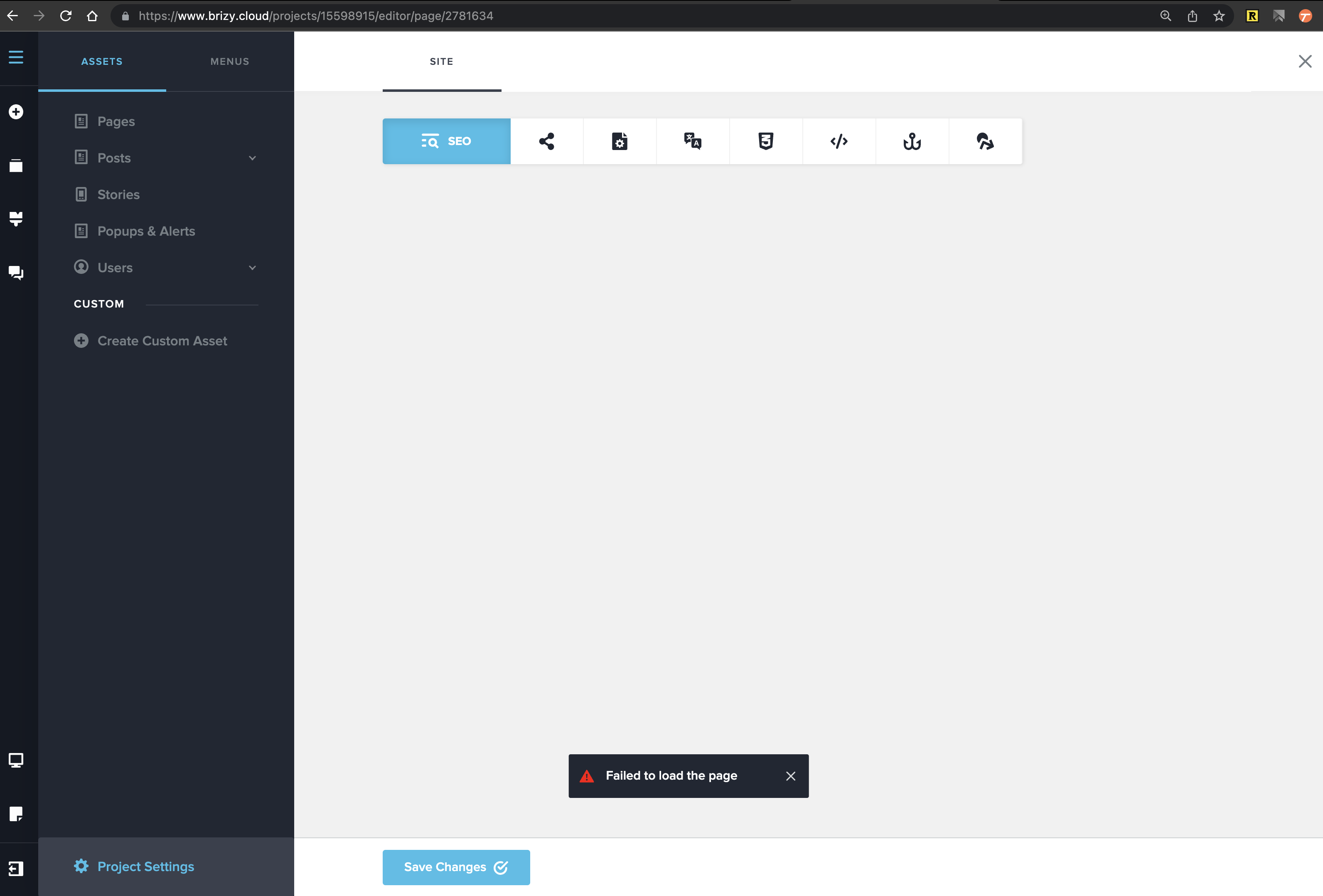
The SEO window is not opening, so I show you the error message here, maybe it could be related to the bug.
I am copying manually each section (saving the template), and recreating the website in order to finish the job. But I'll keep the original website on so you can have further investigation on what can be the cause of the problem, specially if it was something I've done as a mistake so I don't do it again, or what I believe is the cause, some bug you may discover.
 0
0 -
UPDATE
Hello KC George
I found the bug reason, although I can't understand it. After recreating the website, that was working, I copied the Google Tag Manager script from the old site to the new, and guess what, the new one presented the exaclty same error. I just went back to GTM and got the same script and there were unpublished changes there (could that be a reason?).Anyway, now the website is back.0 -
Hi Julio,
Yes; since the GTM code is normally added to the HTML head section, an issue in the GTM code can prevent the page from loading.
I hope the issue is resolved and you don't need any more help?
0 -
Thank you George. But problem is resolved.
0
Please sign in to leave a comment.
Comments
7 comments