Brizy preview + publish is not working.

Hello.
I have created 3x landing pages in Brizy Cloud. They are all ‘published’. But the preview link is not working (the link opens in a new page, but the page itself does not load). And the pages themselves are also not actually published online.
Here are the links:
I have tried accessing these links from a separate browser, and from different devices. The issue is always the same.
Can you help with a fix?
Thanks
-

Hi Cam,
In the Brizy editor, at the bottom right corner do you see 'Save Draft" or "Update"?

If you see 'Save Draft', please publish the page by selecting 'Publish Page'
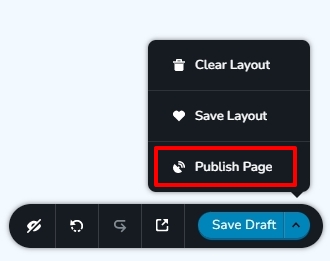 0
0 -
Hi there. That fixed it, thank you. But please note — I had “published” eaxh page by using the “Publish” function that’s found on the Brizy dashboard.
This doesn’t seem to have actually published each page. And it may be a UX issue to look into, as I’ve noticed several other users having the same issue on the Brizy support forum (page not appearing because it wasn’t published correctly).
Thanks for your help.
0 -
Hi Cam,
Let me explain the difference between the two publishing options within Brizy Cloud. The Publish option in the Brizy Cloud Dashboard helps you choose the publishing channel for your website.
- Custom Domain
- Brizy.site sub domain
- 3rd Party Free hosting
- Server Sync
- HTML Export
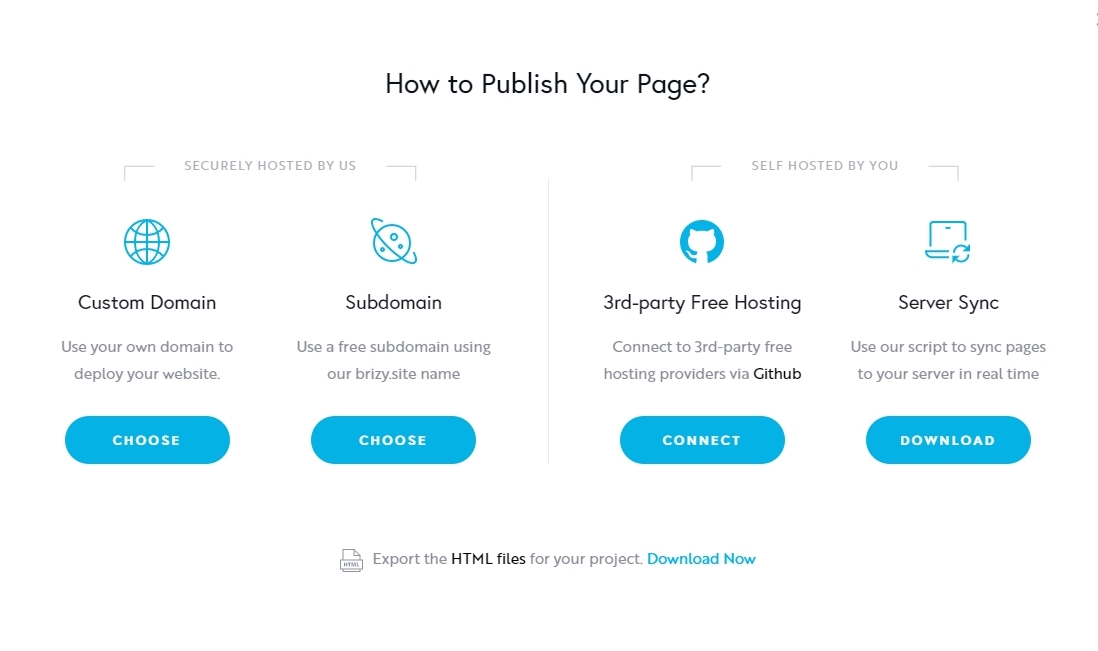
The Publish option within the Brizy editor actually publishes your project according to the selection you have made above.
0 -
Thanks. That's helpful to know.
So the landing page I created is now 'published' and live on a brizy.site name (subdomain).
However, I may have made a mistake.
I would actually like this page to act as the homepage for my wordpress blog.
Is there a way to do this easily?
Or will I need to log into wordpress, create a new page (e.g. 'mydomain.com/home') and then use the 'build with Brizy' function to re-build this landing page inside Wordpress?
Thanks again.
0 -
Hi Cam,
To import the Brizy Cloud page to your WordPress project, please follow these steps
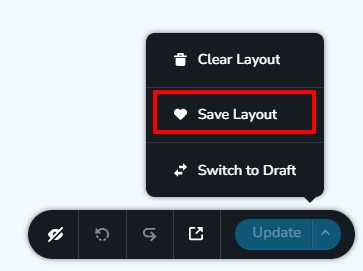
- Open the page in the Brizy Cloud editor and on the right bottom corner, select the option "Save Layout". This will save the entire page as a layout.
- You can now see this layout in your saved blocks/layout library.
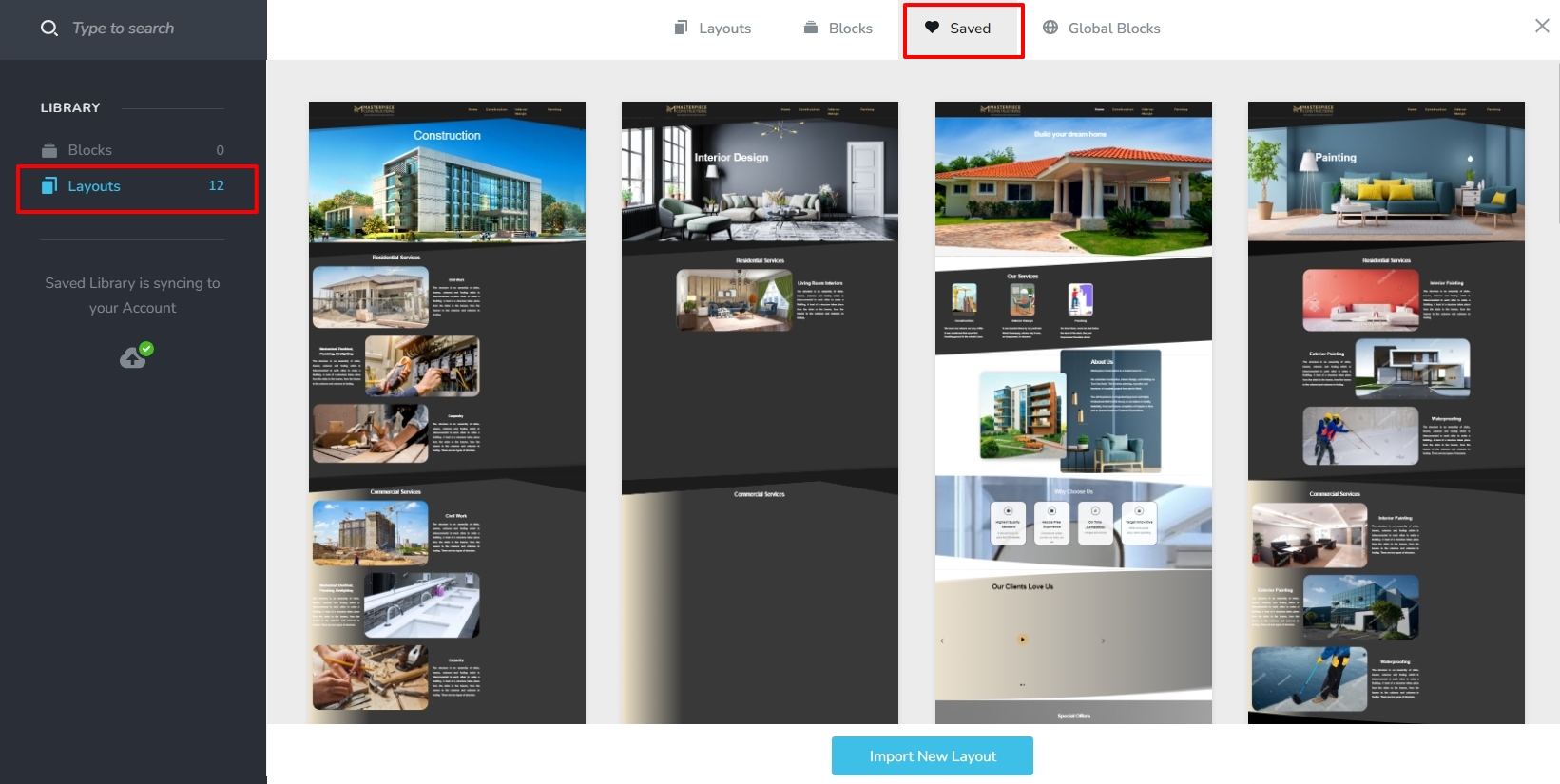
- Add a new page in your WordPress project, edit the page with Brizy by clicking on 'Edit with Brizy" and click on 'Start building your page" and select the layout you have saved in step 1 and save the page
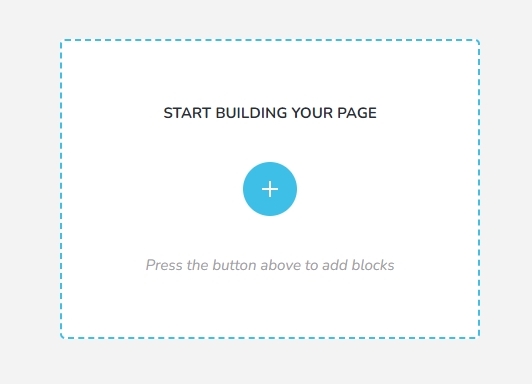
- Set this page as your homepage under Settings - Reading https://jmp.sh/1e2rvRUJ
0 -
Thanks for the extra info. I am now having a new issue.
I have:
1. Opened my homepage in the wordpress dashboard
2. Edited the homepage with Brizy and applied the saved layout
However, when I attempt to save the page in wordpress, I receive the following error message:
Updating failed. Could not update post in the database.
Strangely, the page is live on desktop. But some of the styling is not correct (font of headings is wrong, for example).And on mobile, the homepage is a mess (see here) — everything is bad.Could you tell me how to prevent this 'updating failed' error message pls?And how do I fix these extreme formatting issues?Thanks0 -
FYI — The homepage is also not working in 'tablet' mode.
0 -
Hi Cam,
We apologize for the inconvenience. At the moment, the Brizy sync feature is buggy. We are in fact working on fixing this bug. Layouts and blocks created in Brizy Cloud does not get synced to a WordPress project well.
You may need to wait until we are able to fix this issue to sync your Brizy Cloud layout to Brizy WordPress. Until then, the only option is to recreate the layout in WordPress.
0 -
Can you pls give me a timeline for this fix?
Currently my site is broken due to Brizy's bug.
And realizing this at the moment of upload has cost me a weekend of work.
0 -
Also please note:
The font styling issues are still persistent.
For example:
- I created this test page on my site.
- I applied a default Brizy template—Scooter.
- I also 'replaced global stylings' so that the styling of the 'Scooter layout pack' would apply.
Which means that title fonts should be using Poppins.
But, as you can see on the test page, this is not the case.
Is this issue also related to the same bug that you mentioned?
Or is it a separate issue that can be fixed independently of the other issue?
0 -
Hi Cam,
It is difficult to predict a timeline for releasing a fix for this issue. It could take a few days to a week for this. Until then transferring designs from Brizy Cloud to Brizy WP and vice versa would not be possible.
However this bug should not affect importing of premade layouts like Scooto. The page https://www.learnenglisheveryday.com/brizy-1370/ looks well imported. Your page seems to be using the Poppins font as per the Whatfont Chrome Extension I have used for checking. Please see this video for my test https://jmp.sh/sYkSAbpX
0 -
Thanks. I can see POPPINS in Chrome browser. However, in Safari on desktop the page either loads:
- Broken (formatting is completely out of whack)
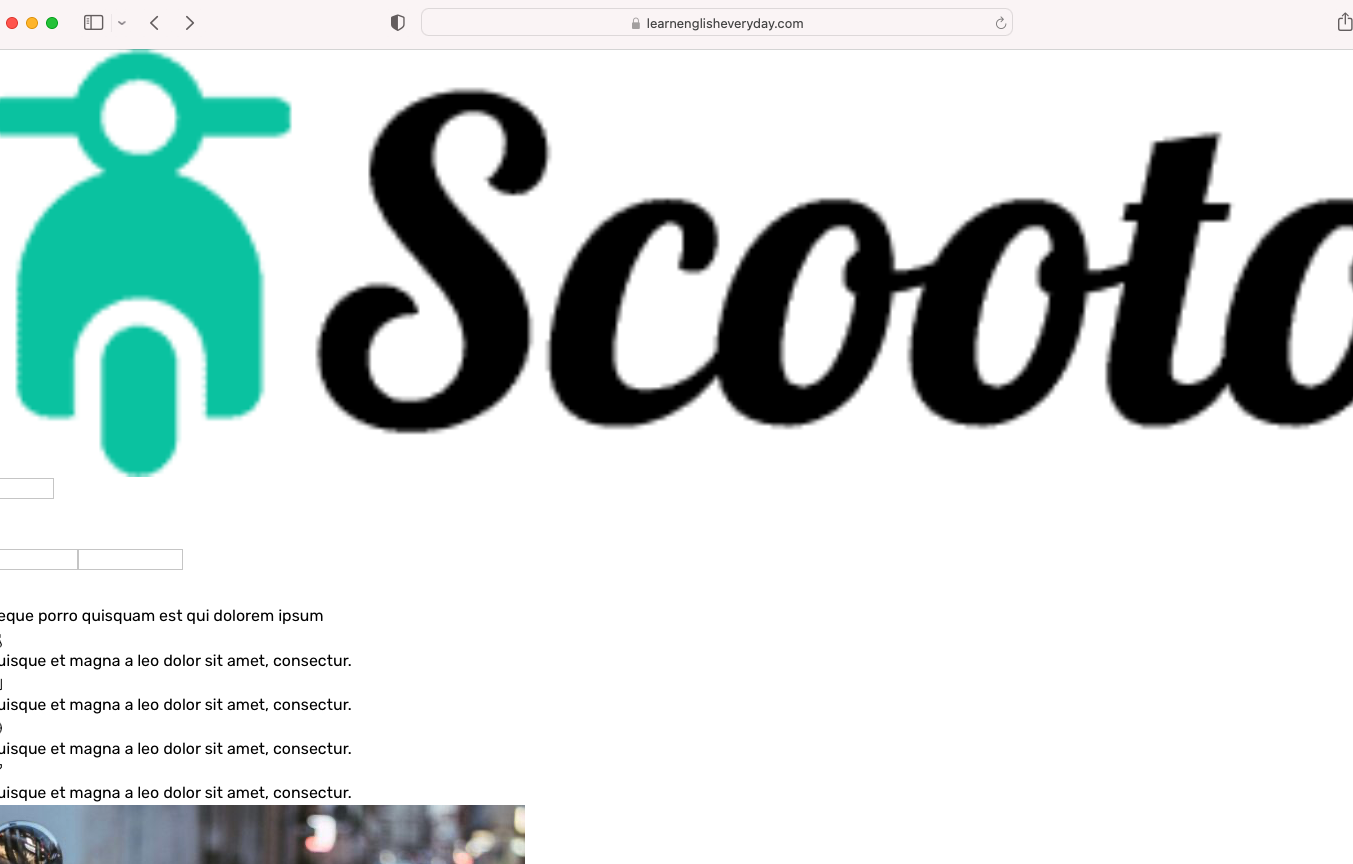
- With a different font:

I have also attempted to open the page on mobile. The page is completely broken on CHROME and Safari.
Here are screenshots of this issue on mobile:
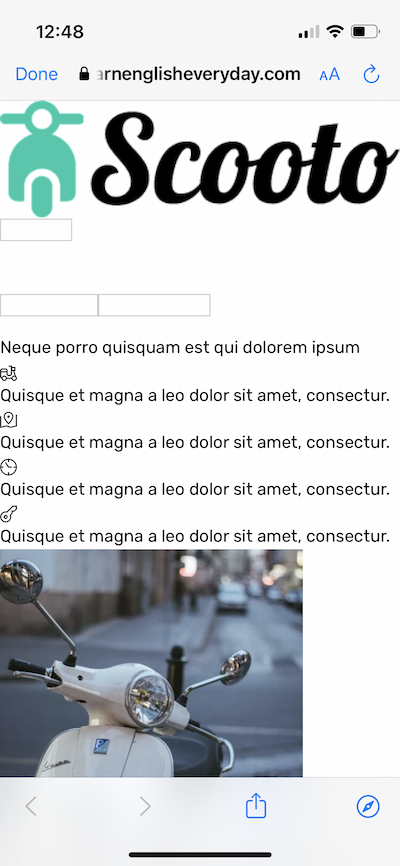
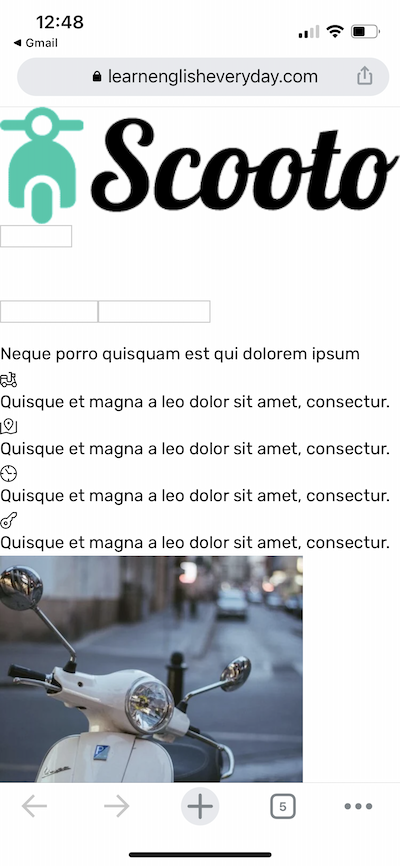
These issues are severe. Is there a way to fix this? Or should I just stop using Brizy entirely?
0 -
Hi Cam,
I imported the same layout to a Brizy Cloud project. You can see it here https://quince16321060.brizy.site/ Please check if this page looks fine on different browsers and devices. If it does, please import the premade layout again to another blank page and check if the page looks good after the import.
0
Please sign in to leave a comment.
Comments
13 comments