Select Parameter Cannot be Deleted

I added a select parameter to an asset ( Listings) , and filled it in couple of listings then i figured that I don't need it anymore. i could not find any way to remove the values from each listing in order to be able to delete the whole select field from the main asset.
-

Hi Konn,
Thank you for contacting us.
You can only delete a custom asset field after deleting all content added to the custom asset.
This is demonstrated in this screencast - https://youtu.be/VGSBK-fgk5Y.
If this is not the issue, please provide more details so we can further assist you.
Best regards,
Ariel H.
0 -
Hello Ariel,
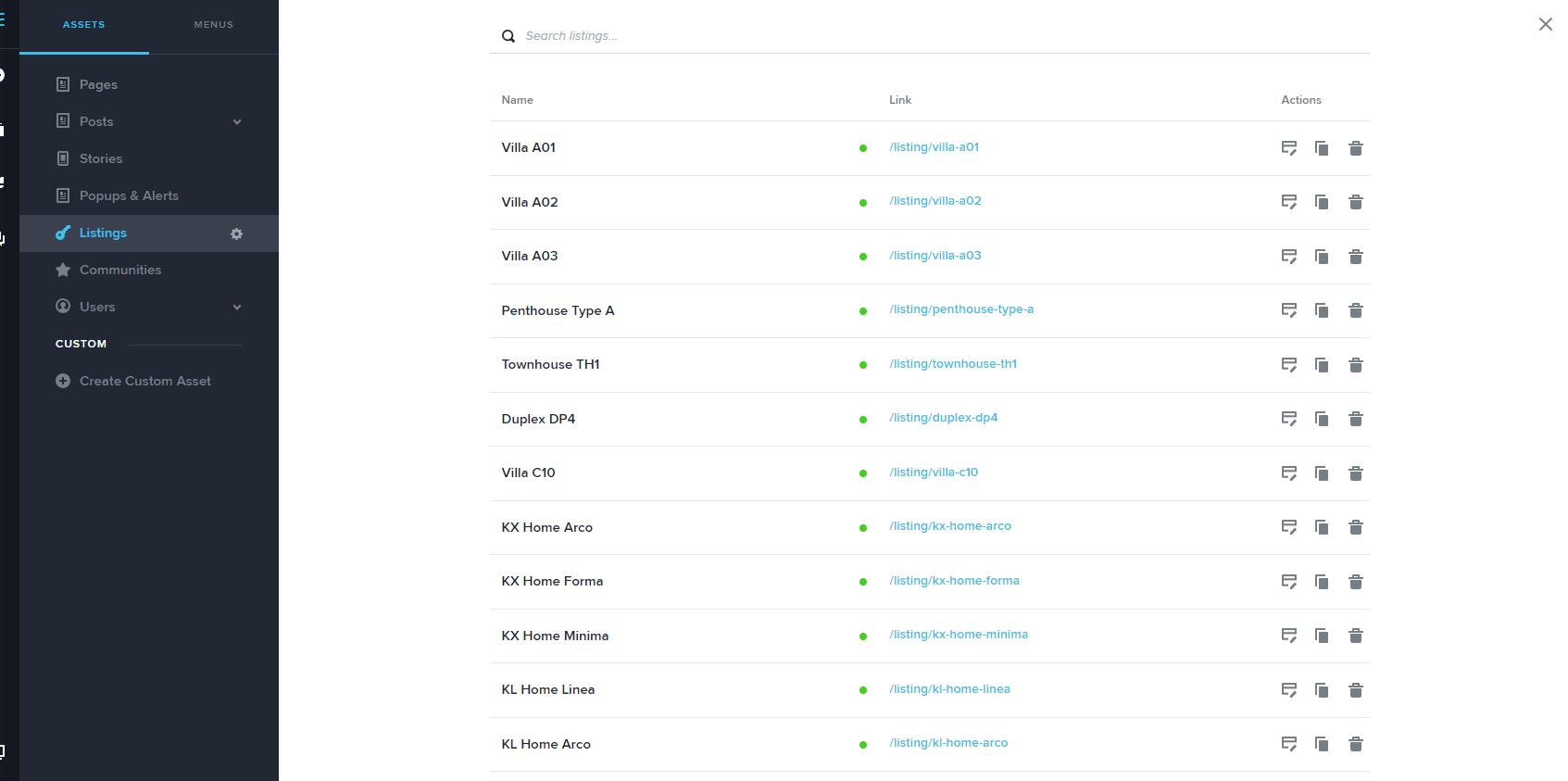
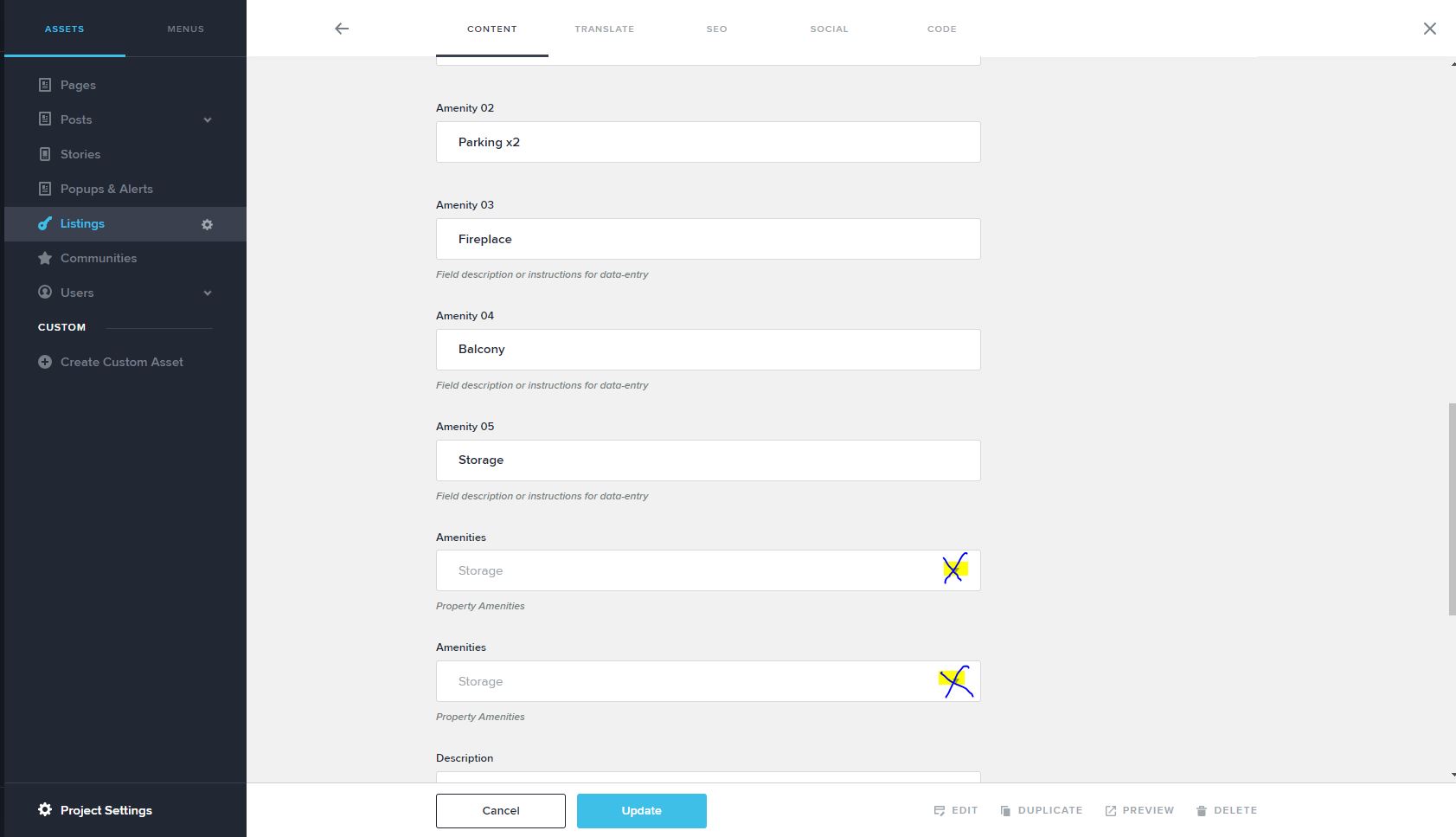
The issue is similar to what you shared in the video, but in the example you just deleted the whole page named test001 to remove the Select field values!. In my case each one of those assets is a listing and it has so many fields so I cannot just delete all the listings and redo them just to wipe the values inside the Select Field. There should be a default "none" option or an "x" to remove the value inside the select field rather than deleting the whole page to remove the values in it! is there any workarounds ? as I need to keep my CMS clean and i cant just delete all the pages.
 0
0 -
Hi Konn,
Thank you for keeping in touch.
Currently, Custom Assets have a limitation where you can't unset or reset the values of a select field, so they can't be deleted for now. I've informed our developers about this issue, and we hope to have a solution soon.
My apologies for the inconvenience.I will get back to you as soon as I have an update.
Best regards,
Ariel H.0
Please sign in to leave a comment.
Comments
3 comments