Brizy is not running

Hey guys - I'm trying to start building some pages with Brizy but is just not running...
after clicking on "Edit with Brizy" the loading page just keeps repeating on the screen and doesn't take me to the builder.
I removed all the other plugins and using "Twenty Twenty-One" theme
using: BRIZY PRO 2.4.24 on Wordpress
-

Hi Roy,
If you are seeing a looping pre-loader when trying to edit a Brizy page, it indicates that that a piece of software in your hosting environment is interfering with Brizy editing. To fix the problem, please sign in to your hosting account and check if you see a
- Security system
- Malware protection
- Firewall
- DDOS
in your server management system (like cPanel). Disable these systems one at a time and see if that makes a difference.
Please also check if you have installed a security plugin in your WordPress Dashboard. Deactivate the plugin and check if the error disappears. Once you identify the interfering software, please relax the security restrictions to allow Brizy editing, in consultation with your hosting company.
Please contact us again if you need assistance in identifying the interfering software. We will require access to your WordPress Dashboard to troubleshoot this for you.
0 -
Hey guys - I do need help identifying what the problem is. How can I safely share my access information so you can give me direction?
Thank you!0 -
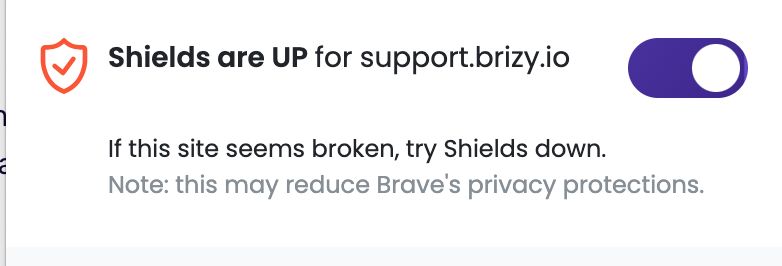
I just fixed it - I logged in with my Brave browser and then removed-the-shields
 0
0
Please sign in to leave a comment.
Comments
3 comments