Google Maps not dynamic

Hello Brizy team,
I am creating a website where I used the new template of the bikes shop.
There's a section that includes a Google Map (see below). But now I notice that the map doesn't really work. So it shows the location but then the buttons that are supposed to be inteactive "+", "-" and "get directions" or "view larger map", don't do anything.
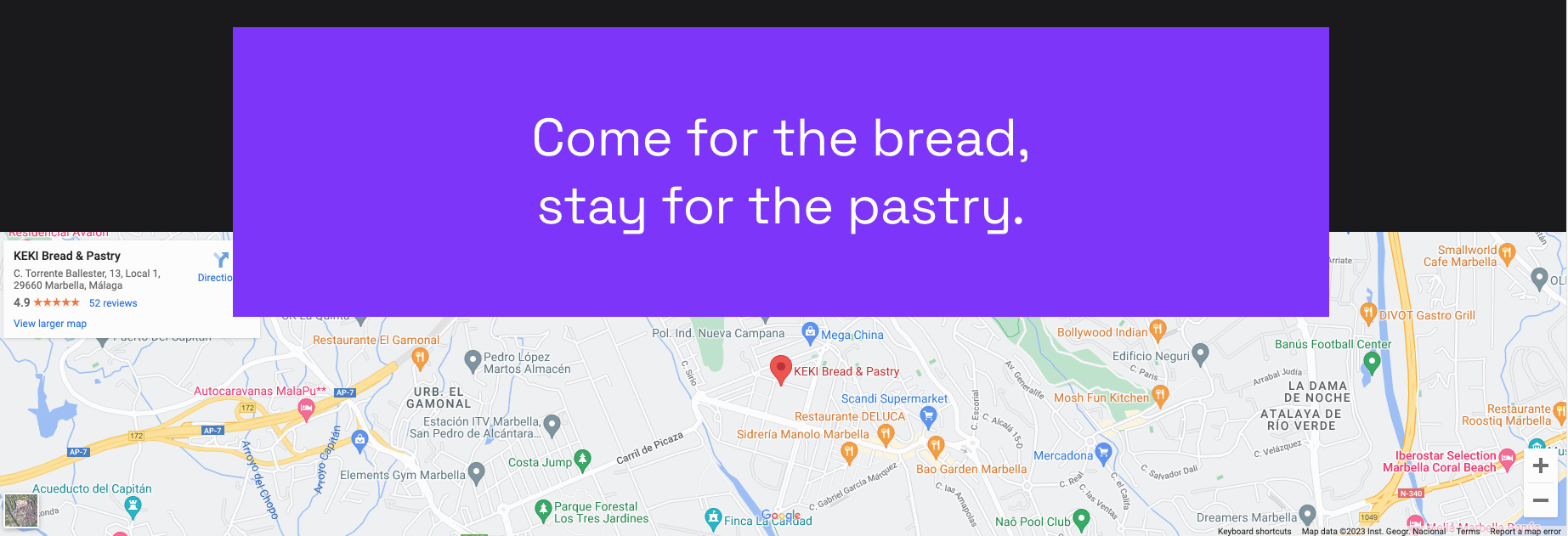
I thought this might be because of the above section being layered slightly over the map, so I did another experiment below, but it still doesn't work:
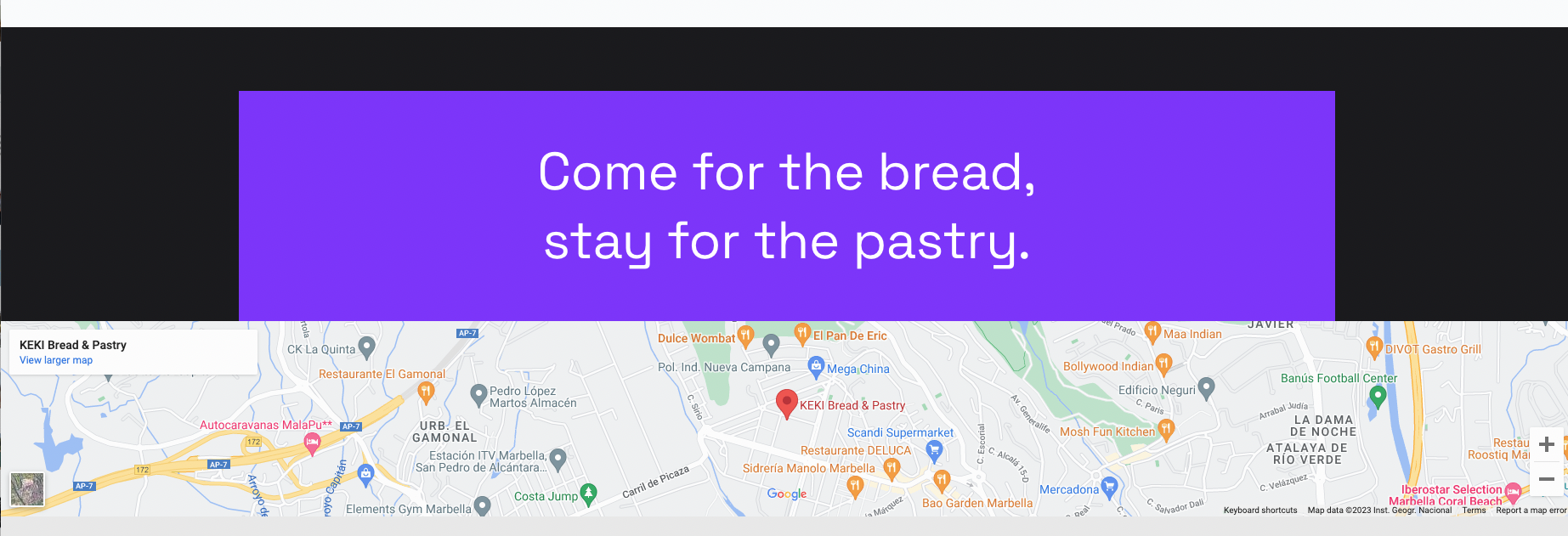
Thank you for your help,
Sofia
-

Hi Sofia,
Thank you for reaching out to us.
Would you be able to provide us with the link so that we can inspect the page?
Rest assured, we won't share it on this support thread if you prefer to keep it private.Best regards,
Ariel H.0 -
Hi Ariel! Thank you for getting back to me.
Yes, of course: www. (it's the staging site as this is a re-design).
Thank you, Sofia
0 -
Hi Sofia,
Thank you for the update.
The Google Maps functionality should remain dynamic even when there is an element overlaying it, as long as the overlay does not cover the entire map. This behavior is demonstrated in this screencast: https://youtu.be/kfIReoWYrIE
It is likely that this issue is arising from a conflict with either your theme or a plugin installed on your website. Could you please attempt to resolve this by disabling all other plugins except for Brizy and Brizy Pro? Additionally, consider temporarily switching to another theme to see if this has any impact on the issue.
Best regards,
Ariel H.0
Please sign in to leave a comment.
Comments
3 comments