File upload and anchor links doesn't work

Hi,
On the web pages below created in Brizy Cloud, the anchor links do not work and the File upload field on the form does not work either. I've had this happen again, can you take a look at this and let me know what's going wrong?! My account in*****@***33.com
Workspace Name: Favor Cool
Project Name: Jobs
Preview URL: https://jobs.favor-cool.be
https://jobs.favor-cool.be/interne-adviseur
https://jobs.favor-cool.be/supportmedewerker
https://jobs.favor-cool.be/jobstudenten
-

Hi Jack,
Thank you for contacting us.
I've personally tested file uploads, and they appear to be functioning correctly on my end. This is demonstrated on this screencast - https://youtu.be/Ytd0TmpL5ic
Could you please try to use a different web browser to see if this makes any difference?Regarding your second concern, we want to inform you that we are actively working to address a bug associated with anchor links, and we expect to have this issue resolved as soon as possible. We apologize for any inconvenience this may have caused.
Best regards,
Ariel H.0 -
Hi Ariel,
If we test the file upload, the form is indeed sent, but when submitting (Lead) we see a fake path. (C:\fakepath\test-upload-cv.docx)
So the link to the file doesn't work!
Do you have a timeline for when the bug with anchor links will be resolved?
Thx
Jack0 -
Hi Jack,
Would it be possible for you to share some screenshots that illustrate the problem you're experiencing?
Regarding the anchor links bug, it has been classified as urgent, and you can anticipate a resolution either today or within the next few days. We apologize for any inconvenience this may have caused.
Best regards,
Ariel H.0 -
Hi Ariel,
for example: https://jobs.favor-cool.be/jobstudentenProblem 1:
For example, on this web page we have placed a number of links and buttons that jump to the web form at the bottom of the page after a click.We see that the anchor link is placed in the URL, but the page does not go to the form.
If you look at the HTML that is rendered, we do not see the ID of the anchor link (form-student) on the block of the form.Problem 2:
When completing the form we can enter all the data and add/upload a file BUT when we then look at the entry (lead) the path to the file is non-existent (fakepath).
These problems appear on all three pages
Screen fakepath: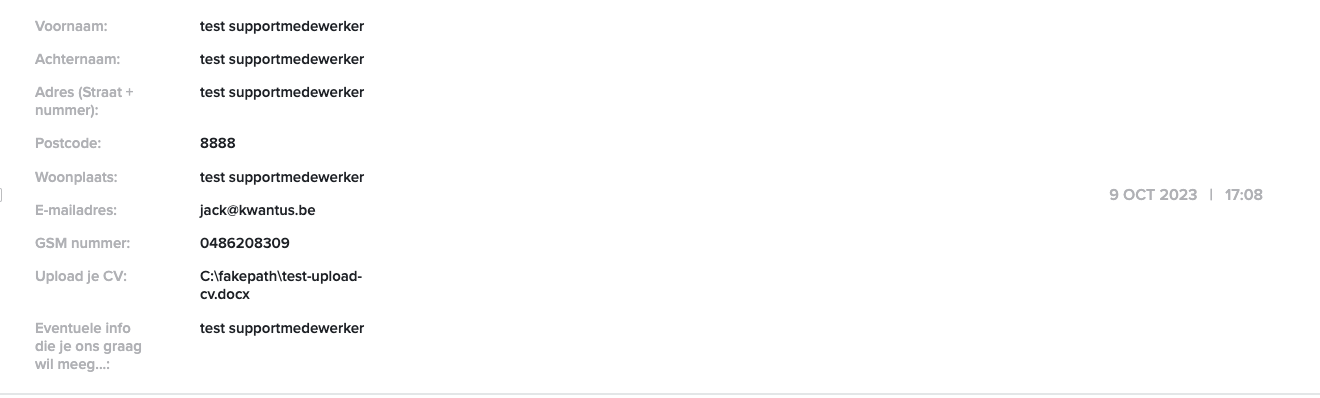
Anchor link in the url:
Button with anchor link (#form-student):
Block form with ID (form-student) but this ID doesn't show in the HTML, published page.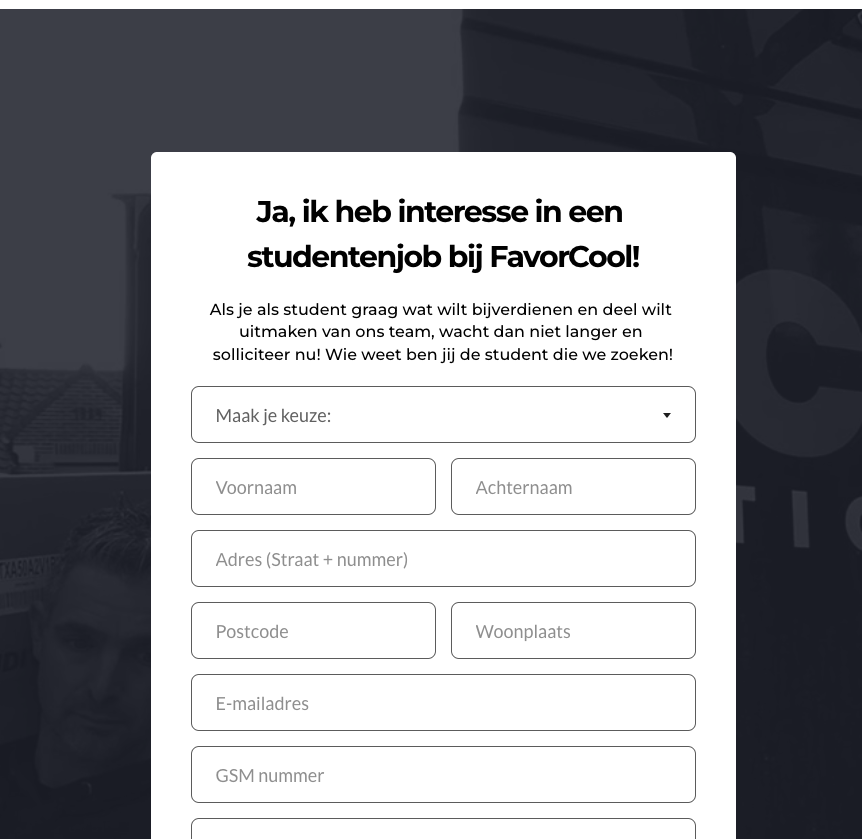
Text-links to other blocks on this page: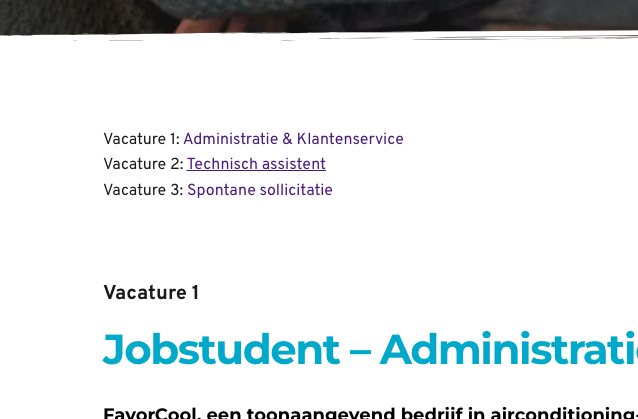
These problems appear on all three pages:Workspace Name: Favor Cool
Project Name: Jobs
Preview URL: https://jobs.favor-cool.behttps://jobs.favor-cool.be/interne-adviseur
https://jobs.favor-cool.be/supportmedewerker
https://jobs.favor-cool.be/jobstudenten
Thx,
Jack0 -
Hi Jack,
Thank you for your cooperation.
About the anchor links issue, this is currently an ongoing issue and a fix should be available soon. As for the form file upload concern, we will look into this matter and provide you with an update soon. Thank you for taking the time to create the screenshots.
Best regards,
Ariel H.0 -
Okay Ariel,
Hopefully you'll get it resolved quickly as we can't go live with these pages at the moment.Thanks in advance!
Best regards,
Jack0 -

Hi Jack,
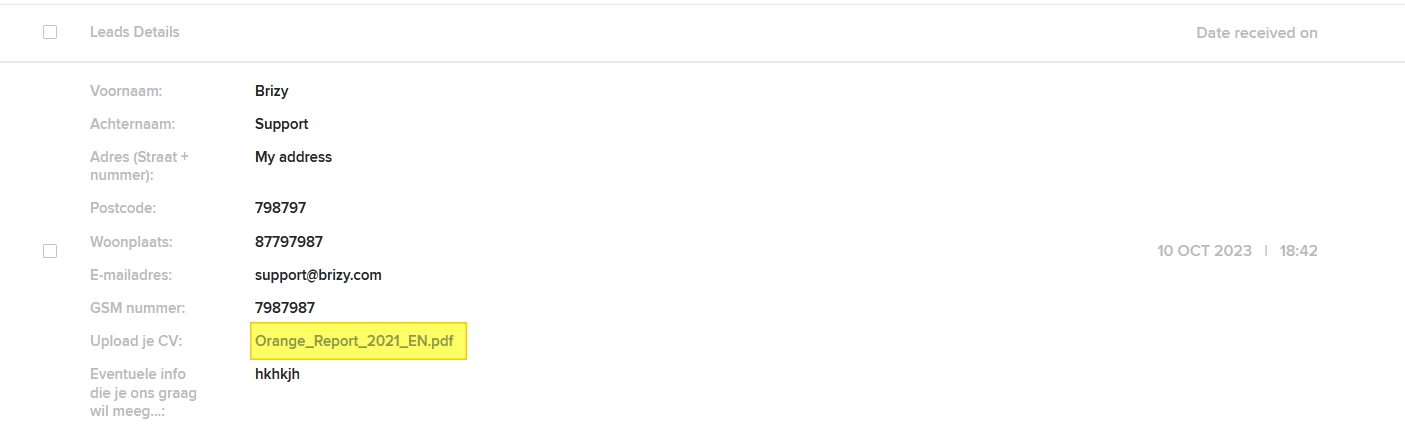
I tested the form with a PDF file upload. The PDF file is available for download from the 'Leads' area. The file path is https://www.brizy.cloud/customfile/b04c4667a3f9493993e4f5227e20b7b46ba1e226645f17cd2bb732a1a83cd758/Orange_Report_2021_EN.pdf
How do I reproduce the issue you are facing? What are the steps I must take?
0 -
Hi Ariel,
We did some tests with the form. If we upload a PDF it works, but a Word document does not.
I will send the test document here as a link. It is a .docx file.
https://inc33.com/staging/brizy-test/test-upload-cv-2.docx
Browser: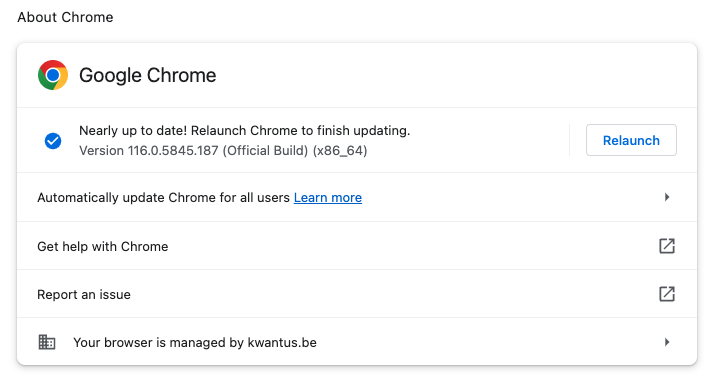 0
0 -
Hi Jack,
I attached a Microsoft Word file to the form. You can download the file from the 'Leads' section of your website. The path of the file is https://www.brizy.cloud/customfile/4d8da74585927aaf9ff5ed32e8a9f914fa607471982c0cd31a6348c265712b3a/Resume.docx
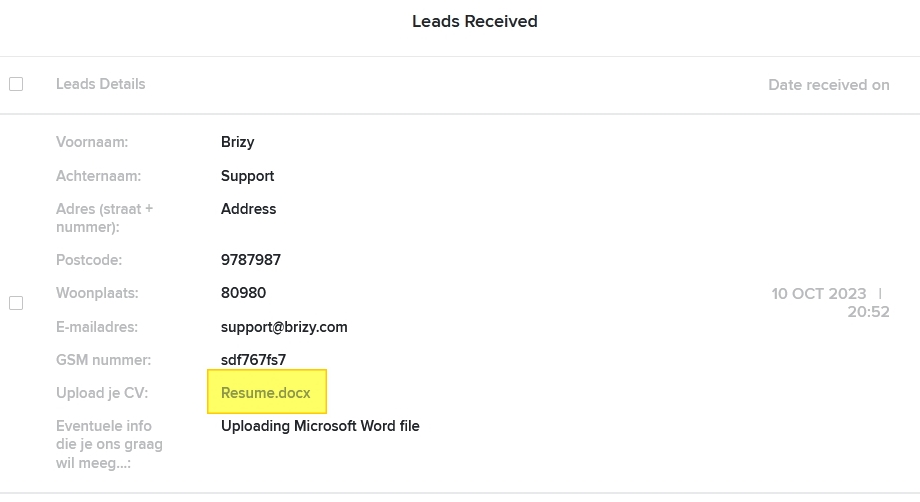
The test upload file you had linked above had problem. Please create a new Microsoft Word file and check again.
0 -
Hi Ariel,
I created a new word doc and it works now.
Strange that the other document didn't work because I always use that to test a form with an upload field.But hey, it works ;-)
Now just the anchor links and then we're done.
Thx
jack0 -
Hi Jack,
The anchor links issue has been fixed. Please check if anchor links work fine on your projects
0 -
Hi KC George,
Everything works now. We have tested all links and buttons and they all link to the form.
Thanks for the follow-up!
Have a nice day ;-)0
Please sign in to leave a comment.
Comments
12 comments