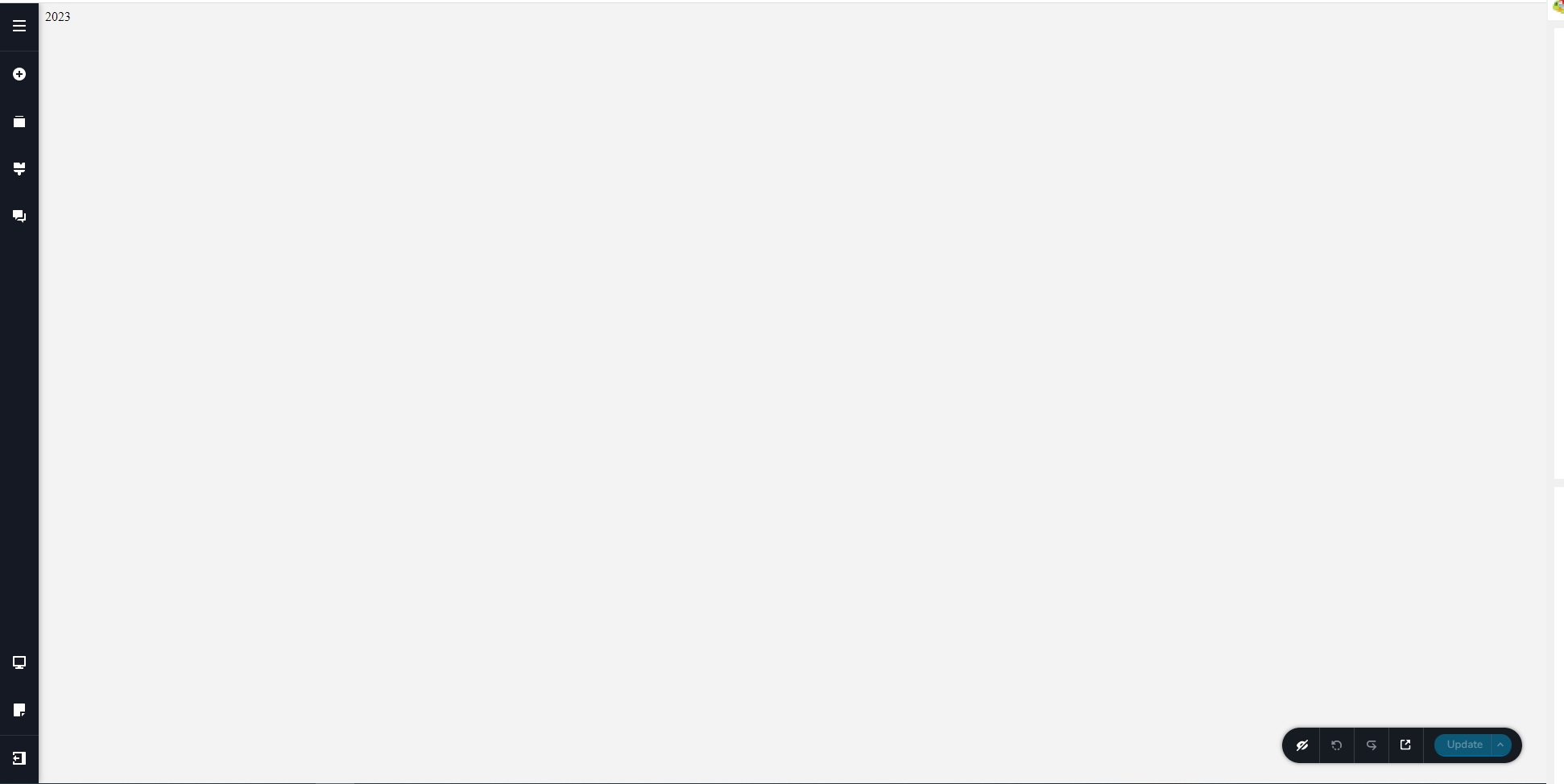
Brizy Cloud Editor shows a blank screen

I have four workspaces with five projects. One workspace has two projects published on Brizy subdomains. The other three have one project each published on Custom Domains. The three on custom domains show a blank page with 2023 in the top left corner of the editor. I can't edit these projects and need to make some changes. A team member noticed this about the middle of March.
-

Hi Calvin,
Thank you for reaching out to us.
This issue occurs on sites that use document.write() to display the copyright year.
Unfortunately, this no longer works in the recent updates (this also occurred in the plugin version.)We suggest that you modify the script to display the copyright year in order to resolve this issue.
You can find an example here - https://support.brizy.io/hc/en-us/community/posts/13681993326865-White-screen-of-death-2023In Brizy Cloud, you can fix it by deleting the block that contains the script.
This is demonstrated on this screencast - https://youtu.be/YTXrILOl-Qw
When you delete the old script, you can then modify the code based on the example found in the above URL.I hope this helps.
If you need further assistance, please let us know.
Best regards,
Ariel H.0
Please sign in to leave a comment.
Comments
1 comment