contact forms are not working

Hi,
when I submit forms from the contact section in. my websites the emails do not go through and are never received. email addresses are OK.
please let me know what should I do.
-

Hi Mahyar,
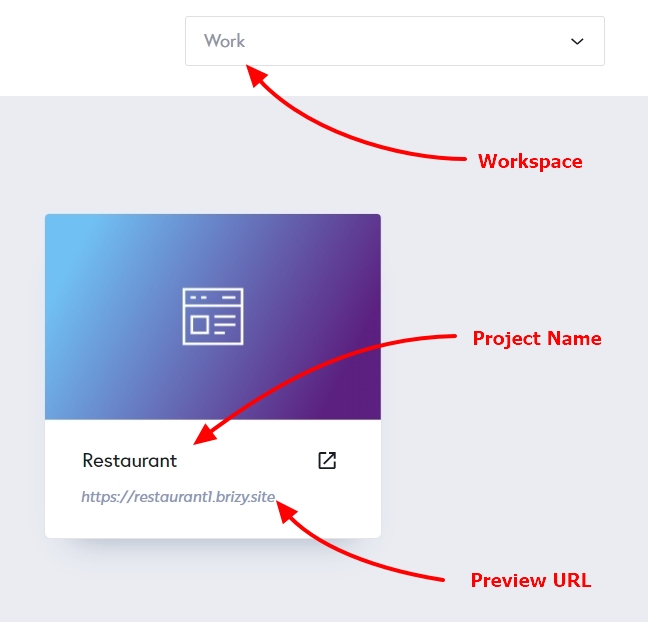
Can you please let us know the Workspace, Project Name and the URL of the page where you are facing this issue? We will take a look
 0
0 -
Hi,
My personal Projects
Sunset-Dental-Clinic
https://www.sunsetdentalclinic.caMahyar Moharer
0 -
Hi Mahyar,
I have tested the contact form on your website after adding my email address to your form. I received the email notification in my Gmail address.
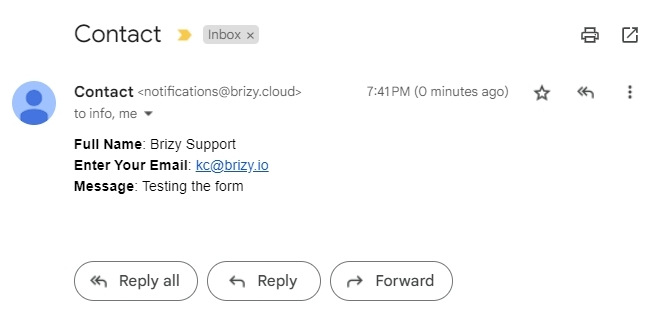
Please check your SPAM folder for email notifications. If the email client permits, report this email as not spam.
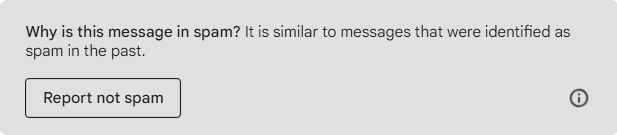
You could also try adding additional email addresses and check if you receive notification in the second email address
0 -
Hi,
I tried with Gmail and Outlook accounts it is working but emails from info@sunsetdentalclinic.ca are not being received, I checked my other projects and unfortunately, none of them work through their official emails.
This is really critical for me and the businesses I work with.
SincerelyMahyar Moharer
0 -
Hi Mahyar,
Looks like your email info@sunsetdentalclinic.ca is hosted with Google. Please bypass the spam filter for incoming emails using the spam settings following the procedure in this screen recording https://jmp.sh/oxtkV4dG
Once you complete the above procedure, please check if you are able to receive email notifications into the email info@sunsetdentalclinic.ca
1
Please sign in to leave a comment.
Comments
5 comments