the menu does not appear

When inserting a menu on the page, only 5 of the 12 menus that I created in Wordpress appear in the dropdown.
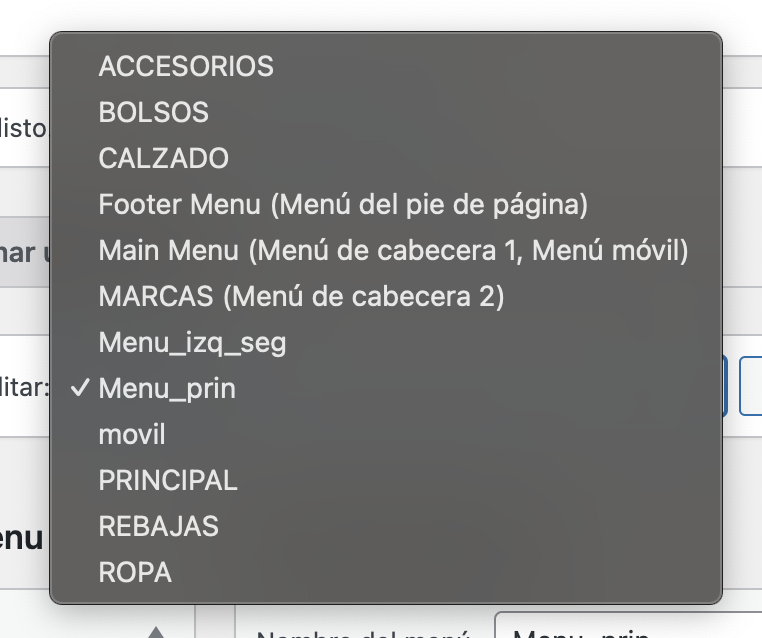
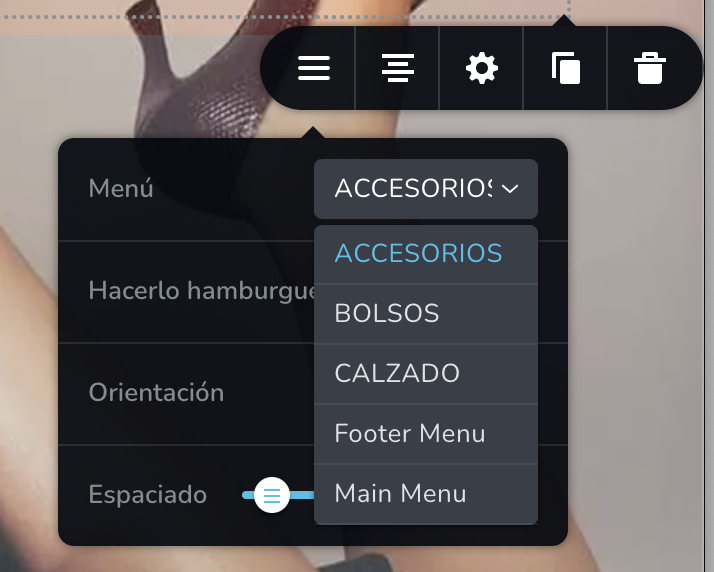
-

Hi Ramon,
Usually you can move the mouse pointer to the list of menus and use the mouse scroll wheel to scroll though the available menu options. You should also see a scroll bar next to the list of menus and should be able to use your mouse pointer to scroll down.
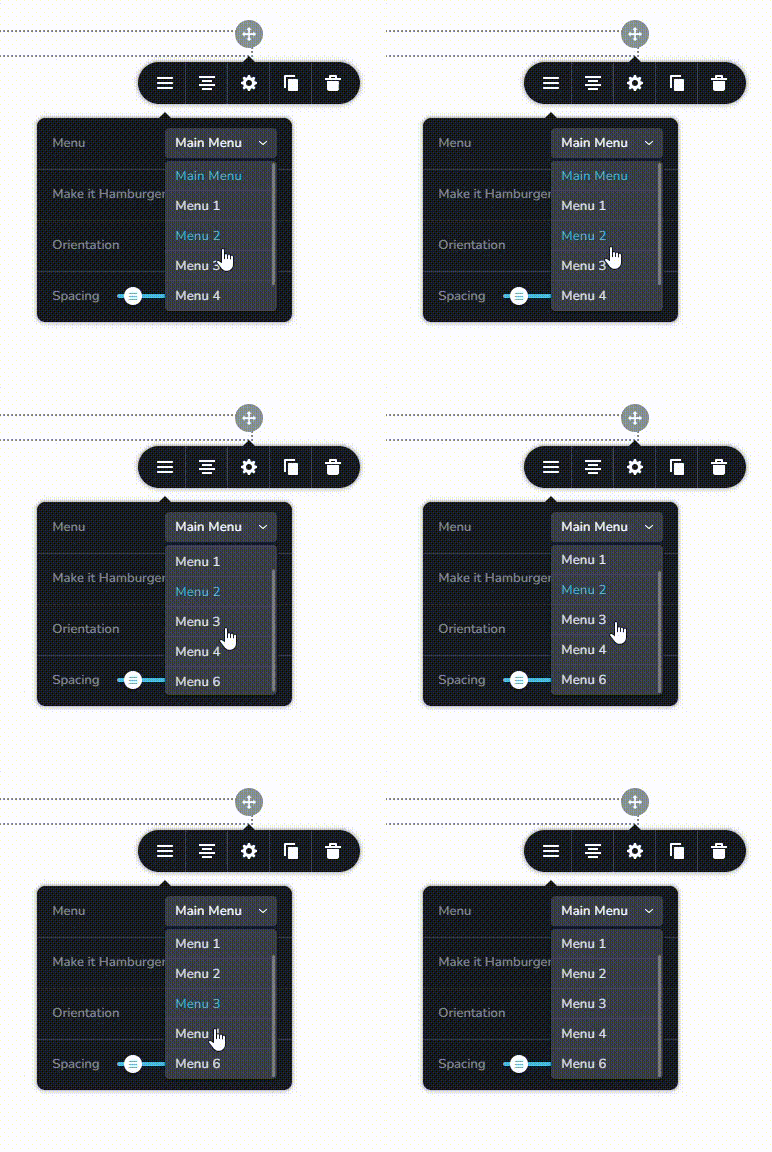
If additional menu options are not visible in your WordPress project, it is possible that a Brizy JavaScript file is being blocked on your project. Please access the Dev Tools in your the Brizy Editor on the page where you are experiencing this issue and share with us a screenshot of the 'Console' tab . Please watch this screen recording for more detailed instructions. https://jmp.sh/XhZoBPvP
0 -
Hi KC George.
Indeed, the scroll does not work. I send you the screenshot.
Thank you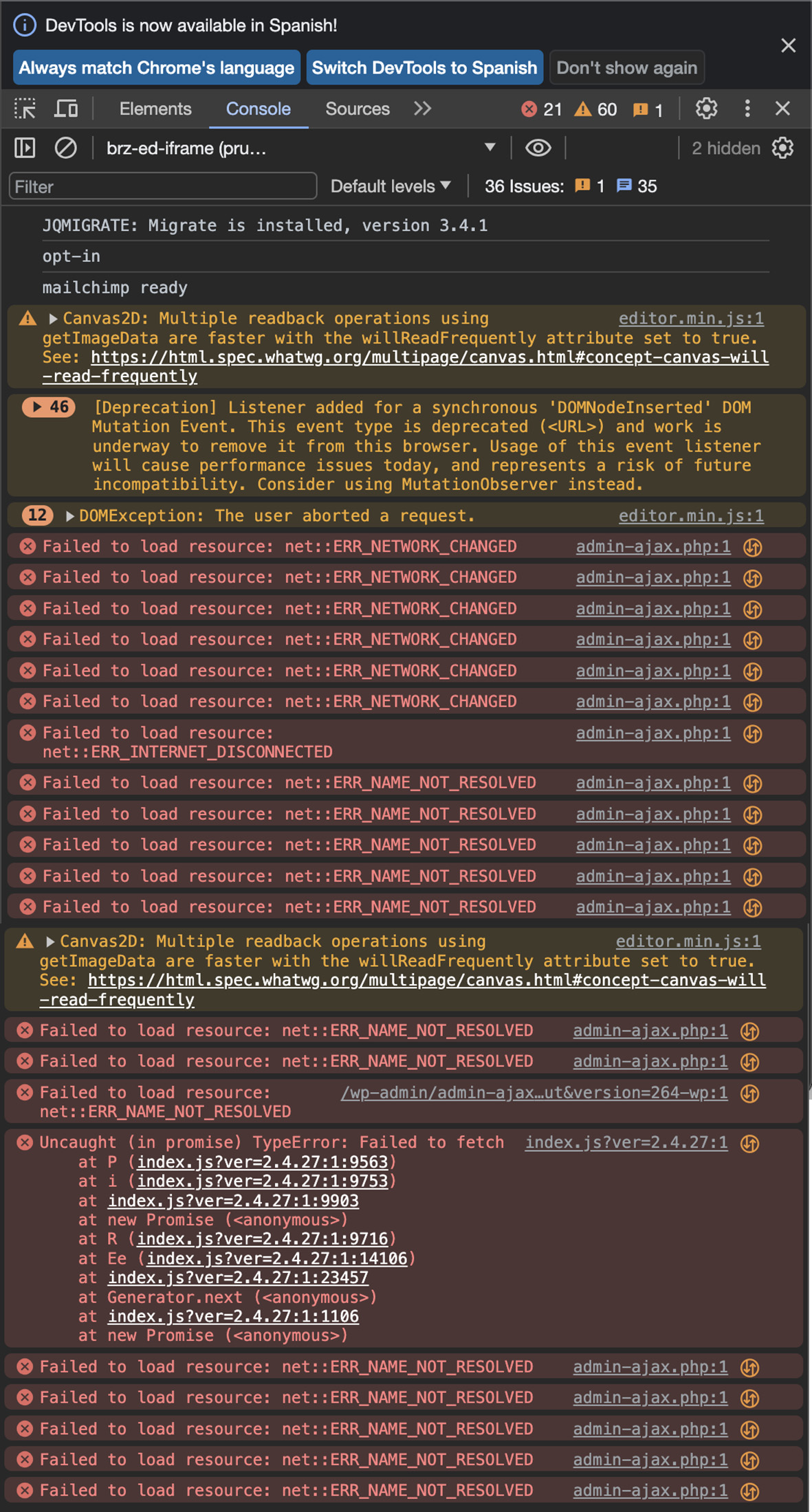 0
0 -
Hi Ramon,
Can you try accessing your WordPress Dashboard from a different browser or from a private (incognito) window of your browser and check if that helps?
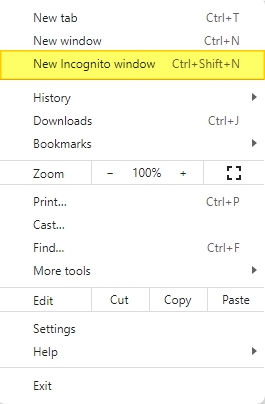 0
0 -
Hello. I have tried it from Safari and from a Chrome incognito window and it doesn't work either.
0 -
I have probe with another pages, in the same computer, and the scroll work without problems...
0 -
When I built the page again, I verified that the problem is caused by the background image. Every time I place an image, the problem with scrolling starts. I have tried with different images, in different formats, and the same thing always happens.
0 -
Hi Ramon,
If we were to reproduce the issue at our end, what are the steps we must follow? Should we add a background image to the hero section and check if the menu is scrollable?
0
Please sign in to leave a comment.
Comments
7 comments