How to make the megamenu appear on the right side?

Hello, Does anyone know how to make the megamenu appear on the right side? By default it appears on the left and I can't find any option that allows me to modify this.
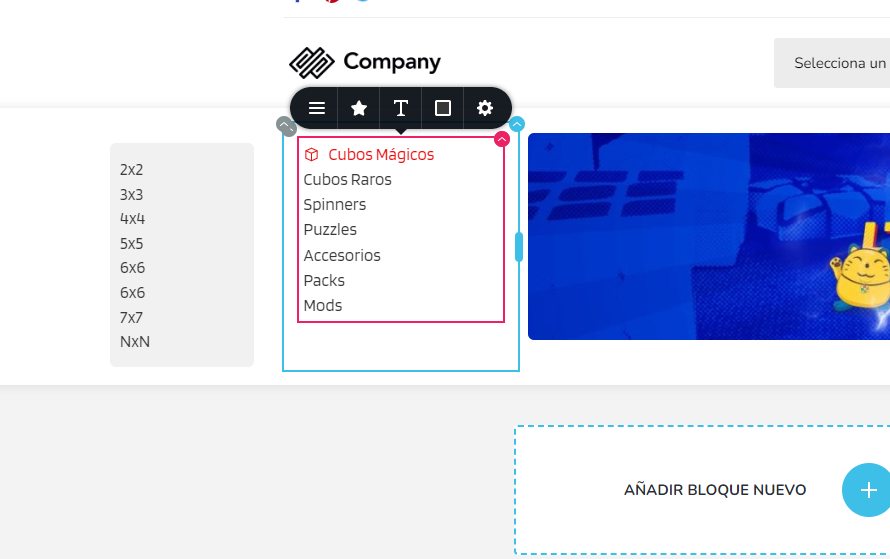
-

Hi Christian,
Thank you for contacting us.
Based on your description, it seems that you have modified the width of the mega menu dropdown, causing it to appear aligned to the right. However, please note that if you close the menu or hover over the menu item to display the mega menu, it should be aligned to the center. This is demonstrated on this screencast - https://youtu.be/gr1GLgdsxgE
Unfortunately, there is no option to align it to the left.If this explanation doesn't address your question or concern, please provide us with more specific details so that we can assist you further.
Best regards,
Ariel H.0 -
Hi Ariel. Thanks for your answer. To be more simple mi question. Is possible make a structure similar to this ? (mega menu vertical). This is the original idea. Thanks for your time.
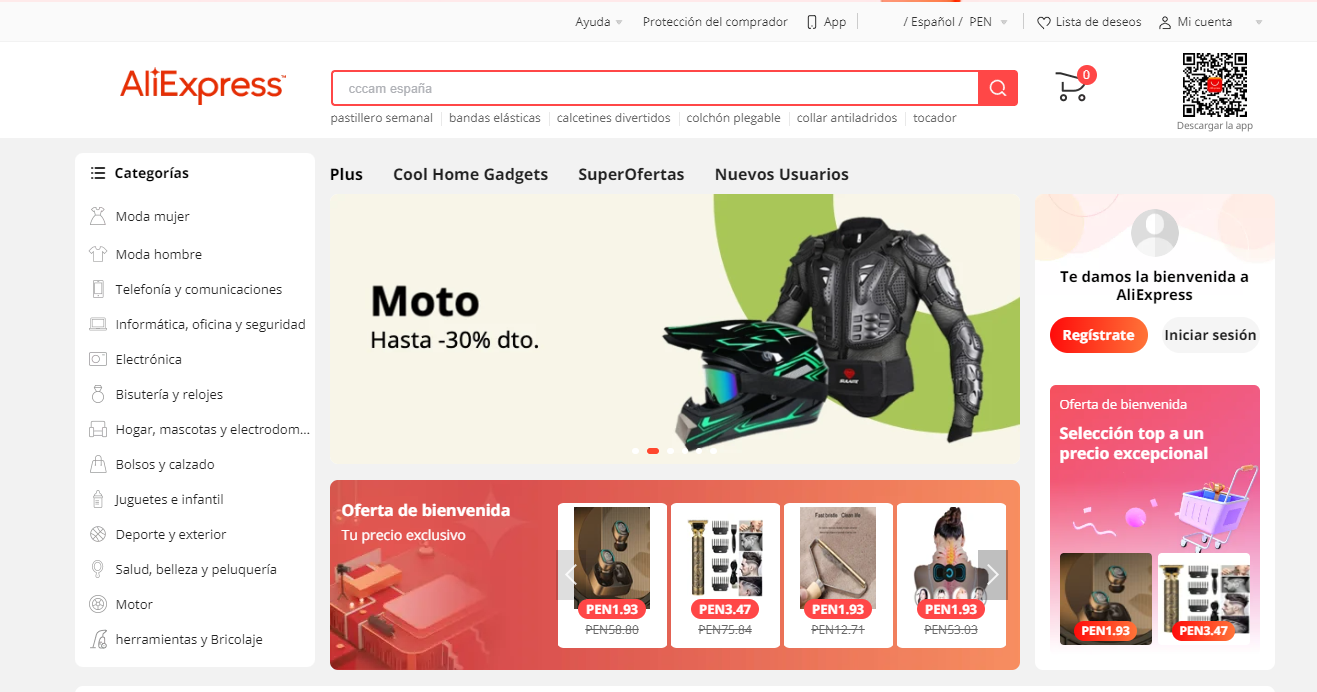 0
0 -

Hi Christian,
You can use the Brizy menu element to create a design similar to this. You don't need the mega menu. You can create a page structure similar to https://brizytest.online/menu/
After adding the menu element, you can set the orientation of the menu to be vertical and also add icons for each menu element. If you want me to record a video explaining the procedure, please let me know.
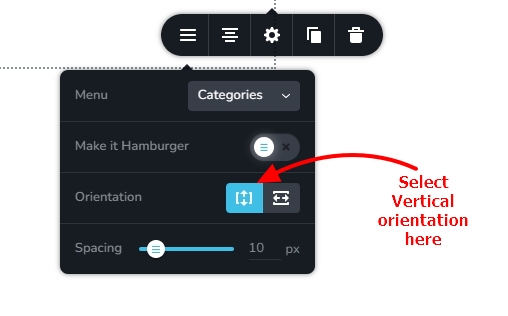 0
0 -
Hello. kc George. Yes I tried but the problem is that there is no way to customize the native submenus (2x2,3x3,4x4, etc). That is, there are no options to reduce the width and height of the submenus. Too there is no way to add text and images. Thanks for your time.
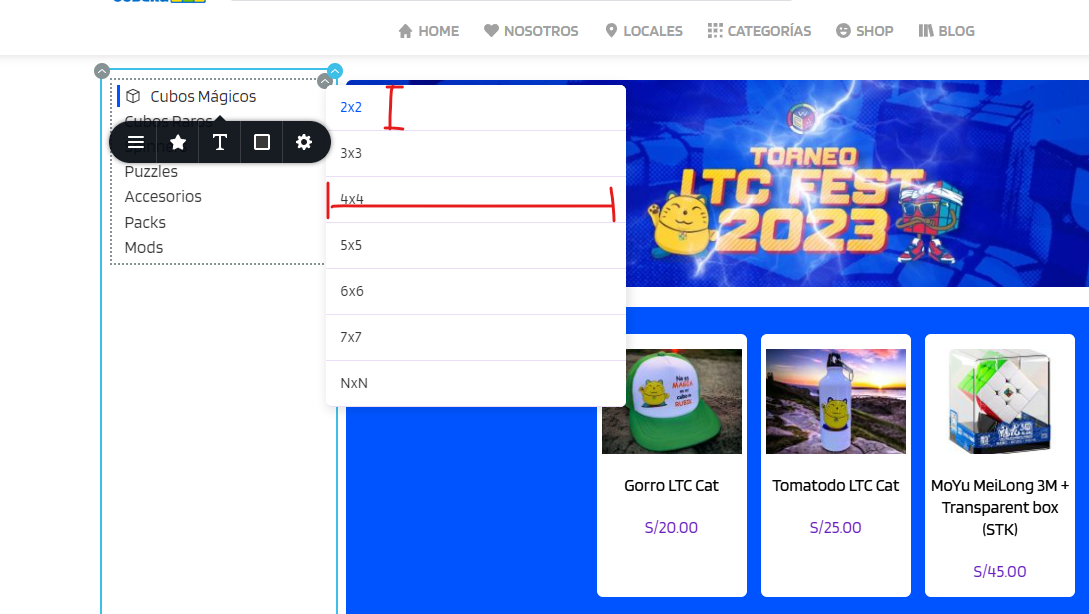 0
0 -
Hi Christian,
Please watch this screen recording for a work around to bring the mega menu to the right side. https://jmp.sh/1p5hghiF
You could look at my test page https://brizytest.online/menu/ and click on the YouTube basics menu.
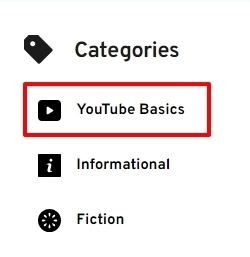 0
0 -
Hello. The link you shared with me seems broken.
0 -
Sorry Christian. I have corrected the link.
1 -
Thank you!
0
Please sign in to leave a comment.
Comments
8 comments