using quotations produces strange symbols

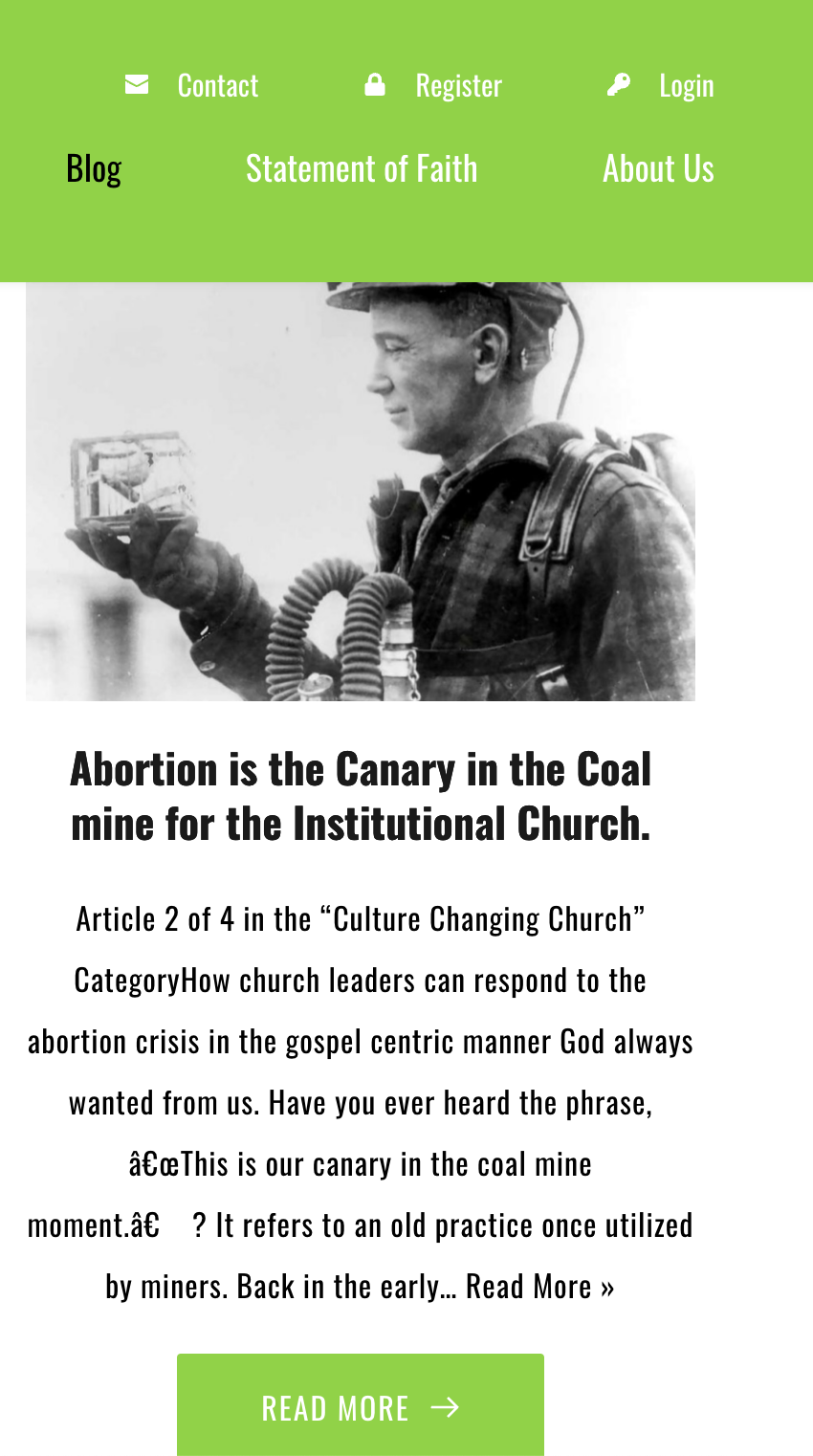
In the blog template, when I use quotations in a sentence, it produces weird symbols.

-
Here's the zoomed out picture.
 0
0 -

Hi Chris,
I tried adding your text with quotation marks to a blog post. It seems to display fine at my end in a Brizy template. Please see my test blog post here https://brizytest.online/quotation What steps should I follow to reproduce the issue ay my end?
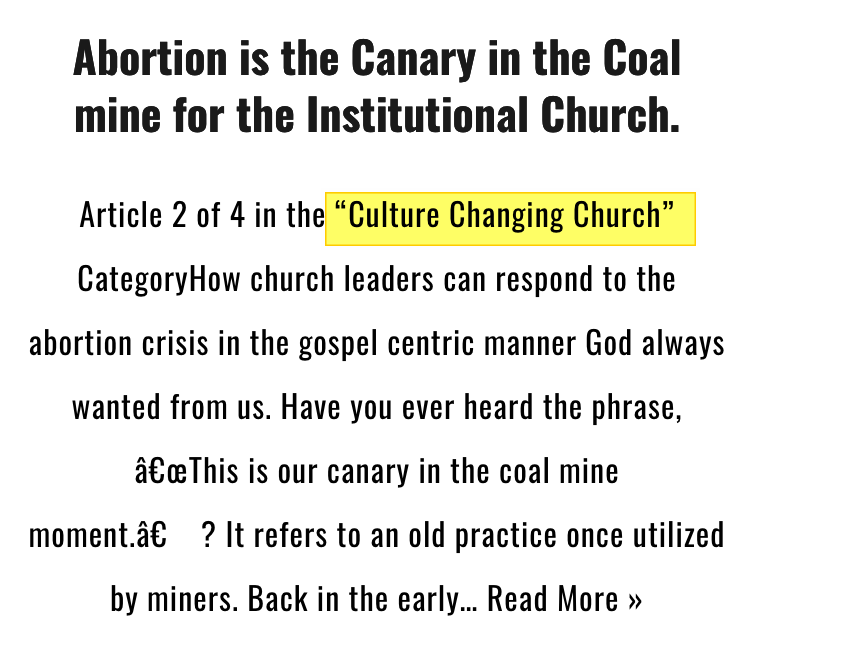
In the screenshot you have shared, the quotation which says "culture changing church" seems to display fine. How are these two quotations different; one that is working fine and one that is not?
 0
0 -
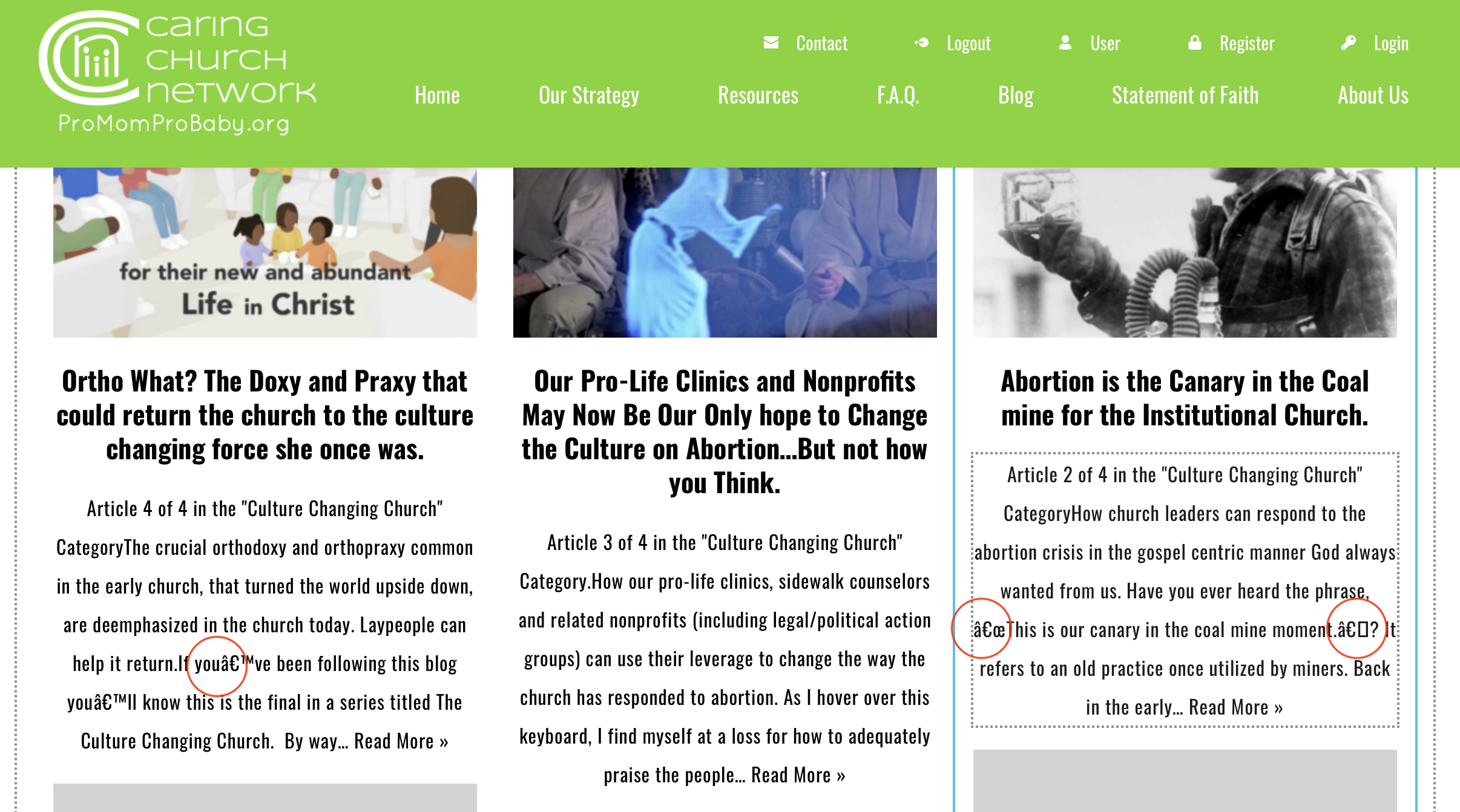
The strange characters appear to be coming from my "blog listing" template, specifically in the "archive" element. It apparently also has problems with apostrophes.
 0
0 -
Hi Chris,
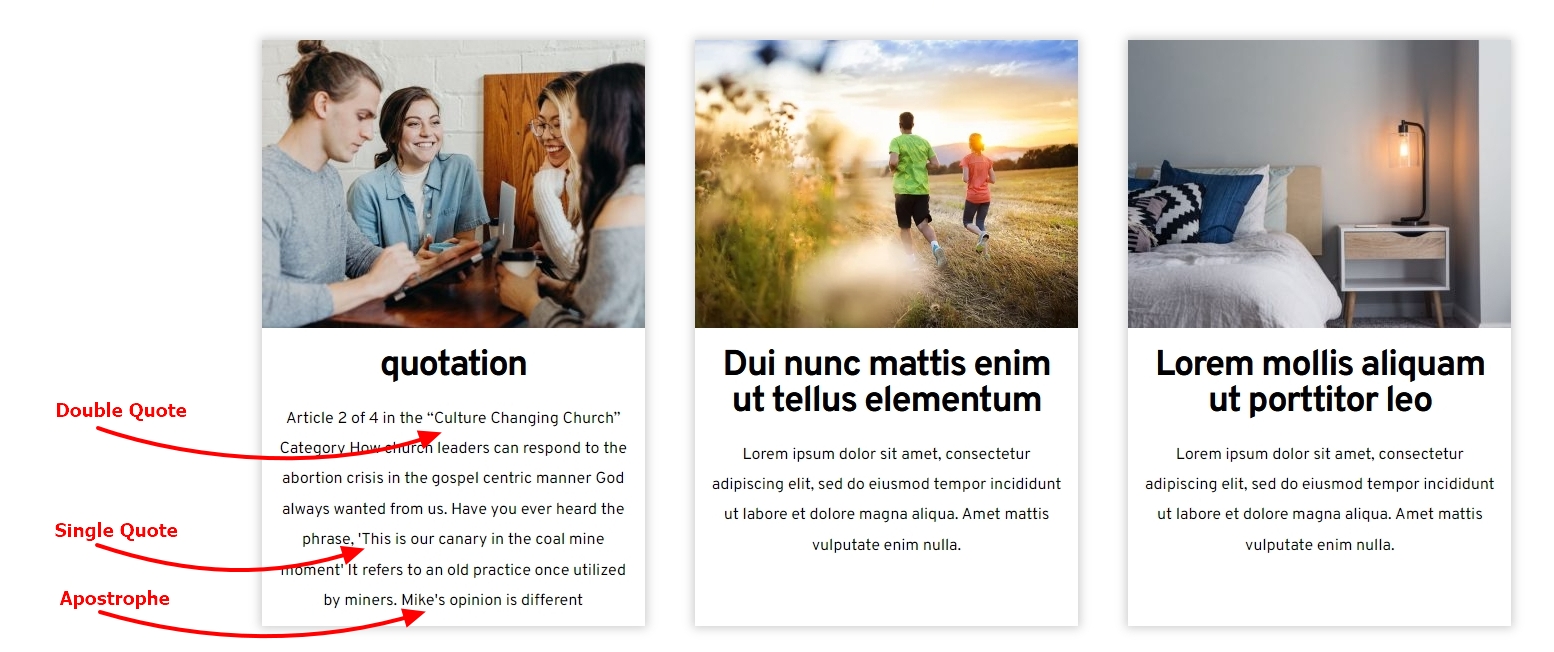
Even in the Archive page, the double quotes, single quotes and apostrophe seem to display well at my end. Please have a look at https://brizytest.online/blog
We need access to your WordPress project to check why this is happening at your end.
0 -
Thank you for your work KC. I don't know why those symbols are automatically displaying for me when I add that content.
I've given you admin access to ProMomProBaby.org. I see you have a user profile from the last time you helped me. Let me know if you need further assistance.
0 -
Hi Chris,
Auto generated excerpts carried some special characters. This was causing the issue for you. To fix this issue, I have added excerpts manually to your blog posts. Now the special characters do not appear in the blog page. Please have a look at https://promomprobaby.org/blog/ Here is the procedure to add/ edit excerpts https://jmp.sh/52jLU89p
0 -
Hi KC,
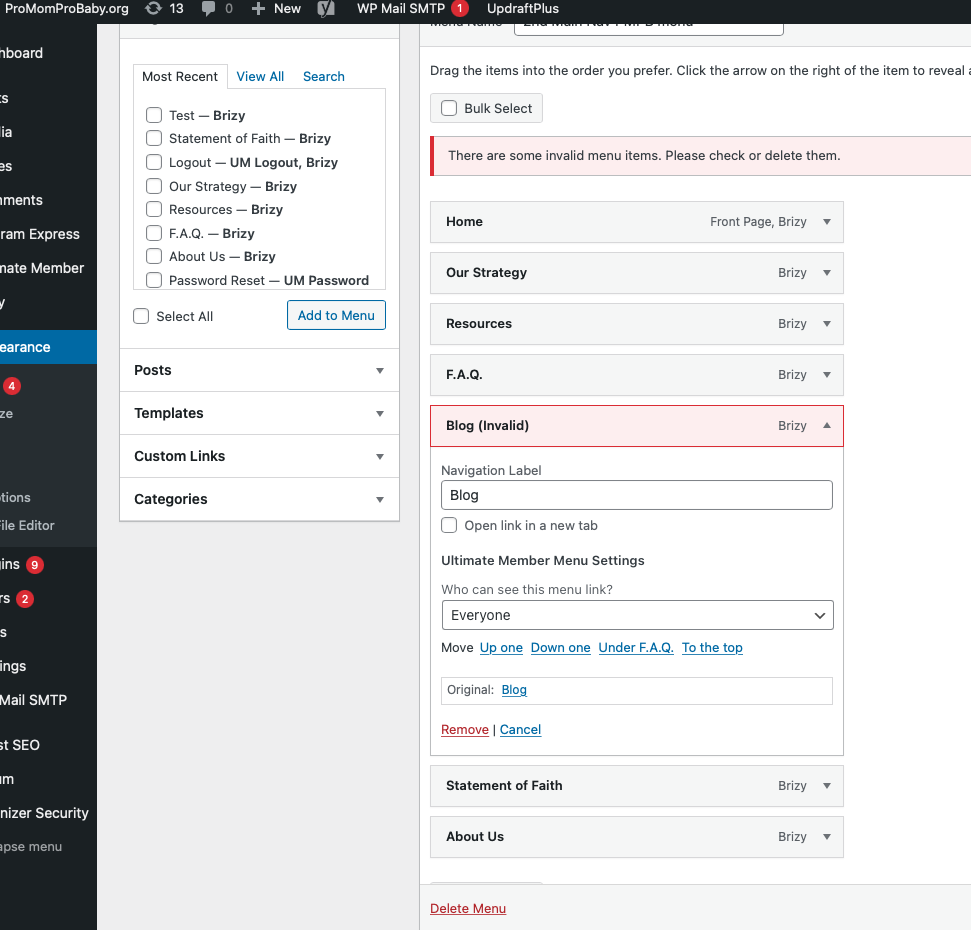
For some reason, that "blog" page has disappeared and it is not showing the "excerpt" area you created in the guttenburg editor. Not sure what is causing that. Looks like you may have created a new blog page to do this. The menu is now showing Blog as an invalid menu item. see picture.
 0
0 -
Hi Chris,
You had edited your blog page with Brizy and hence your Brizy Template design was not taking effect on your blog page. I had to trash your blog page and recreate it.
You needed to remove the old page from the navigational menu and add the new one. I have done it following the procedure in this video https://jmp.sh/PAKpxRFJ
You have mentioned "it is not showing the "excerpt" area you created in the Guttenberg editor" It is available in the Gutenberg editor. Please check again. If you still can't find it, please do a screen recording or capture a screenshot to demonstrate the issue.
0 -
KC,
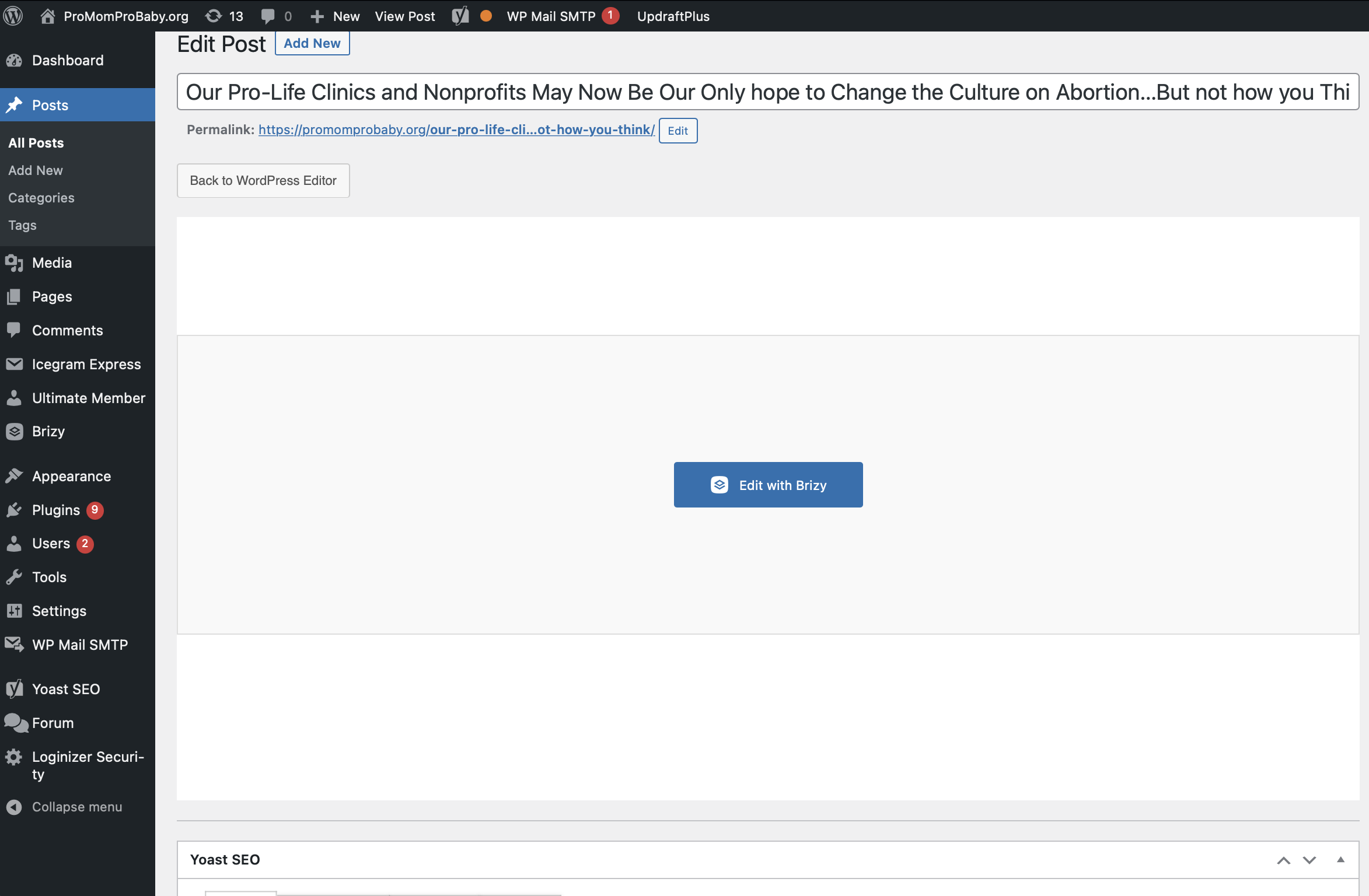
For some reason when I login and view my Posts in the Gutenberg editor I still do not see the "Excerpt" area. Maybe you can tell me how to create an excerpt area. I'm attaching a screen shot of what I see. I was going to attach a video but I see that is not an option. I've tried Safari and Chrome and get the same result.
 0
0 -

Hi Chris,
Thank you for keeping in touch.
Please find the Settings button on the upper right and click on it. The Except area should appear in the sidebar.
https://prnt.sc/DFe1e3fQhuQGPlease try this and let me know how it goes.
Best regards,
Ariel H.0 -
Thank you KC. It worked a little different in Safari or on my Gutenberg page but I got it to work. Thanks for all your help!
0
Please sign in to leave a comment.
Comments
11 comments