Pop Up Dissaperared

Hey folks,
I'm trying to remove a pop up from some pages on my site, but it does not appear in my dashboard. Can you help?
Thanks,
-

Hi Thomas,
Please check the Popup and Alerts section of your Brizy Cloud CMS.
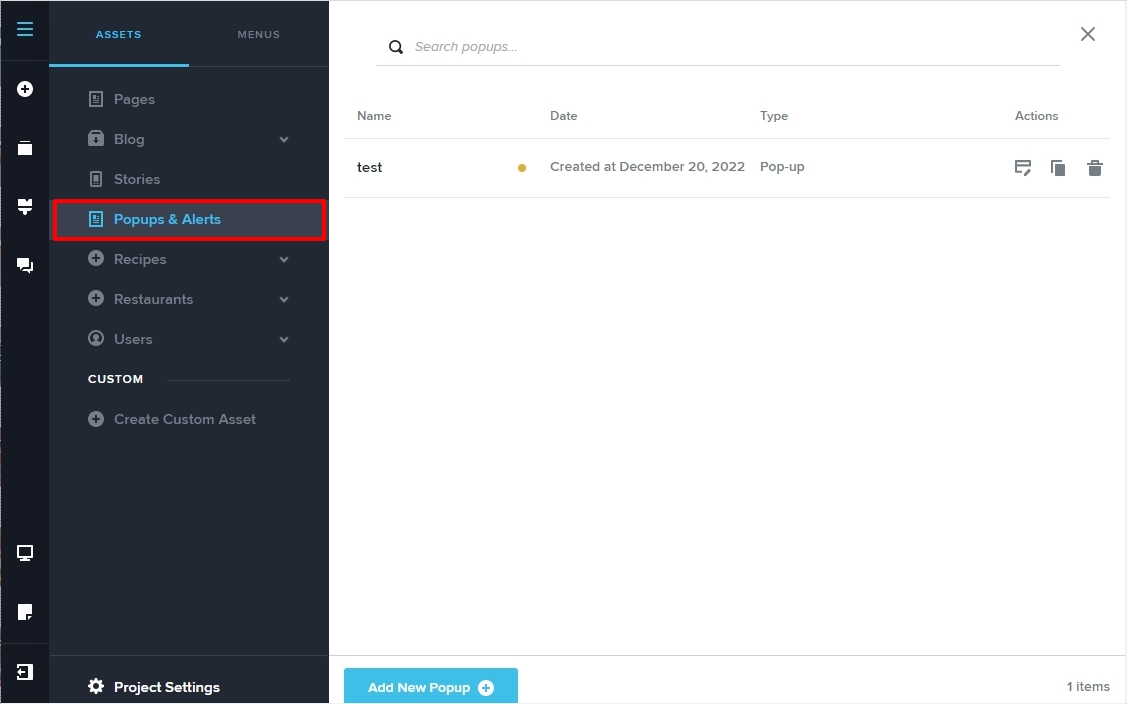
Edit the popup by clicking on the Edit button next to the popup name. You can set the pages where the popup should be displayed under the Display Settings. Please see this video https://jmp.sh/TS0iWrUu
0 -
Hey KC,
Thanks for getting back to me so quickly.
I'm using Brizy Cloud so the navigation looks slightly different.
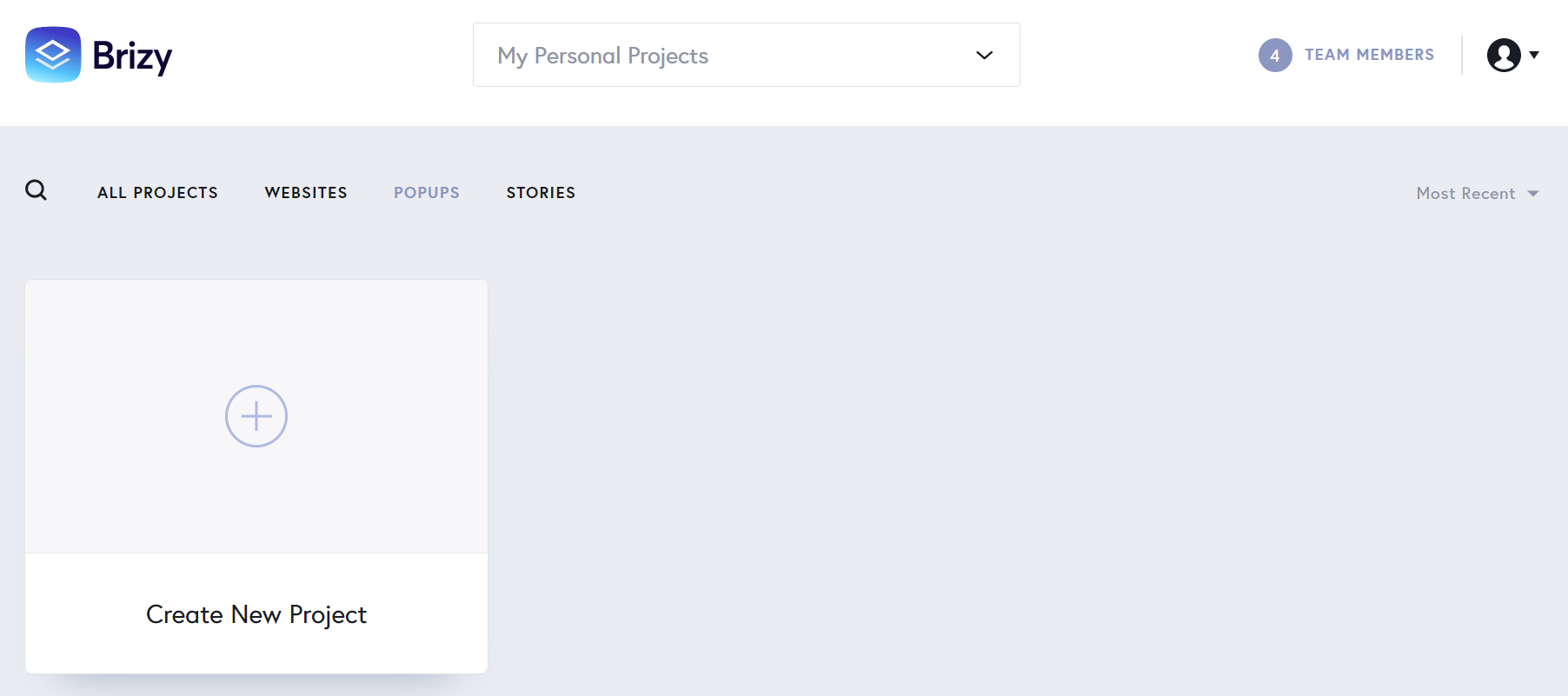
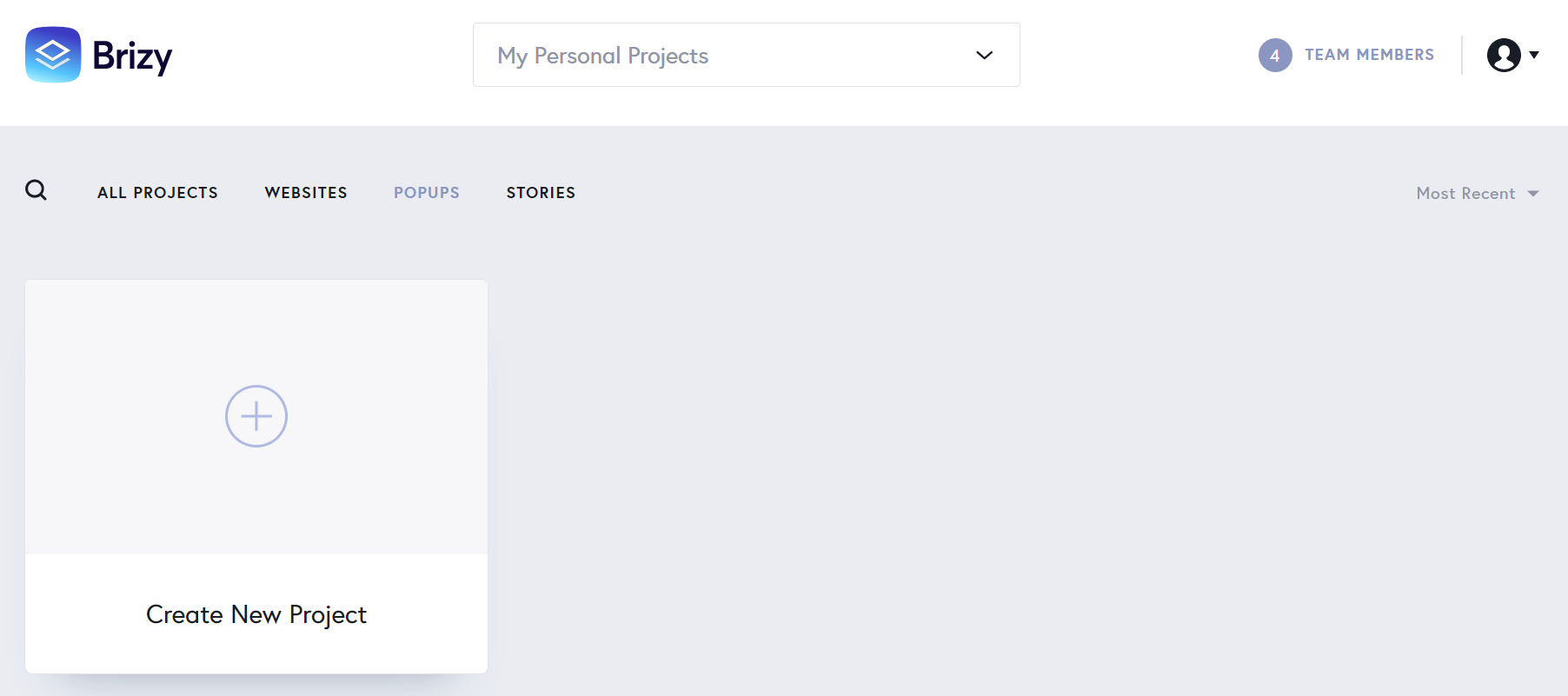
When I navigate to popups, it appears empty as shown.
Cheers,
Tom
 0
0 -
Hi Thomas,
Can you please confirm if you have watched the video i have linked above?
0 -
Hi KC,
I have indeed but as in the above screenshot, my pop up does not appear in my dashboard?
Really appreciate your help here.
Thanks,
Tom
0 -
Hi Thomas,
Popups that you add to a website usually do not appear in the screenshot you have shared above, but under Popup and Alerts section of your website as I have demonstrated in my video.
Have you checked the Popup and Alerts section of your website? Can you please share a screenshot of what you see under the Popup and Alerts section of your website?
0 -
Hey KC,
Following your process in the video, see screenshot below.
Look forward to hearing from you.
Best,
Tom
 0
0 -
Hi Thomas,
Your project is using the older Brizy Cloud project format. Hence the user interface is slightly different from the video I had shared with you. Please click on the hamburger icon on the left sidebar at the bottom.
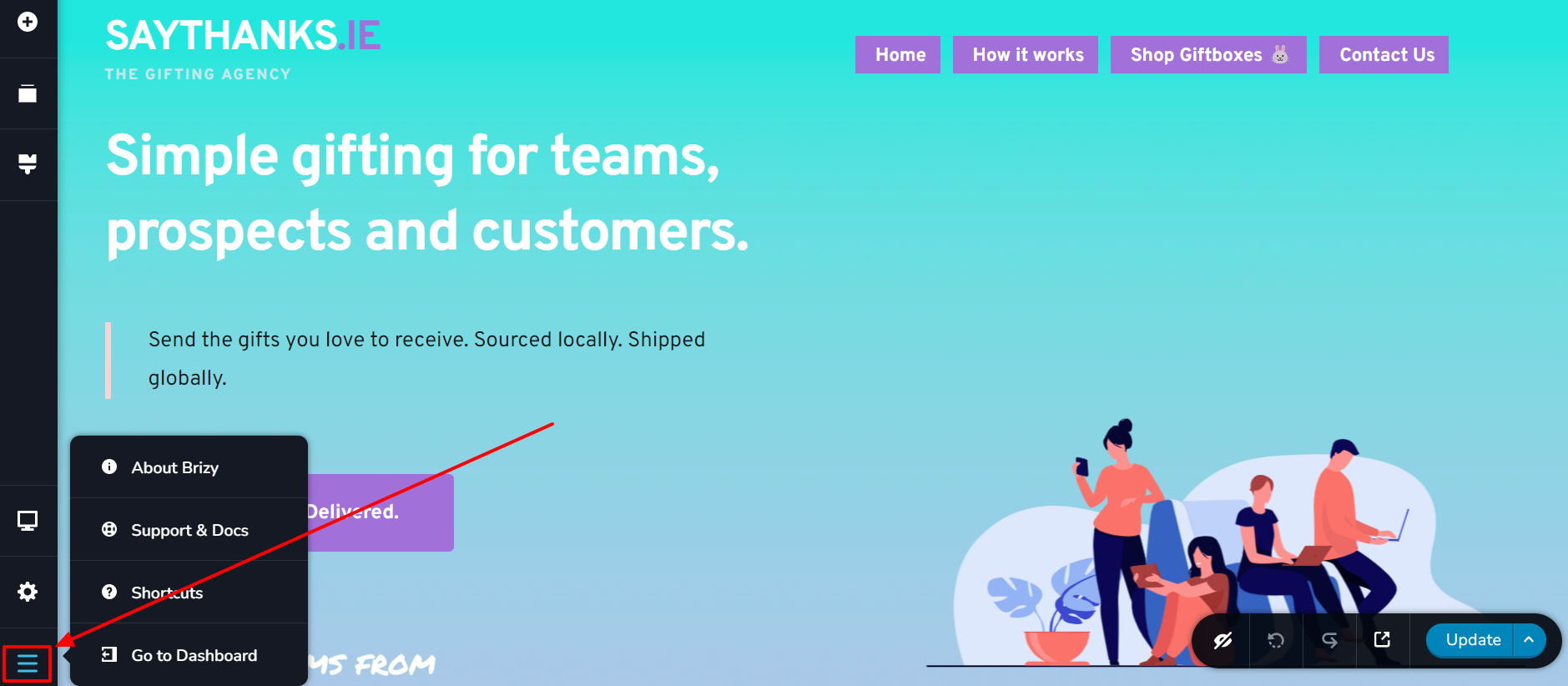
Under the 'Assets' tab, on the left sidebar, select Popups and you will see the popup named "New Popup' on the right.
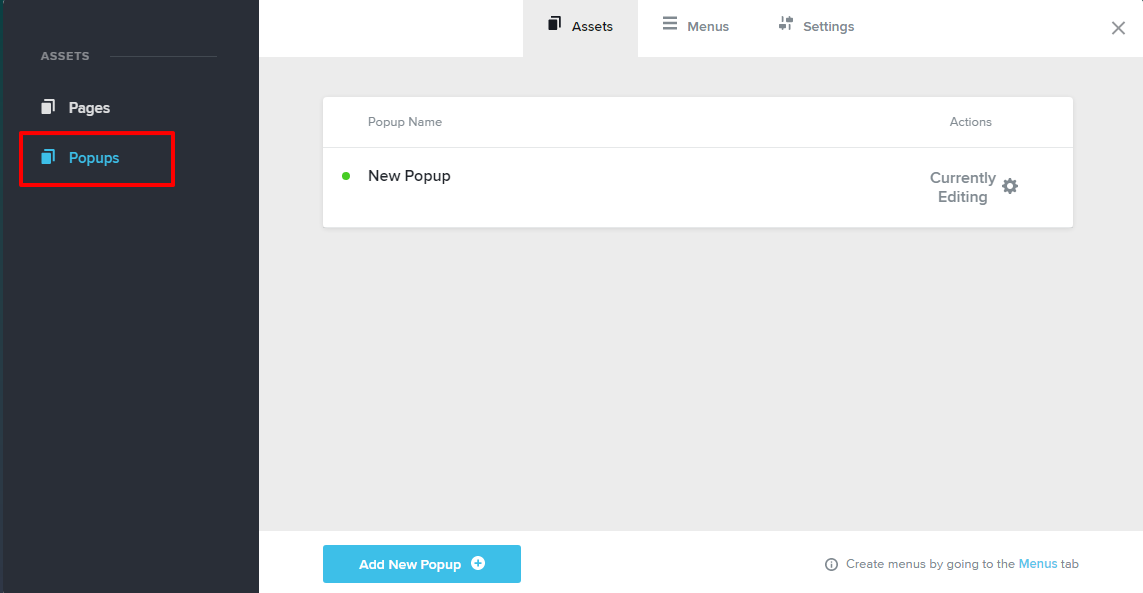
Click on the Edit button to edit the popup. Then you can go to to the Display Settings to set the pages where you would like to display the popup.
0 -
Hi KC,
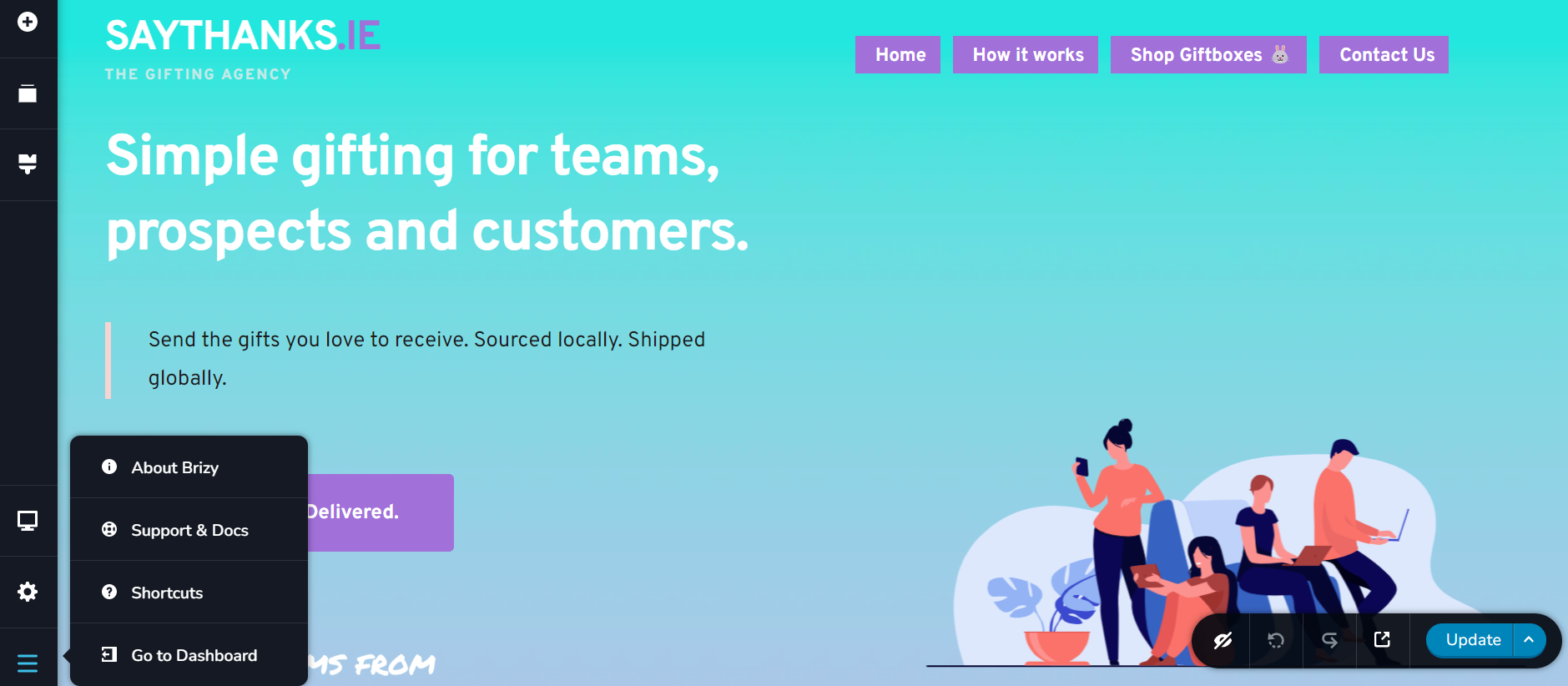
This is what I've been saying from the start. As per the below, when I select the hamburger, there are limited options.
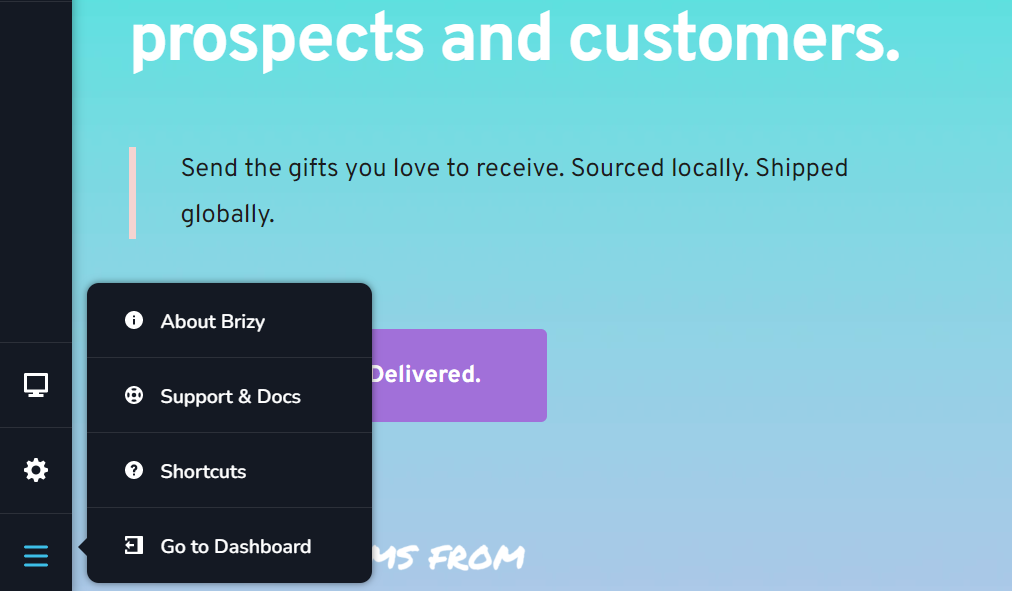
From here, when I navigate to Go to Dashboard.
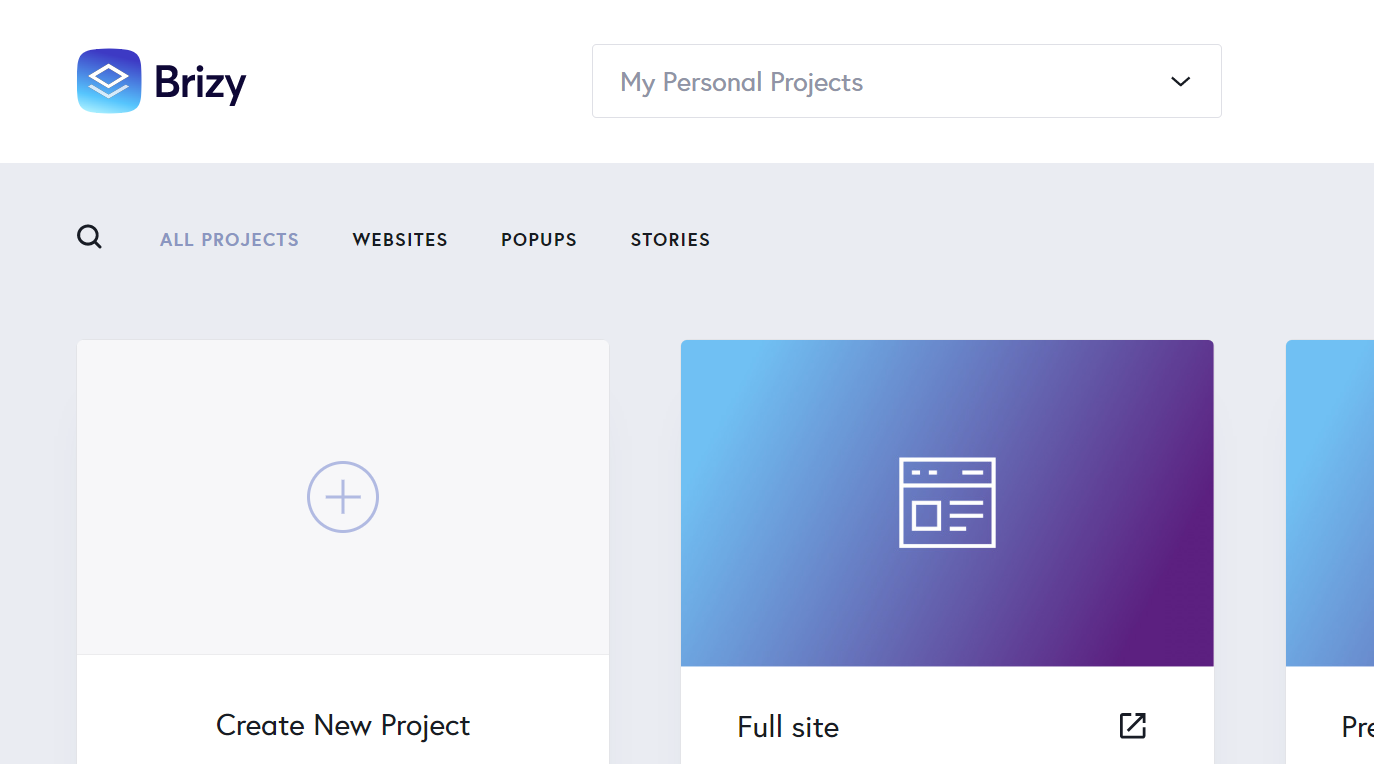
Within th Pop Ups tab, there are no pop ups?
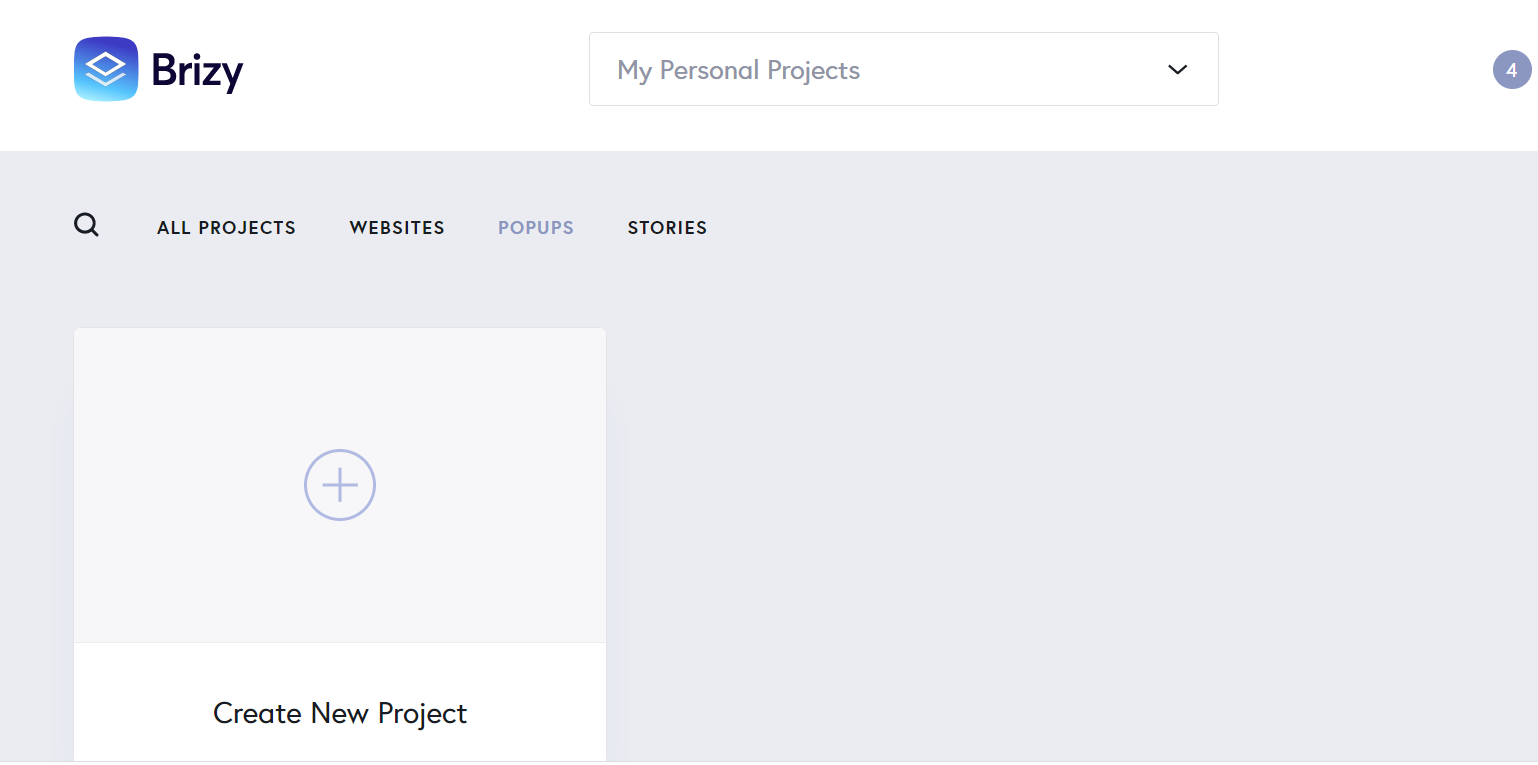
In the meantime, if you can access our backend, I need the pop up urgently removed from this page please? This is quite time sensitive.
Look forward to your reply.
Thanks,
Tom
0 -
Hi Tom,
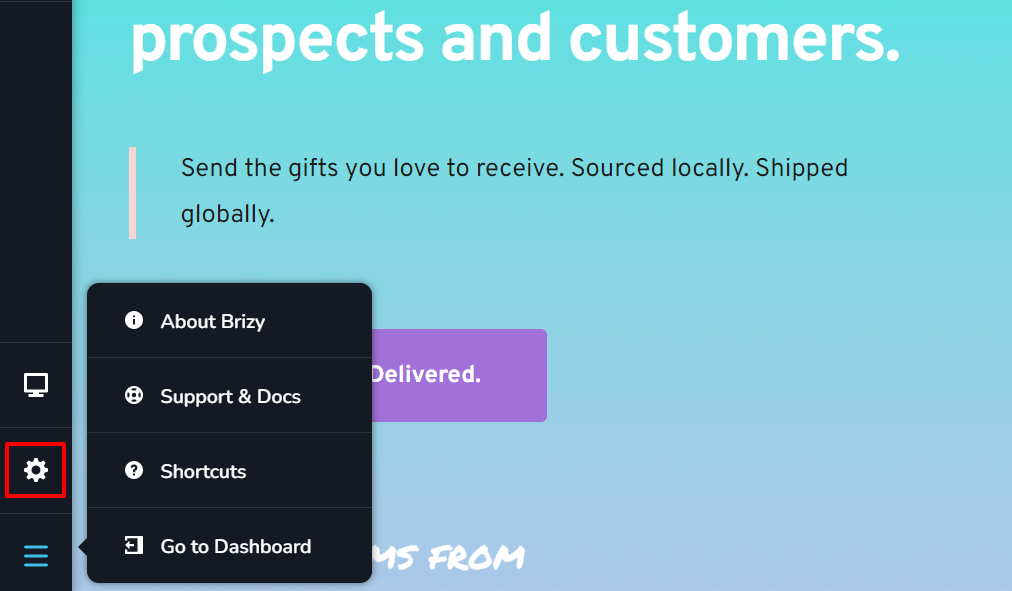
I am sorry, Please click on the 'Cog' icon instead of the hamburger and you will see the options I have mentioned.
Then under the 'Assets' tab, on the left sidebar, select Popups and you will see the popup named "New Popup' on the right.
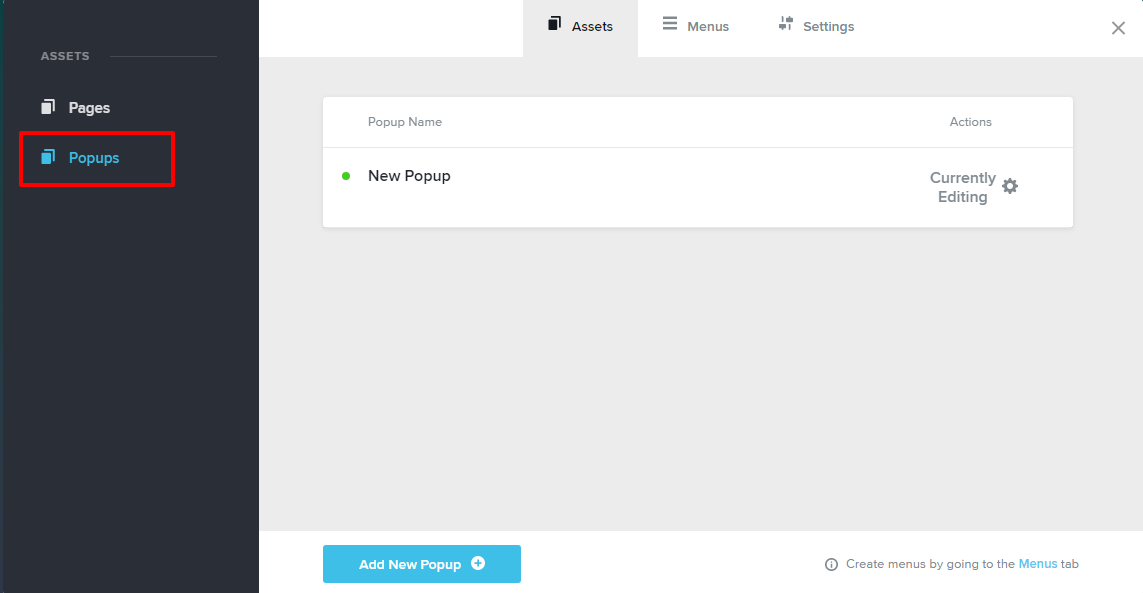
Click on the Edit button to edit the popup. Then you can go to to the Display Settings to set the pages where you would like to display the popup.
0 -
Thank you SO much Kc. Really appreciate it, great support!
0
Please sign in to leave a comment.
Comments
10 comments