Brizy Pro Studio - Licenses Expiring

Good day,
I bought Brizy Pro Studio a while back. My subscription renewed on the 16th September and since then, all my licenses expired.
I then renewed for all client websites, only to find that today they have all expired again.
Please let me know how to resolve this.
Best,
Chris Gomez
-

Hi Chris,
We apologize for the inconvenience. We have now updated the validity of your licenses. Please let us know if everything looks fine.
1 -
Hi kC,
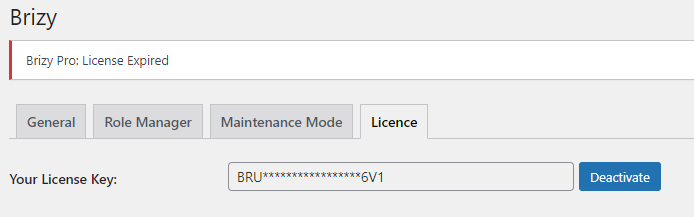
Thanks for your fast response as always. I am still seeing the "Brizy Pro: License Expired" message on client websites - do I need to replace the Brizy Licenses again across affected websites?
0 -
Hi Chris,
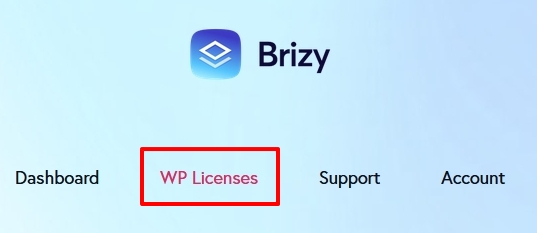
Please sign into your Brizy.io account and navigate to the WP Licenses tab. You will see that the validity of your your license have been extended.
Please sign out and sign in again into your client's WordPress Dashboard and check if you see the latest changes to license validity.
 0
0 -
Hi KC,
I have logged in and out and cleared cache, the error message persists.
 0
0 -
Hi Chris,
You may need to deactivate and add the license again. Sorry for the inconvenience.
0 -
Thanks KC this has worked
0
Please sign in to leave a comment.
Comments
6 comments