Brizy Pro Wordpress - Blog: Single Post Template Content Issues

Hi, Brizy Team!
I'm currently implementing blog functionalities into my website, but unfortunately I have come into some issues with how the content is actually being displayed.
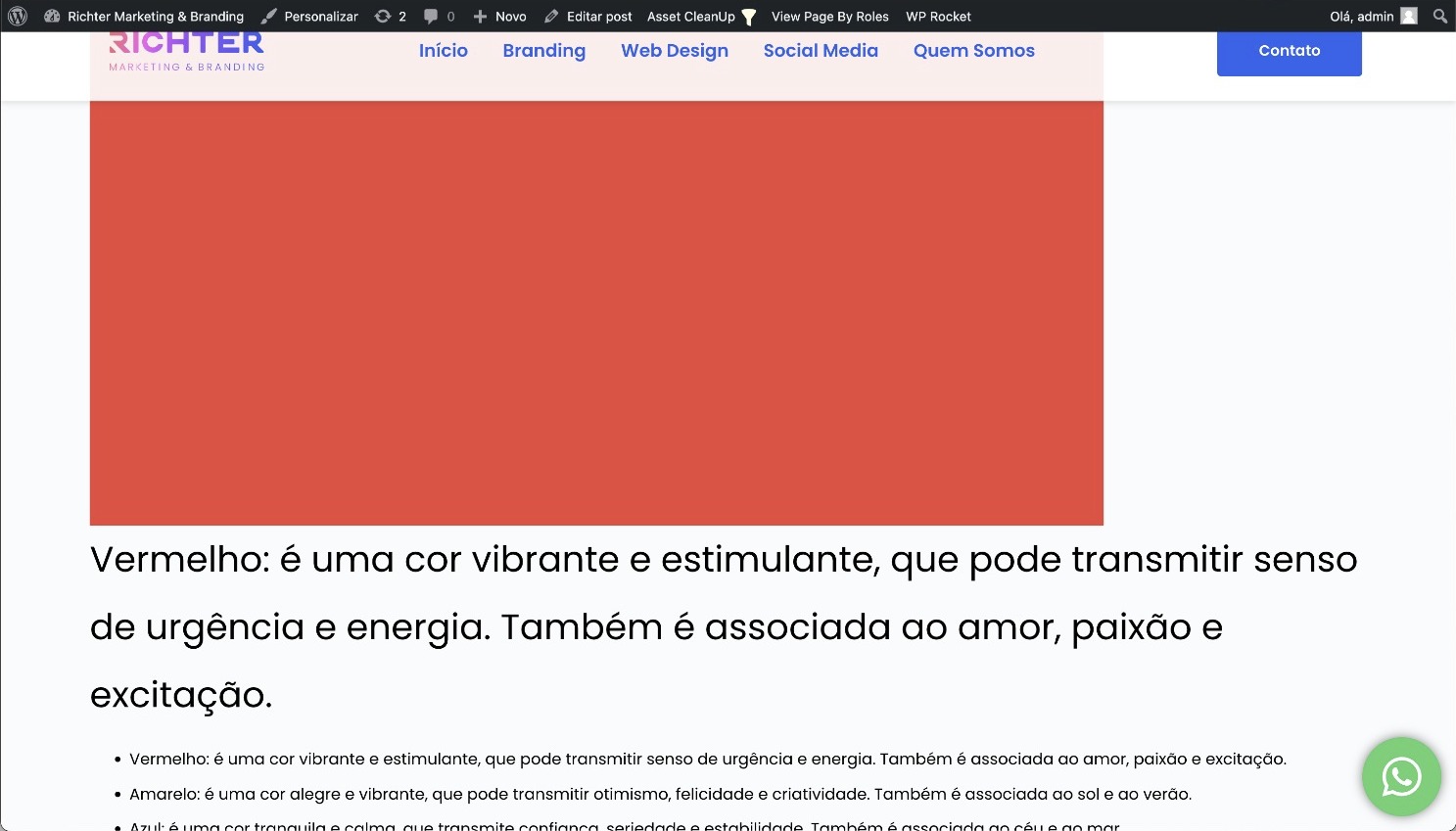
In this first screenshot you can see that I have inserted a small red image in my post content.

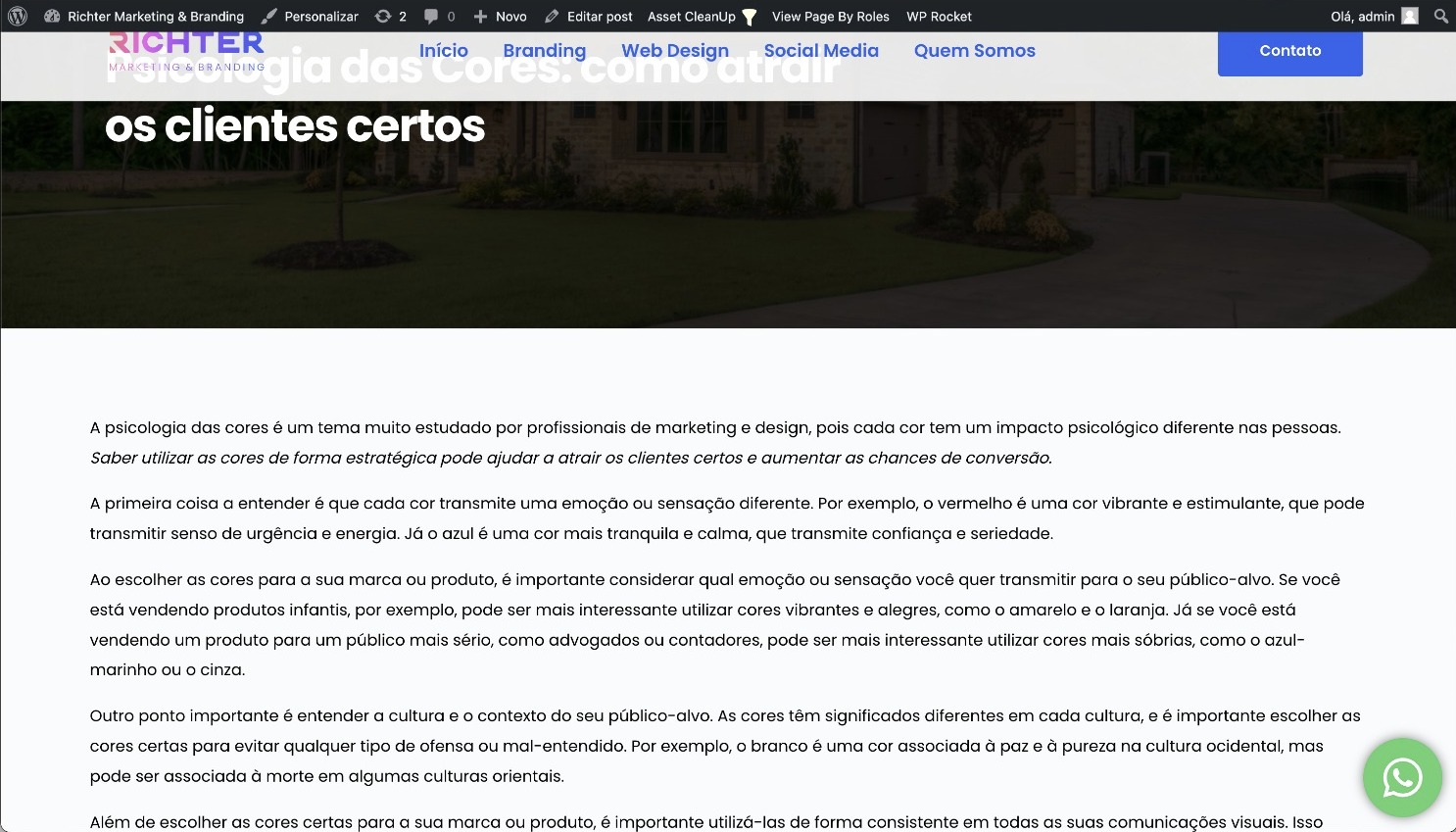
But when this content is displayed on the live page the image formatting is completely different than what it looked like in the post content page. (The content was added to the page using the post content element from the elements tab from the left side of the Brizy Builder).
Also, I was testing making a part of my text bold and italic as you can see below in the post content page.

And again, when it was shown using the simple Brizy template that contained the post content element, it only showed the text in italic. Where did the bold configuration go?
I thought these custom template pages within Brizy where supposed to make life easier. Am I doing something wrong here?
-

Hi Hanlie,
I tried adding an image like in your example to a blog post. It seems to display well in preview at my end. Please have a look at https://brizytest.online/8-diy-project-ideas-to-make-your-home-shine
I have used the Gutenberg column block to add the image and text side by side. What approach did you follow to add the image and the text side by side?

I have also added italics and bold to my blog post and it does show in preview.
If you are not able to fix this yourself, we may need to take a look at your project to help you fix this issue.
0 -
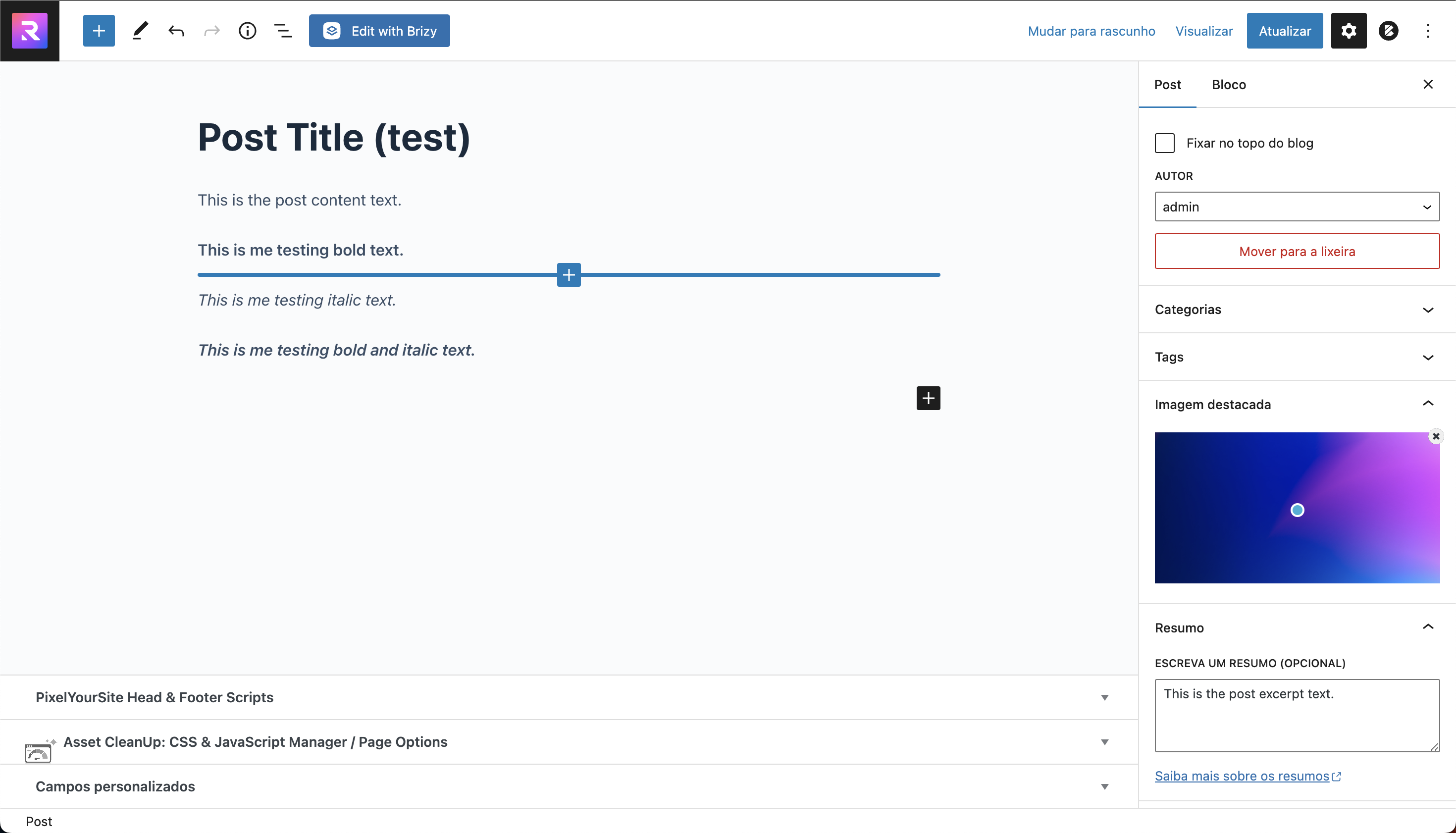
I made another attempt:
Result:
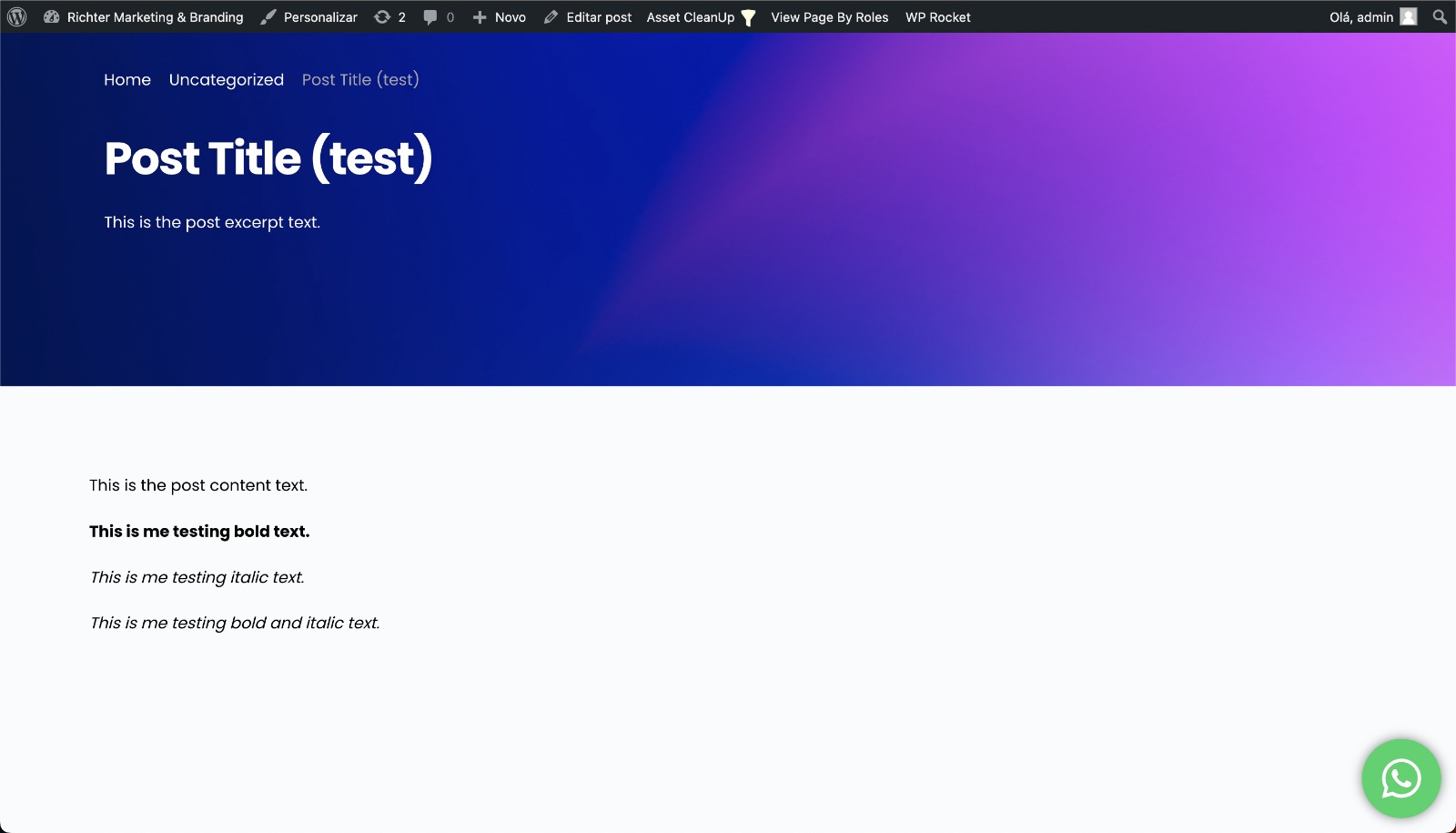
As you can see using bold or italic features seperately, they work fine. But combined it only shows the text in italic.
0 -
Hi Hanlie,
You are right. The bold italics in the editor appear as italics in preview. I will report this bug and we will work on fixing it. Thank you for reporting it.
0 -
Hi KC George! Hope you're doing well.
Are there any updates for the correction of this bug? The project that I started 13 days ago is due in a couple of days and it is unacceptable for me to deliver it looking like this to my client.
I regret to inform that it has shown other issues as well:
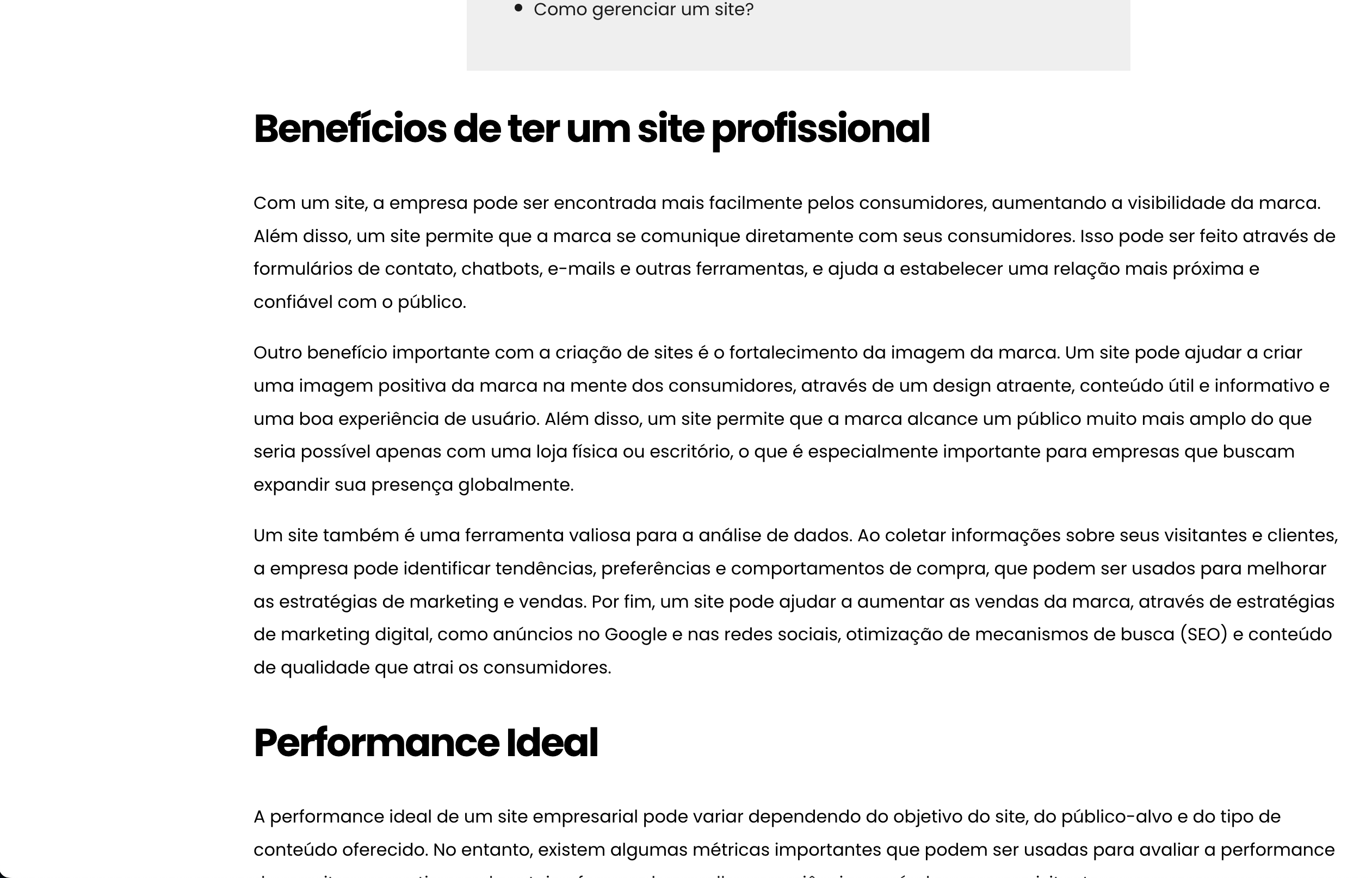
1. In this image in the post editing backend I created an internal link to one of the website's pages and made the text bold, underlined and changed it to blue.
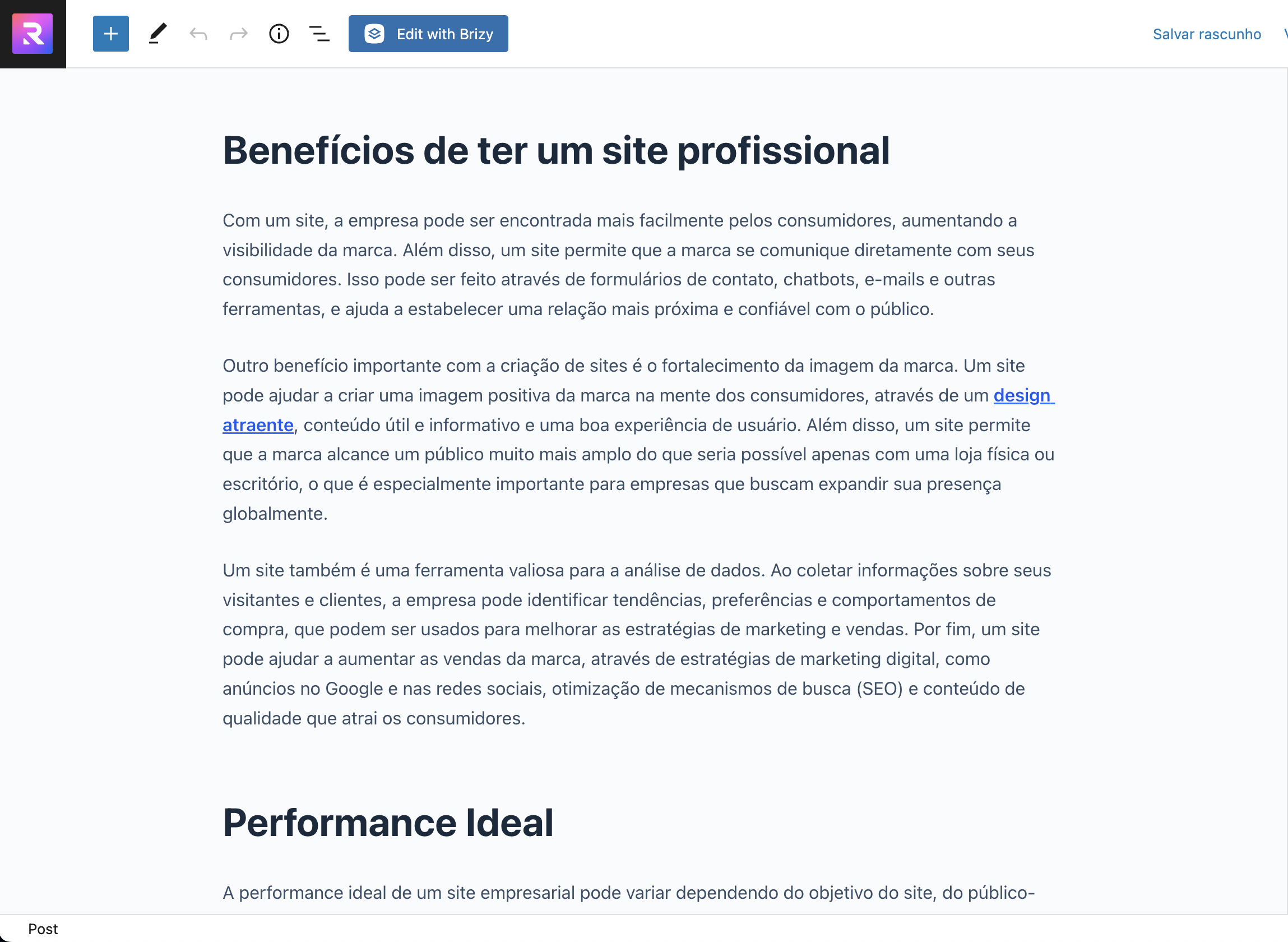
In the frontend the link is clickable but doesn't show how it's supposed to:
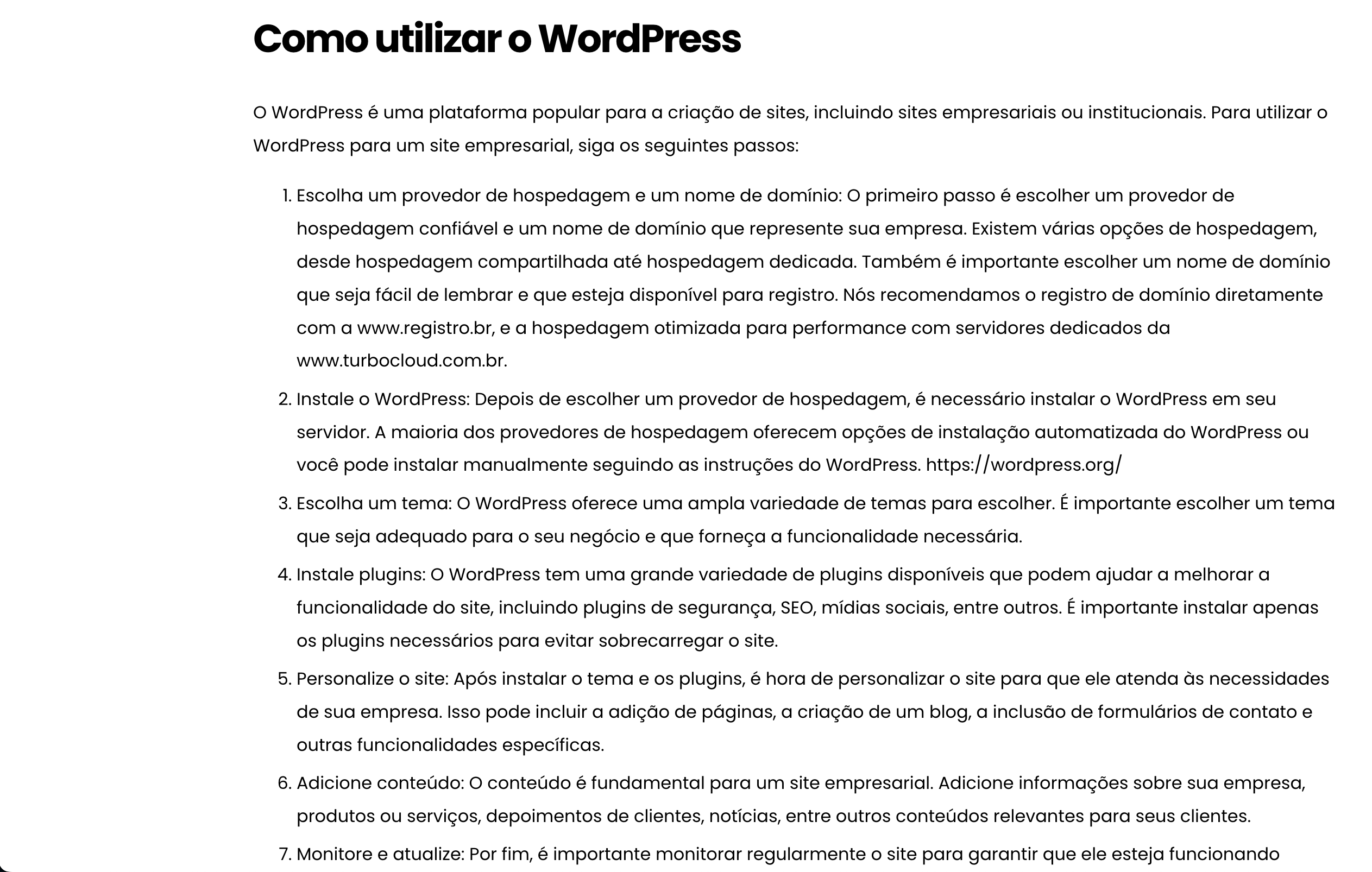
2. Same thing goes for these 3 links to external sites:
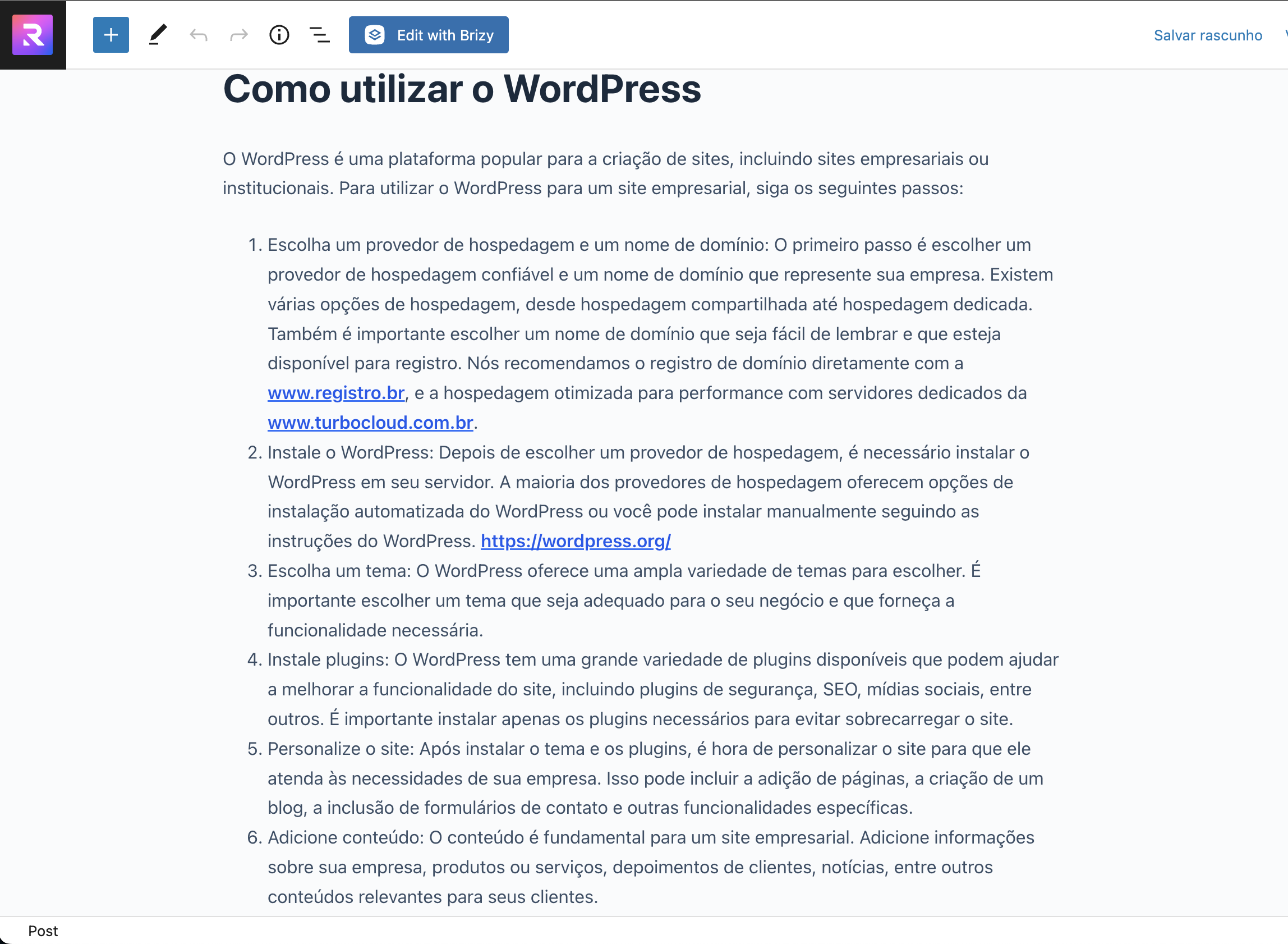
As you can see here, it shows as if it were normal text, but the text is clickable and redirects correctly.
I urgently need this to be fixed, my client is very unhappy with this issue.
0 -
Hi Hanlie,
Fixing these bugs will take its own time. If you need a solution urgently, I can suggest a work around.
There are two ways you can setup blog posts with Brizy.
- Add the blog post content to Gutenberg and use the Brizy blog post template to stylize the content using Brizy.
- After assigning a name to a blog post in Gutenberg, click on Publish and then edit the blog post with Brizy by clicking on the 'Edit with Brizy' button. In the blank page that opens up, design your blog post using Brizy just like you design pages. Your blog post design will override the Brizy blog post template design in this approach.
If you need an urgent fix for your project, you can consider redesigning blog posts which require bold italics links using the second approach I have mentioned above. In this approach, you will be designing blog posts directly in the Brizy editor. Hence the link issues will not affect your blog posts.
To redesign an existing bog post following the second approach, copy paste the Gutenberg content into a Word document first. Then you can delete the content added in Gutenberg and then edit the page with Brizy. In the blank page that opens up, add the Brizy header, Brizy footer and the blog posts content in the content area.
0
Please sign in to leave a comment.
Comments
5 comments