Pop up not displaying correctly

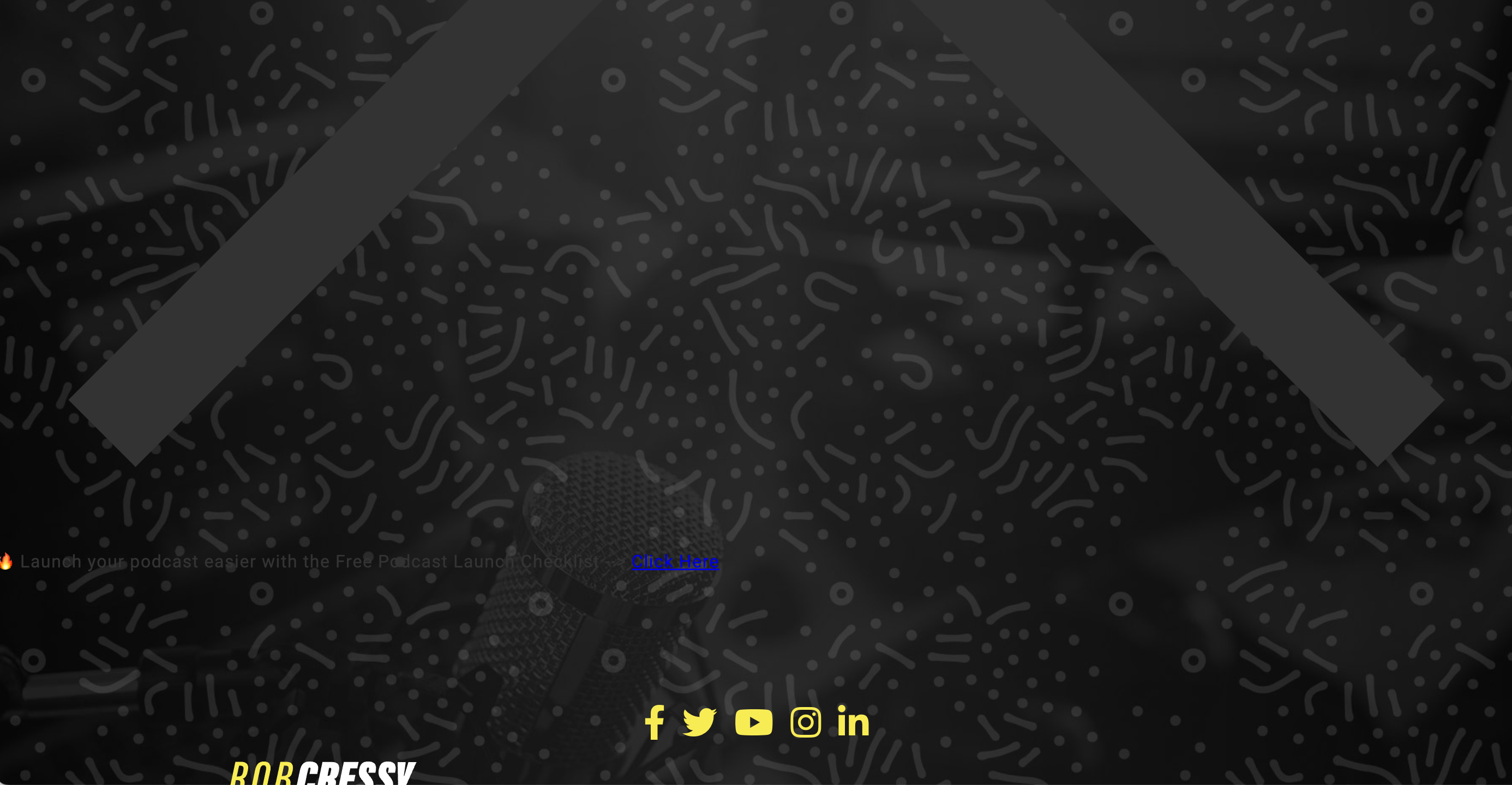
Hi, We created a top bar pop up and added display conditions so it would appear on certain blog posts. It appears there is a loading issue, since it displays wonky on the front end.
Attached are screenshots of how it should appear as per the Brizy editor and how it is actually appearing on the live page.
Please help.
Here is the URL: https://robcressy.com/podcast-studio-setup/
Thanks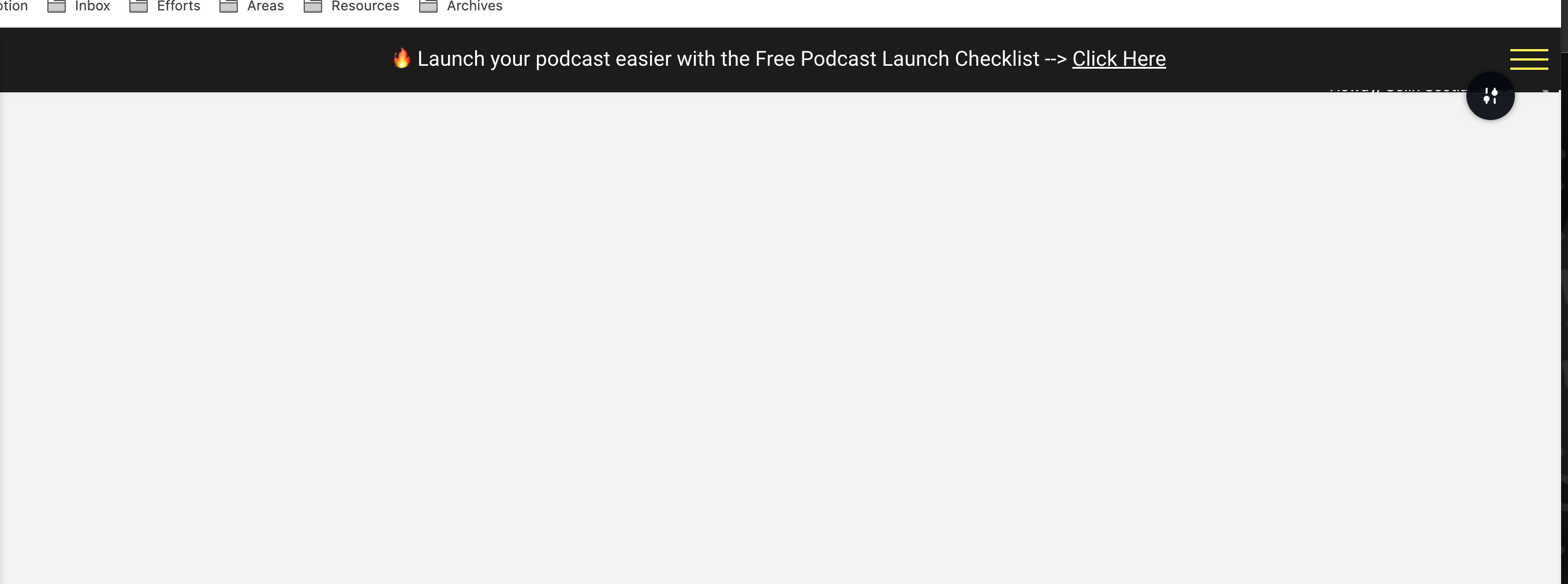
-

Hi Colin,
Thank you for the contacting us.
I couldn't find the popup appearing on the page. It seems that the issue might be related to optimizations implemented on your website and CDN.
To troubleshoot this, I recommend temporarily disabling any optimization plugins that are currently active on your site. Additionally,it appears that you are using WPMU CDN, please also try to disable their plugin and see if this makes any difference. If this fixes the issue, please go to your optimization plugin and disable CSS/JS minification and check if this will help fix the issue.
Please try this and let me know how it goes.
Best regards,
Ariel H.0 -
Hi Ariel,
Thank you for your response.
I disabled Hummingbird plugin and navigated to the https://robcressy.com/podcast-studio-setup/ url in incognito browser but still does not display. It appears in the bottom of the page with the big X, etc as per my screenshot above.
Hope you can help.Thanks
0 -
Hi Colin,
Thank you for the update.
Please grant us temporary access to your WP Admin credentials so that we can investigate the issue further. Please add us as a user to your WordPress Dashboard and send the following details to communitysupport@brizy.io:
Community Post link: https://support.brizy.io/hc/en-us/community/posts/13732841140626
WordPress Admin URL:
Username:
Password:Additionally, I recommend creating a full backup of your website as a precautionary measure.
I am looking forward to your response.
Best regards,
Ariel H.0 -
Hey Ariel. Access has been granted to communitysupport@brizy.io email address as requested.
Thanks0 -
Hi Colin,
Thank you for the update.
Unfortunately, we have not yet received the credentials. Could you please send it again?
Best regards,
Ariel H.0 -
Sent password reset link so it should be there now 👍
Thanks
0 -
Hi Colin,
My apologies for the delayed response.
Upon checking, it seems that the problem is associated with the custom theme you are using.
This issue doesn’t occur if you temporarily switch to Twenty Twenty-Three - https://i.imgur.com/uAKfZH2.pngTo resolve this issue, I recommend reaching out to your theme developer for further assistance. They will be better equipped to address and resolve the issue.
If you have any further questions, please let us know.
Best regards,
Ariel H.0

Please sign in to leave a comment.
Comments
7 comments