editing menu names

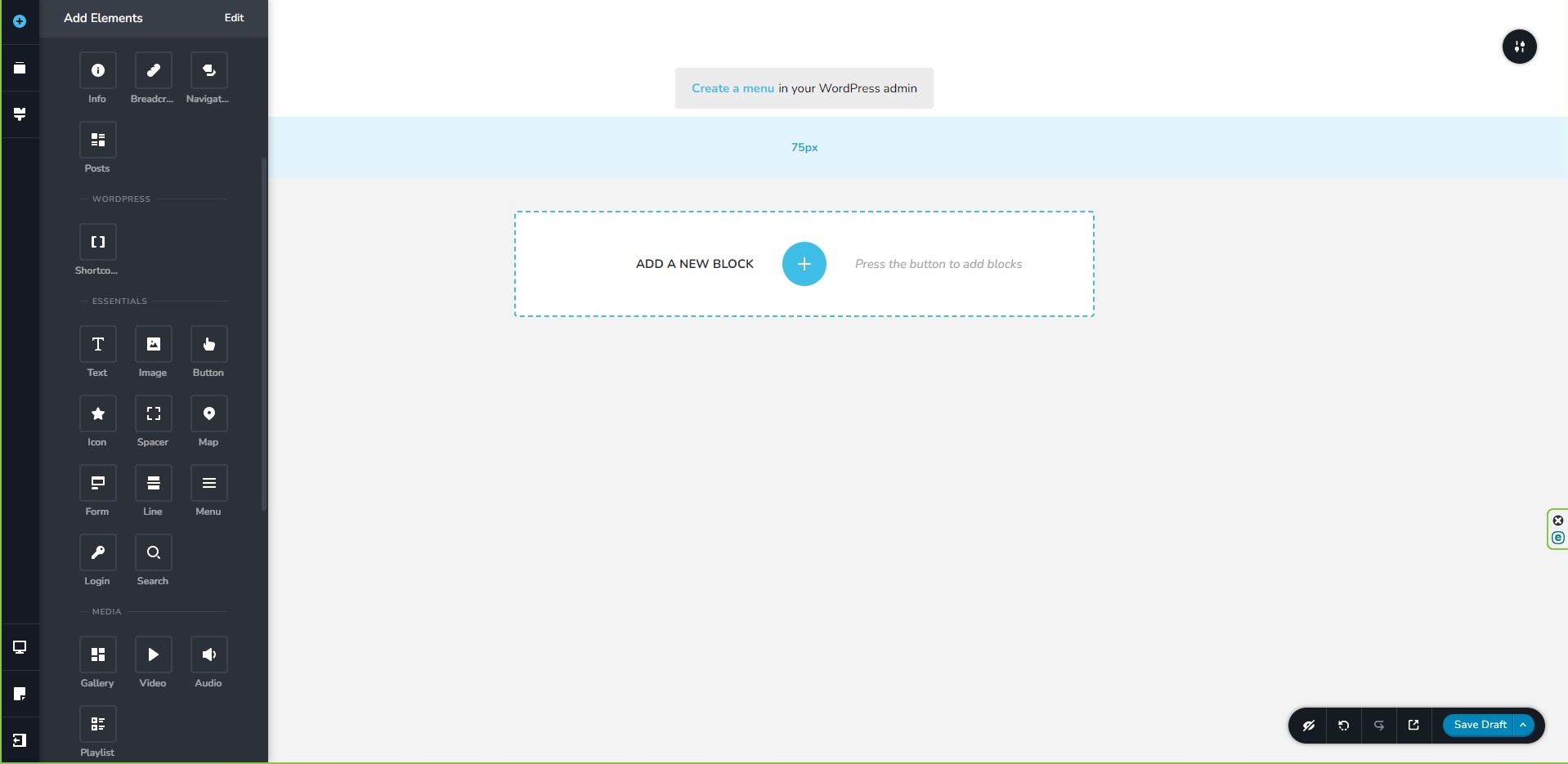

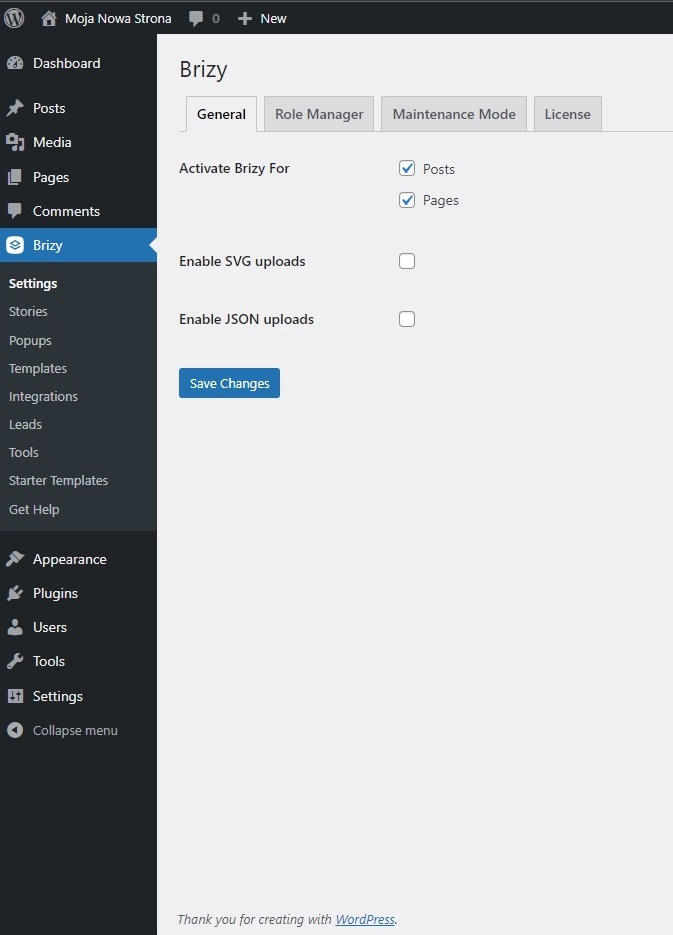

-

Hi Bogumil,
Thank you for reaching out to us.
Your current theme might not have this option.
This is similar to the Twenty Twenty-Three theme where this option was removed.
This is demonstrated on this screencast: https://youtu.be/flu6MA4EQhATo address this issue, please try switching to one of the themes suggested on this link: https://www.brizy.io/theme-partners
Please try this and let me know how it goes.
Best regards,
Ariel H.0 -
thanks a lot, it works!!!
0 -
Hi Bogumil,
Thank you for the update. I'm glad that this is now sorted out.
Kind regards,
Ariel H.0 -

Are you saying that some themes that have a menu in Brizy Pro do NOT allow you to actually edit the menu?
That seems odd. I am having this same problem with the theme I just started working with.
There is no menu item in the Appearance tab. Are you saying I need to change my theme to one that includes that menu item? Seems counterproductive. Why would a theme exist with a menu but not have a way to edit that menu?
What am I missing?
0 -

Hi Nicole,
Brizy uses the WordPress menu system, which is typically customized using the active theme. Until WordPress 5.9, menu customizations were found under Appearance - Menu. WordPress is introducing the full-site editing experience in version 6.0 onwards, which employs blocks to change all aspects of a website, including the menus. This applies to you only if you choose a theme that supports full-site editing.
If you don't see menu customization options under Appearance, it means you're using a theme that doesn't support full-site editing. As an example, Twenty Twenty Three and Twenty Twenty Two. The Navigation Block in these themes allow you to customize the menu.
If you prefer the old method of customizing the menu under Appearance - Menu, you do have the option to switch to a theme which does not support full site editing. You can read more about it here How to Fix Missing Appearance Menu in WordPress Admin
0
Please sign in to leave a comment.
Comments
5 comments