Brizy Templates for Product Pages

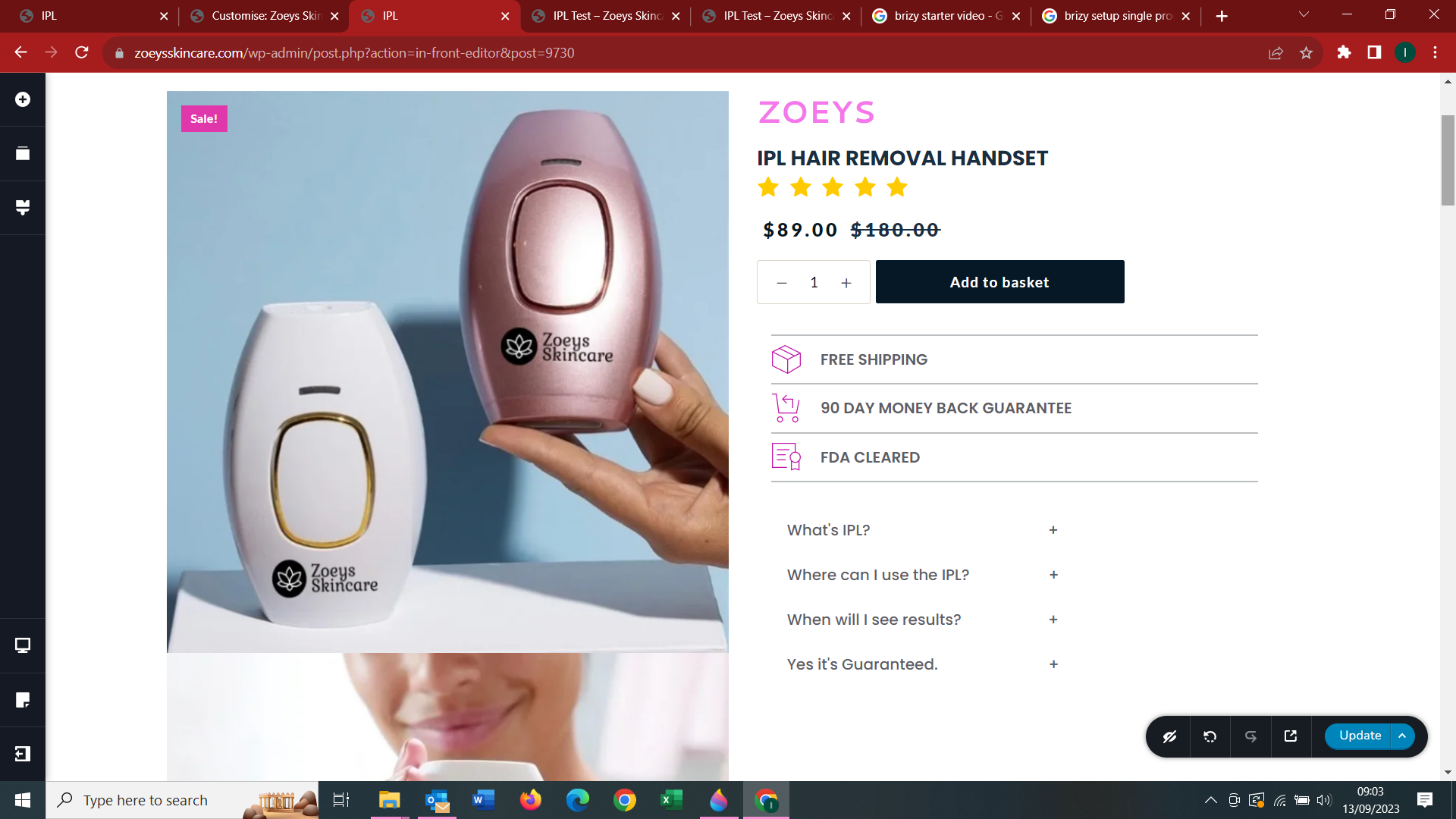
Hi, I tried to build a WC Single Product template and struggle to edit the product gallery. I am usin the Blocksy theme (free). The gallery images dont show the thumbnails correcly below the main image as setup in the Blocksy theme for gallery images.
-

Hi L Fourie,
Please have a look at this screen recording. https://jmp.sh/6T1FyQxs As you can see here, when clicking on the product thumbnail images, I can see the corresponding product images in the gallery. How do I reproduce the issue you are facing at my end?
0 -
Hi, the gallery view issue is only when I am in the Brizy page editor I see.
Maybe you can also help me unserstand why the sale badge is on the outside of the image. I swithced sales badge off in the Blocksy theme and it is still visible. Just thought you may know how to solve this. I did log a ticket for Blocksy support.
0 -
The gallery is not functioning correctly.
When I customise the theme the gallery scroll works but when I view the live page it does not have the scroll arrows and when I click on the image it opens in a seperate page.
See the scroll arrows in theme customise mode.

No scroll arrows in live view.
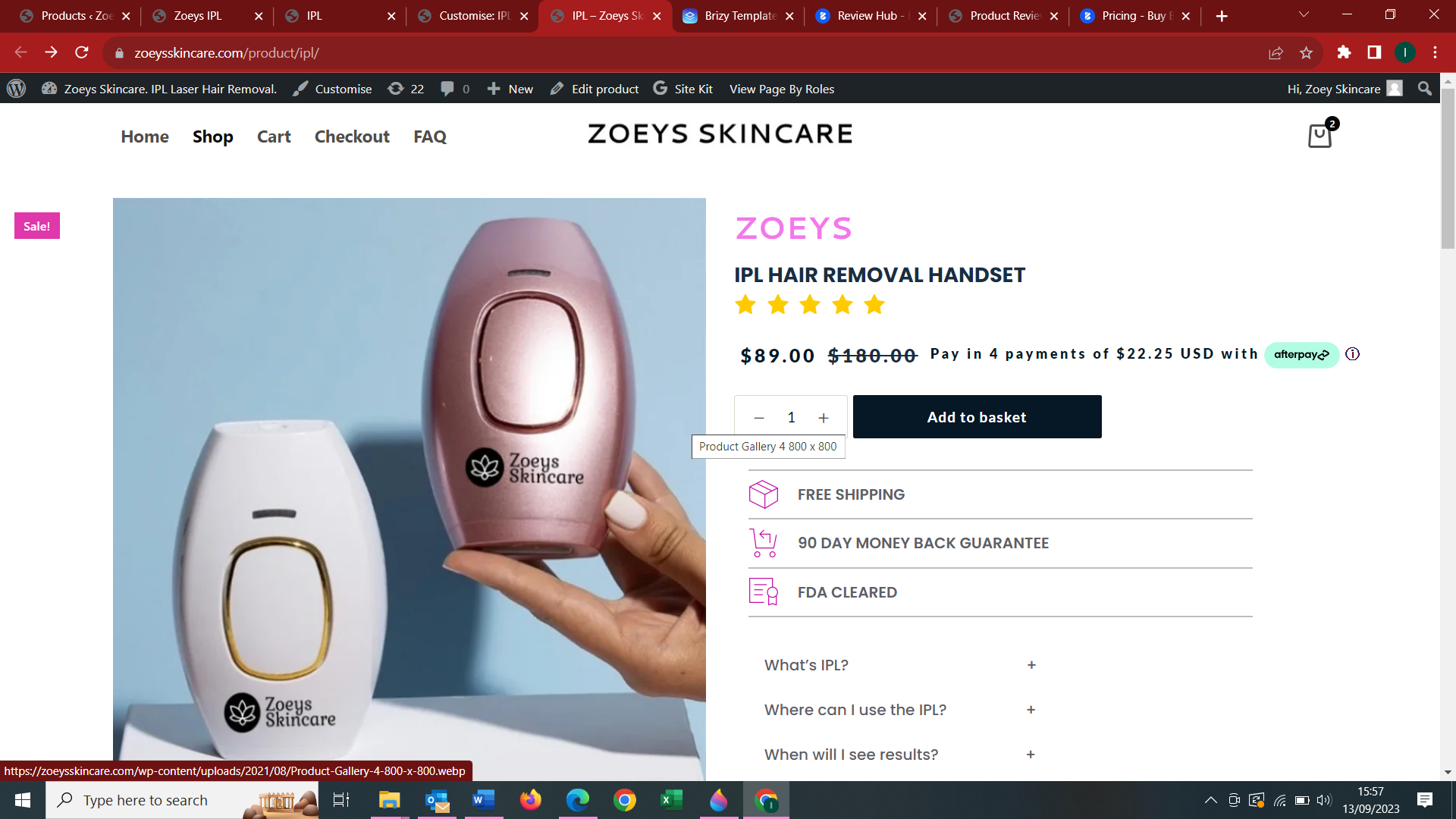
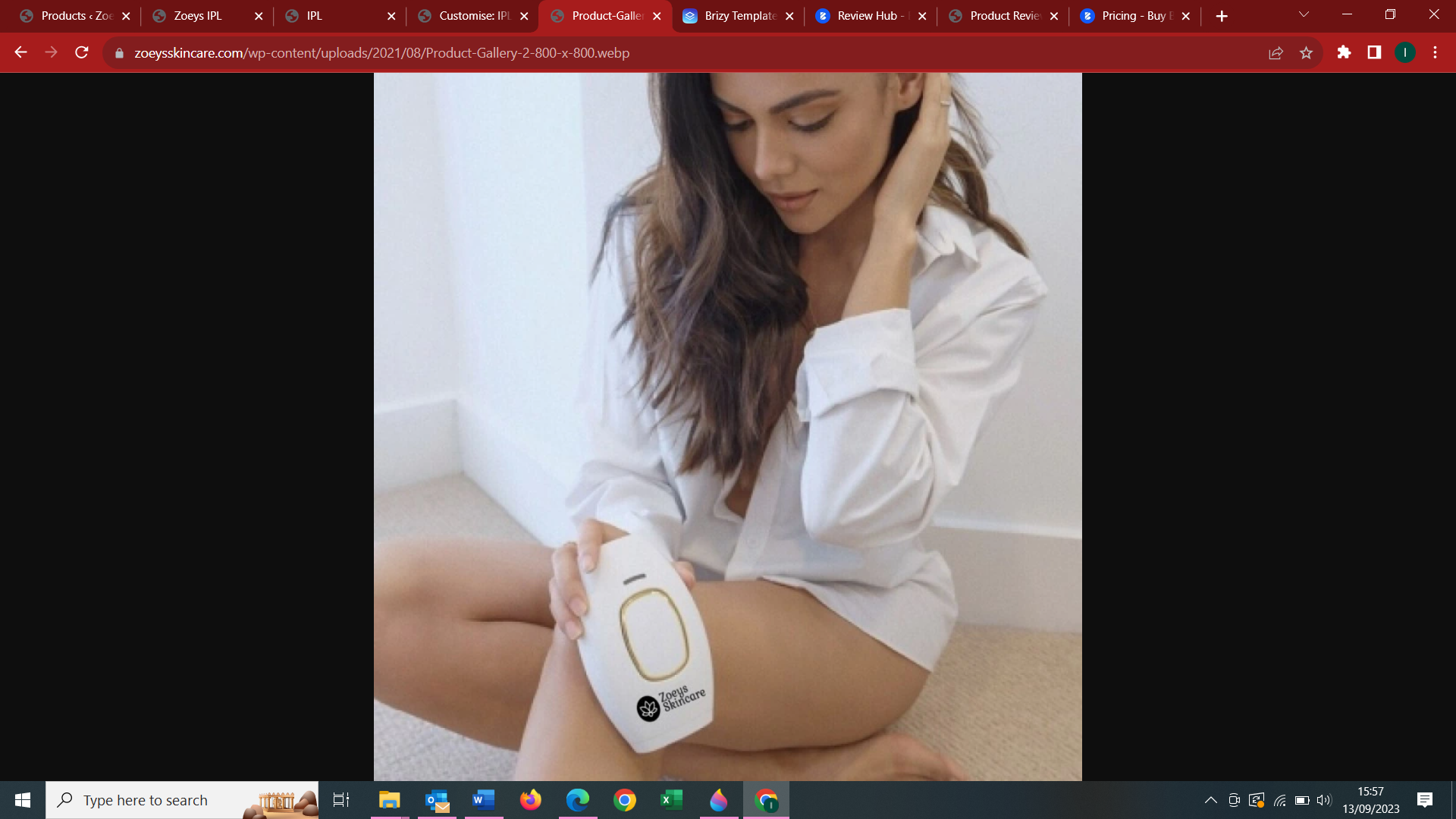
when I click on the main image it opens in a new page.
 0
0 -

Hi L Fourie,
Thank you for keeping in touch.
Regarding the issue with the badge, it seems that it is being caused by the LiteSpeed optimization plugin. To troubleshoot this, I suggest temporarily disabling the plugin and checking if this resolves the issue.
Best regards,
Ariel H.0 -
Hi L Fourie,
Thank you for reaching out to us.
About the scroll arrows in the screenshot you shared, this specific feature is only available in your current theme. If you use the Brizy dynamic template for a single product, this feature will be overridden by Brizy's own features. When you click on the image, it should enlarge and the scroll arrows will become visible, as demonstrated in this screencast: https://youtu.be/h-YMvbjuGsU
However, it seems that this functionality is not working correctly on your browser if it opens in a new page . To troubleshoot the issue, please try using a different browser and see if that resolves the problem.
If you have any further questions, please let us know.
Best regards,
Ariel H.0 -
Is it possible to use the theme gallery in the brizy template instead? If so, how do I do that?
0 -
Hi L Fourie,
Thank you for the update.
I'm sorry to inform you that the theme’s product gallery cannot be used in the Brizy Product template. However, there is an alternative solution. You can disable the template completely by deleting it, and instead, take advantage of the Blocksy Theme WooCommerce features to customize your single product pages.
https://creativethemes.com/blocksy/docs/woocommerce/single-product/If you have any further questions, please let us know.
Best regards,
Ariel H.0 -

Can we still use a brizy header with blocky on a single product page if we wanted to?
0 -
Hello Sam,
Adding Brizy header to the Blocksy product page is not possible. The opposite is possible. You can retain the theme product page as it is and switch all Brizy pages to the Default Page Template. Switching to the Default Page Template allows you to use the theme header and footer instead of the Brizy header and footer.
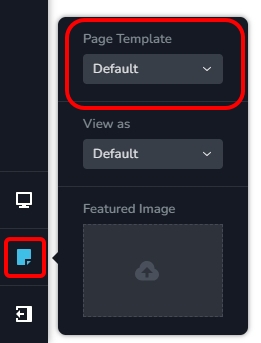
For example, the Shop page at https://brizy.online/shop/ is stylized using Brizy however product pages are retained in the theme design. On this website, Brizy pages are developed using the Default Page Template
0 -
Well actually George I've figured out a way. I have been waiting all day for a response and looking for a solution to this problem, which is really, how to show the default woocommerce single product's template inside a Brizy template? Reason is because the current brizy way of making single product pages is limited and does not allow other plugins to be used within a Brizy made product page. For instance, if a user wanted to use Affirm or Afterpay. It won't work. So after some time of waiting, I decided to go under the hood and change one line of code in Brizy...and now it works!! Blocksy even works as well. Read about what I did at my first posting of this issue, here:
https://support.brizy.io/hc/en-us/community/posts/22868402521490/comments/22892581736210
I hope Brizy fixes this soon.
0
Please sign in to leave a comment.
Comments
10 comments