Upgrade

Hello,
I would like to upgrade my personal pro plan to freelancer
-

Hi Paweł,
In your Brizy.io account, under Account- Payments, please click on the button "Upgrade Subscription" You will find an option to upgrade to the Freelancer plan.
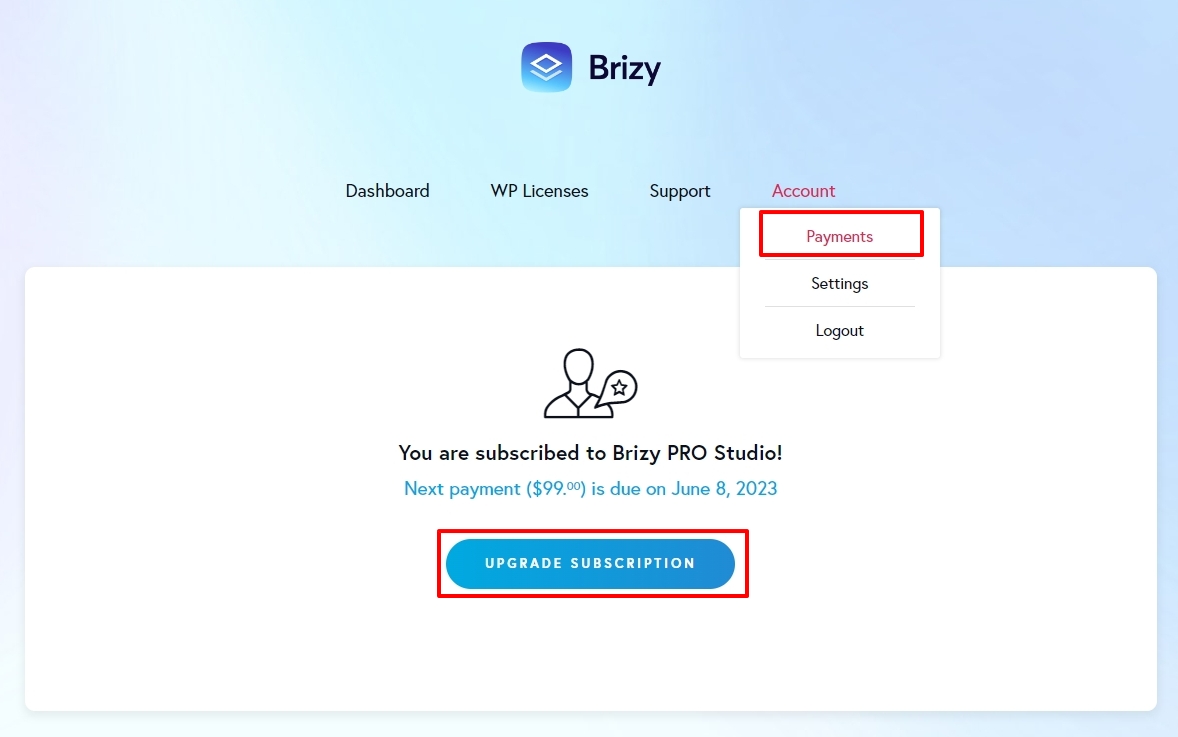 0
0 -

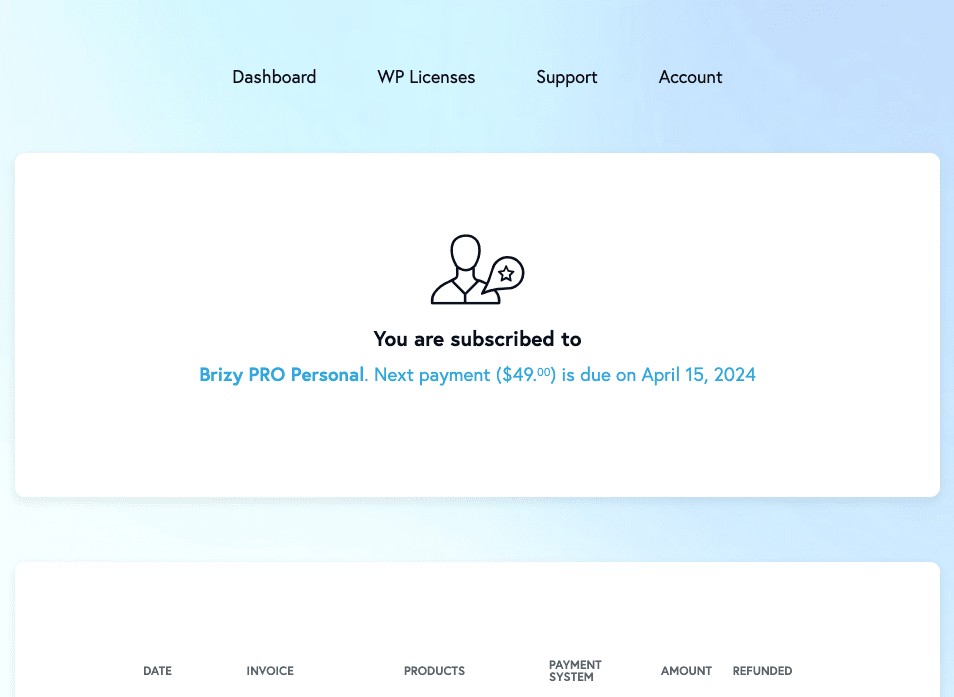
I don't see this as an option on my end? How do I upgrade to freelancer?
 0
0 -
Hi Edwin,
You are subscribed to the Brizy PRO Personal plan. Both this plan and the upgrade options that were offered to you at the time of purchase are no longer available. We now offer a fresh lineup of plans at a different price point. Upgrading from a legacy plan to a current plan is also not possible.
To increase the number of available licenses, you will need to buy one of the existing plans at https://www.brizy.io/pricing-wordpress.
0 -
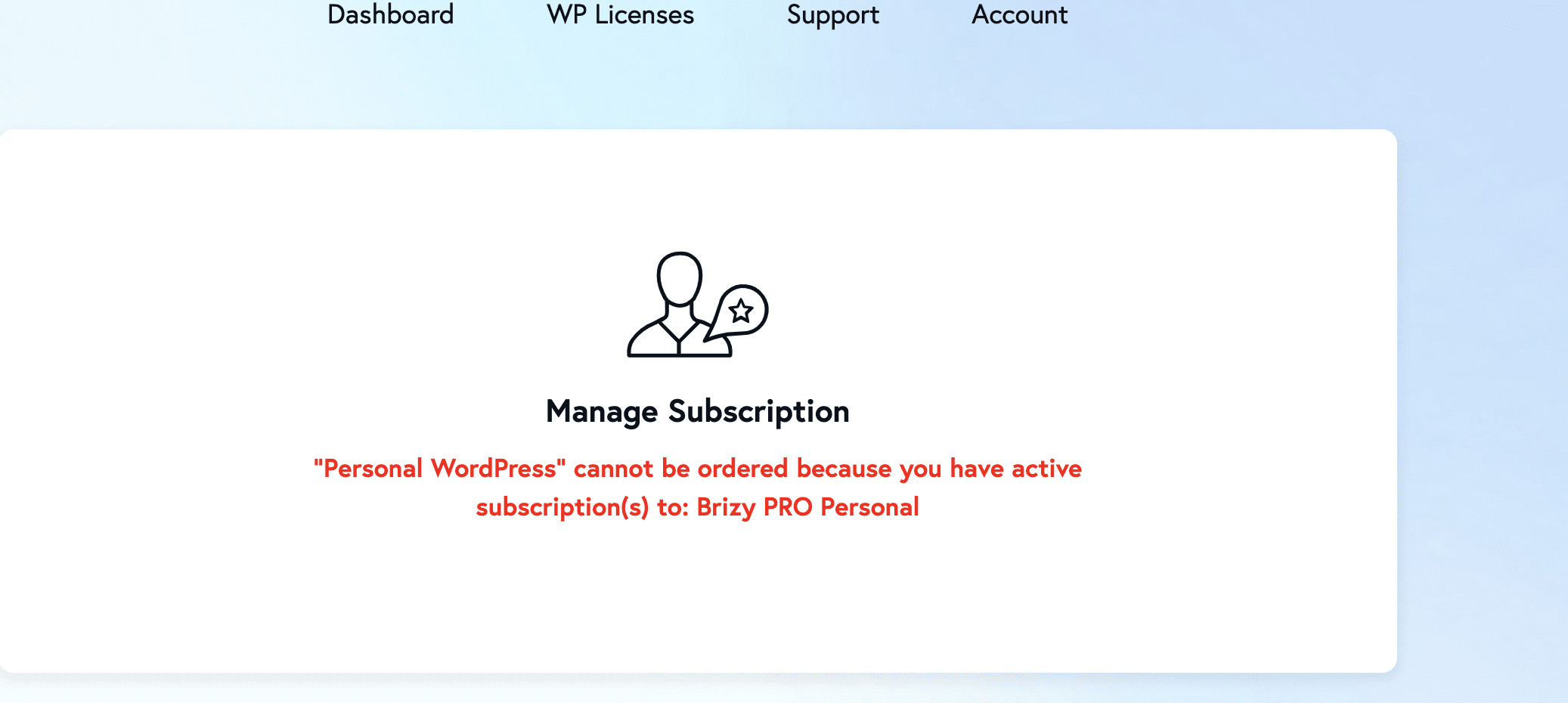
I can't seem to buy more licenses? is there no way to keep the existing + buy the new personal WP license?
 0
0 -
Hi Edwin,
We regret this inconvenience. Our subscription management system has a constraint which is the cause behind this error. We recommend these steps to get around this problem.
- We temporarily pause your Brizy PRO Personal subscription
- You buy the current Personal WP subscription
- We restore your Brizy PRO Personal subscription and you will have the current Personal WP plan and the legacy Brizy PRO Personal plan in your account.
Please confirm so that we can pause your Brizy PRO Personal subscription and you can make a new purchase
0 -
lets do that
0 -
Hi Edwin,
We have temporarily removed your Brizy PRO Personal subscription. Please go ahead and buy a new plan at https://www.brizy.io/pricing-wordpress and get back to us. We will then reinstate your Brizy PRO Personal subscription to your account.
0 -
I just bought it, can you reinstate the other license?
0 -
Hi Edwin,
Your Brizy PRO Personal legacy plan has been reinstated to your account. However there are some details we need to discuss with you. I am creating a private ticket for you. We will carry forward this discussion by email. Please look for an email from support@brizy.io
0
Please sign in to leave a comment.
Comments
9 comments