Web pages are not linking together

-

Hi James,
Thank you for reaching out to us.
Could you please provide us some screenshots to demonstrate the issue?
In the meantime, please try to reset the permalinks and see if this helps.
https://www.wpbeginner.com/beginners-guide/how-to-regenerate-your-permalinks-in-wordpress/Best regards,
Ariel H.0 -
How do you attach screen shots?
0 -
The web site is:
https://wildedge.co.uk/activities/
And if you click find out more. It goes to a blank page?0 -

Hi James,
You can attach a screenshot by clicking on the image icon in the Forum
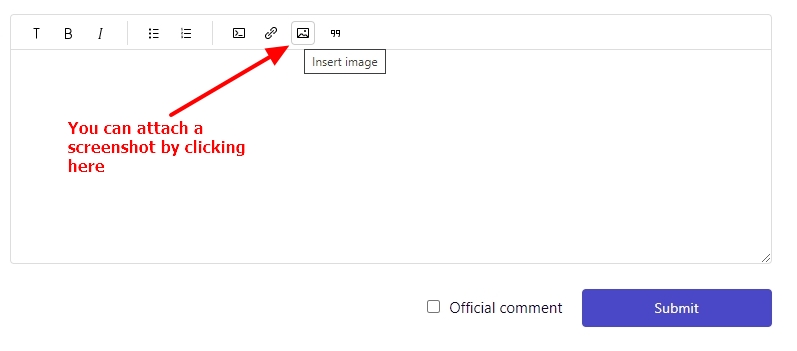
I tested the subpages within Activities menu. Please see this video for my test https://jmp.sh/0XgFyT9a I did not see any blank page. Could you fix this issue or do you still have this issue?
0 -
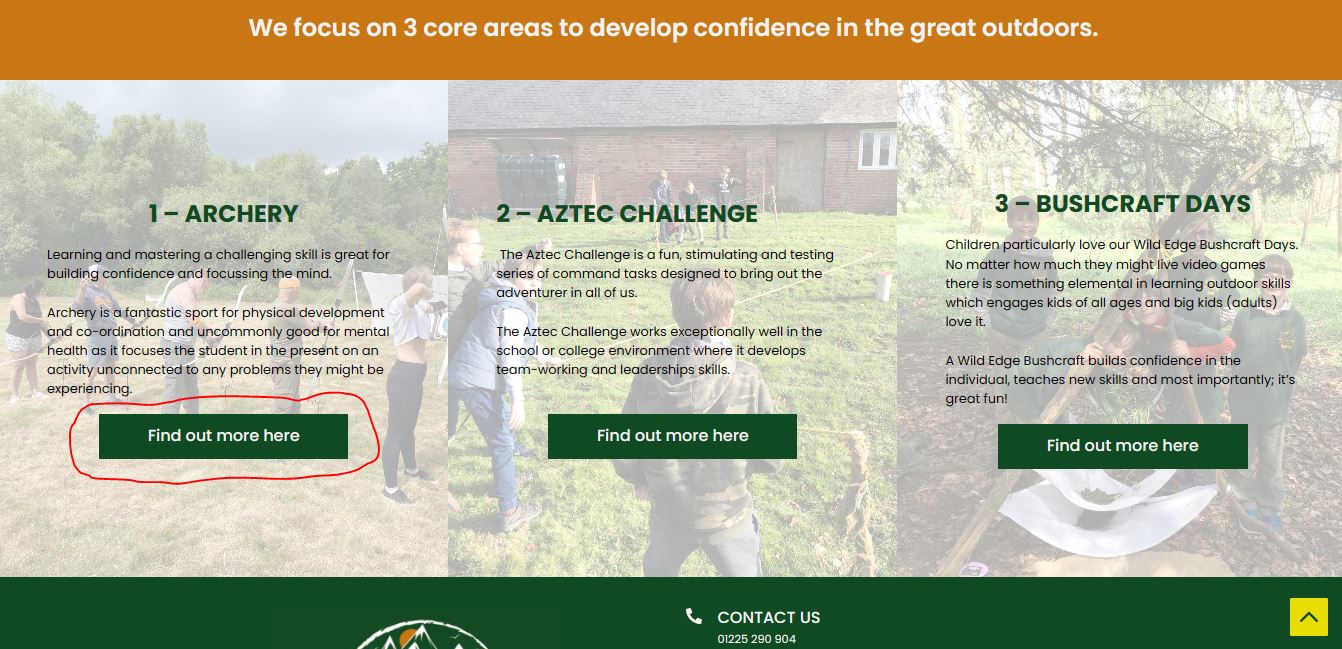
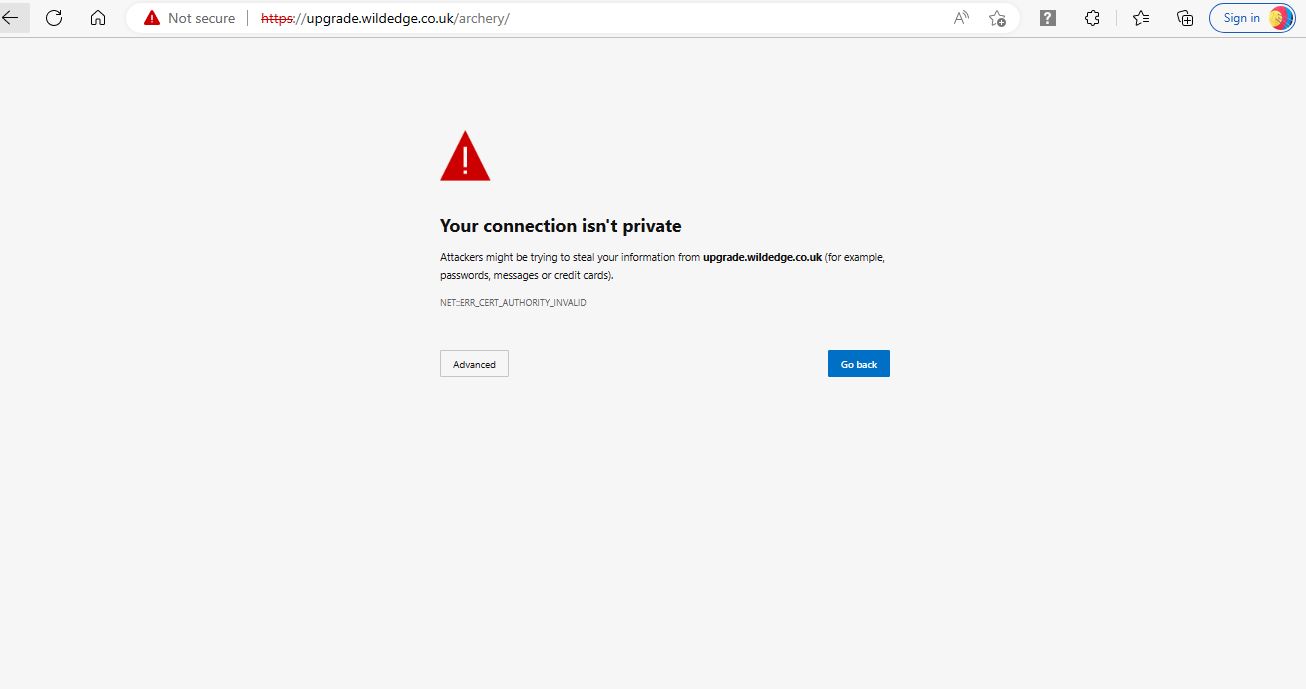

-Click and go to ativites page ( not hover over drop down)
-Then click on "find out more"
-Then it goes to a blank page warning- this is the issue.
0 -
Hi James,
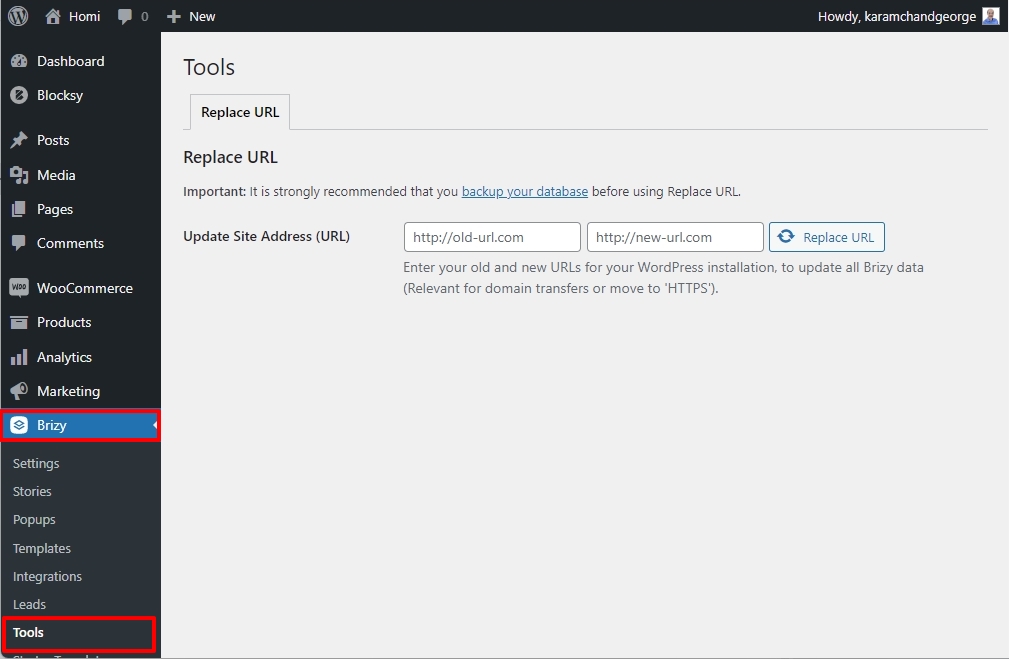
If these are the only three hyperlinks which did not carry forward after migration, please manually correct the links on the three buttons. If you have many more hyperlinks which are affected, please use the Replace URL tool under Brizy - Tools
 0
0
Please sign in to leave a comment.
Comments
6 comments