Editor not working!

I am unable to edit any Brizy page. When I click 'edit with Brizy, I the page builder loads with a blank page. Only the current year is shown in the top left corner. 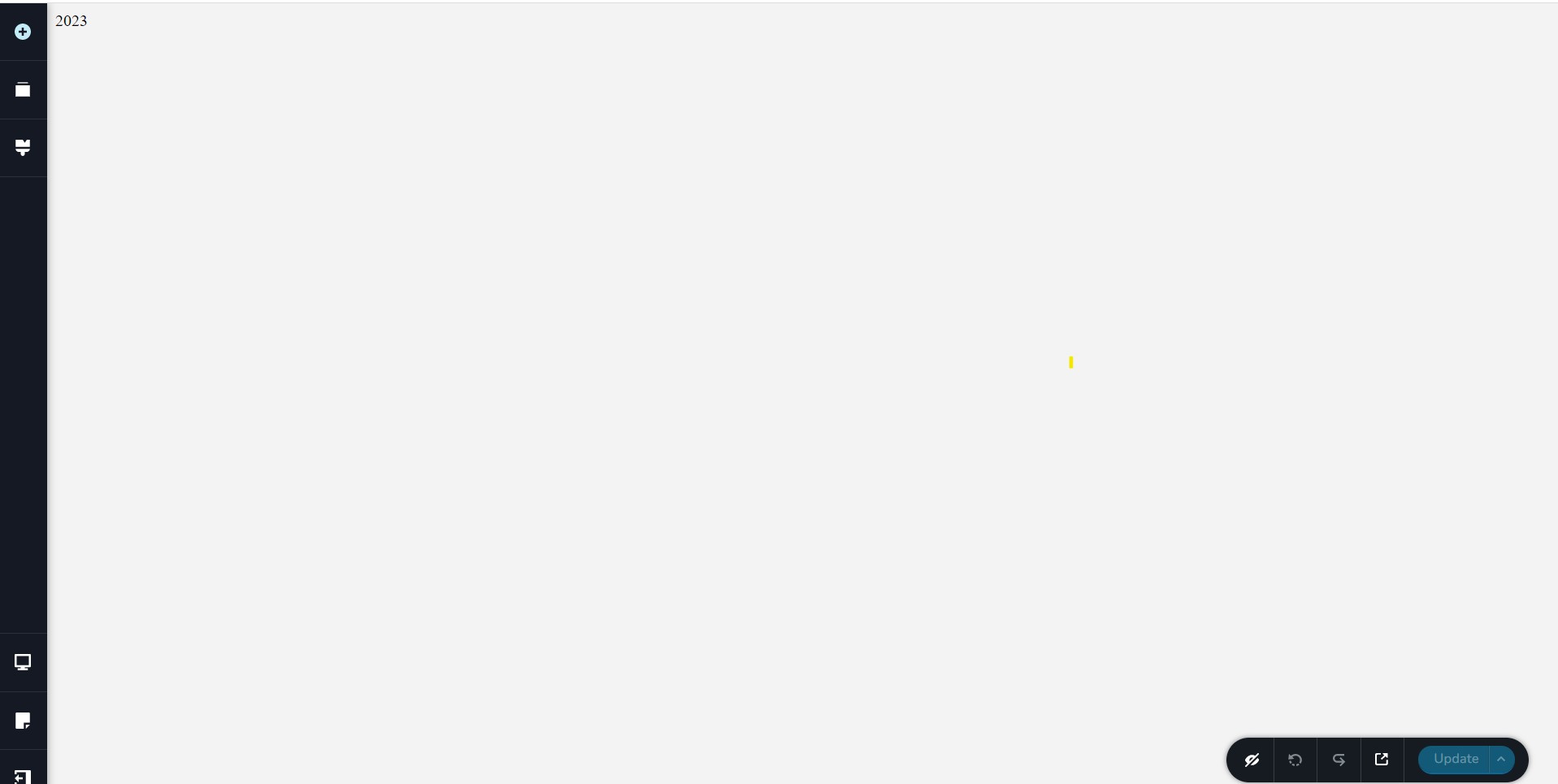 See attached.
Please advise!
-

Hi David,
We are aware of this issue and are currently working on a solution to address it. I will get back to you as soon as I receive an update.
Meanwhile, please revert to earlier versions of both Brizy and Brizy Pro.
Sorry for the inconvenience.
Best regards,
Ariel H.
0 -

I'm experiencing this same thing. It's been happening for two days now and it's really becoming a big problem for me.
0 -

Hi Dane,
This error is due to a code conflict with a JS code in the website footer. Please check if you are using a JavaScript embed code for displaying the current year in your website footer. Please remove the embed code and check if the problem resolves.
If it does, please consider an alternate code for displaying the current year. For example, you could try this
<style> div {text-align: center;} </style> Copyright © <span id="footer-year"></span> <img src="/error_source.jpg" style="display: none;" onerror="document.getElementById('footer-year').textContent = new Date().getFullYear();"> Superior Sensor Technology All rights reserved0 -
George, how are we supposed to make the change if the editor doesn't work?
0 -
Hi David,
Please give us access to your project and we will do this for you. Please add me as a user to your WordPress Dashboard if you need assistance with this. Please send the following details to my email: kc.george@brizy.io.
- Community Post link: https://support.brizy.io/hc/en-us/community/posts/13608480887441
- WordPress Admin URL:
- Username
- Password
Please let me know here when you send me an invitation.
0 -
Hi George, I appreciate the offer but I would prefer to do this on my own, if that's ok. Can you please point me to way to make this change?
This would also allow other people to fix the problem independently.
Thank you.
-David
0 -
Hi David,
Thank you for the update.
Please try this modified script:
Screenshot - https://prnt.sc/xo6zlLU_uFN5<div>© <b>Virtus Media Group</b>
<span class="yr"></span>. All Rights Reserved.
<script>
document.querySelector(".yr").textContent = (new Date().getFullYear());
</script>
</div>This was tested on this URL - https://staging.server001.xyz/script-error/
Please try this and let me know how it goes.
Best regards,
Ariel H.0 -
Hi Ariel,
Thank you. How do I make this change since the editor is not loading?
0 -
Hi David,
Thank you for keeping in touch.
You can fix it by deleting the footer block or the block that contains the embedded script as shown on this screencast - https://youtu.be/1crDjP0KioM
After this, you can use the script in my previous reply to rebuild the block that got deleted.
I understand that could be time-consuming, but it's the best option we have right now to address the issue at hand. I appreciate your patience and cooperation as we work towards finding a more permanent solution in the future.
Best regards,
Ariel H.0 -
Hi Ariel,
Thank you. That did work to fix the editor.
Couple questions:
- Will I have to delete this footer block individually on each page?
- Any way to edit the block or do I have to create it from scratch?
- Will you address this glitch in the next update? If so, ETA?
- Can you please link me to your version repo? I cannot find it anywhere.
Thanks,
-David
0 -
Hi David,
Thank you for the update.
- If the footer is global, then you will only need to rebuild it once.
- Unfortunately, it has to be re-created from scratch.
- I am sorry, but I do not have any updates on this yet. Scripts that use "document.write" are not suitable in Brizy Builder, this is also a known issue with other page builders.
- To revert to earlier versions, you can use these files to roll back to the previous versions
Brizy 2.4.15: https://jmp.sh/ekipsC8i
Brizy Pro 2.4.14: https://jmp.sh/HkyItjto
Please follow this procedure to roll back.- Deactivate and delete Brizy Pro
- Deactivate and delete Brizy
- Download Brizy 2.4.15 and in your WordPress Dashboard under Plugins - Add New - Upload Plugin, upload Brizy
- Download Brizy Pro 2.4.14 and under Plugins - Add New - Upload Plugin, upload Brizy Pro
If you have any further questions, please let us know.
Best regards,
Ariel H.0 -
Perfect, thanks Ariel. It was actually an easy fix. All set now. Thanks for the version links.
Best,
David0
Please sign in to leave a comment.
Comments
12 comments