Embed links/url

Hello,
I wanted to add a post from social media (Linkedin), and I realised that the embed feature can only embed HTML text, but I don't have any option if I want to add just a link.
This is the link to the post I want to display on the website. How can I do it?
https://www.linkedin.com/feed/update/urn:li:activity:7062468048728842240
Is there any workaround or function that allows the import of social media feeds/content?
Thank you
Michela
-

Hi Michela,
In the Linkedin post, click on the 3 dots and select the option 'Embed this post'. Copy the embed code and paste into the Brizy Embed element.
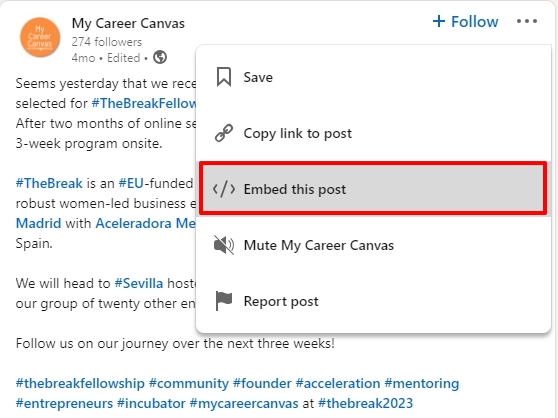
In the embed code, iframe height is set to 712 and width to 504. If you place the Embed element within a column, you can set the width to 100% to make the post fit to the column width.
<iframe src="https://www.linkedin.com/embed/feed/update/urn:li:share:7062468045780230144" height="712" width="100%" frameborder="0" allowfullscreen="" title="Embedded post"></iframe>
0 -
Hi George,
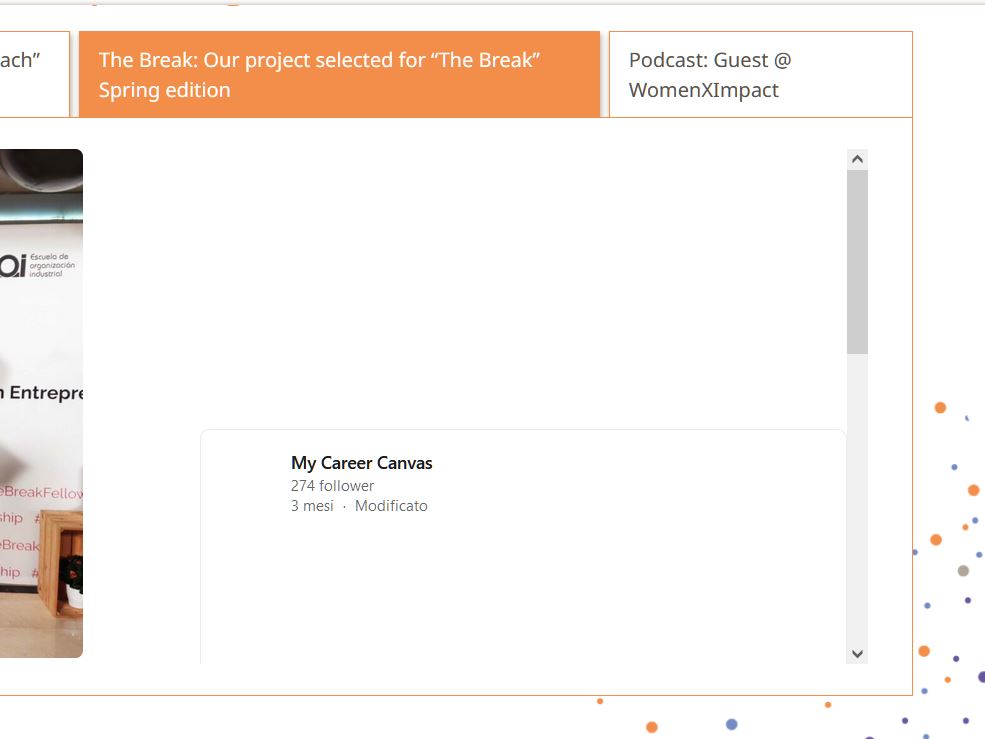
Thanks, I've already found the embed function, but it still doesn't solve the problem of displaying something without attaching the URL to a static image, button or text.
Secondly, it doesn't fit the column despite using the iframe kindly provided if browsing with Firefox. Any solution?
Thanks
Michela
 0
0 -
Hi Michela,
Please have a look at https://restaurant1.brizy.site/linkedin If you make two columns, add the Embed element into one of the columns and paste the embed code I have given above, the page should display like this.
Can you share the page where you are attempting to embed the code?
0
Please sign in to leave a comment.
Comments
3 comments