link shows original design skin

When I share a link to my site via a messaging app, the image that shows is the original theme without my edits? Why is that? How do I get it to show the edits I made for my own home page? 
-

Hi Chris,
Thank you for reaching out to us.
Please provide us the URL of your website, so we can check this at our end.
Also provide the exact steps, so we can reproduce the issue.
In addition, please let us know if you want to keep this a private conversation.I am looking forward to your response.
Best regards,
Ariel H.0 -
Yes, if we could keep it private I'd appreciate it.
I was messaging people in LinkedIn about our business and I noticed when I shared the url _______ the image/skin/design that went along with the url was the original ElAdio skin shown above. I was expecting it to show my redesigned brizy edits not the picture of default/original skin
To reproduce message someone in LinkedIn and share the url ______. the following is what I see:
0 -

Hi Chris,
You can set the social sharing image for your homepage and other pages using an SEO plugin. For example, if you use Yoast or Rank Math, please set social sharing image following the procedure in these articles.
- Yoast: Social media optimization with Yoast SEO
- Rank Math: Social Media Options in Rank Math
0 -
Still haven't gotten this to work. I read the article but it doesn't talk about LinkedIn specifically. I use Yoast and there's nothing there that allows me to use "open graph" or set a default image for my site. Can you get it to work on LinkedIn? Try this. Open a message and put in a url of a site you've set up using one of your brizy theme templates and see if it uses the original pictures/graphics or if it uses your edited pictures/graphics.
0 -
Hi Chris,
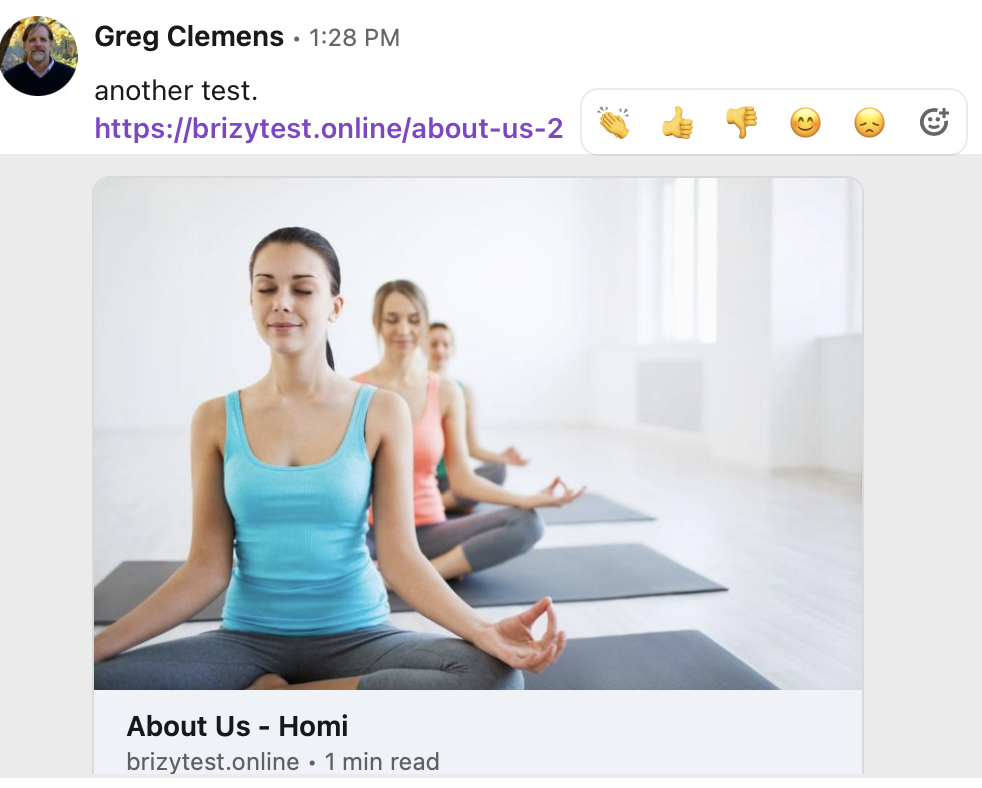
I have tested adding a random image to a page on my test website using Yoast. The URL of the page is https://brizytest.online/about-us-2 Please try pasting this link in LinkedIn and see what image you see. Please see this video for my test.
0 -
This is what I see when I paste that url into a linked in message:
 0
0 -
Hi Chris,
This is the image I have added to my About Us page under the social sharing settings of Yoast. Please have a look at this video for the procedure to add the social sharing image using Yoast. https://jmp.sh/T6chWTJa
0 -
Unfortunately Yoast doesn't allow you to set an image for LinkedIn. It only works for Facebook and Twitter. Is there a work around? Not being able to share your url in a post or in a message on LinkedIn without the old image from the original theme showing up is a big deal
0 -
Hi Chris,
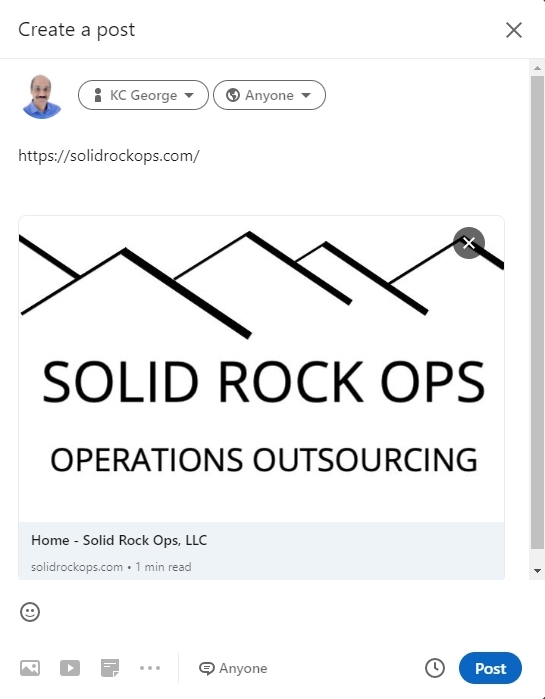
Your website's OpenGraph data was cached on LinkedIn. I have now cleared the cache for your page https://solidrockops.com at LinkedIn. Please try sharing your page again.
When you inspect your URL here, the OpenGraph cache gets purged https://www.linkedin.com/post-inspector/inspect/
 0
0
Please sign in to leave a comment.
Comments
9 comments