Menu is not staying on one place

Hi there,
The menu on this page: https://flowcomm.nl/services/ keeps relocating and doesn't stay on the place where we've put it.
How can I fix this?
Thanks.
-

Hi Stijn,
Thank you for reaching out to us.
We are sorry, but we are unable to reproduce the issue you described.
Could you please create a short screencast demonstrating this issue so that we can better understand the problem and possibly offer a solution?I am looking forward to your response.
Best regards,
Ariel H.0 -
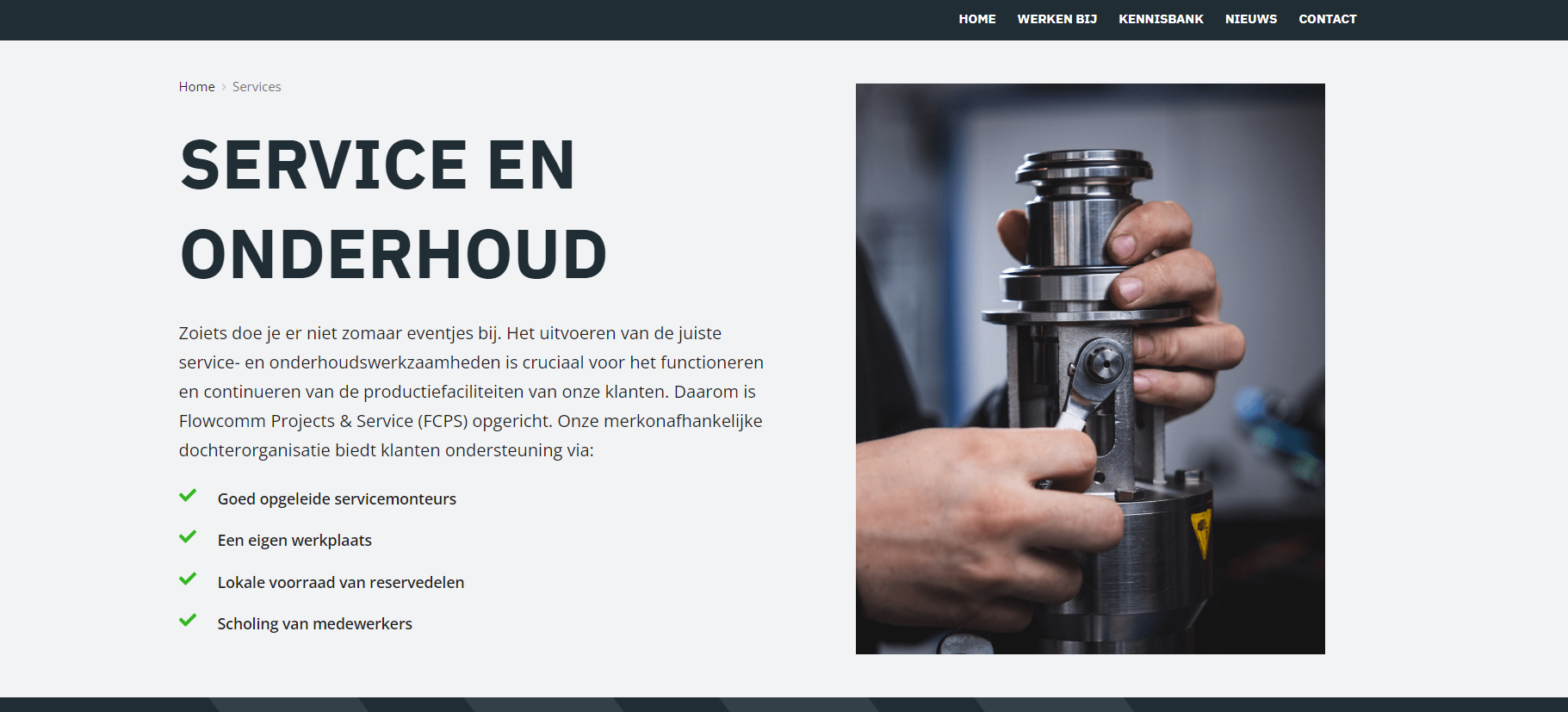
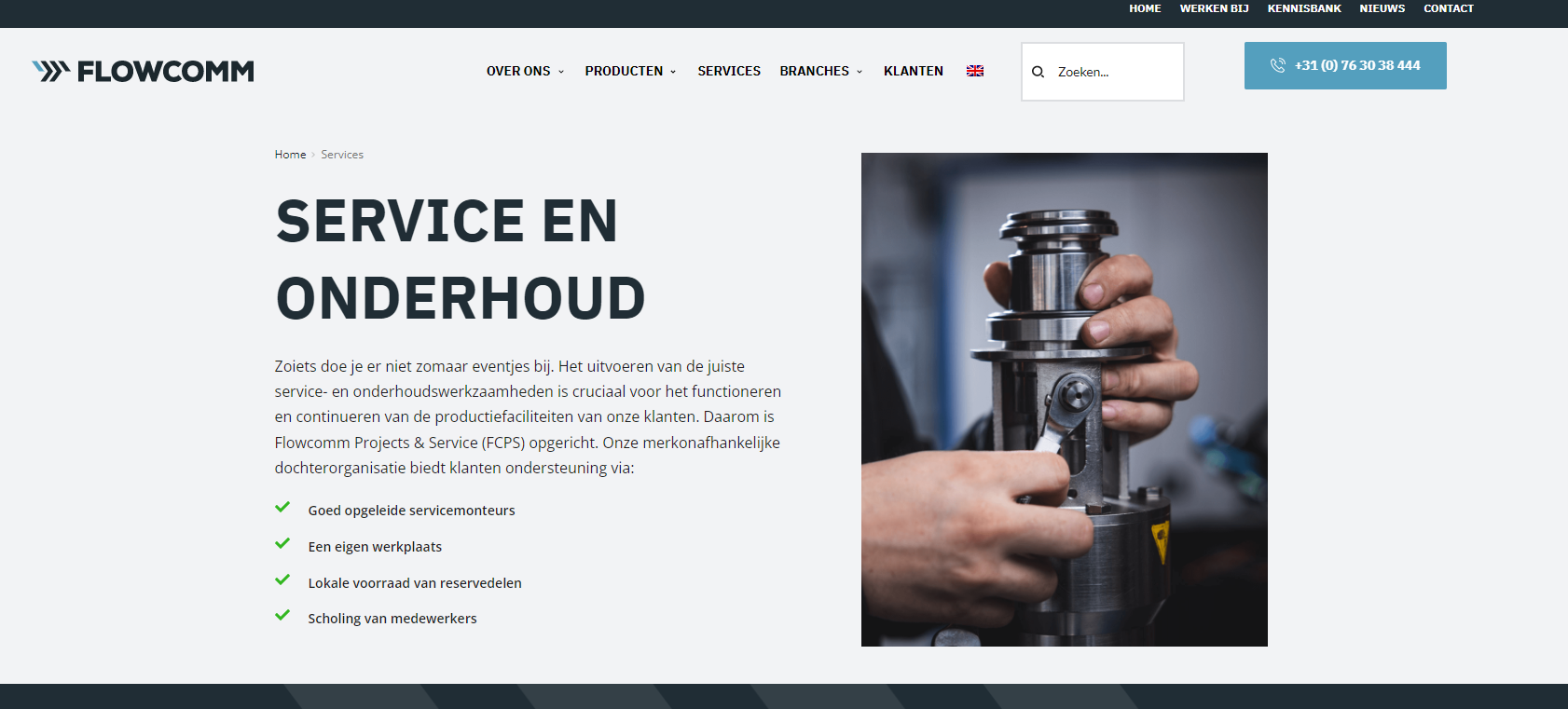
I've uploaded 2 screenshots in this message from this page: https://flowcomm.nl/services/ one is with the menu and one is without. When i'm a loged in it shows the menu, when checked in another browser the menu is not at the top anymore but at the bottom.
0 -
Hi Stijn,
Thank you for the update.
In the top section, you have the main the header with your logo and menu, which, I assume, was set to a global block.
To avoid this issue, also set the first block as global.Please try this and let me know how it goes.
Best regards,
Ariel H.0 -
Hi Ariel,
Thanks for your reply, both are allready set as global block.
Best regards, Stijn
0 -
Hi Stijn,
Thank you for keeping in touch.
The issue appears to be related to cache, could you please try to clear Autoptimize cache and see if this makes any difference?
If this didn't help, we will need temporary access to your WP Dashboard to further check this issue. Please send your WP Admin login details to arielh01@proton.me.
Please make a full backup of your site as a precaution.Best regards,
Ariel H.0 -
Hi Stijn,
We appreciate your patience.
It looks like the login details, expired or got deleted.
In any case, we've noticed that there are multiple display conditions found in the menu. I assume that this menu should be visible in all pages like this - https://prnt.sc/DuvocpKj2ZsS
In case you want to exclude the menu from a specific page, you can add an exclude condition. This should also apply to other blocks found on this page.
For more information, please refer to this link.
https://www.wppagebuilders.com/set-display-condition-brizy-blocPlease try this and let me know how it goes.
Best regards,
Ariel H.0
Please sign in to leave a comment.
Comments
6 comments