Page connexion et enregistrement

Bonjour,
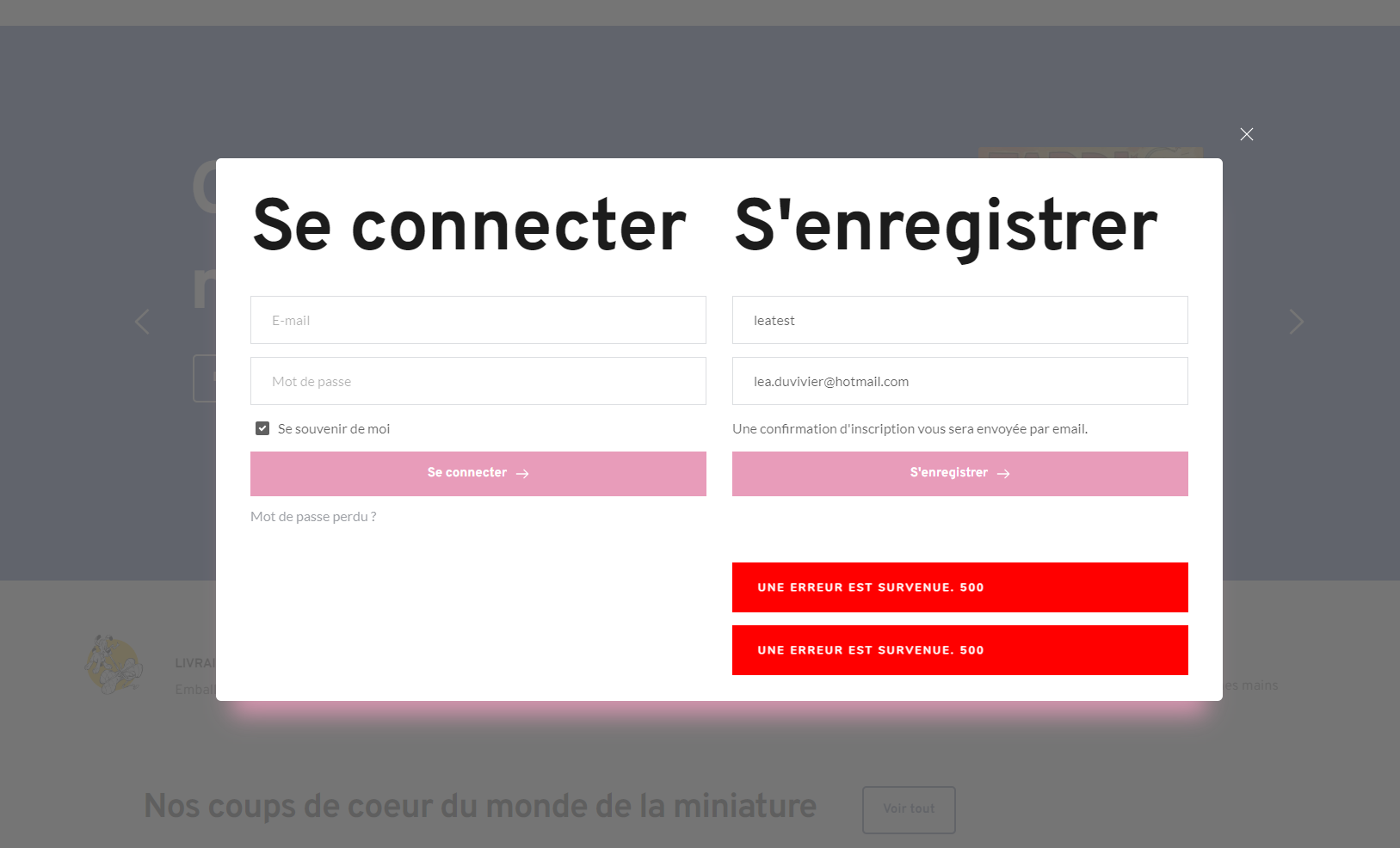
Je dois créer une page de connexion et d'enregistrement piur un site Woocommerce, mais l'enregistrement manque d'information et impossible de les ajouter, de plus, le test ne fonctionne pas
-

Hi Vincent,
Thank you for contacting us.
I apologize, but I'm unable to replicate the issue as shown on this screencast - https://youtu.be/1La4dInvL-Q
In WooCommerce settings, under Account creation, please ensure that Allow customers to create an account during checkout and Allow customers to create an account on the "My account" page are enabled - https://prnt.sc/tjyrENse3vUM
If this doesn't help, I recommend reaching out to WooCommerce support. They have the expertise to provide further assistance and guidance with this issue.
Best regards,
Ariel H.0 -
Bonjour,
Merci pour votre retour, malheureusement cela ne fonctionne toujours pas.
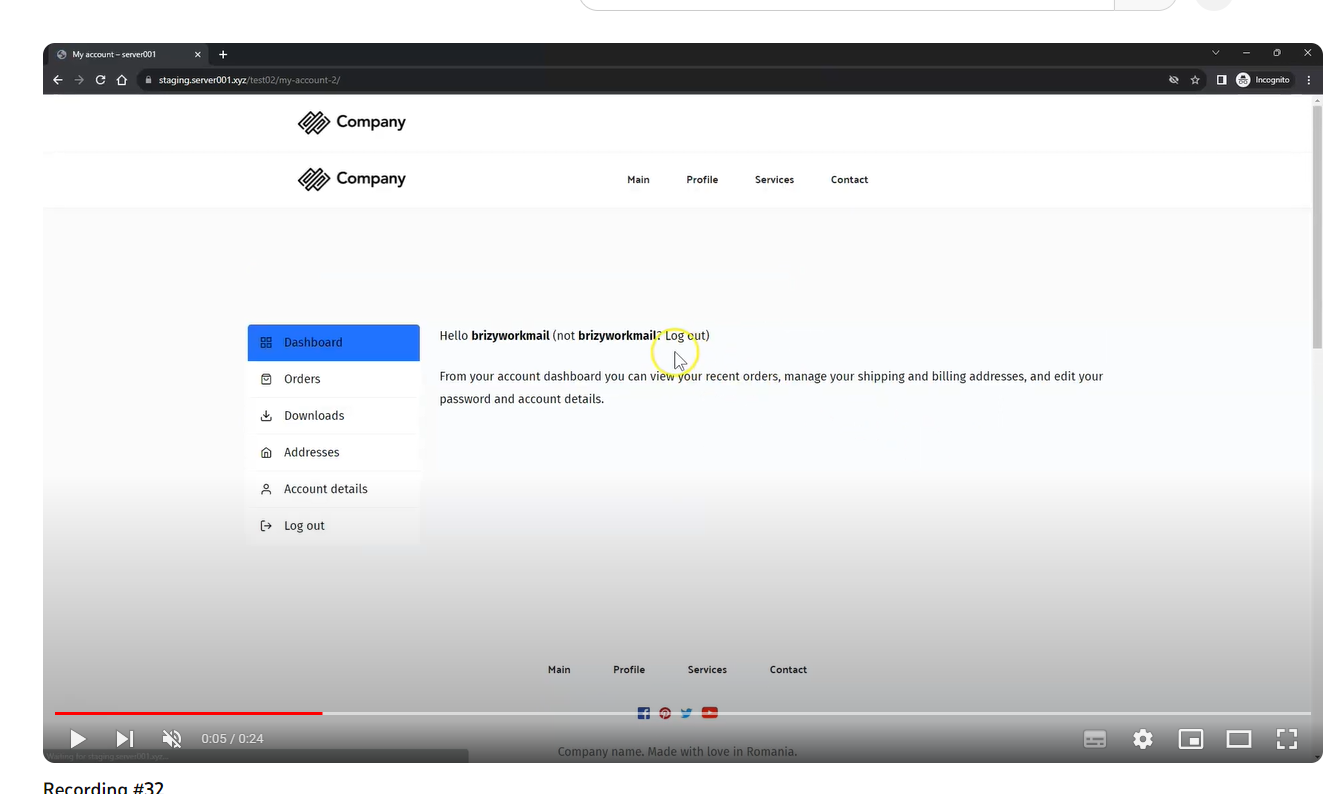
J'ai d'autre question, comment rajouter des données à remplir sur la formulaire pour s'enregistrer ?
Et comment modifier la mise en page des données du comptes ?
 0
0 -
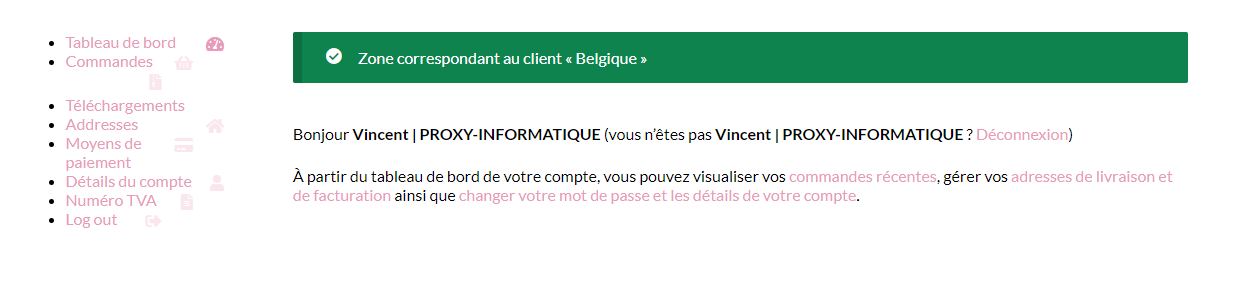
De plus, lorsque je clique sur les différents lien, la page ne s'affiche pas, comment puis régler ça ?
 0
0 -
Hi Vincent,
Thank you for the update.
Thank you for reaching out. If you're looking to add custom data fields to the WooCommerce registration page, you can follow the instructions provided in this documentation: User Registration for WooCommerce. It will guide you through the process of adding custom fields to the registration form:
https://woocommerce.com/document/user-registration-for-woocommerce/Regarding the error you encountered in the form, I recommend reaching out to WooCommerce support for further assistance. They will be able to provide specific guidance and troubleshooting steps to resolve the issue. Please note that our support is limited to the existing features of the Brizy Page Builder, and we apologize for any confusion caused.
If you wish to modify the layout of your WooCommerce page, you can create a dynamic template and use the page element. You can find a detailed demonstration of this process in the following screencast: https://youtu.be/tUqEGRd_wL4
To ensure that all the WooCommerce pages are properly displayed, you may need to regenerate any missing pages. There is a helpful video tutorial available that walks you through the steps: https://www.youtube.com/watch?v=9q9gtSsDy4k
I hope this information helps! You are welcome to reach out if you have any further questions or concerns.
Best regards,
Ariel H.0
Please sign in to leave a comment.
Comments
4 comments