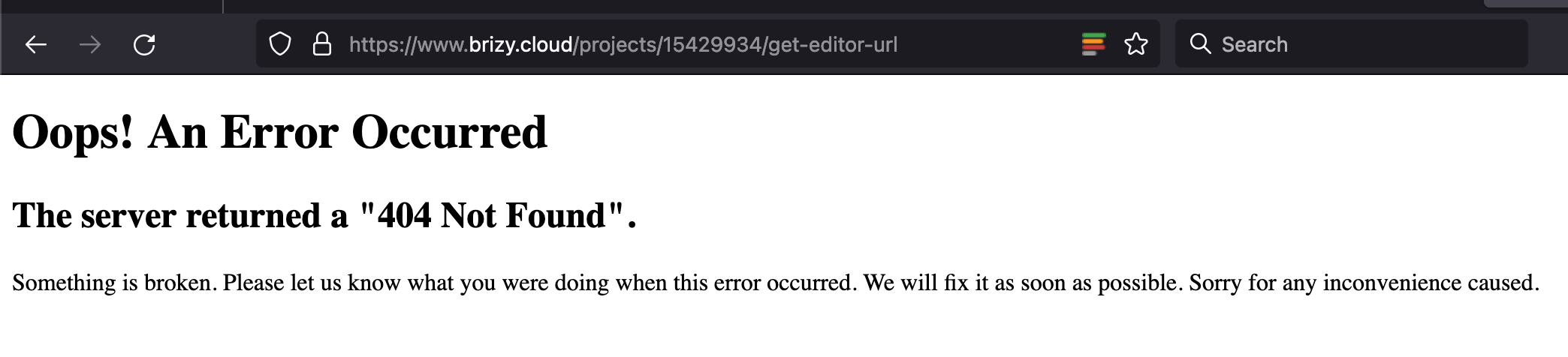
"404 Not Found". Something is broken.

I had two pages within the project: home and home-2.
The page I edited was home-2.
Since there was nothing on home, I deleted it.
I then updated the slug from home-2 to home, and changed from draft to published.
Now, when I press edit project, it keeps showing this:
-

Hi Maya,
My apologies for the delay.
I attempted to reproduce the issue in my test environment, but the issue did not occur. Could you please try it again using another browser and see if the issue continues?
Please try this and let me know how it goes.
Kind regards,
Ariel H.0 -
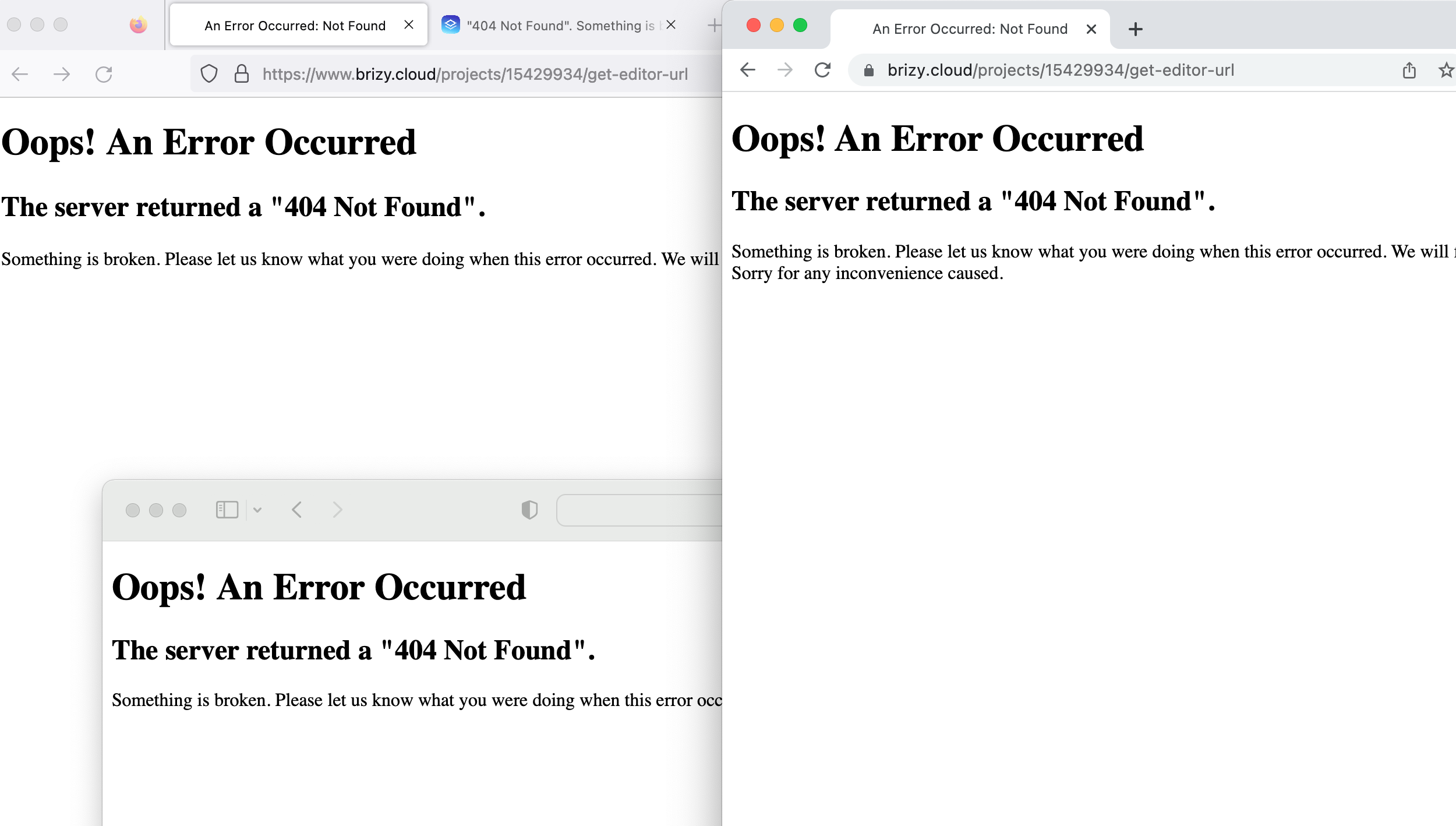
I've checked several times on various devices and browsers. Restarted and tried again. Same result.
I don't like handling support issues in public. I would prefer a chat (or at the very least via email). Then I'd be okay to share a screen recording of the process. Here, not at all.
Checked Firefox, Chrome, and Safari again now. See the screenshot below.
 0
0 -
Hi Maya,
Thank you for taking time to confirm the issue.
Could you please provide the page URL or the workspace name, so we can have a closer look?
I look forward to your response.
Kind regards,
Ariel H.0 -
The page URL is visible in both of the screenshots I've already provided, unless you're asking for another URL?
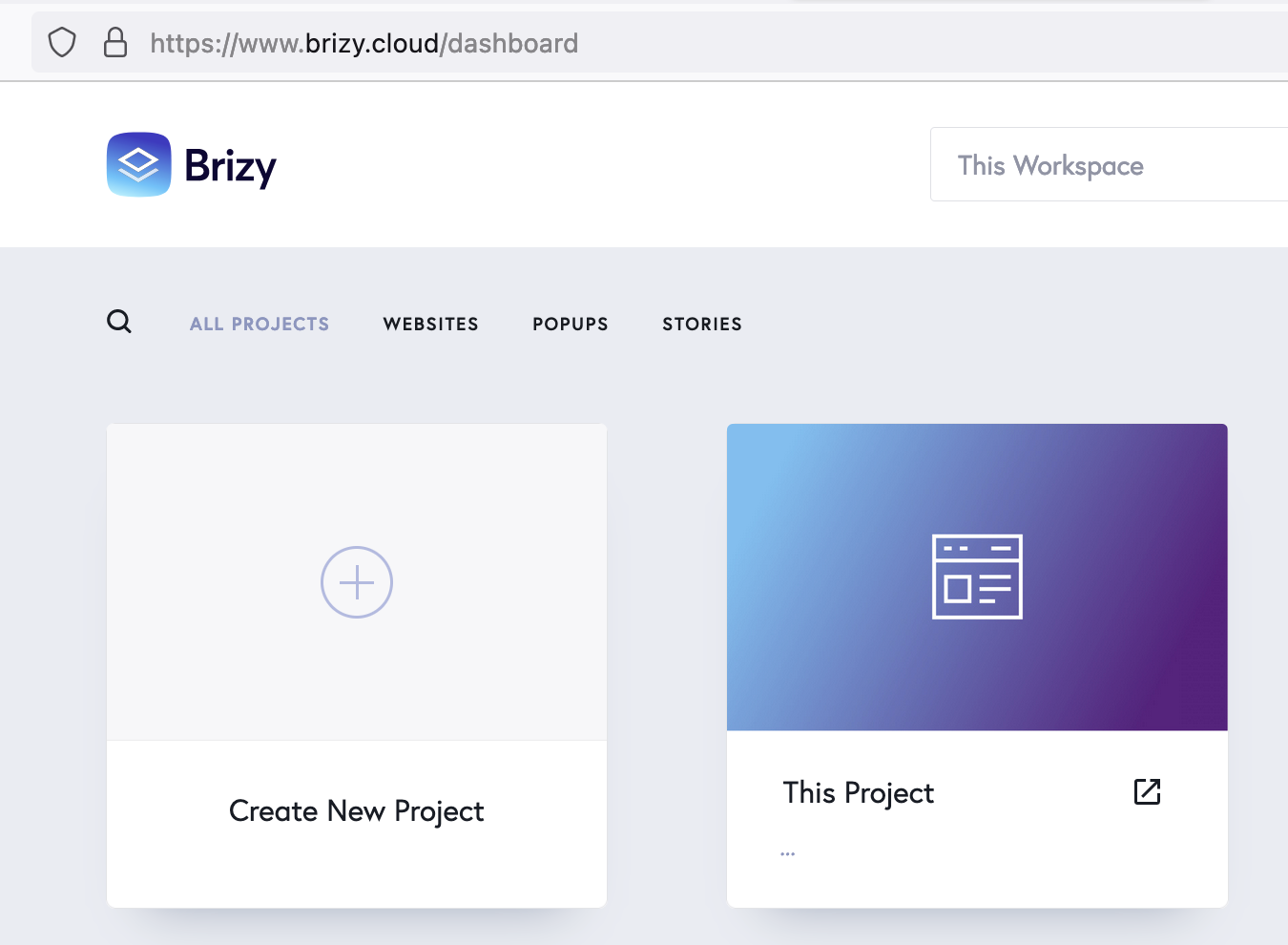
Now, I've also renamed the workspace and the project for the purpose of sharing it publicly here.
 0
0 -

Hi,
The issue has been fixed. Please check now. Please let s know if you have nay other questions.
Best regards,
Nelea.
0
Please sign in to leave a comment.
Comments
5 comments