Unable to save block, unable to save layout, unable to sign in to sync Library?

Hi,
I'm unable Unable to save a block, unable to save my layouts, and unable to sign in to sync Library. I have saved a block previously and I can see it in my saved blocks but i'm unable to login. When I try to sign into the cloud via Brizzy edit in the wordpress, I get incorrect username/password, which doesn't make sense to me - I'm using the same credentials to log into this website as well as; https://www.brizy.io/account/member
What is my account name if not my email used to sign into both this support website and the account membership? I sense something is wrong with the authentication through wordpress? Please help. Thanks
-

Hi Rev,
Thank you for reaching out to us.
If you have access to your account dashboard, please try to disable the license temporarily - https://prnt.sc/nQyfwDGtTbM_
And try re-activating it to see if that makes any difference.
https://support.brizy.io/hc/en-us/articles/360019679472-How-to-install-Brizy-PRO-and-activate-your-PRO-licensePlease try this and let me know how it goes.
Best regards,
Ariel H.0 -
Ok, I deactivated it through the website - but it's still active on the wordpress like nothing has changed.
I deactivated and reactivated through the wordpress plugins, also nothing has changed.
I can't delete it from cpanel because it says that it's active, and i'd like to avoid breaking it. Looking for your guidance on how to fix this, thank you.0 -
Hi Rev,
Thank you for the update.
Please give us temporary access to your WP Admin login details, so we can take a closer look at this issue. Kindly send them to arielh01@proton.me.
Additionally, please take a full backup of your site as a precaution.
Best regards,
Ariel H.
0 -
Ok, I created a login for you to check and sent it to your email, thanks for the help
0 -
Hi Rev,
Thank you for your cooperation.
To reproduce the issue on your website, I temporarily used my license on your website.
The below screencast shows that with the correct credentials, sync was working, and I was able to import one of my saved blocks into the test page.
https://youtu.be/l5dUzmCHbNwIt's likely that you were using the incorrect credentials when activating sync.
Please try to reconnect the license and make sure that you are using the correct email address and password to use sync.If you are using Chrome and you're automatically logged on your Brizzy account, you can try to check for your password using Chrome's password manager - https://support.google.com/chrome/answer/95606
Otherwise, please reset your password - https://prnt.sc/cbmJGOmATpeV
Please try this and let me know how it goes.
Kind regards,
Ariel H.0 -
Ok I reactivated it in the settings with my key, but I am still having the same problem where the save lingers forever without saving for the layout and blocks;
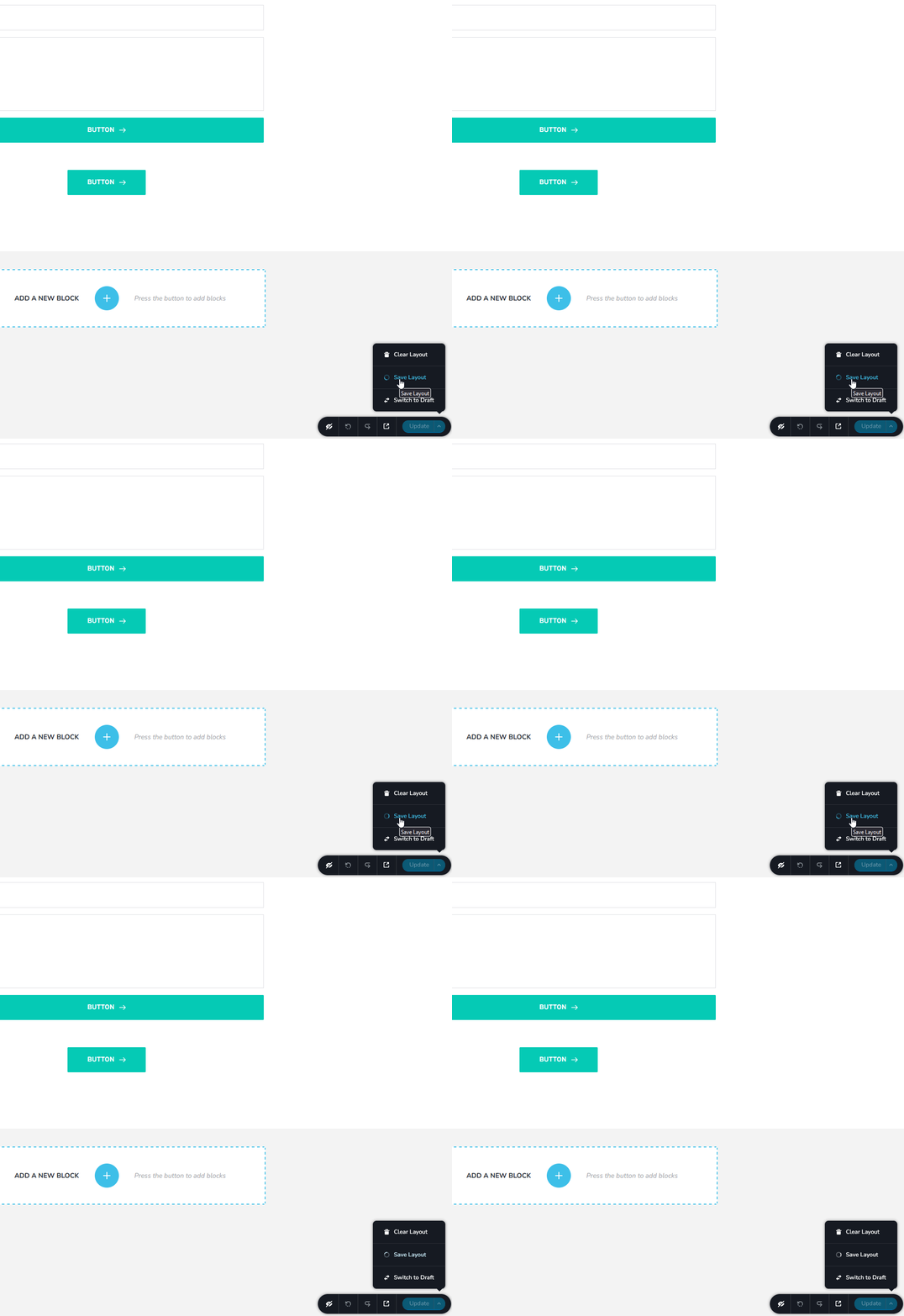
For some reason my account cannot log in to the service;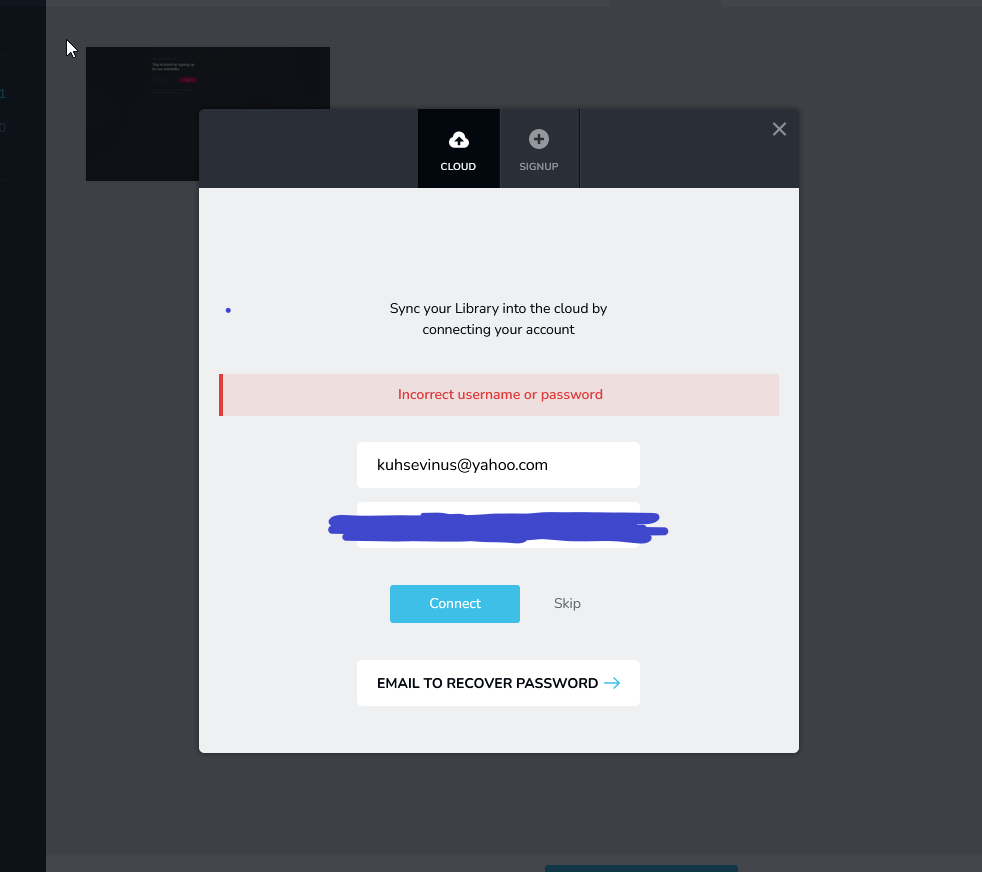
I've never relied on password managers and I am manually entering the same login details I use to login for both:
https://www.brizy.io/
https://support.brizy.io/
For the service here and no dice.
I've tried resetting the password below, and it fails;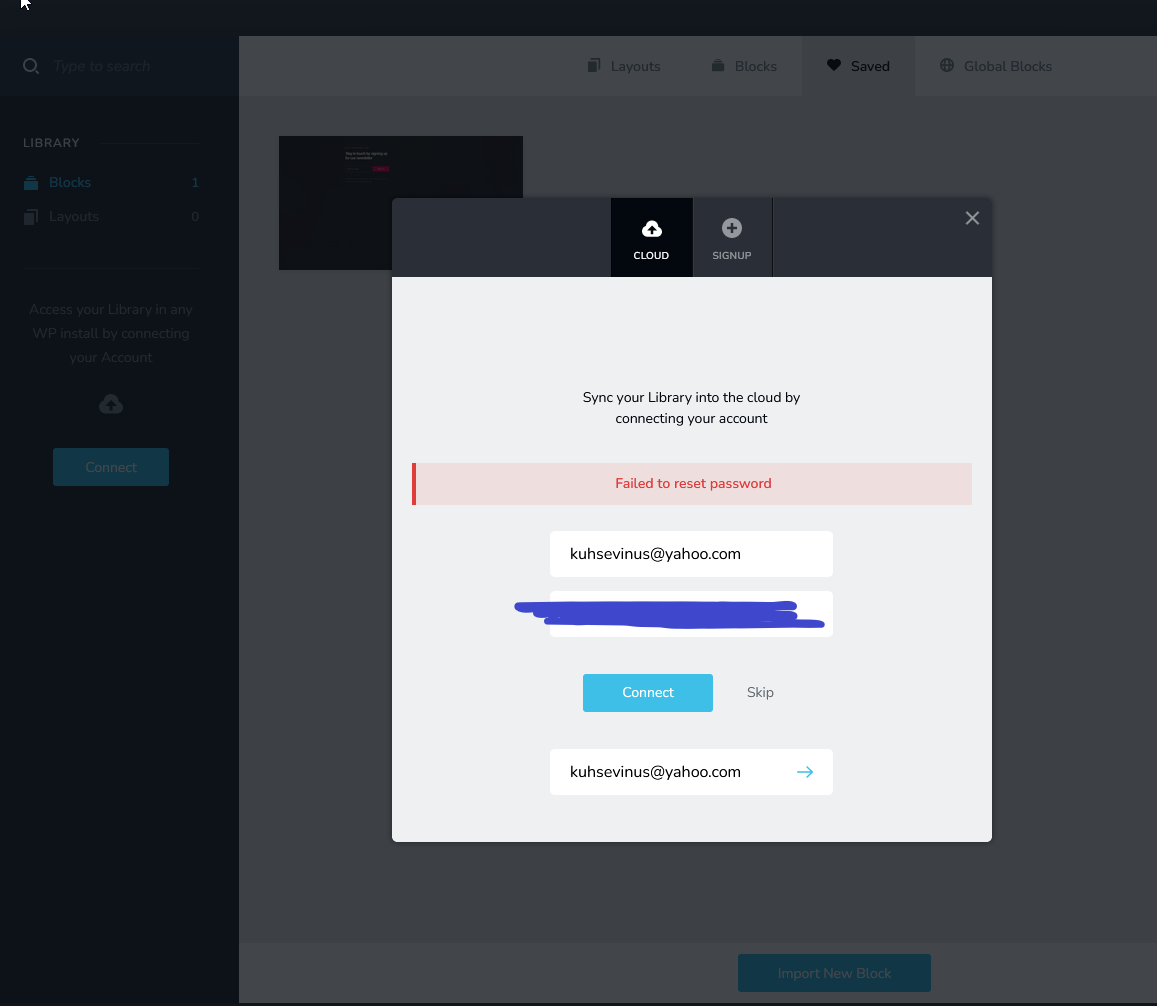
Still need some help here, thank you.0 -
Hello,
Additionally;
An email with a password reset link arrived,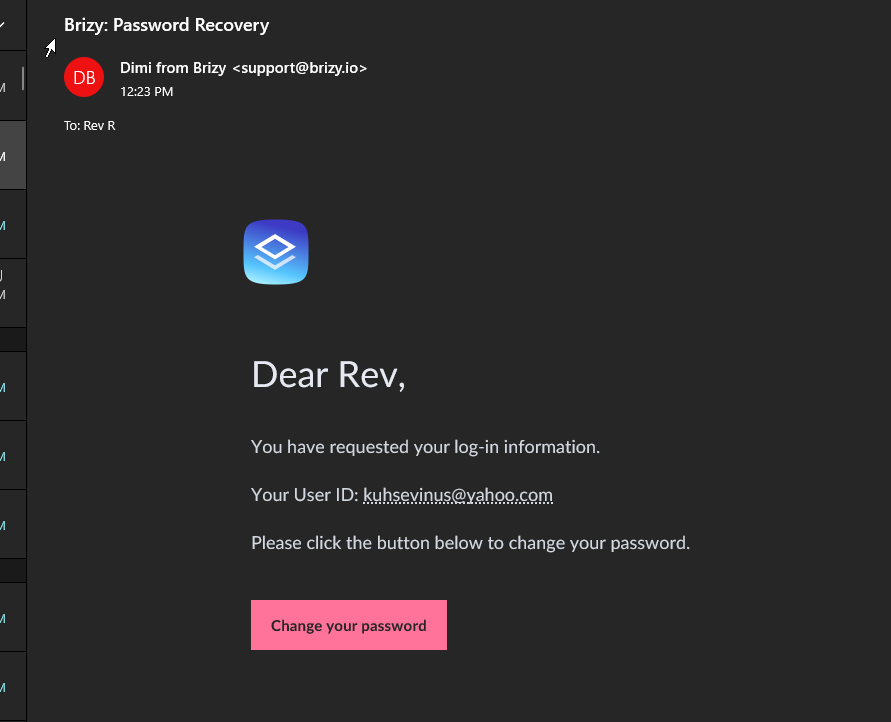
I changed the password but the same problem persists within Brizzy Editor,
Any help would be appreciated
Thanks for your time0 -
Hi Rev,
Thank you for the update.
Could you try it in incognito mode and see if this makes any difference?
Otherwise, please send your credentials again to the same email address, so we can inspect your site.Best regards,
Ariel H.0 -
Hello,
Incognito window does nothing for me, I am still unable to login or reset my password or save layouts, or save blocks from within the Brizzy editor. The same login credentials work perfectly to log into this website to speak with you. Within the Brizzy editor, they do nothing, inside of an incognito window, inside of firefox, inside of firefox developer edition. Please see this screenshot: it says failed to reset password. No functions under this email work within the Brizzy editor. Is there someone else who can help me find a resolution?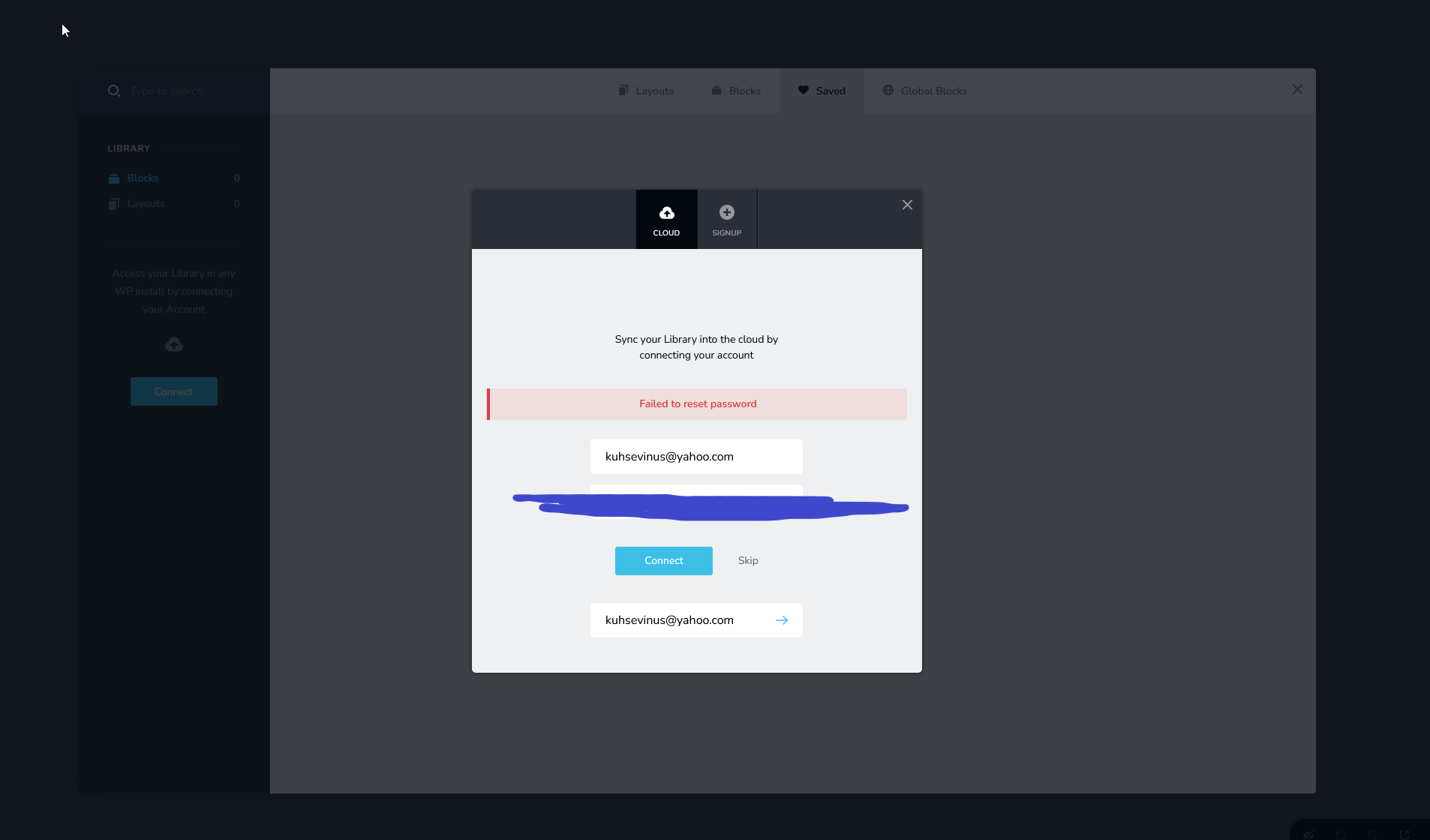 0
0 -
Hi Rev,
We'll also need your permission to reset your Brizy account. You can change the password after we've tested your website.
We need your confirmation so that we can continue working on this issue.
Best regards,
Ariel H.0 -
Hi. Please do what you need to do to fix this.
The same login credentials that i emailed you before are still valid.
Thank you for the help0 -
Hi Rev,
Thank you for your cooperation.
I have set this post as private, and you should receive a notification shortly about this issue.
We will look into this and get back to you as soon as possible.
Regards,
Ariel H.
0 -

Hi,
Is the issue fixed? Having the same one over here.
Siebe0 -
Hi Siebe,
Thank you for contacting us.
Could you please confirm if you’re experiencing the same issue described above, where the Brizy block library won’t let you connect or sync, reset your password, or save layouts and blocks? If so, please try logging in to your account dashboard here: https://www.brizy.io/account/member
Once you're logged in, click on the Account tab and update your password. After that, reopen the block library in Brizy and try connecting again using your new password.
Please give this a try and let me know how it goes.
Best regards,
Ariel H.0
Please sign in to leave a comment.
Comments
14 comments