Gallery element WP

Hi Brizy team,
I am trying to use the Gallery Element but I don't see how to:
1. Open images in lightroom
2. Make corners 4 px lice I have been doing for other elements
Could you help please?
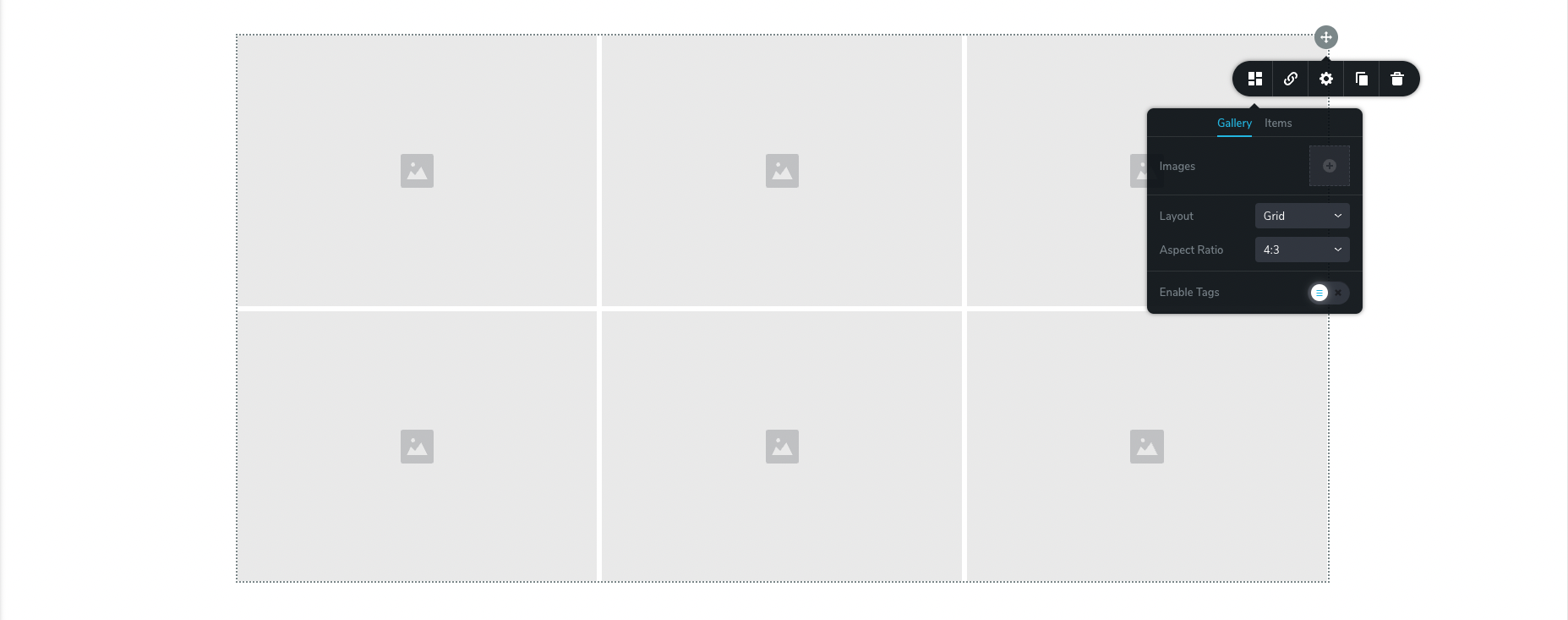
Thank you, Sofia
-

Hi Sofia,
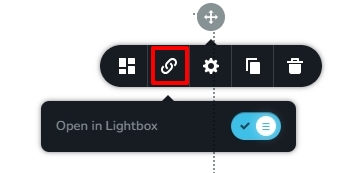
You can find the lightbox option under the 'Link' icon. Unfortunately, the gallery element does not have an option to set rounded corners based on pixels.
As a work around, consider using the Image Mask option within the gallery. Please see this page for the gallery created using this option. https://brizytest.online/gallery/ Select any image in the gallery and under the 'Mask' tab, select the 'Custom' shape and Custom size and rest of the settings from the screenshot below.
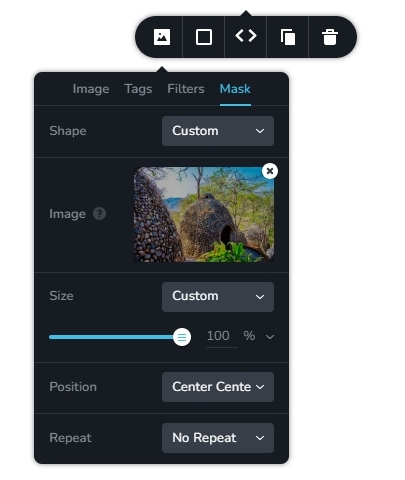
You must upload a rounded image with 4 pixel corner radius here. Use https://round-corner.imageonline.co/ to generate a rounded image. You can move the slider to set the corner radius
 0
0
Please sign in to leave a comment.
Comments
1 comment