Block not showing

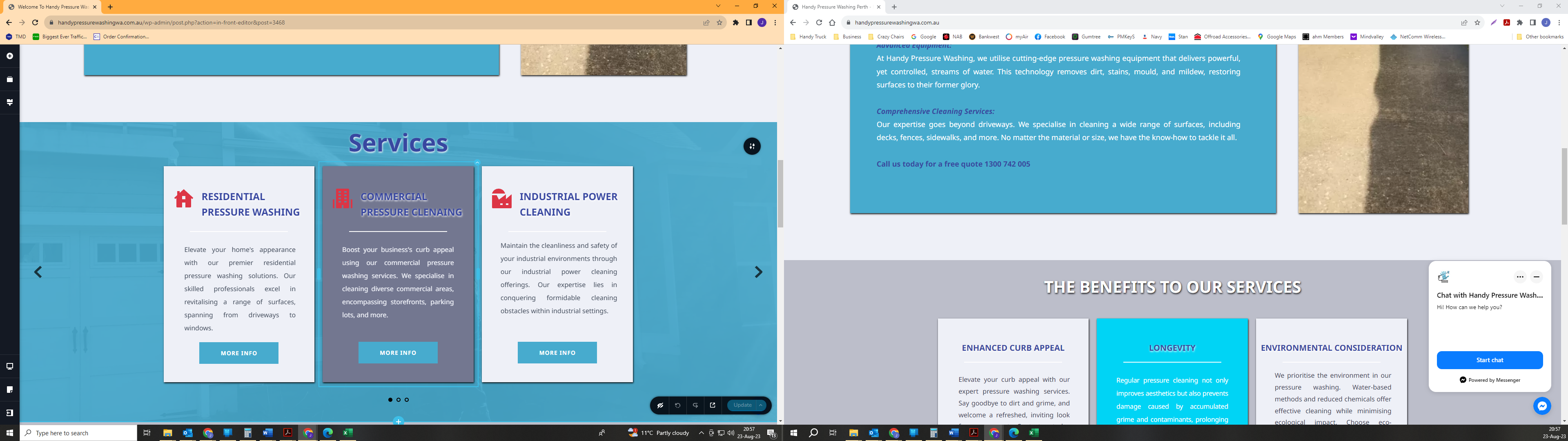
I have a single block problem with a block not showing on live website.
I have deleted block and recreated even in changed from a slider to Carousel block looking the same. I have saved the bock and tried it on a different page and still not working.
I have even created the page from scratch and deleted the old page.
I have cleared site cache, and tried other browsers to see if that would work.
I have attached a picture with the lift side the edit version and the right the live site.
-

Hi James,
Thank you for reaching out to us.
It is possible that Show on Desktop is disabled in the block settings, it should be enabled:

Please try this and let me know how it goes.Best regards,
Ariel H.0 -
I have checked this as well and still nothing. I'm also having problems with when I hit the save now it take a longer time and most the time it times out. It came up with this message. and has done for 2 days.
I have closed all other browsers and have logged out and reset the computer as well.
this is a separate issue but reading the past logs i was giving it a day but the block is my main problem.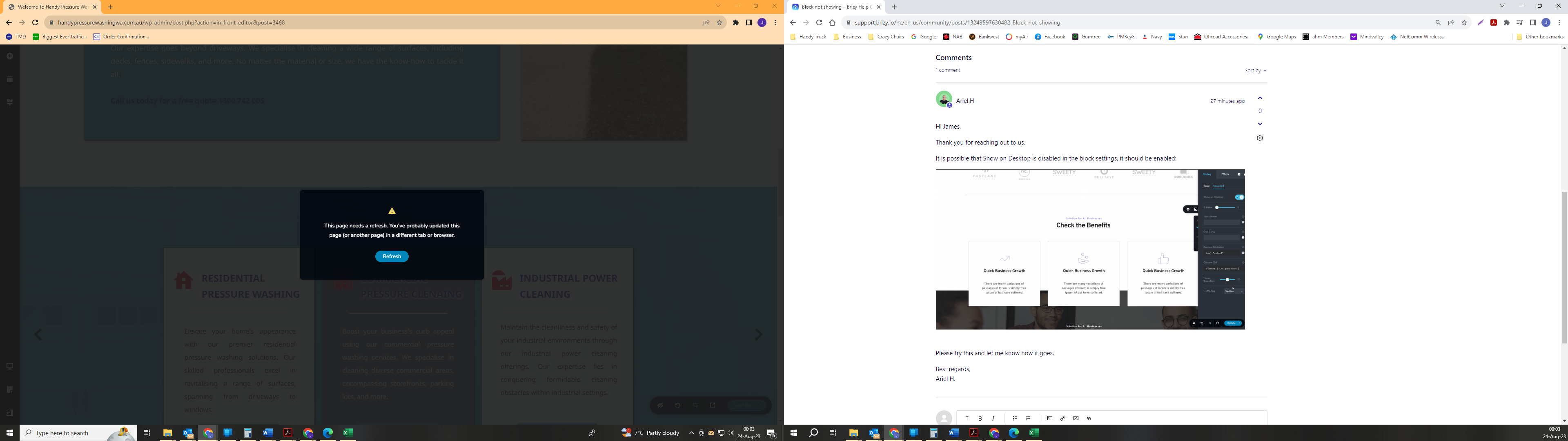 0
0 -

Hi James,
To offer further assistance, we need access either to your project or to your block. Can you please save the Services block, download it and upload it to an online drive and share with us its link?
The other option is to give us access to your project. Please add me as a user to your WordPress Dashboard and send the following details to our email: communitysupport@brizy.io
- Community Post link: https://support.brizy.io/hc/en-us/community/posts/13249597630482
- WordPress Admin URL:
- Username
- Password
Please let us know here when you send us the email.
0
Please sign in to leave a comment.
Comments
3 comments